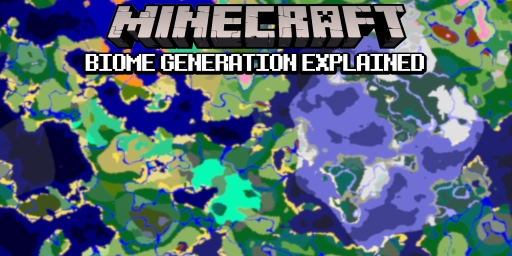
With over 50 biomes, Minecraft lets you discover a wide variety of landscapes. From dry deserts to snowy mountain peaks, hardly any region is quite like another. Biomes are distributed across the world, some more common than others. But how is it decided which biome generates where? Behind it sits a fascinating algorithm that tries to group biomes into different categories. The goal is to create a world that feels as realistic and as logically consistent as possible. Insights like these might not directly improve your gameplay, but they do show how Minecraft’s world is put together. And they might help you find one biome or another without having to rely on external tools.
Minecraft biomes over time: the history of world generation
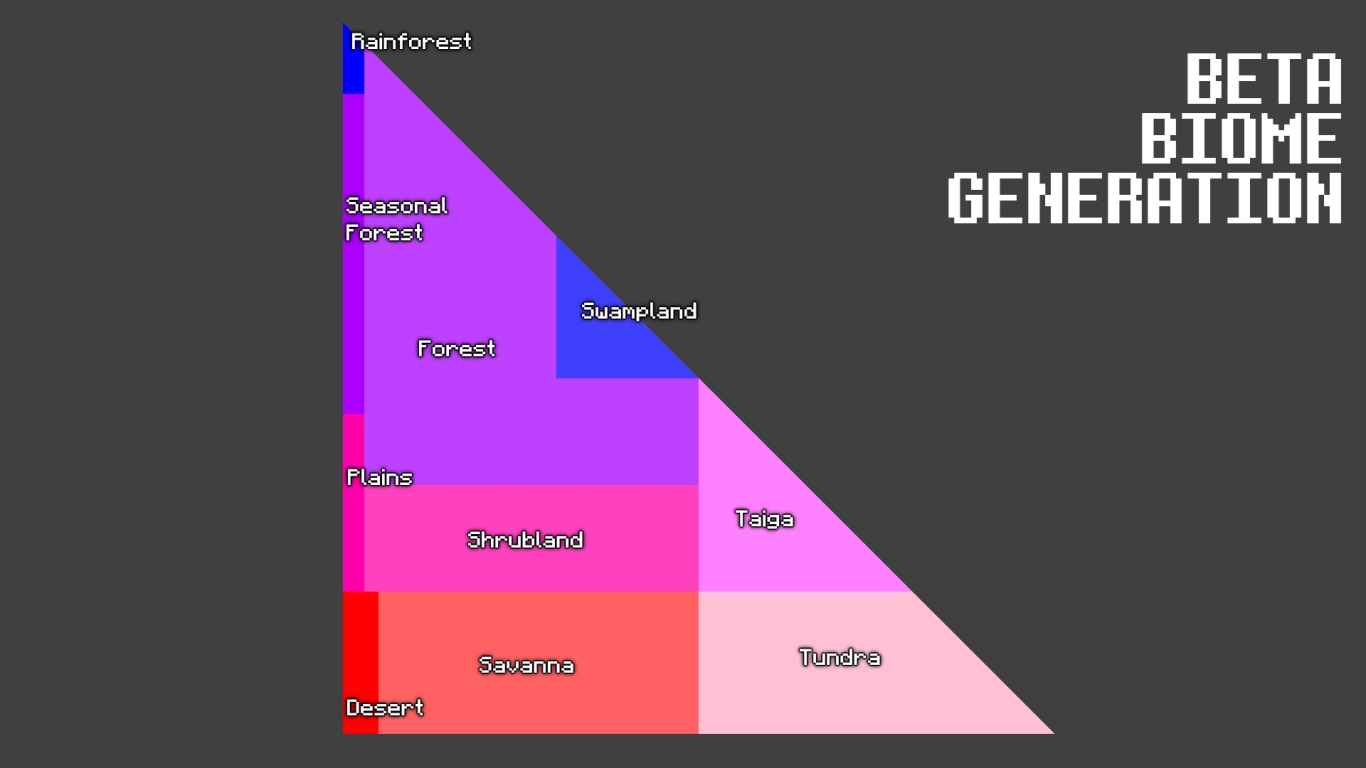
Over the years, Minecraft has used different world generators that arranged biomes differently. Up to Alpha 1.1.2 there were no biomes at all. They were introduced in the following version with the Halloween Update. That system followed a very simple pattern that grouped biomes by temperature and humidity.
With the official release, more biomes were added and the generator changed. Up to version 1.6, biomes were fairly random, so a hot, dry desert could generate right next to a cold, wet biome like taiga. Version 1.7 and its many new biomes adjusted this, though the results still weren’t always logical. The modern system, with proper parameters, has been in place since version 1.18.
Knowledge about biomes matters in-game because some items, blocks, and mobs are exclusive. Especially in a new world, you want a perfect start and not have to travel far. And if you don’t want to play alone, you can rent an affordable Minecraft server from us. Get familiar with Minecraft’s biome generator to discover new regions without a map.
World generation in Minecraft 1.18: how biomes are assigned
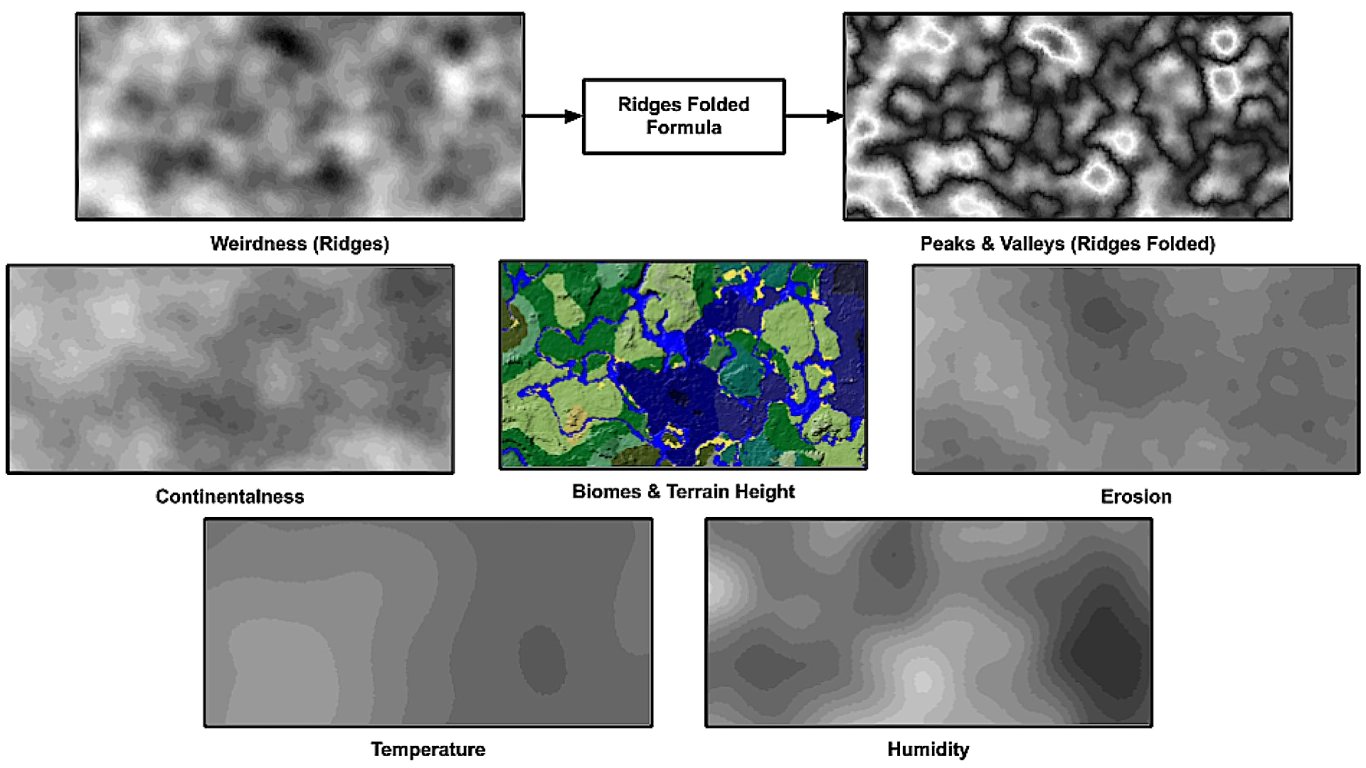
Caves & Cliffs (1.18) fundamentally reworked biome assignment to make everything more natural and logical. There are six values that decide which biome generates where. They all overlay the map like a template as they’re generated from the seed, akin to a noise map. Depth is the only value measured vertically.
You can view these values in the F3 menu in Java under NoiseRouter. The details can get very technical, but they help you understand Minecraft’s worlds better. Why, for example, do mushroom fields only appear out at sea? And why don’t the new autumn forests border other forests? These parameters are exactly what control that.
Temperature in Minecraft biomes: T0 to T4
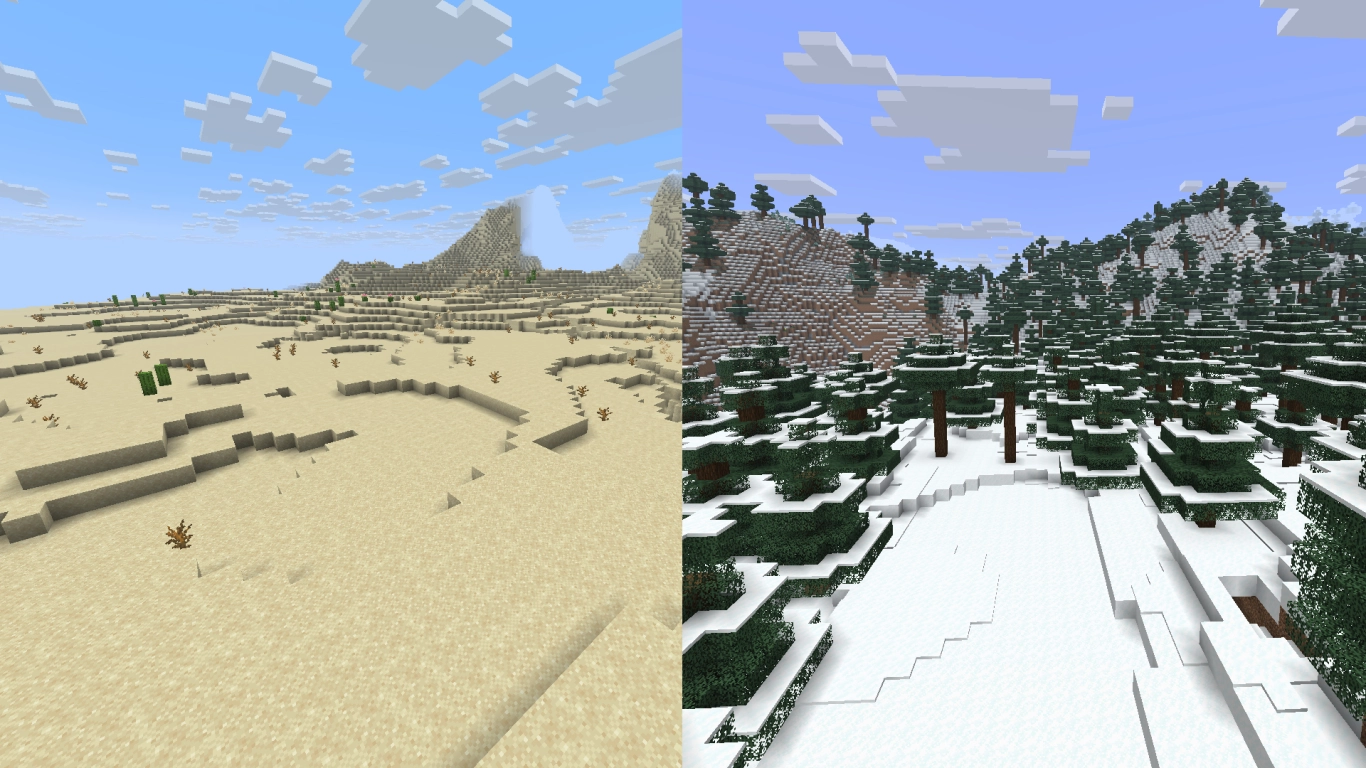
The first two values hark back to the beta-era world generation. First, the world’s temperature is determined in five tiers, from T0 to T4. These aren’t literal temperatures; they simply prevent, for example, deserts from generating next to taigas.
Unlike some of the values below, temperature is discrete: each biome can take only one tier. The lower the value, the colder the biome. Taiga, snowy mountain peaks, and windswept hills all fall between 0 and 1. Most forests and higher plains follow between 1 and 3. Savannas, jungles, and some forests lie in tier 3. Deserts and badlands belong to tier 4.
Humidity in Minecraft biomes and vegetation
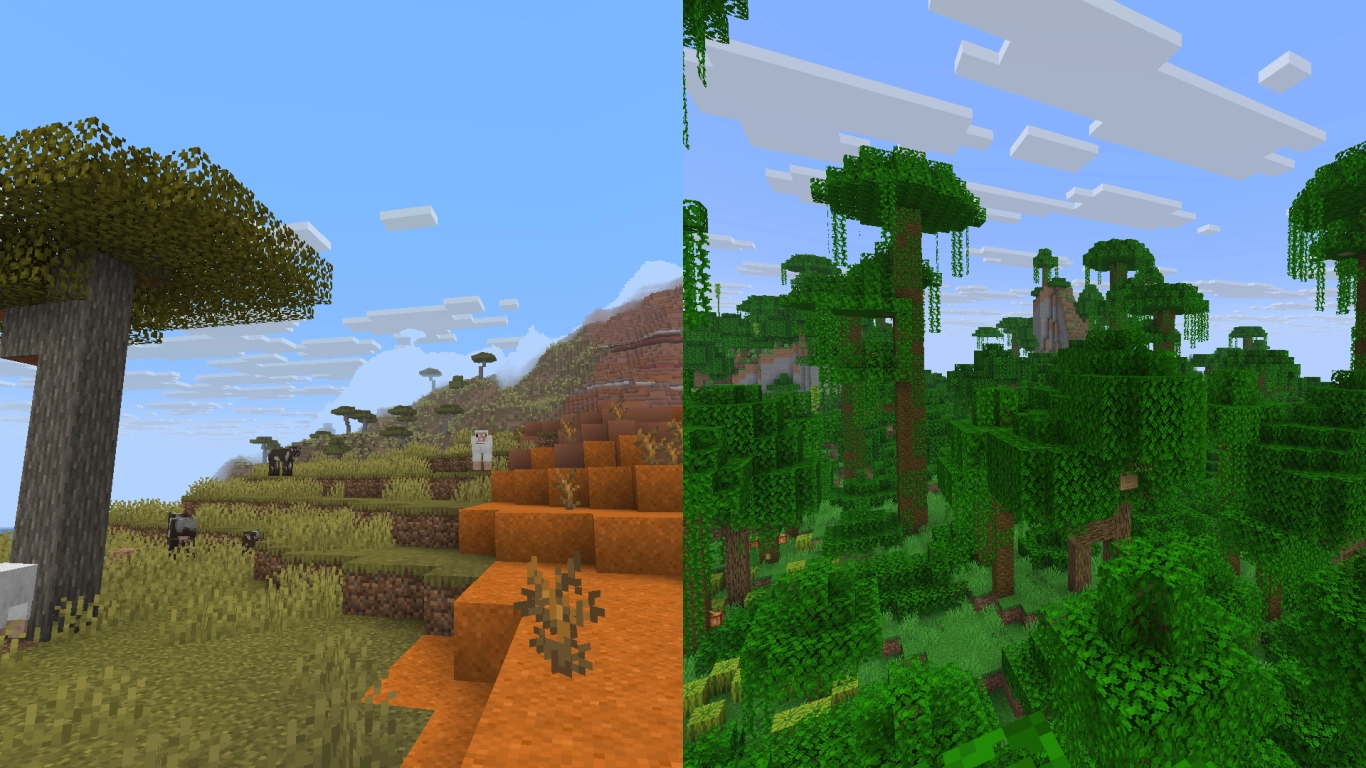
Humidity is the second value from the old beta-style distribution. It often correlates with vegetation and determines how much can grow in a biome. Again there are five levels, from 0 to 4, but biomes can span a broader range here. In general, the higher the humidity in a region, the more vegetation can grow. That doesn’t always match the real world perfectly, but it does the job. For example, savannas are rather dry, regular forests moderate, and jungles quite humid.
Continentality in Minecraft: distance to oceans
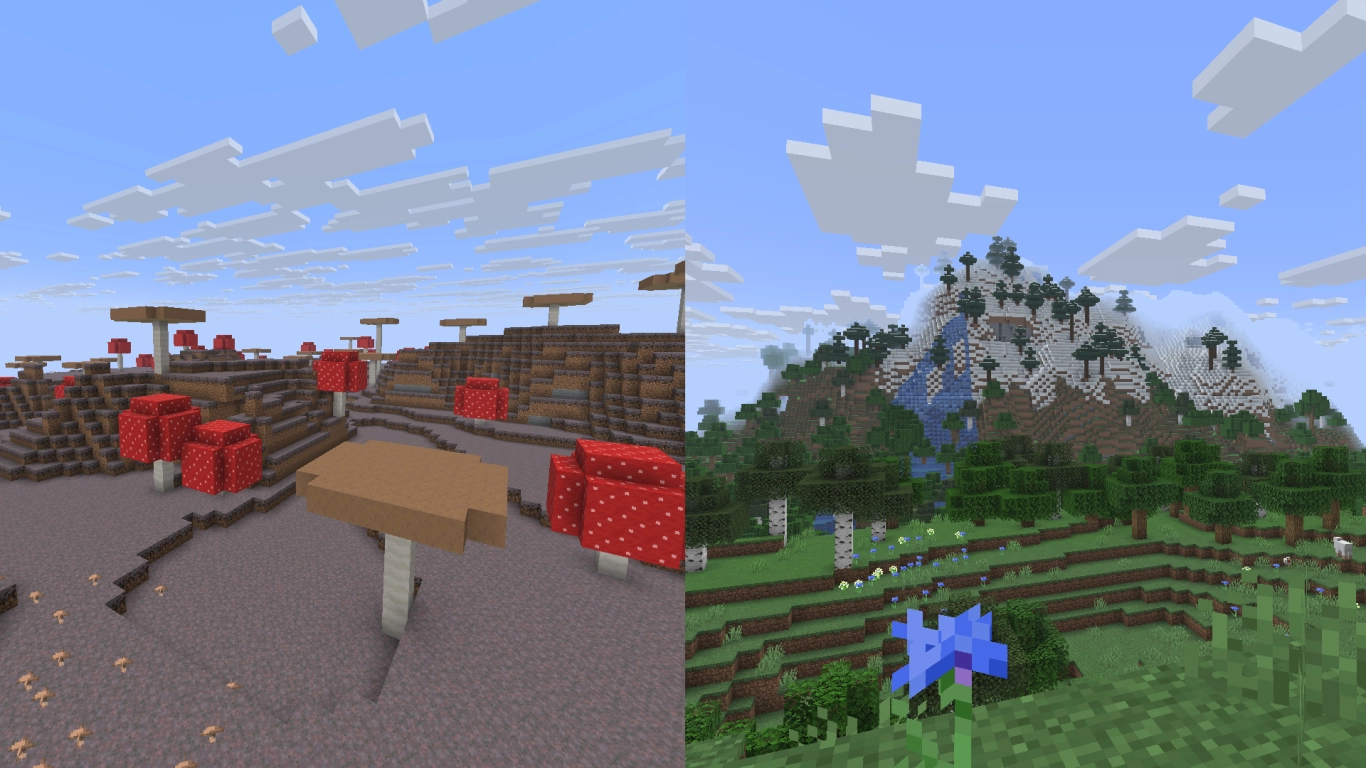
Continentality is a very interesting value that determines how far a biome is from an ocean. There are seven values here, with mushroom fields taking one tier exclusively. That ensures they can only generate when surrounded by ocean. The three lowest values are reserved for deep ocean, ocean, and shore. The three highest tiers range from coastal land biomes to biomes that must always be inland.
This value also interacts with certain cave biomes that form away from the ocean. Dripstone Caves are found mostly inland, while Lush Caves can generate closer to coasts.
Erosion in Minecraft: terrain and elevation
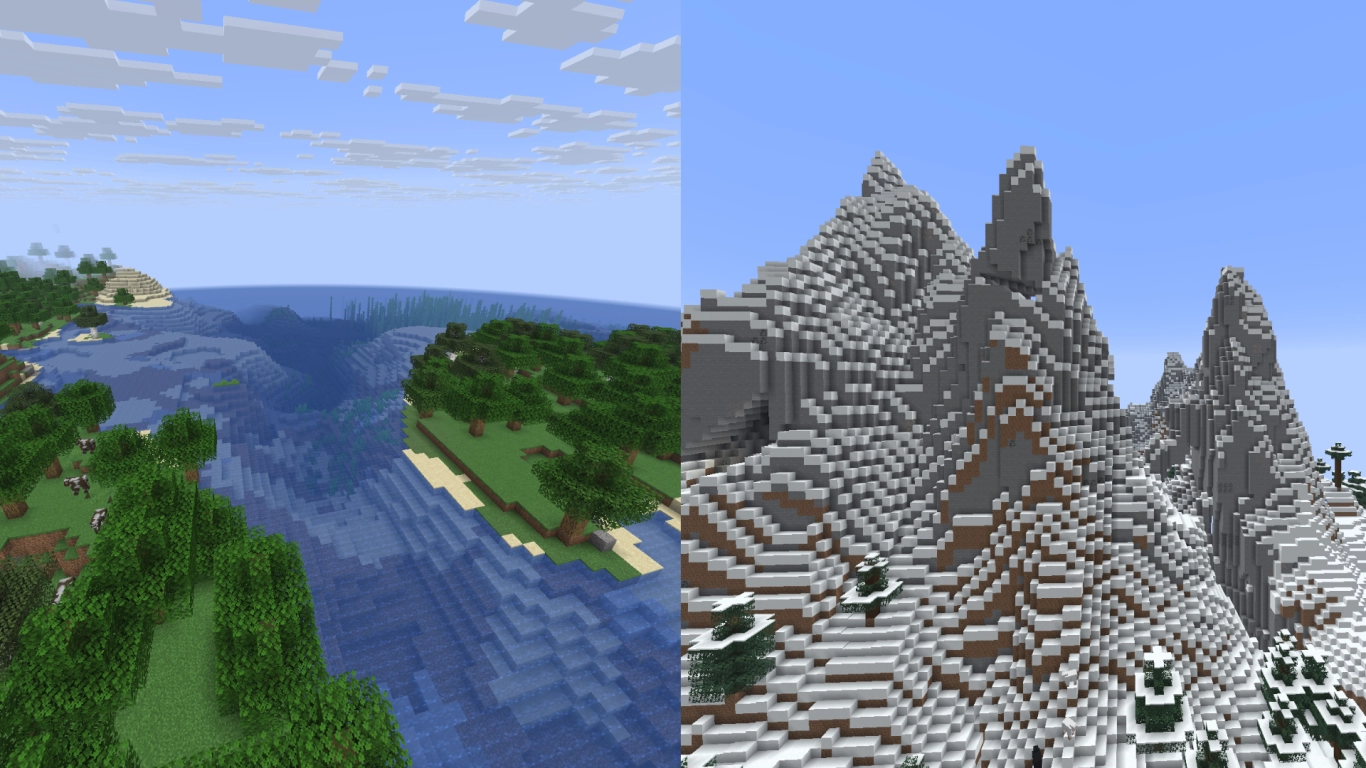
Erosion is easier to grasp. The value runs from 0 to 6, where 0 means very hilly terrain and 6 represents flatter plains. Biomes can again span multiple zones. Mountain regions tend to sit near 0. Swamps, beaches, and “shattered” or windswept biomes are much more eroded.
Weirdness in Minecraft: variants and extremes
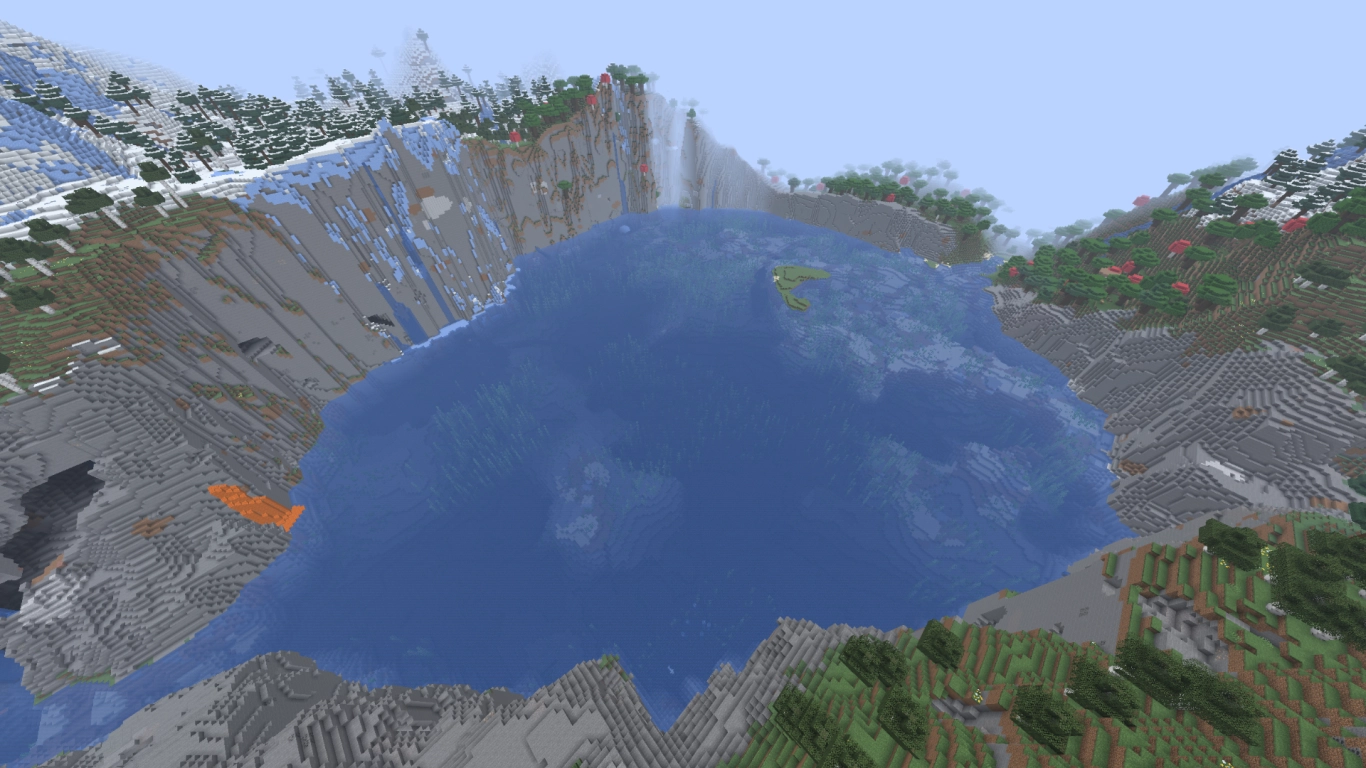
Weirdness is arguably the most intriguing value and the trickiest to explain. It controls whether variants of a biome generate—e.g., a bamboo jungle or a sparse jungle instead of a regular jungle. It also drives the terrain’s extreme highs and lows. Mid values tend to produce depressions, while higher absolute values on either side produce greater heights. Rivers and valleys sit around the center; extreme mountain peaks form away from it.
Depth in Minecraft: cave biomes and calculation
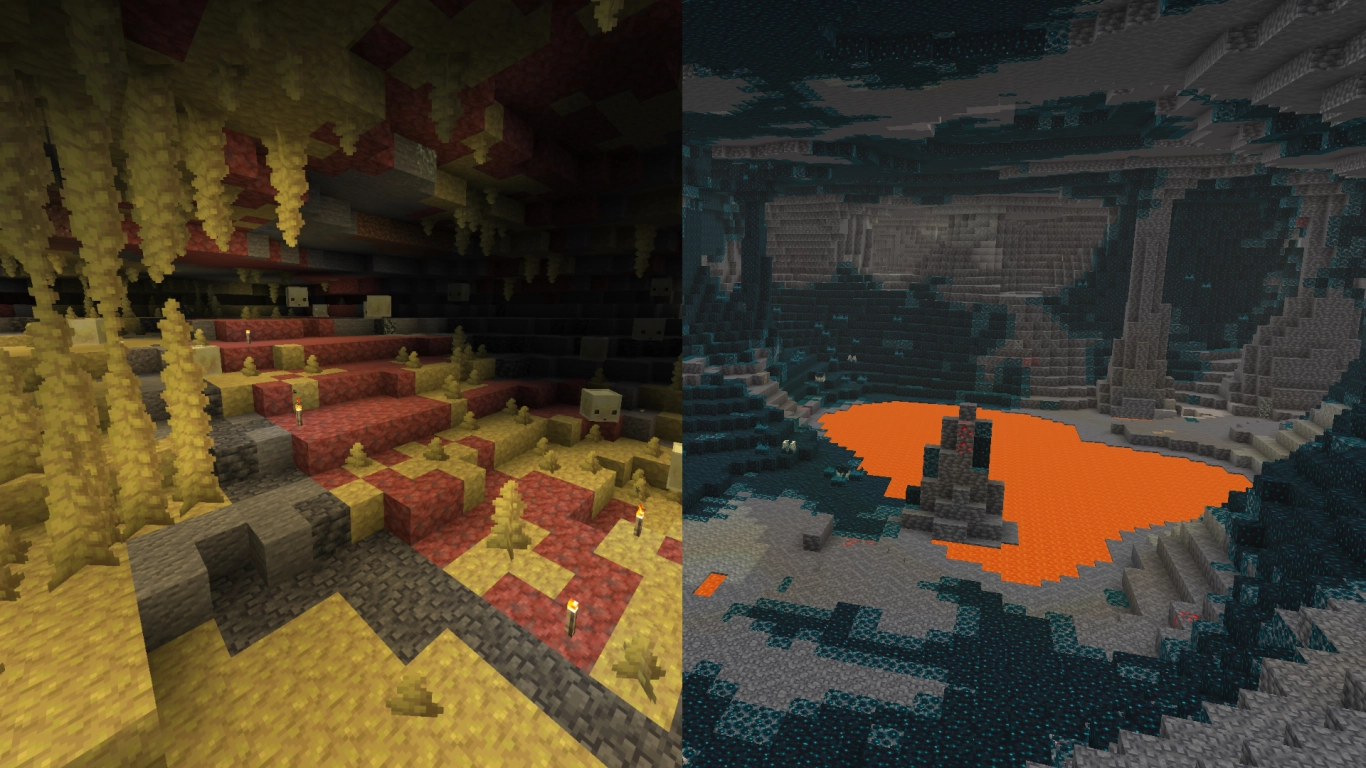
The last value determines cave biomes. It’s the only parameter measured vertically rather than horizontally, so it doesn’t have a direct noise map. Dripstone Caves and Lush Caves occupy the same depth band but depend on continentality and humidity, respectively. Other cave shapes (like cheese, spaghetti, and noodle formations) occur across a similar Y-range but are further constrained by erosion and weirdness. At the very bottom, only the Deep Dark can generate; it prefers low erosion and thus mainly forms beneath mountain regions.
Conclusion: logical biome generation in Minecraft
Minecraft’s worlds are driven by fascinating mechanics that most players never notice. For a long time, biome distribution was fairly random, but version 1.18 introduced a kind of logic behind it. For example, cold and hot biomes can no longer generate directly side by side. Mountains and valleys were also tuned to make terrain look better. Overall, this helps the world feel believable and at least somewhat more natural. It also means some biomes appear more frequently than others.