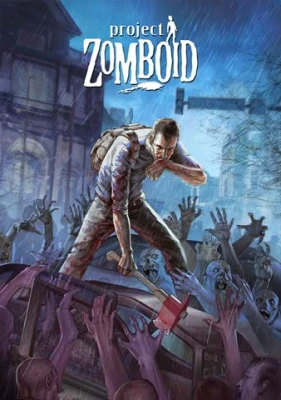

Project Zomboid server hosting

4 Slots
✔️World runs 24/7
✔️Safehouse always online
✔️No host PC required
Server location:
8 Slots
✔️More room for loot runs
✔️Customize mods & rules
✔️Ideal for established groups
Server location:
12 Slots
✔️Larger groups
✔️More mods
Server location:
Create your own setup and customize every option.



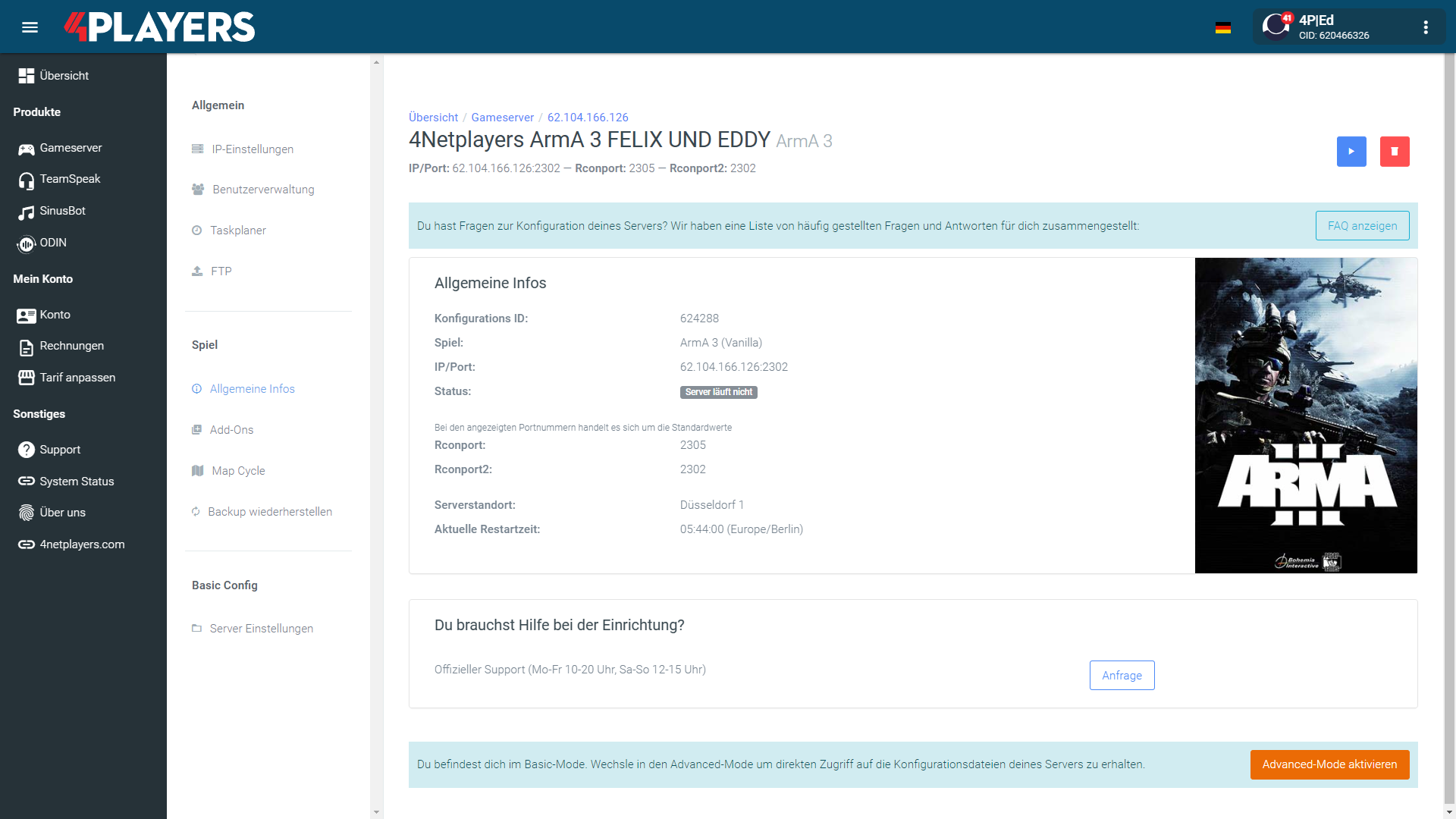
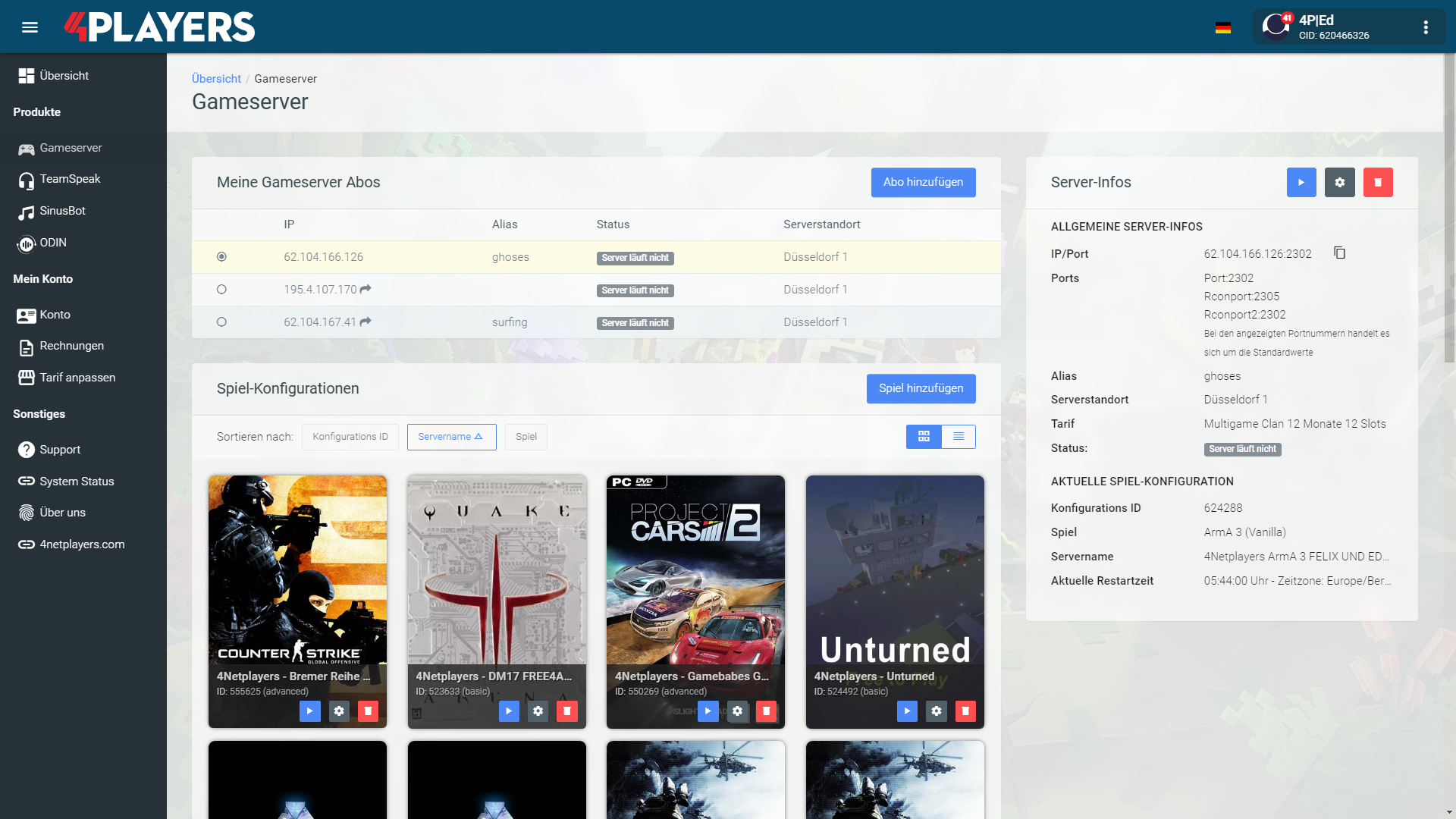
Manage your Project Zomboid server easily through our web interface. Start, stop, configure your server, or manage backups - all in just a few clicks, with no prior experience required.
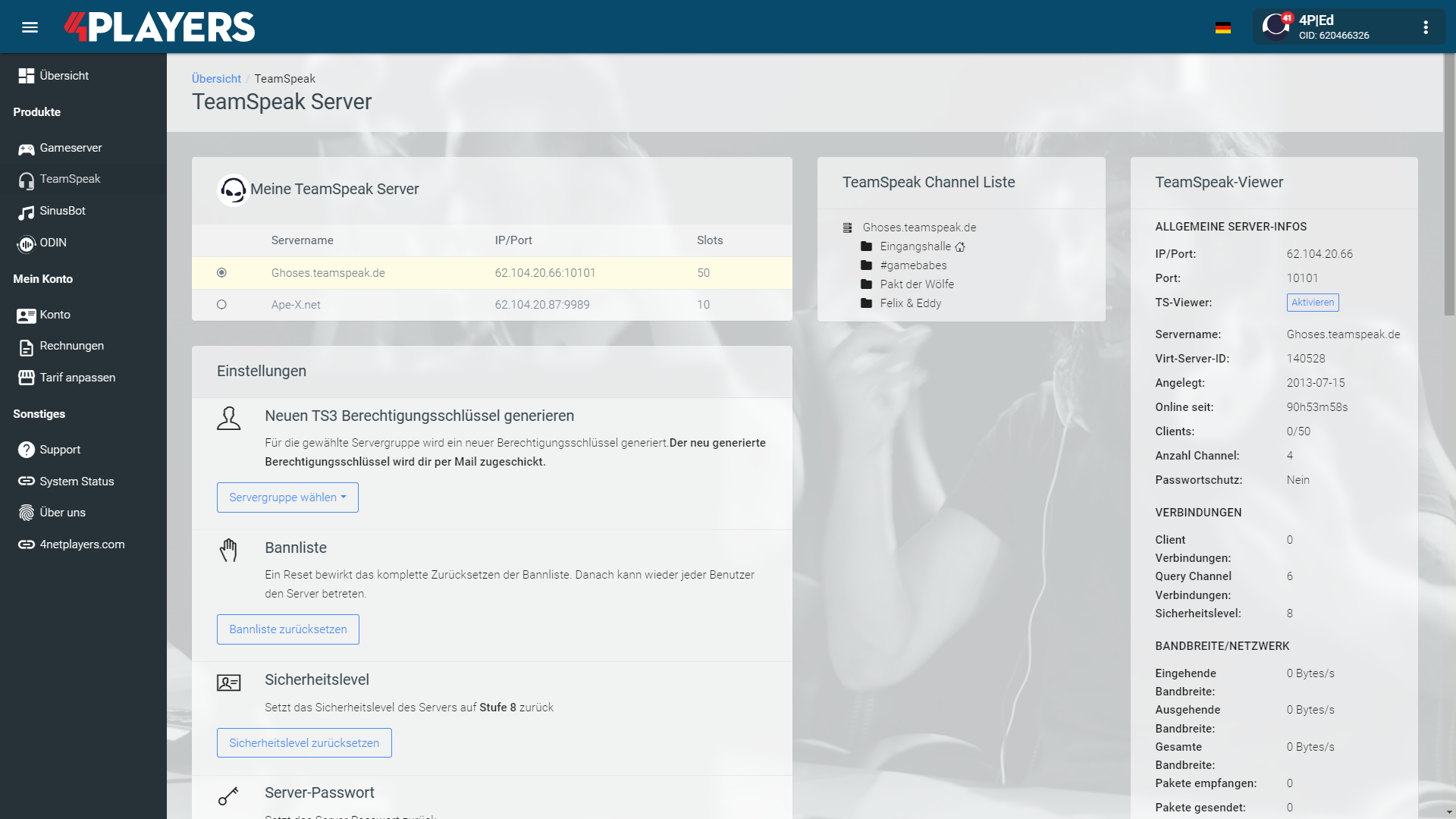
In 14 locations worldwide we offer unmatched connectivity with the lowest pings. Additional locations are continually being added and guarantee breathtaking gameplay in every game at the lowest latency.
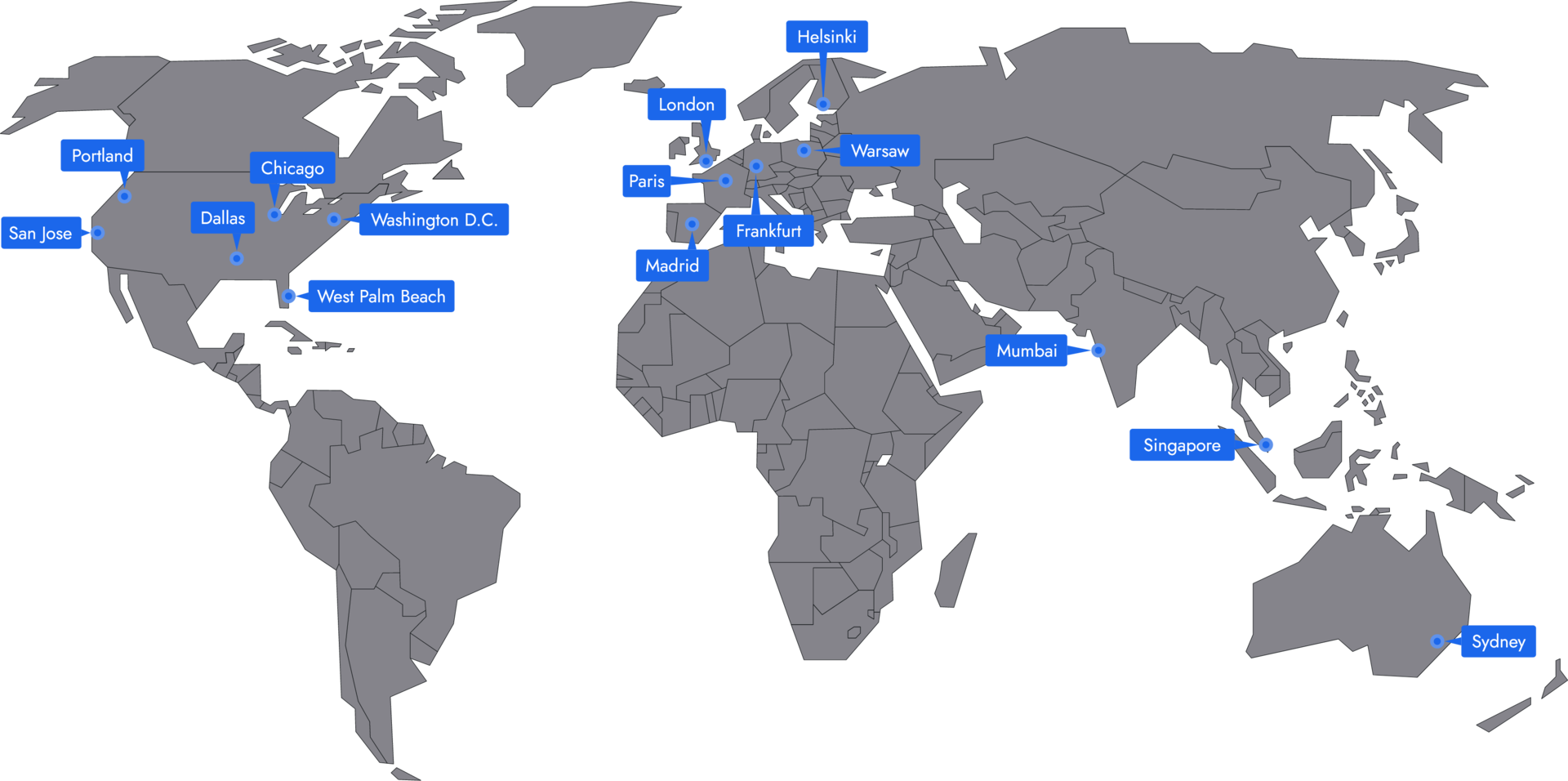
Your Project Zomboid server is usually ready to use within a few minutes.
A rented Project Zomboid server gives you full control and a stable gaming environment.
You can rent your Project Zomboid server flexibly from as little as one month.
The Project Zomboid servers run on professional hosting infrastructure.
Yes, you can try your Project Zomboid server risk-free.
Yes, your Project Zomboid server is fully configurable.
Yes, you’ll receive support for technical questions and issues.
Yes, you can switch to another game at any time.
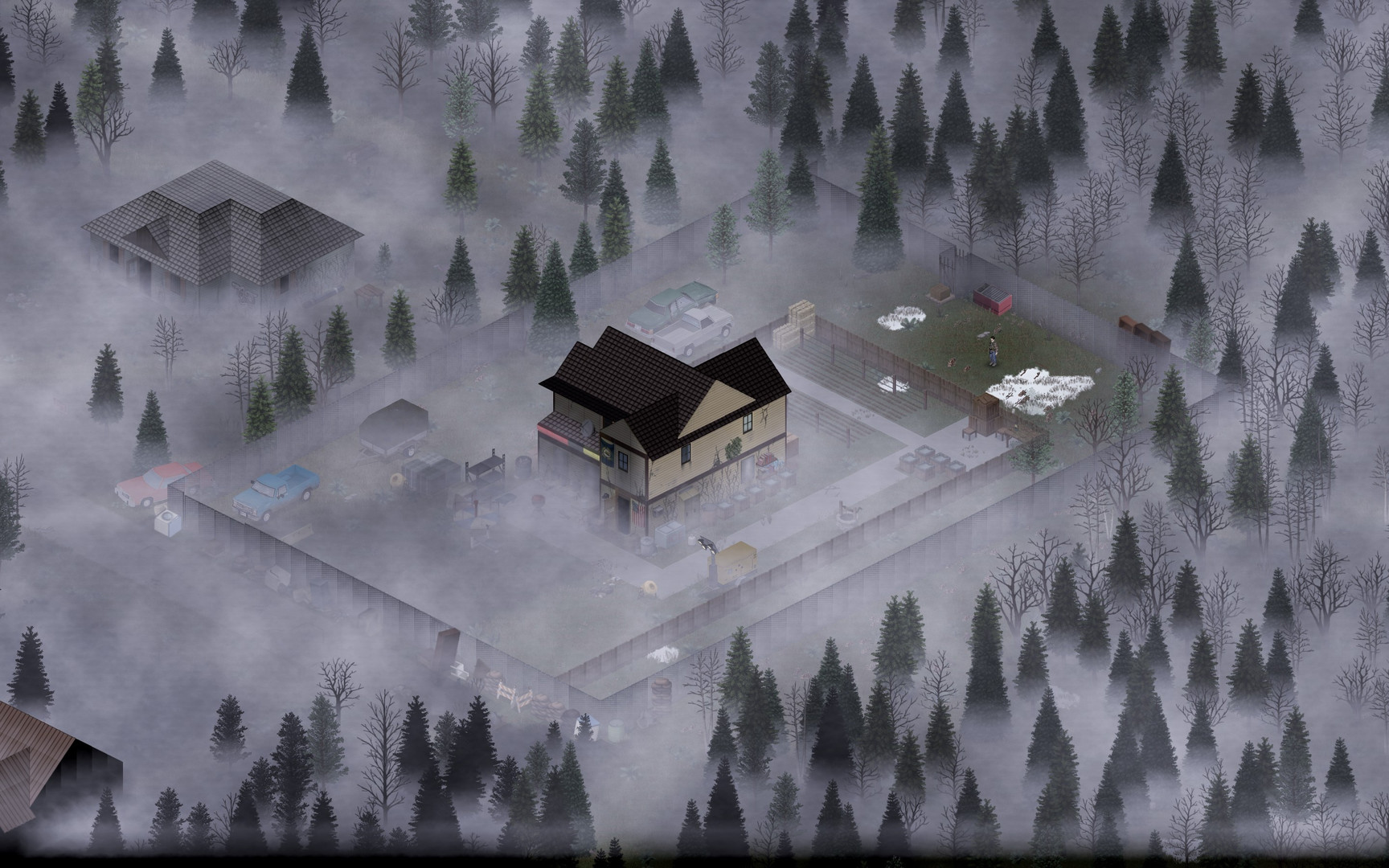
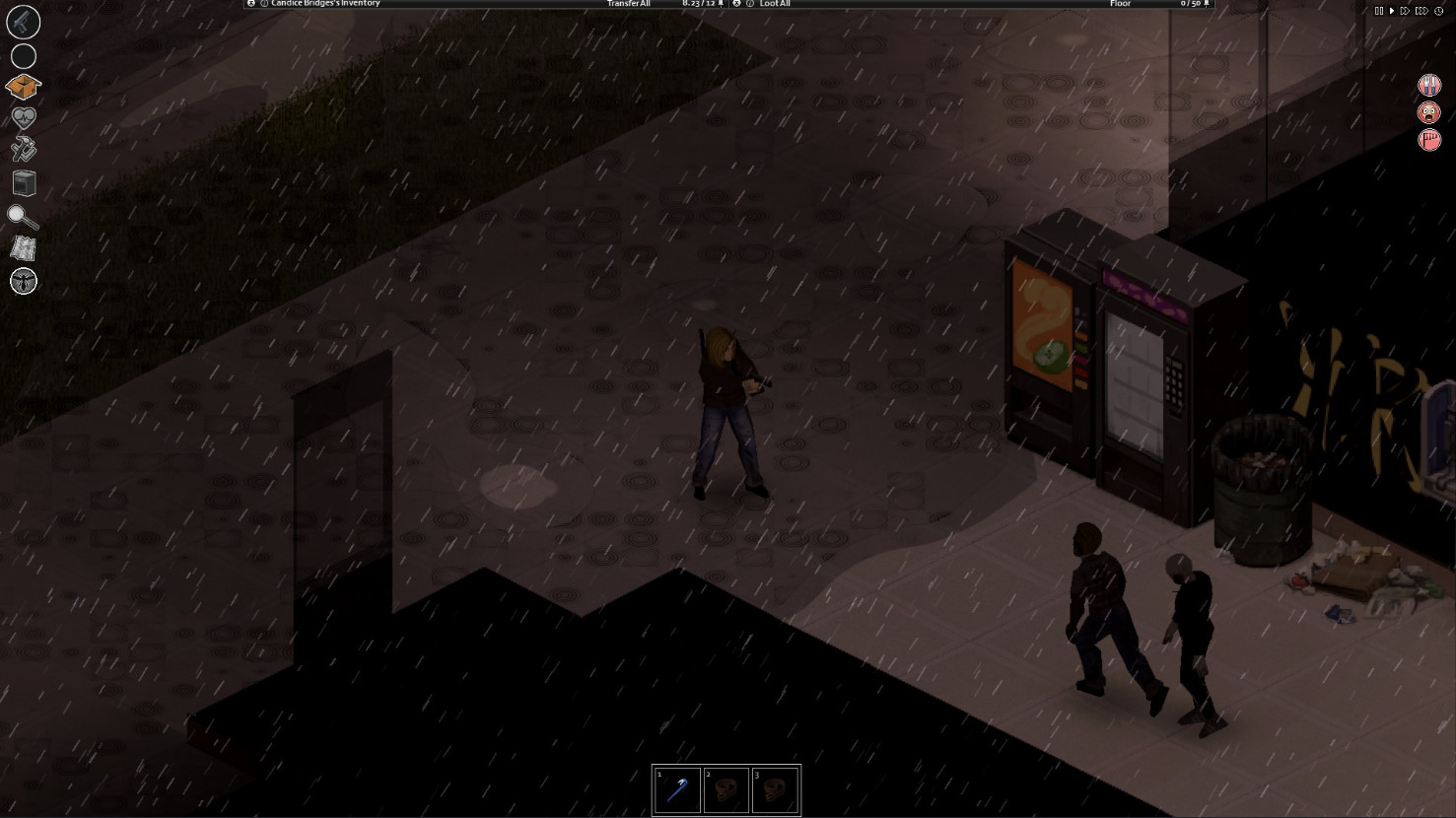
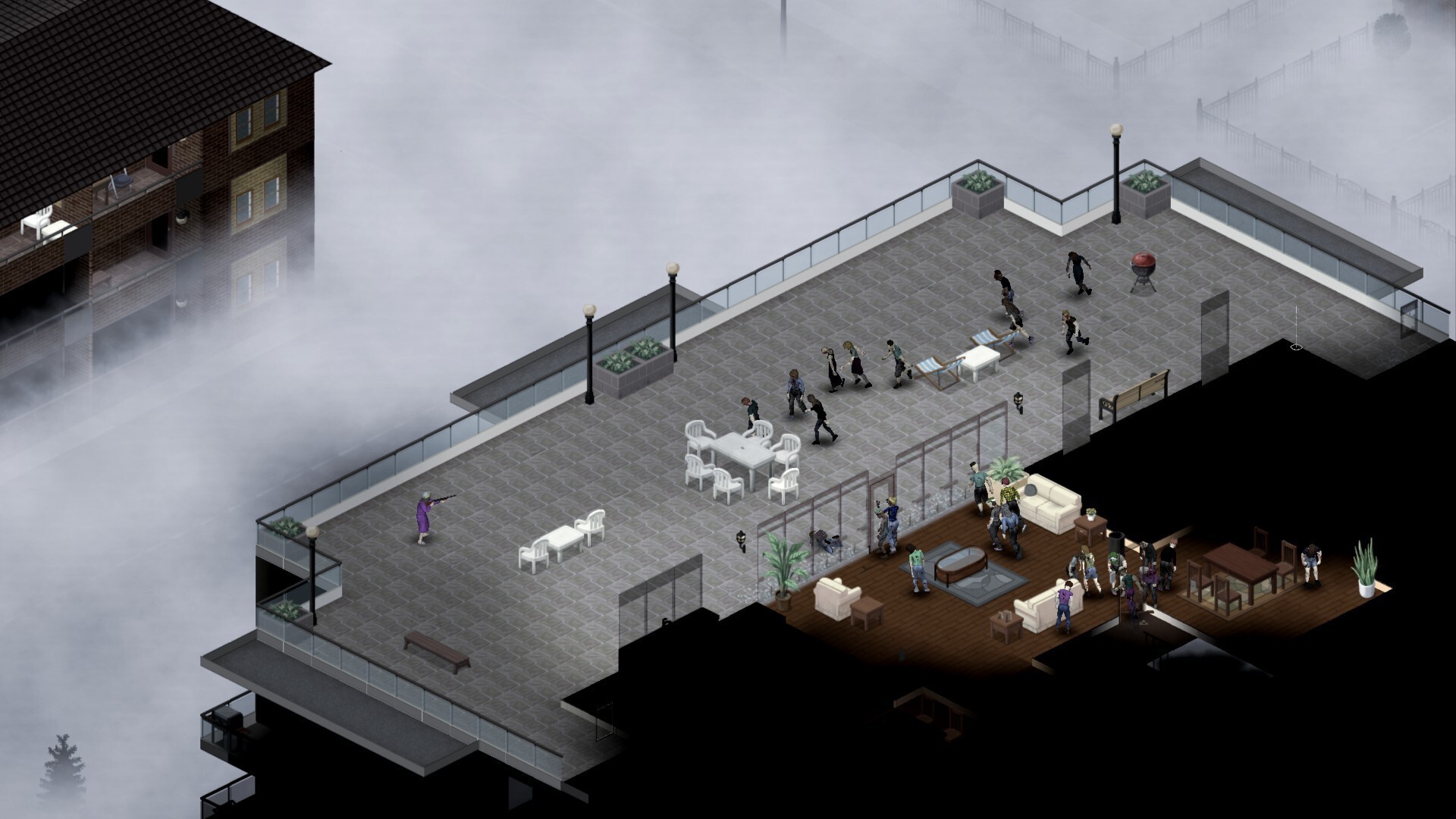
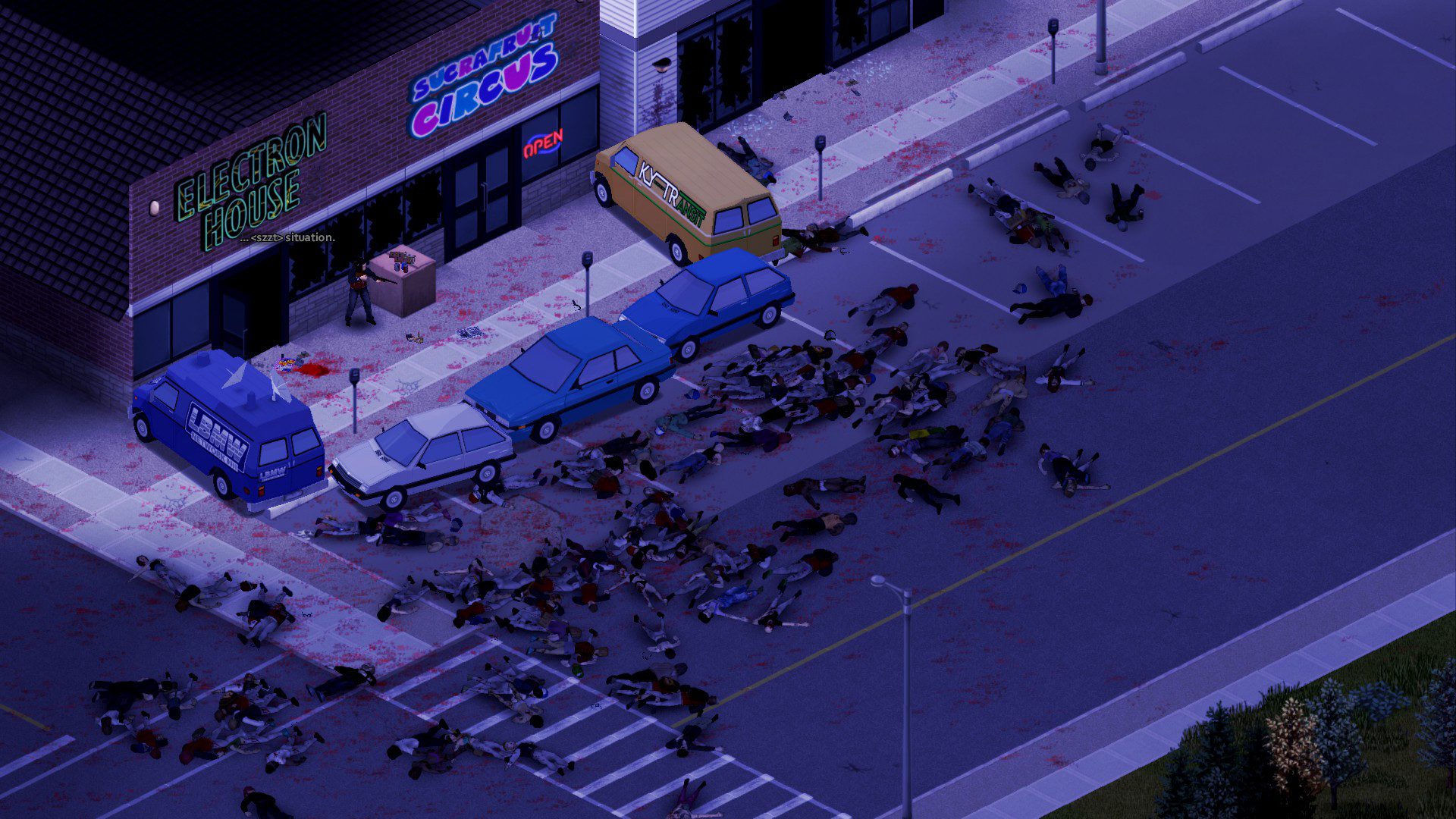
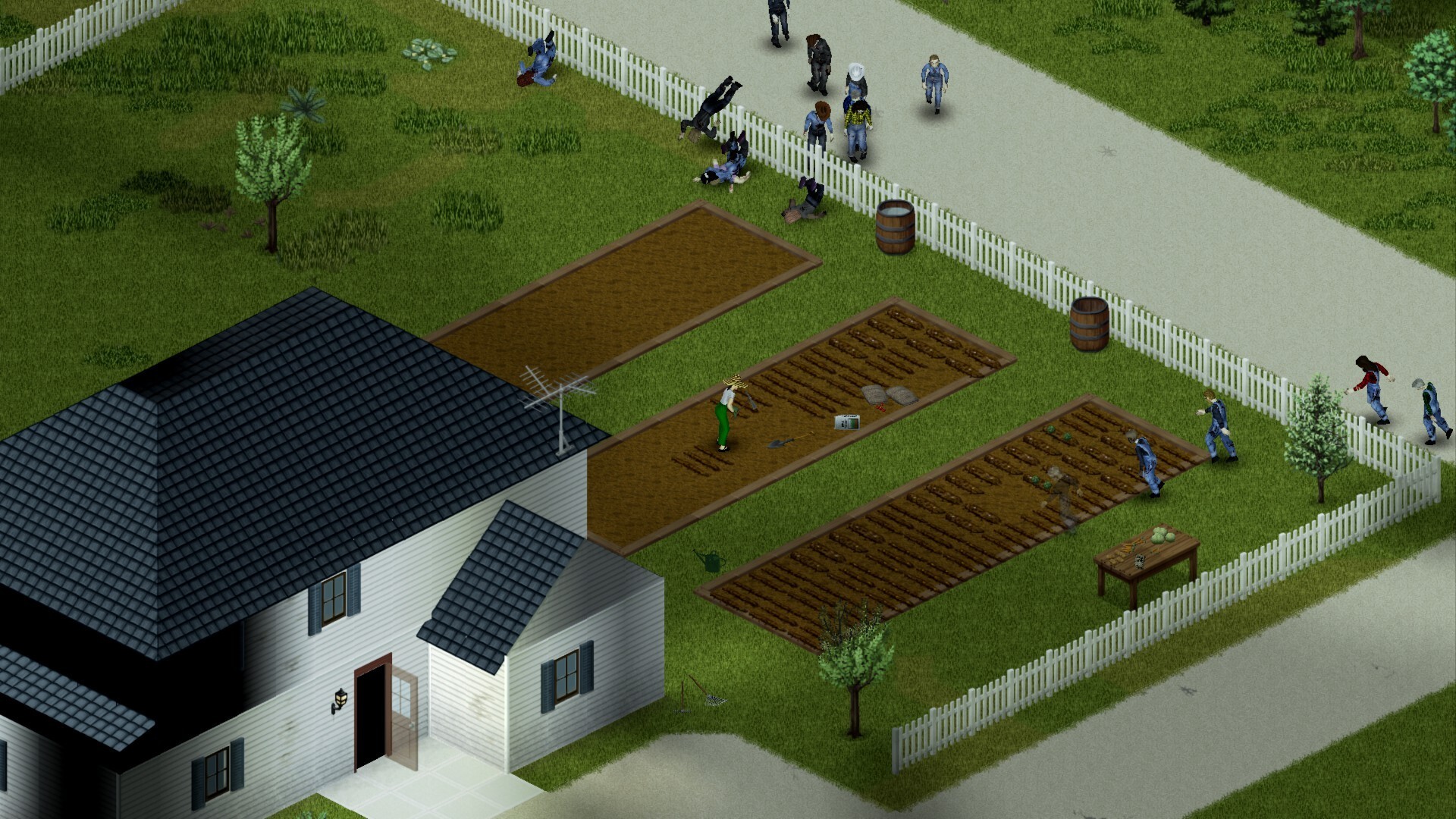
Renting a Project Zomboid server means: you turn brutal zombie survival into a shared game world that doesn’t depend on random hosts, queues, or shifting rules. Project Zomboid thrives on every decision having consequences: distributing loot, securing houses, planning for power and water, treating injuries, and still somehow making it through each day. In multiplayer, it quickly becomes more than a quick round in between, because every mistake can hit the whole group.
With your own Project Zomboid server, you decide when to play, who joins, and how tough your sandbox should be. The Project Zomboid server stays online at all times, even when you’re offline, and your group can keep building, farming, or organizing supplies. That’s exactly what makes a Project Zomboid dedicated server so powerful: less chaos, more planning, and a home for your crew.
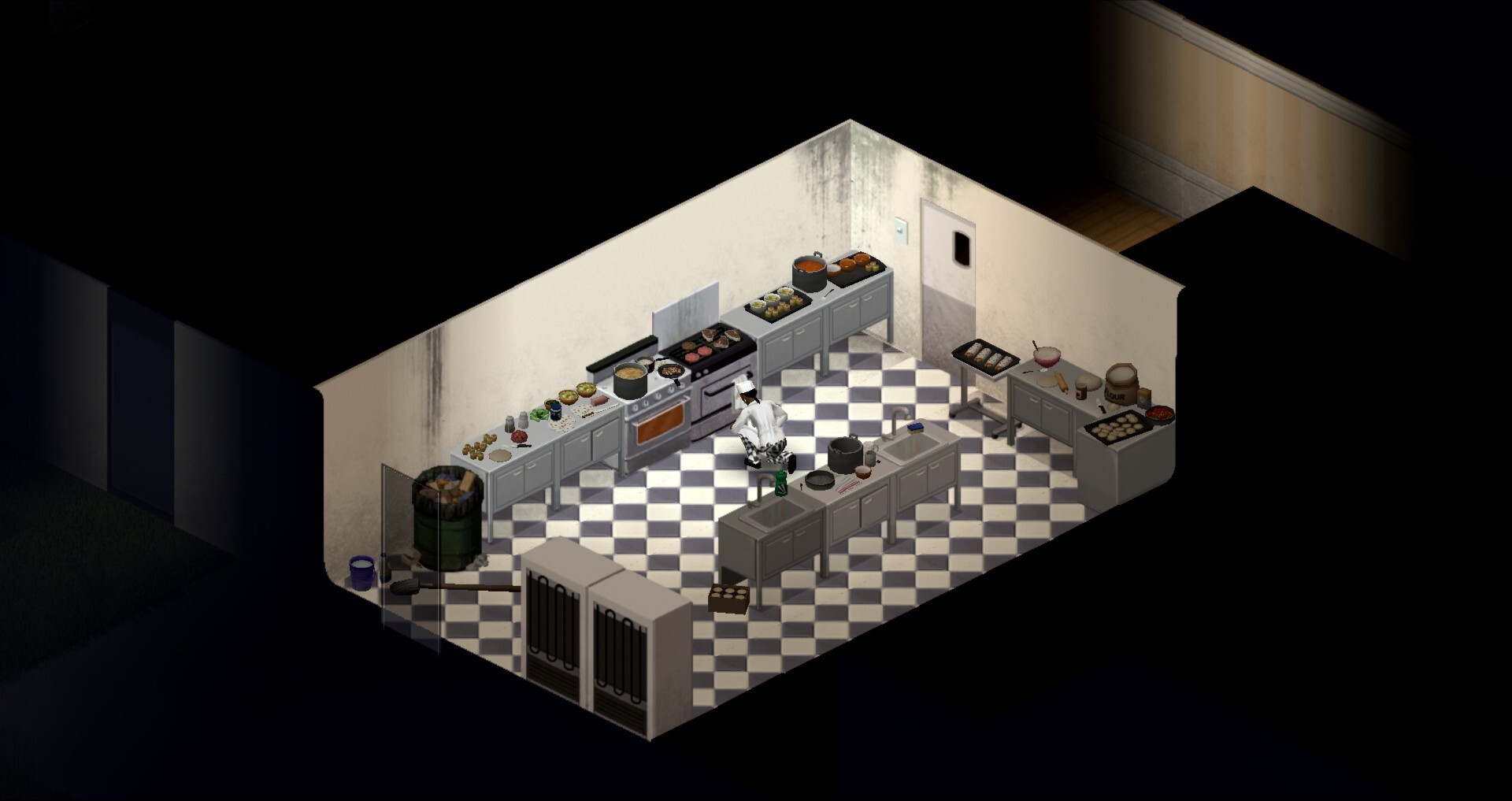
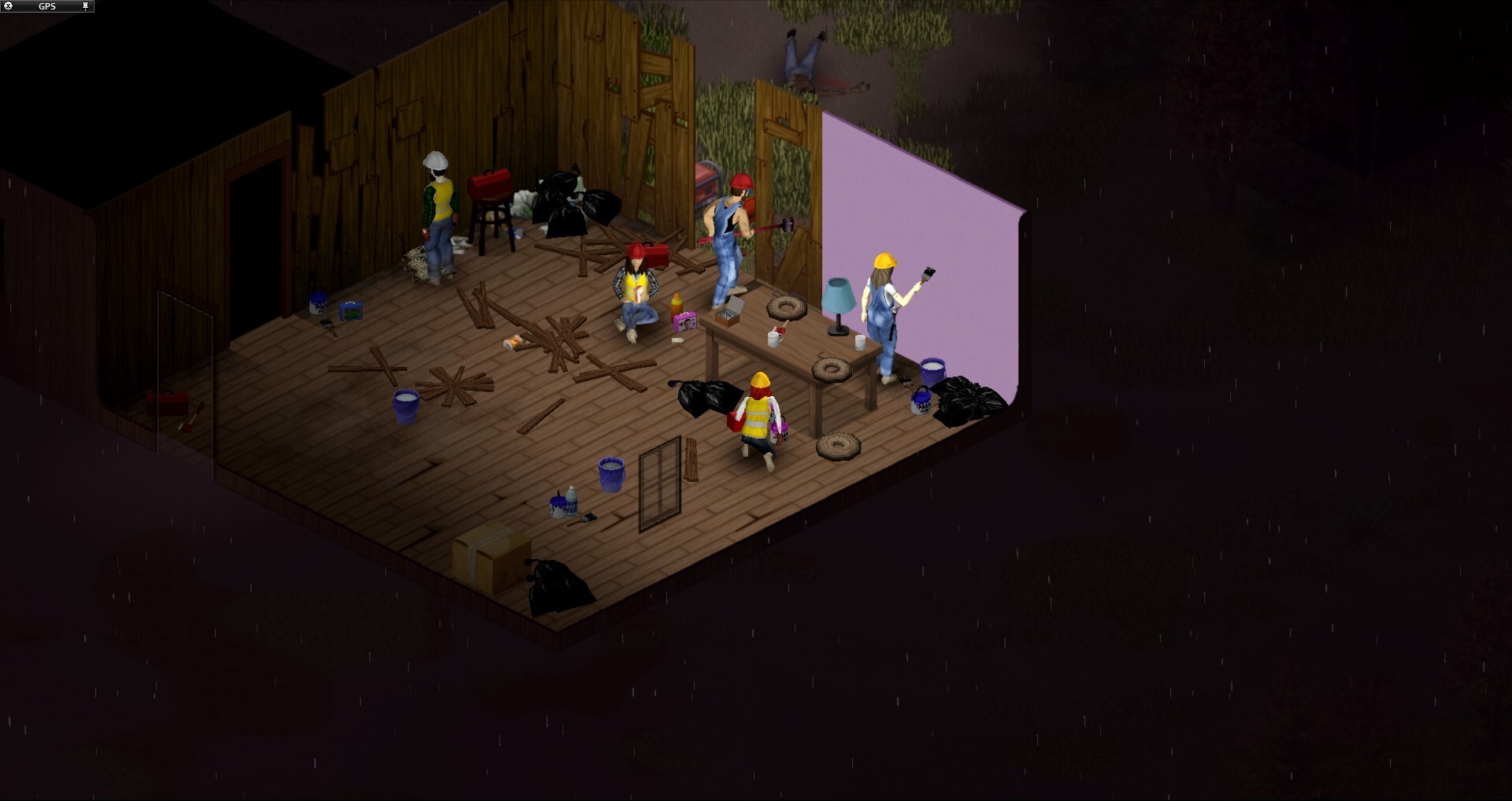
Public servers can be fun, but they rarely fit your group. Sometimes the slots are full, sometimes the loot rate isn’t right, sometimes players disappear again before a base really becomes something. On a Project Zomboid multiplayer server with friends, an organic rhythm develops instead: one cooks, one gathers meds, someone builds barricades, and somebody still starts the generator too loudly.
A Project Zomboid game server gives your group room for coordination, roles, and long-term plans. You don’t have to rehash which rules apply each time or worry whether strangers will raid your supplies. Multiplayer feels better when everyone knows the shared world will still be there tomorrow and won’t vanish after a host suddenly logs off. Survival becomes less luck and more teamwork.
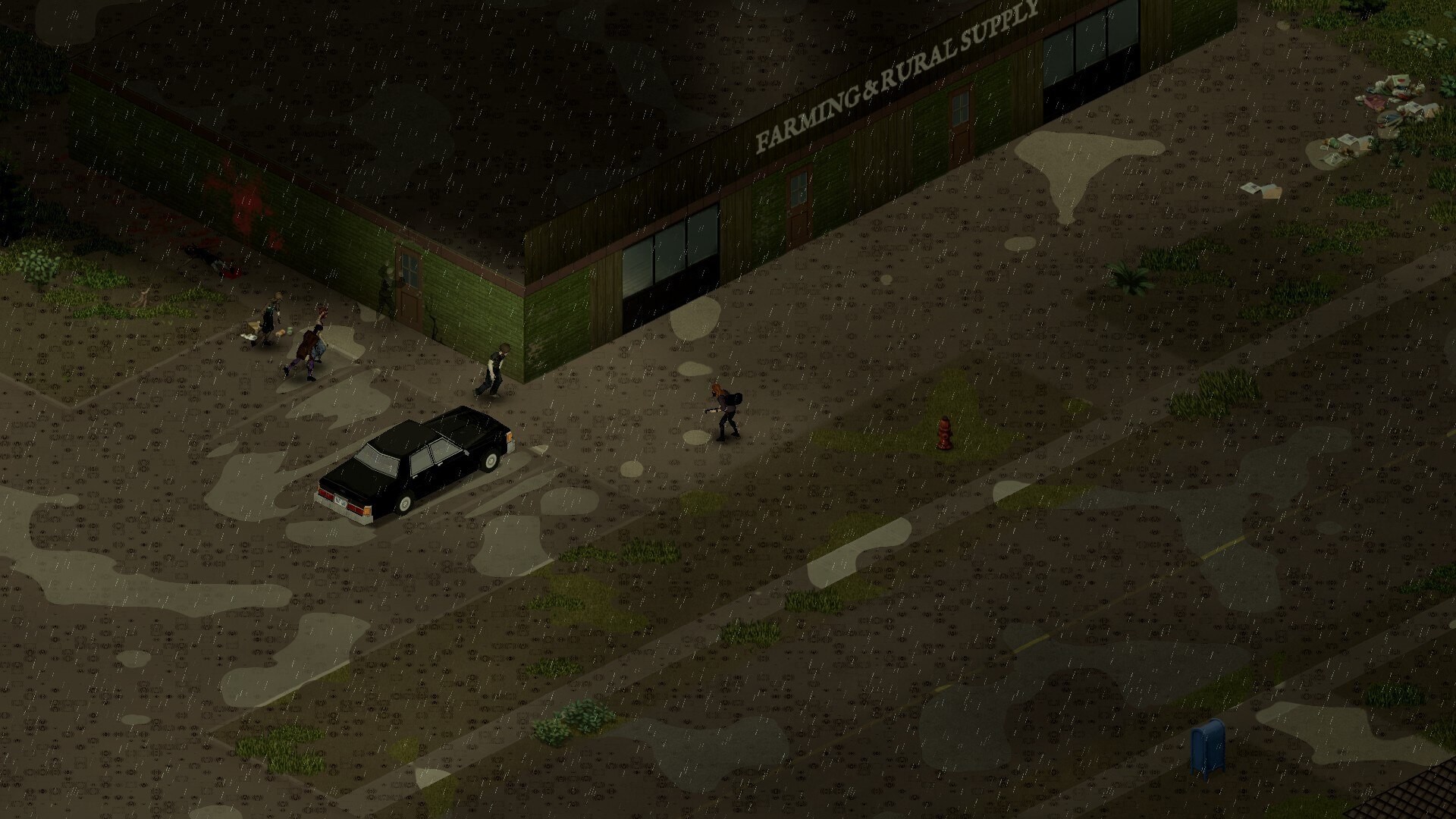
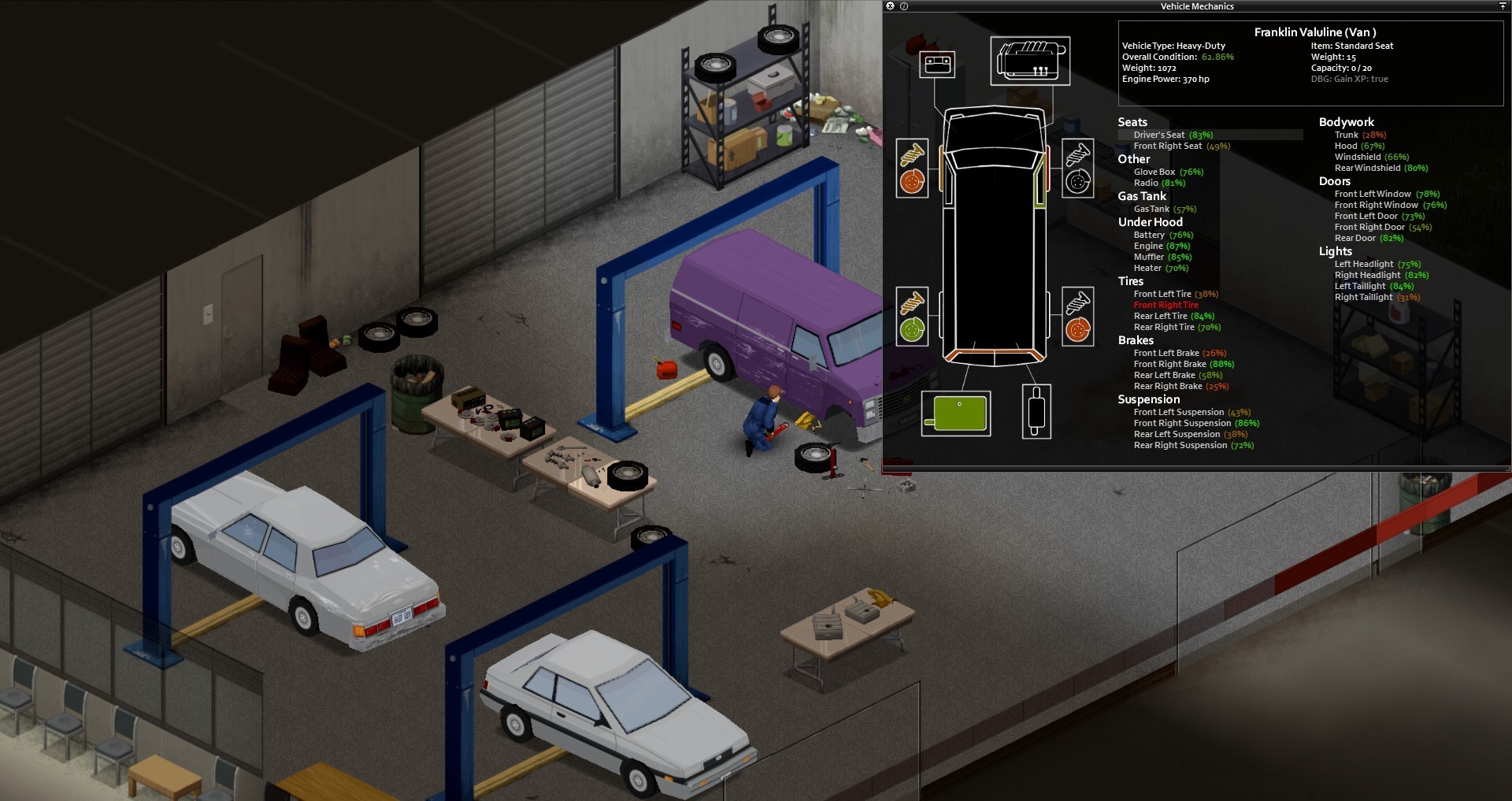
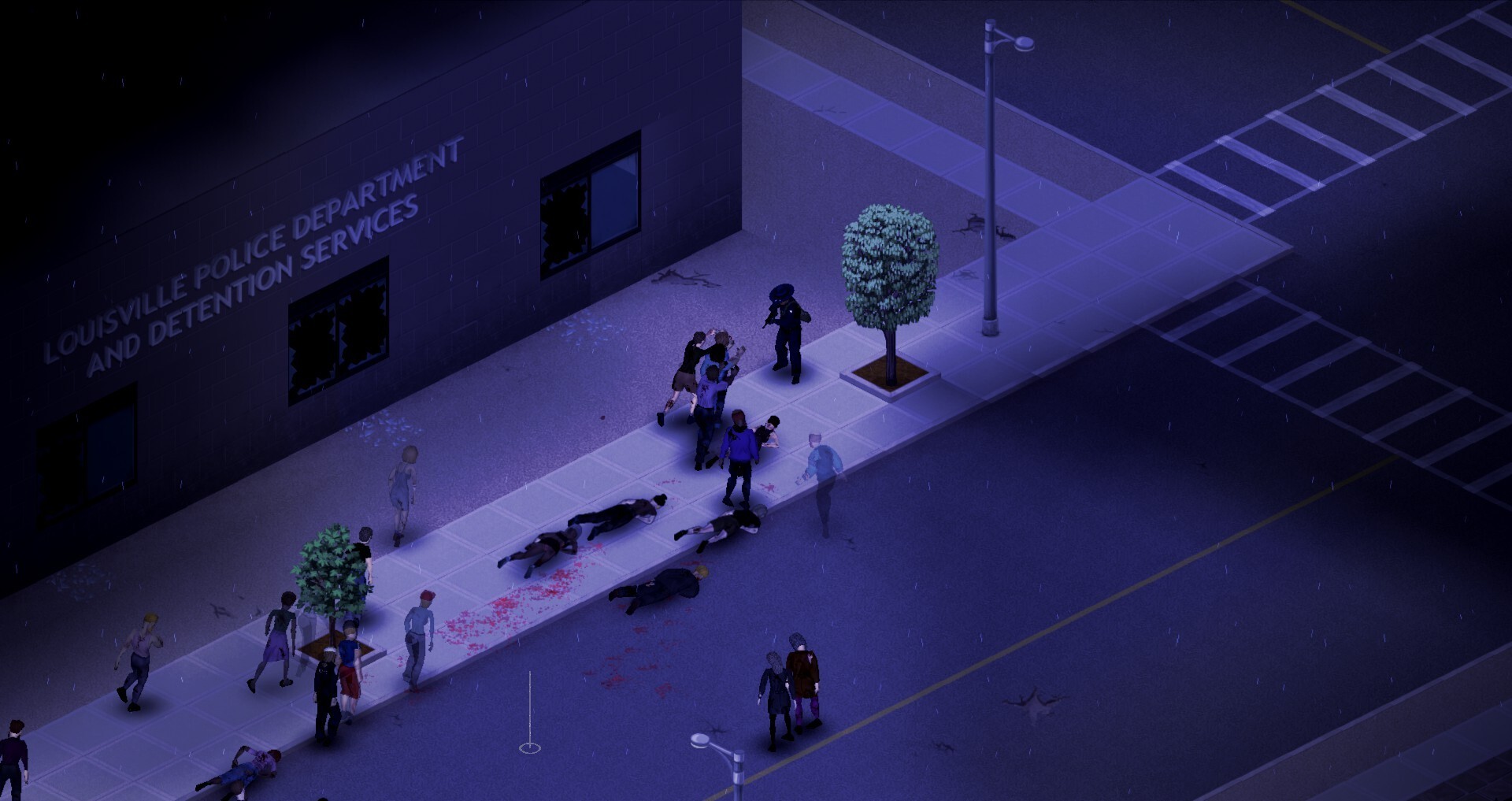
When the horde sweeps down the street, you don’t want to be fighting lag. Stable performance, low ping, and reliable hardware make the difference day to day, especially with vehicles, large bases, and multiple players at once. A well-tuned dedicated server ensures actions register cleanly and combat doesn’t feel mushy.
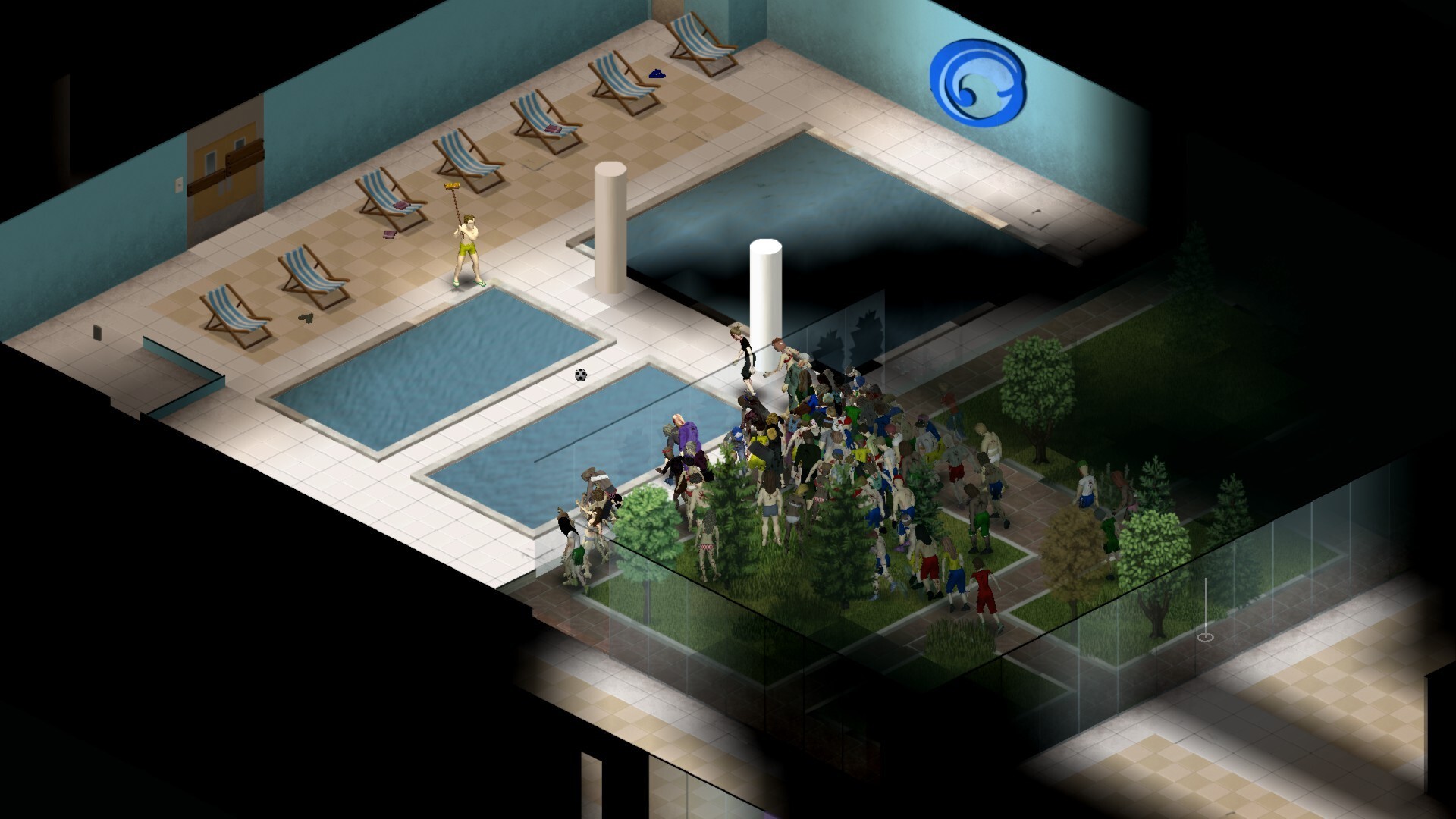
With Project Zomboid hosting, it’s not just raw performance that counts but also proximity to the right data center. Worldwide locations help your group choose a server with short routes, while DDoS protection further safeguards availability. That way the game server stays stable when everyone is online on the weekend and the city is packed not only with zombies but also with players. You’ll notice the advantage especially in hectic moments, where tech makes or breaks the fun.
Your own Project Zomboid server doesn’t make you a spectator to the settings—it makes you the admin. You can configure the server, set your own options, and shape the sandbox the way your group really wants to play. More loot, tougher zombies, a relaxed PvE evening, or strict PvP zones: the rules are yours, not some public host’s.
Admin rights, defined slots, and regular backups protect not just the game world but also your community’s progress. When a base grows over weeks, vehicles are collected, and safe houses are linked, reliability is worth its weight in gold. Especially on long runs, you don’t want to risk a crash or an ill-timed reset setting everything back. A game server holds that progress together and gives your group a fixed meeting point where individual sessions can grow into a real community.
Straight to the guides: become an admin. Our guide explains the sandbox settings in detail (Project Zomboid Sandbox Settings: Your Ultimate Guide) .
Project Zomboid thrives on customization. With mods from the Steam Workshop, custom maps, balance tweaks, and new quality-of-life features, a standard server quickly becomes a version that fits your group exactly. A Project Zomboid dedicated server gives you the control you need to integrate mods cleanly and deliberately evolve the shared world.
That’s especially exciting for clans, streamers, or tight-knit friend groups. You can set up events, test PvP zones, regulate safehouses, or plan a season with a fixed start date. Instead of hoping a public server just happens to support your idea, you use Project Zomboid hosting as a tool for your own scenarios, competitions, and nights your group will still be talking about later. Planning becomes part of the game for you, not a technical hurdle.
Straight to the guides: install mods. Our overview shows which mods are worth it (The Best Project Zomboid Mods for an Enhanced Gaming Experience) .
You don’t have to spend half an evening in config files before the first door is barricaded. Good server management helps you start the Project Zomboid server, adjust slots, apply automatic updates, and change key settings clearly and easily. Backups give you peace of mind if a mod update causes issues or someone gets too experimental at the wrong moment.
If you want to rent a Project Zomboid server now, it’s ultimately about more than just tech. It’s about your own world, your own rules, and a server that stays online at all times without anyone having to run their PC as the host. Your group makes plans, stockpiles supplies, and keeps playing together whenever there’s time. Start your own Project Zomboid server, invite your people, and jump right into a world everyone loves coming back to.
Straight to the guides: download a savegame and upload a savegame. Our beginner tips also help through the first hours (Survive in Project Zomboid: Effective Tips for Beginners) .

Selected guides for choosing, setting up and managing your own Project Zomboid server.