Fireworks are a often-forgotten Minecraft feature—outside one specific use. After all, who launches rockets for anything other than the Elytra? Probably not many! Yet there are plenty of hidden mechanics even veteran players miss. With rockets, you can create fabulous displays and likely generate millions of unique combinations. These colorful spectacles aren’t something everyone gets to see. Crafting is highly customizable, so you can tailor fireworks to your taste. Today we’ll take a close look at fireworks and firework stars and show you how much more they can do for you.
Crafting Minecraft fireworks: ingredients, recipes, and modifiers
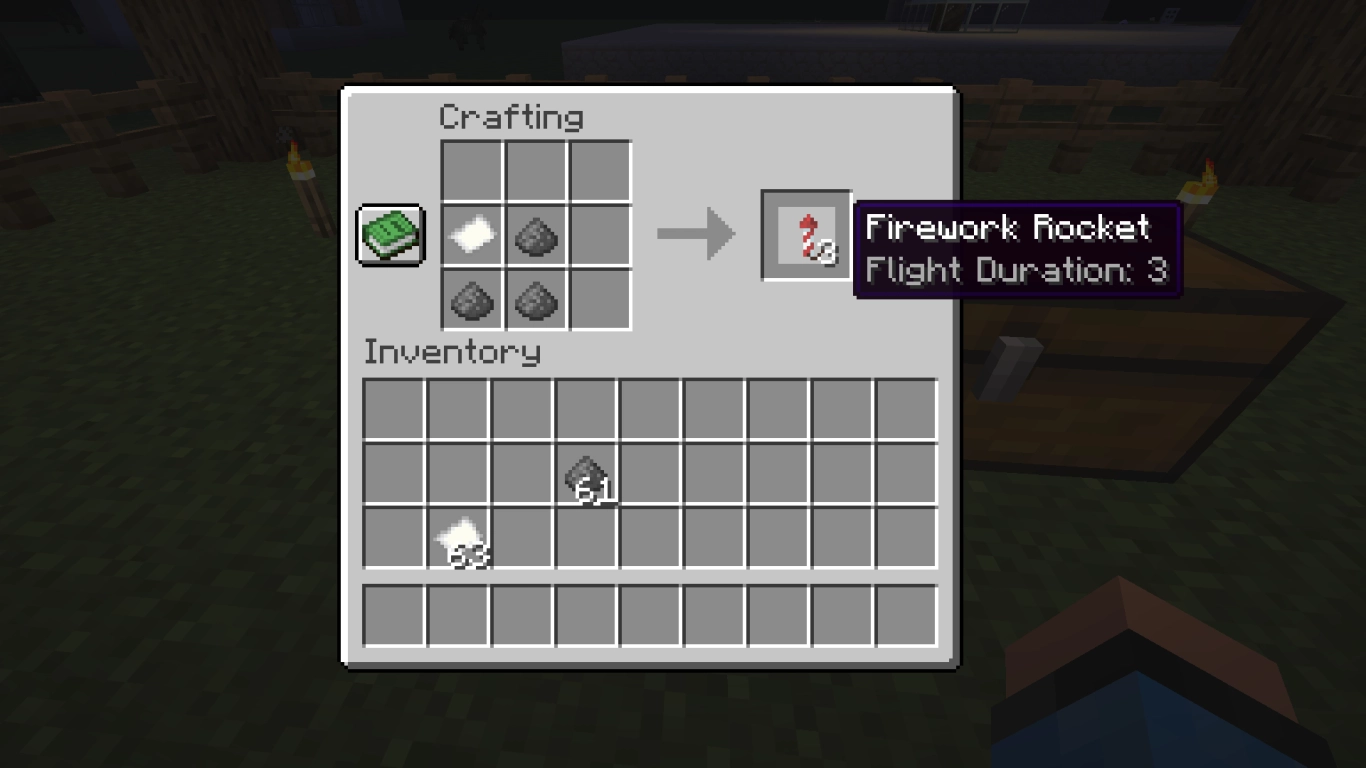
There are two ways to craft rockets. The simple rocket without effects is used purely for thrust and is made from paper and gunpowder. You always need 1 paper, and you can use 1–3 gunpowder. The more gunpowder you use, the longer the rocket’s flight duration.
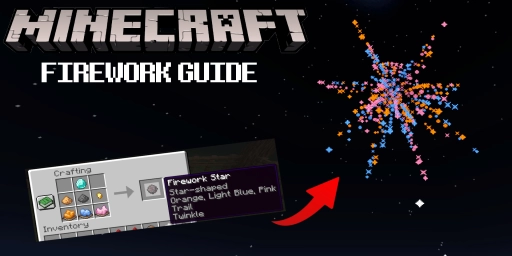
But let’s focus on the colorful rockets that end in a beautiful fireworks display. For those, you first craft a firework star, essentially the core of the rocket that defines its explosion effect. This is where modifiers come in—stars can be quite complex. We recommend experimenting with our guide in hand. It’s even more fun with friends—rent an affordable Minecraft server now and surprise them with a stunning fireworks show!
Firework stars in Minecraft: all customization options and effects
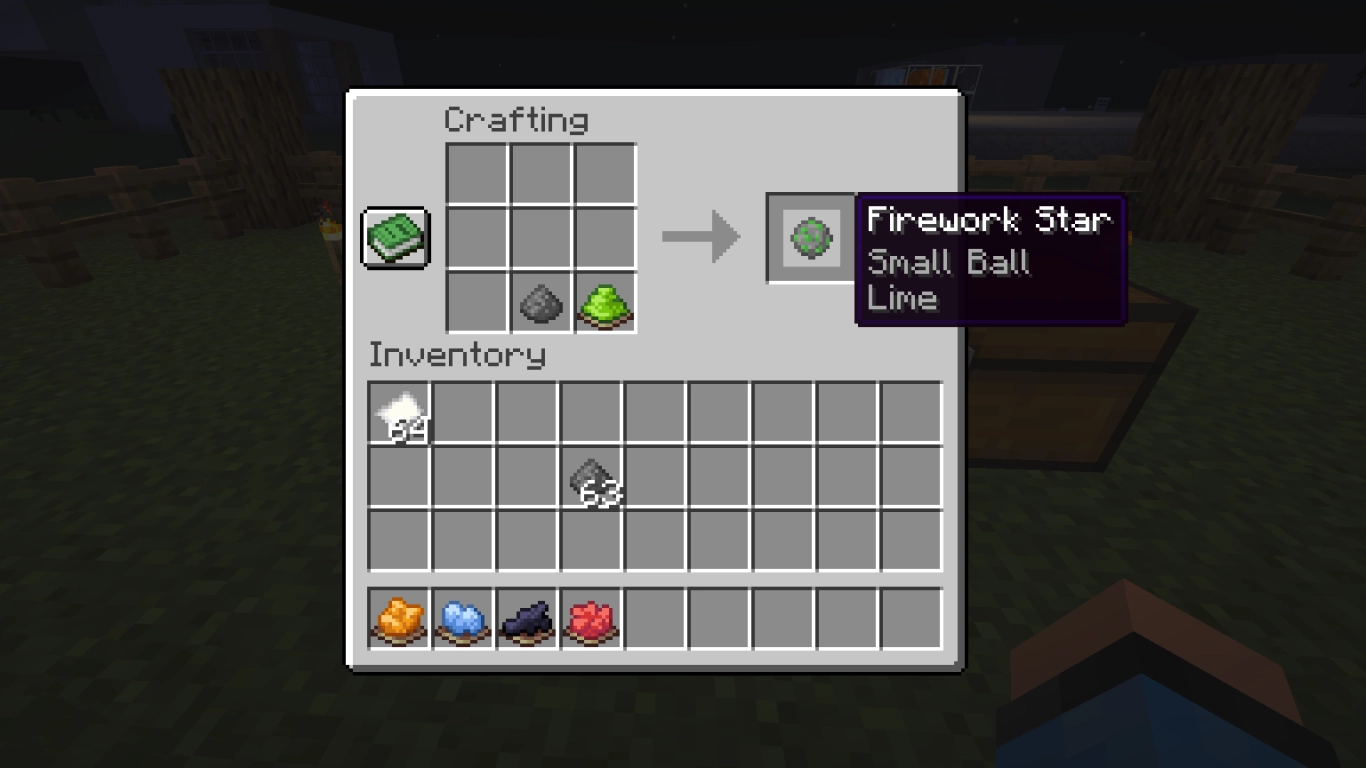
Gunpowder is once again the foundation for firework stars. Add at least one dye of your choice to set the explosion color. We already have a detailed article on all colors and where to get them (Minecraft: Complete Guide to Dyes and Automatic Farms) . The remaining 7 slots in the crafting grid are yours to customize.
You can fill all open slots with dyes. The rocket will then display all those colors at once, creating a vibrant explosion—your imagination is the limit! And that’s not all: once crafted, a star can be given a fade, by combining it again with 1–8 additional dyes. That alone enables thousands of variations.
Colors aren’t the only effect available. You can dedicate one slot to one of four shapes that change the explosion pattern. Shapes cannot be stacked—each star can have only one of these effects.
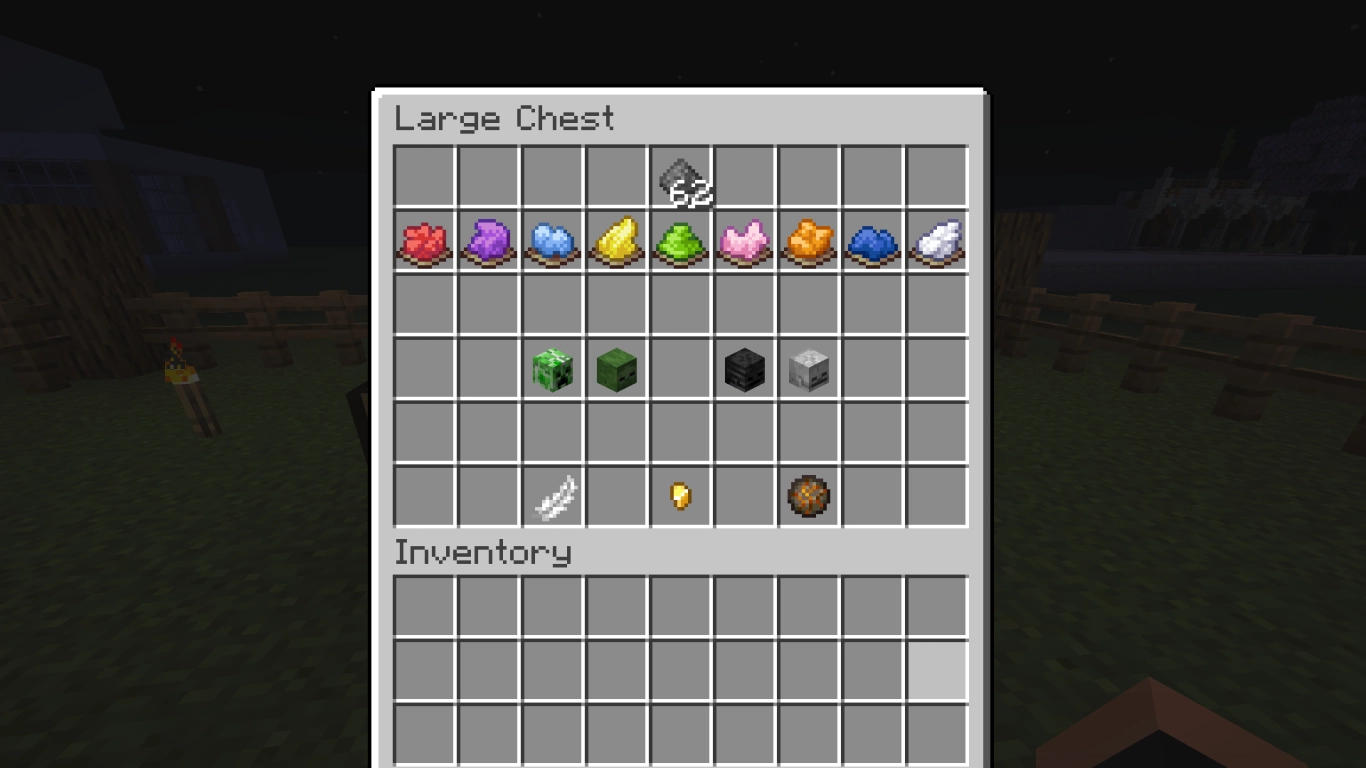
These four items are:
- Fire Charge: Makes the explosion larger (Large Ball). You can craft it from blaze powder, gunpowder, and coal/charcoal.
- Heads: Turns the explosion into a Creeper face. Any head works, whether a Wither skull or a zombie head.
- Feather: Creates the Burst pattern.
- Gold Nugget: Creates a Star-shaped explosion.
And we’re still not done! There are two more items that add extra particle behavior. These affect primarily the particle trail and can be combined, unlike the shape effects.
Particle modifiers for your fireworks:
- Diamond: Adds a magical trail.
- Glowstone Dust: Adds a twinkle (flicker) effect.
- Diamond + Glowstone Dust: Adds both a trail and twinkle.
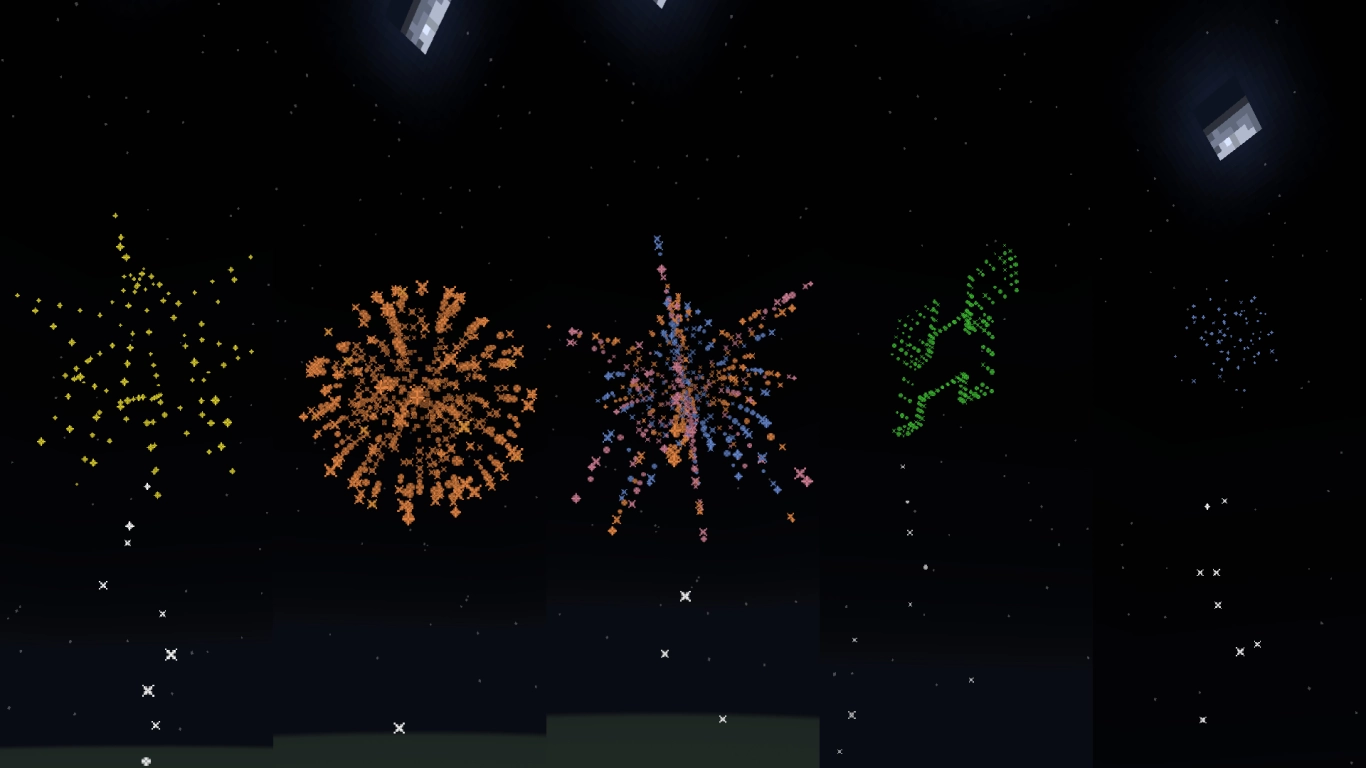
With all these options, you can do a lot. At the center there’s always one gunpowder and at least one dye. The rest you fill as you like. When you hover your mouse over the star or the rocket, you can see all effects in the tooltip, so you won’t mix them up. From each star, you can then craft three rockets using paper and 1–3 gunpowder.
All these aspects give you enormous freedom. How much gunpowder? Which colors—and how many? Plus extra effects? That’s a lot to choose from. According to one Reddit user, you can create many billions of combinations without repeats.
Minecraft firework rockets: use cases and pro tips
Elytra: rockets as propulsion for flight
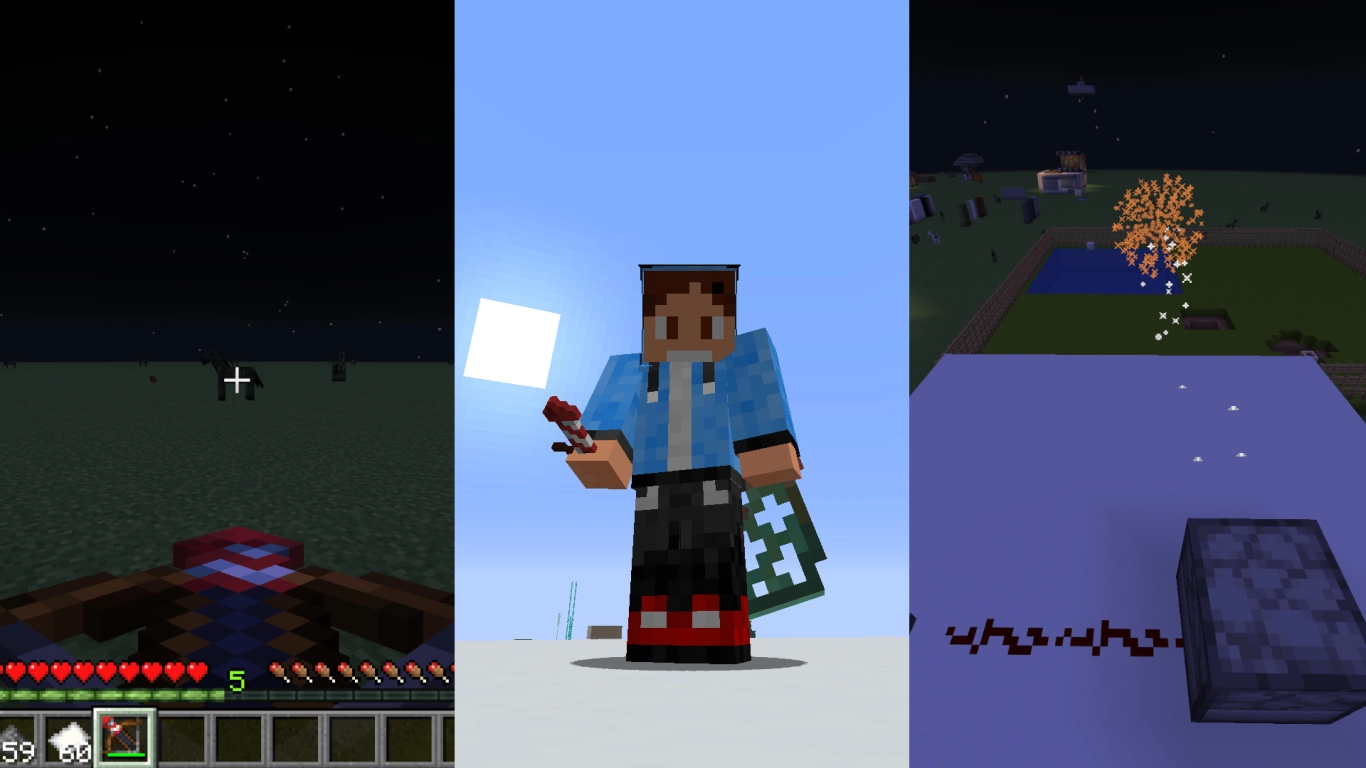
You probably know rockets can boost the Elytra. It’s also the only use many players stick to. Here we strongly recommend rockets without explosion effects! Firework explosions can hurt you, which you definitely don’t want mid-flight. Craft plain rockets from paper and gunpowder.
Crossbow and fireworks: turn them into a weapon
Firework rockets can serve as alternative ammo for the crossbow. Put the rocket in your off-hand and reload the crossbow—the rocket is loaded as a projectile. Use rockets with explosion effects, as only these deal damage. Damage scales with the number of stars/effects in the rocket, from about 2.5 to 9 hearts per hit. With the Multishot enchantment, you’ll fire three rockets for the cost of one—a great way to surprise opponents.
Looks and Redstone: beautiful fireworks for your world
You can launch rockets manually by using them on the ground. You can also use a dispenser as a launcher; the rocket flies in the direction the dispenser faces. This lets you activate fireworks from a distance or even automate them. That’s especially handy for complex shows, for example on a server or during an event. Redstone circuits help with perfectly timed choreography.
Conclusion: get creative with fireworks and boost Elytra safely
Fireworks in Minecraft are much more than just Elytra boosters. Many forget you can load rockets with firework stars to create wonderful effects. Not only can you use all 16 dyes—you can also add explosion modifiers. Altogether, you really have millions of combinations at your disposal. No two shows need to look the same! Launch them for a server event, experiment with Redstone and dispensers, or use them as ammo for your crossbow. Firework rockets are a truly underrated feature in Minecraft!