
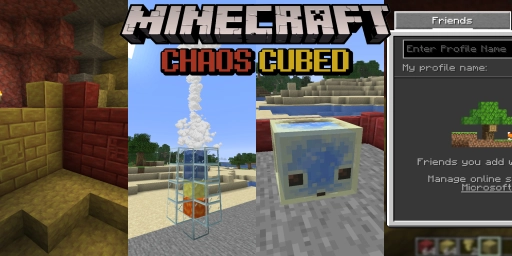
The second drop for 2026 is just around the corner! And this time it’s all about the new Sulfur Caves, their new inhabitants, and the awesome new blocks you can find there. Delve deep and hunt for the yellow-red caves. Collect the beautiful blocks and use them in your builds. Or grab some of the strange cubes that live here. Who knows what you’ll be able to do with them! On top of that, there are many other small changes, some of them incredibly handy for playing multiplayer. Let’s look at all the new features before the drop officially releases on June 16, 2026.
Minecraft 26.2: Sulfur Caves biome with hot springs
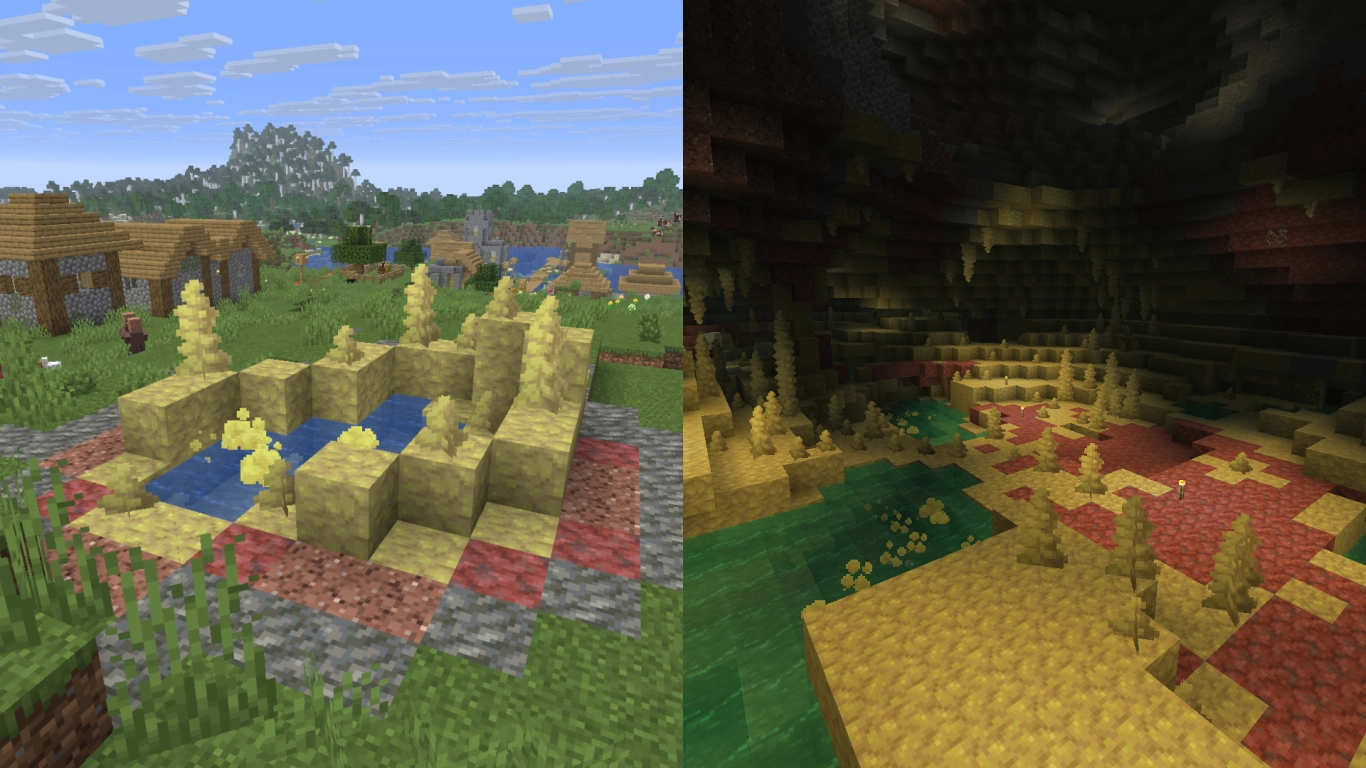
The update brings a major addition: a new biome within Minecraft’s cave system. Alongside dripstone caves and lush caves, you can now also find Sulfur Caves. They’re characterized by their red and yellow blocks and feature unique stalactites and stalagmites made of sulfur. They’re laced with small pools where you can find potent sulfur. We strongly advise you not to bathe in them, though, or you’ll feel sick fast!
All in all, the new cave biome is a perfect change of pace while exploring. Of course, you can generate it on your multiplayer server when searching for new chunks. Or start a fresh world right with version 26.2 and rent an affordable Minecraft server for Chaos Cubes. You can find Sulfur Caves by looking on the surface for sulfur springs and geysers.
New building blocks: Sulfur and cinnabar in red and yellow
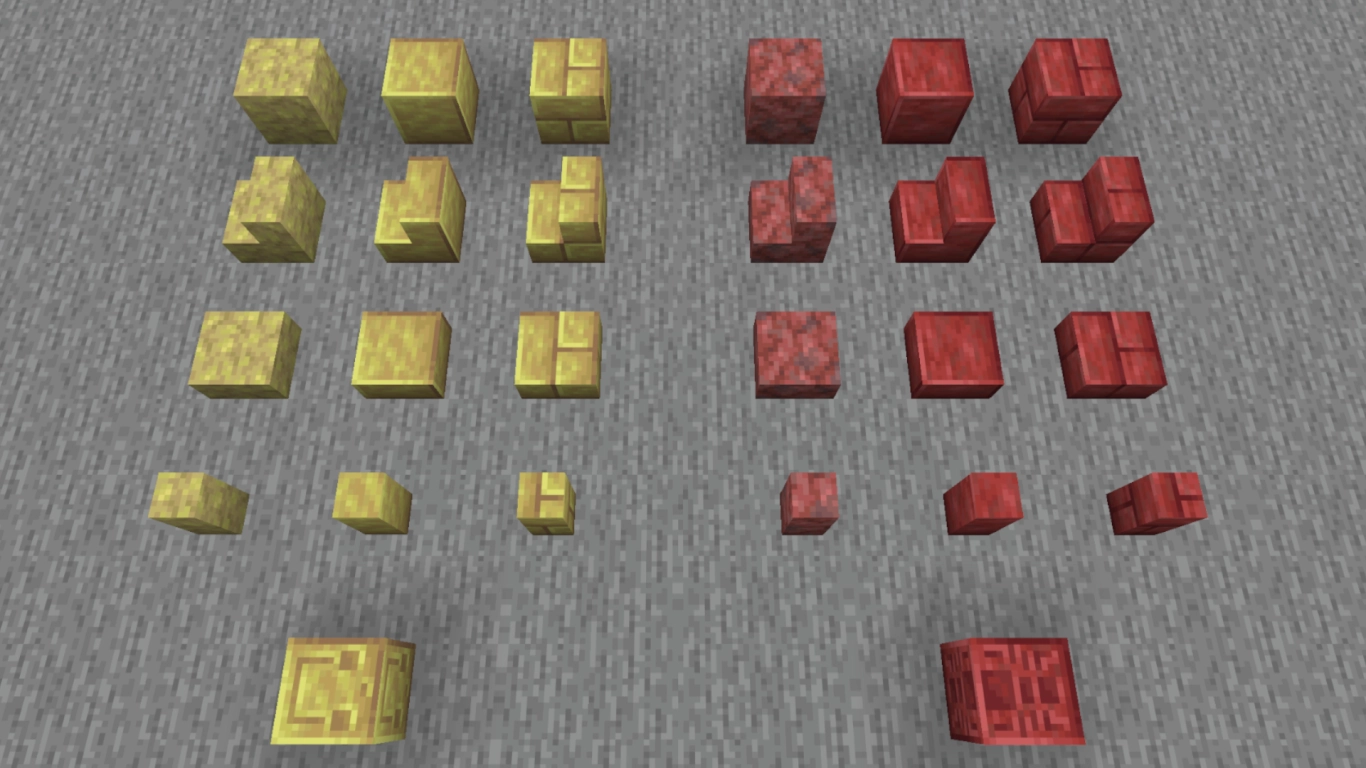
In the caves you’ll also find two new blocks from which you can craft many variants. Sulfur is a yellowish block and generally has a cobblestone-like texture. You can leave it as is, process four sulfur blocks into polished sulfur, then combine four polished sulfur blocks into bricks. Every variant has its own slabs, stairs, and walls. There’s also a chiseled block featuring the face of the new cube.
On the other hand, there’s cinnabar, a red stone. You can likewise turn it into polished blocks and bricks. The chiseled block here shows a spider. Both block palettes are super practical and will fit right into many of your builds!
Don’t underestimate potent sulfur either, since you can use it to create geysers yourself. Place lava below it and water above it, and it will occasionally shoot a water plume. The more water, the taller the geyser.
Sulfur Cubes in Minecraft: Unique block interactions
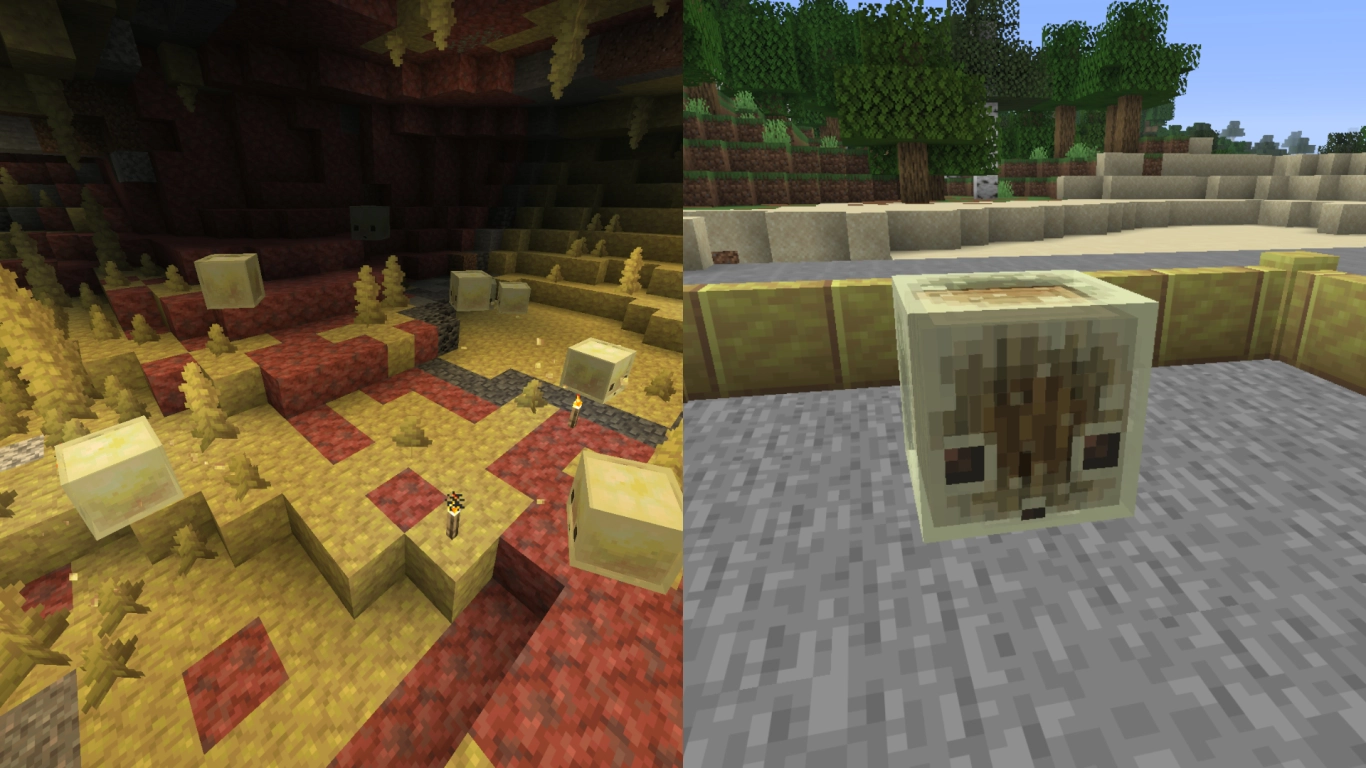
Arguably the most exciting addition is the new mob: the Sulfur Cube. It’s reminiscent of the regular green slimes or Magma Cubes in the Nether, but it’s not hostile toward you. Accordingly, it spawns even in Peaceful mode, perfect for any player. You’ll find plenty of them in the new caves, and you can take them with you using a bucket.
But why take the cube with you? Hidden inside is a great new mechanic you can do a lot with. The cube can absorb a block and then take on that block’s properties. Hold the corresponding block in your hand and feed it to the cube. It will change its texture and adjust its behavior accordingly. You can hit it or bump into it and it won’t take damage, but it will bounce around differently depending on the block.
We’ll dive deeper into these properties in a separate post, but we recommend simply trying different blocks. With ice, for instance, the cube becomes slippery. If you give it a metal block, it becomes heavy and barely moves. To unlock its full potential, you should use a weapon with Knockback.
New music: “Bounce” music disc and fresh tracks
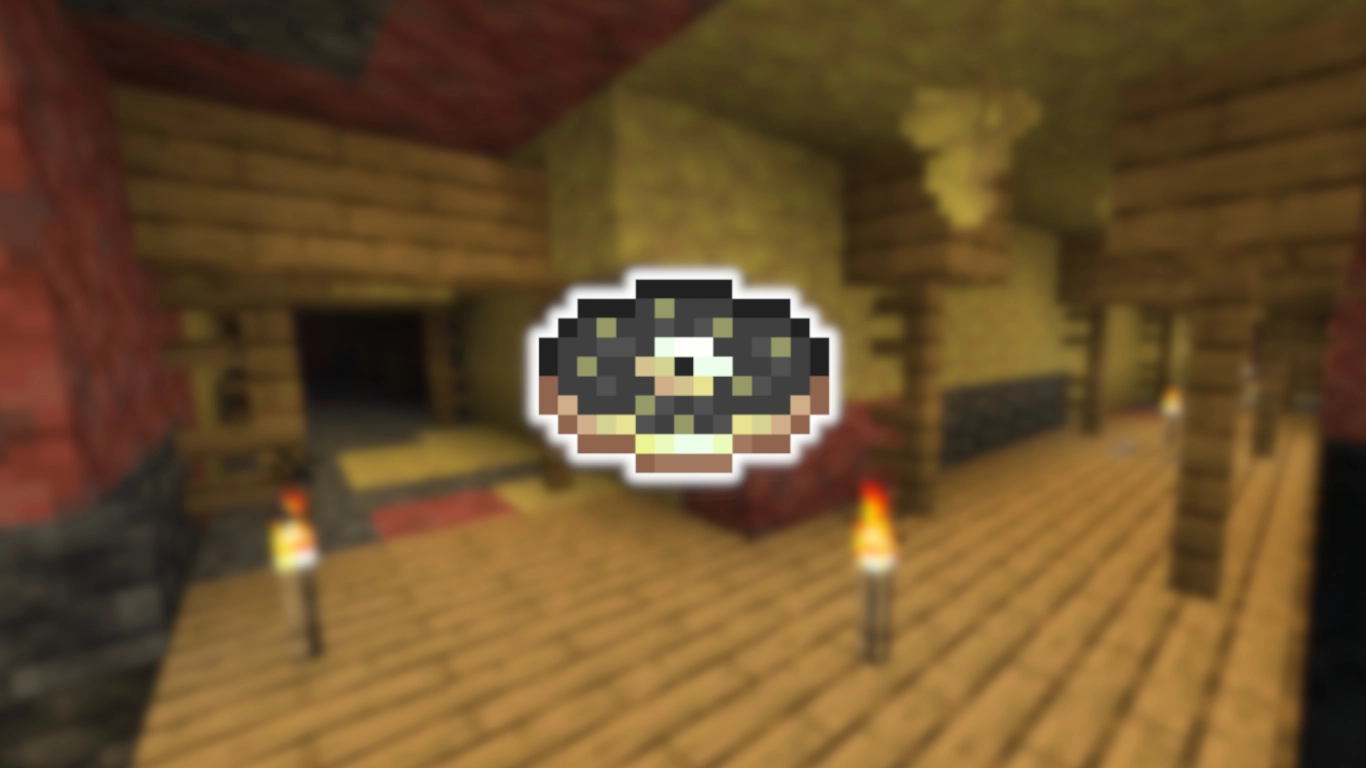
Many recent updates and drops have added music, and Chaos Cubes is no different. First, there’s a new music disc called “Bounce.” You can only find it where a Sulfur Cave intersects with an abandoned mineshaft and there’s a loot chest. The disc has a 42% chance to appear.
You’ll also hear new tracks during normal gameplay, composed by “fingerspit.” There are five new pieces: Memories, Ebb, Home, Shores, and Nightly.
Other changes: Friends list, Peaceful spawns, and Vulkan rendering
Alongside these new aspects, there are also some changes to existing features. They might be just as important and show that the developers are investing in the future.
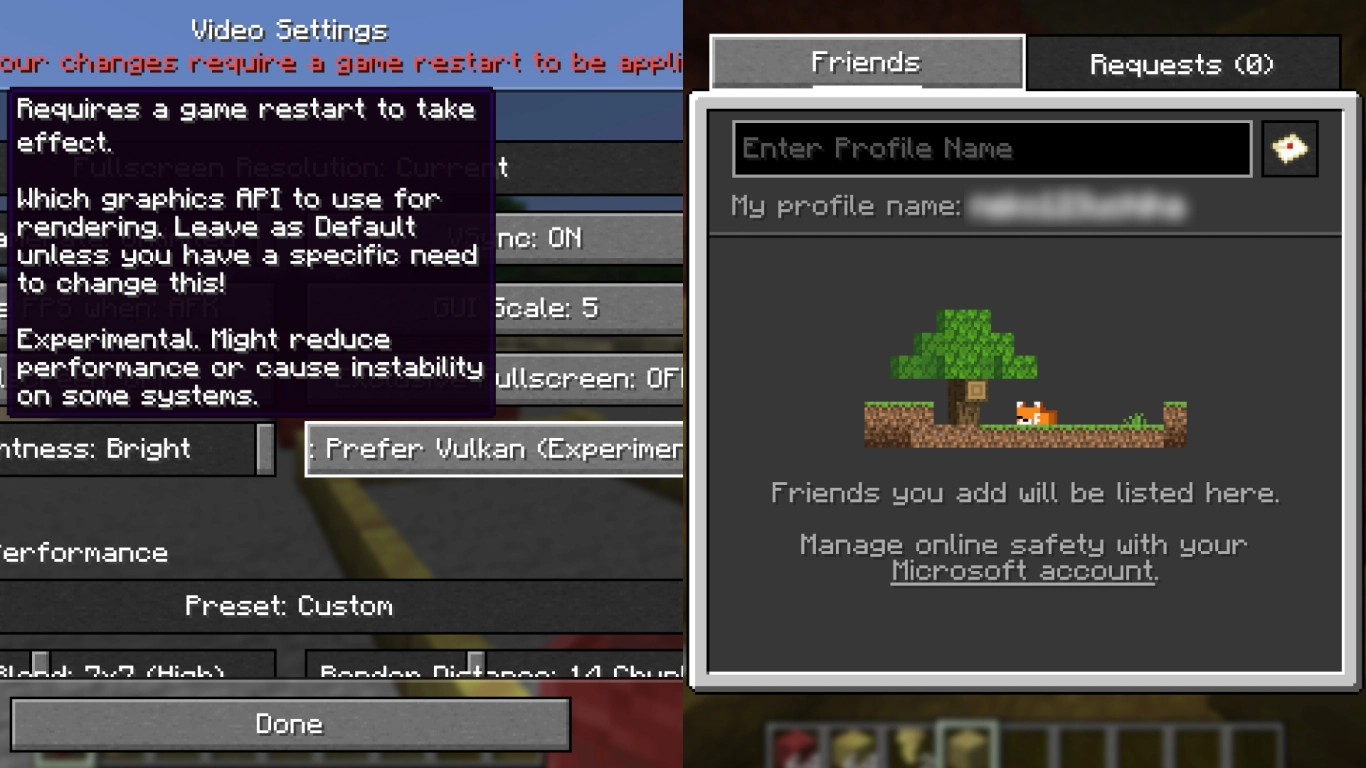
Friends list: You can open it from the main menu, the pause menu, or in-game with O. Add your friends there; everything is managed via your Microsoft account. You can see when your friends are online and whether they’re currently in a world.
Vulkan rendering: Java has run on the OpenGL graphics API until now, but Vulkan has been added as a new option. You can select it, then you’ll need to restart the game. Vulkan is far more modern than OpenGL and can provide a performance boost. Just test whether it makes a difference for you. It’s still experimental and will continue to improve.
Peaceful spawns: Three new mobs now spawn even in Peaceful mode in Minecraft. These are the ocelot in jungles, the zombie horse, and Piglins in the Nether. The latter now let you engage in gold bartering as well. This is a wonderful change for Peaceful players. Previously, you could only find them in bastion remnants; now they’re available elsewhere too.
Conclusion on Minecraft Chaos Cubes 26.2
Version 26.2 is a well-packed drop, with a new biome for adventurers, matching building blocks for creative players, and the Sulfur Cube for exciting gameplay and ideas. The cube in particular will provide tons of fun, as its new mechanic enables creative experimentation. And these are only the changes you’ll notice immediately. There are also new music tracks, a friends list, and an entirely new rendering API for Java players. That could deliver better performance and helps future-proof Java.


