
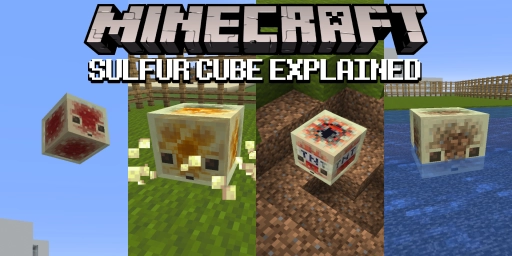
Minecraft’s Chaos Cubed content drop also brought us a new mob: the Sulfur Cube. This cute little fellow isn’t hostile to you—he’s more of a passive onlooker. But you can put him to use by giving him a full block. He then changes his properties based on that block, letting you play and experiment. From springy to stubborn or slippery, the cube is surprisingly versatile. Today we’ll take a closer look at how it works, where to find it, and which different blocks you can use for its transformation.
Finding the Minecraft Sulfur Cube: Sulfur Caves and transport
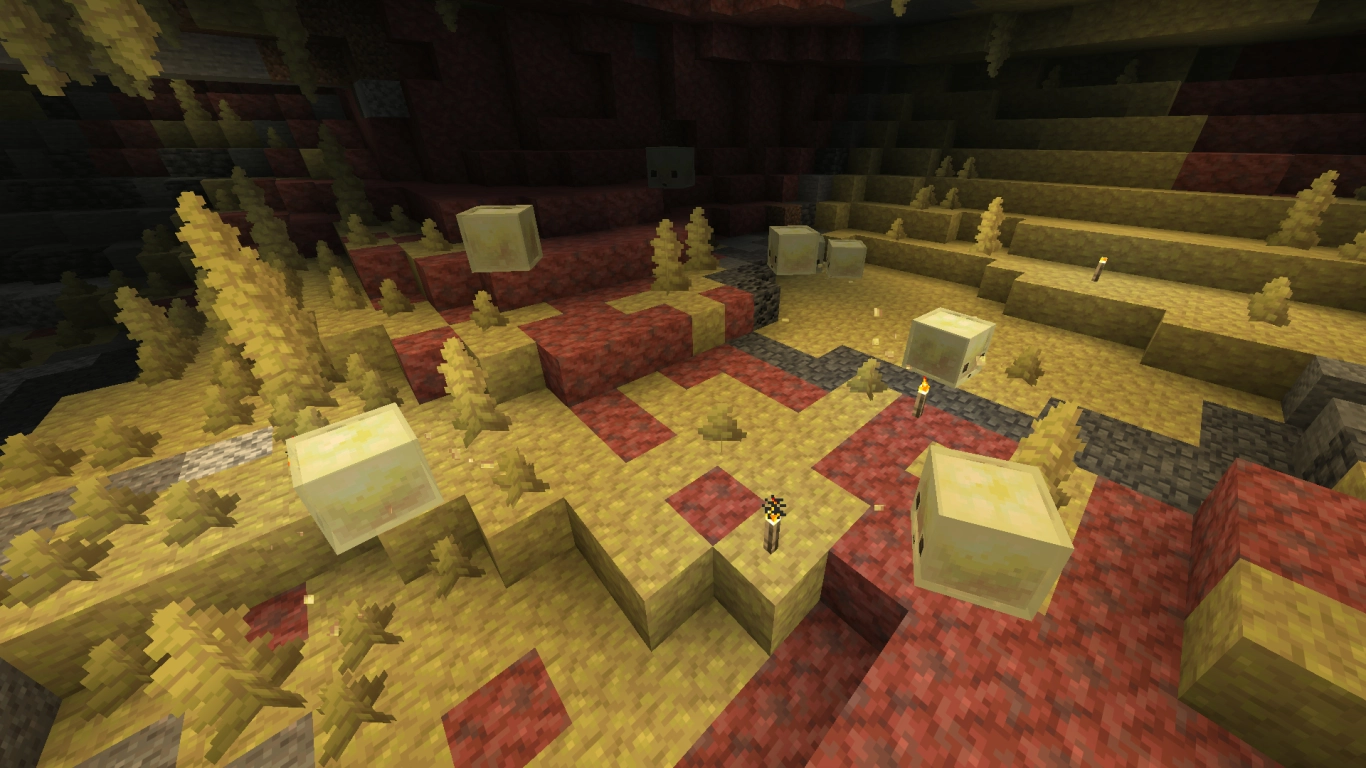
You’ll find the Sulfur Cube in the new Sulfur Caves, which were also added with version 26.2. You can discover these biomes simply by exploring, but also by locating a geyser on the surface. They’re scattered across all biomes, but show up more often on plains or near swamps and deserts. Sulfur Cubes spawn regardless of your difficulty setting, including Peaceful. They won’t attack you and just bounce around happily, making them different from their lookalikes, the green Slimes and Magma Cubes.
On a server, you can of course keep an eye out for Sulfur Caves as well. Rent an affordable Minecraft server and hunt for the Sulfur Cube there. You can even generate these caves on an existing server if you travel far enough. You can take the cube with you by carrying it in a bucket.
Minecraft Sulfur Cube: How it works and block interaction
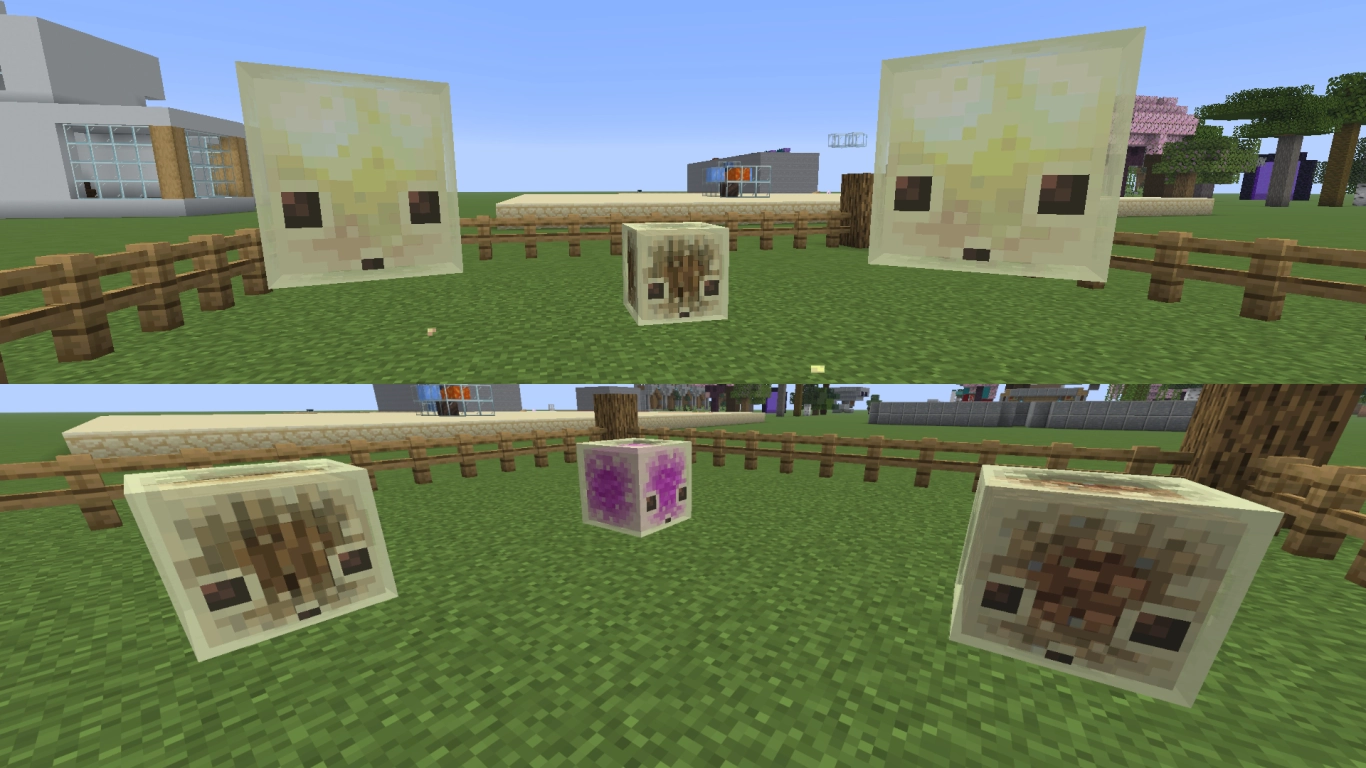
Left alone, Sulfur Cubes behave as you’d expect. They hop around and seem aimless in what they do. As mentioned, you can scoop them up in a bucket and carry them with you. They don’t drop anything and can’t breed. But if you attack them anyway, they split into smaller cubes. You can feed them slimeballs to grow or give them a golden dandelion to keep them small forever.
More important is the interaction between Sulfur Cubes and other blocks. You can hand them a block from your hand or throw it on the ground, and the cube will absorb it. They’ll even approach you if you’re holding a valid block.
Once they absorb the block, their texture and behavior change. They become immobile and only spin. You can now hit or push them without dealing damage. Their behavior varies by block, which we’ll cover next. You can amplify the effect with the Knockback enchantment. You can remove the block with shears. If they’re holding a block, you can lead them around with a lead.
All 12 archetypes of the Minecraft Sulfur Cube with examples
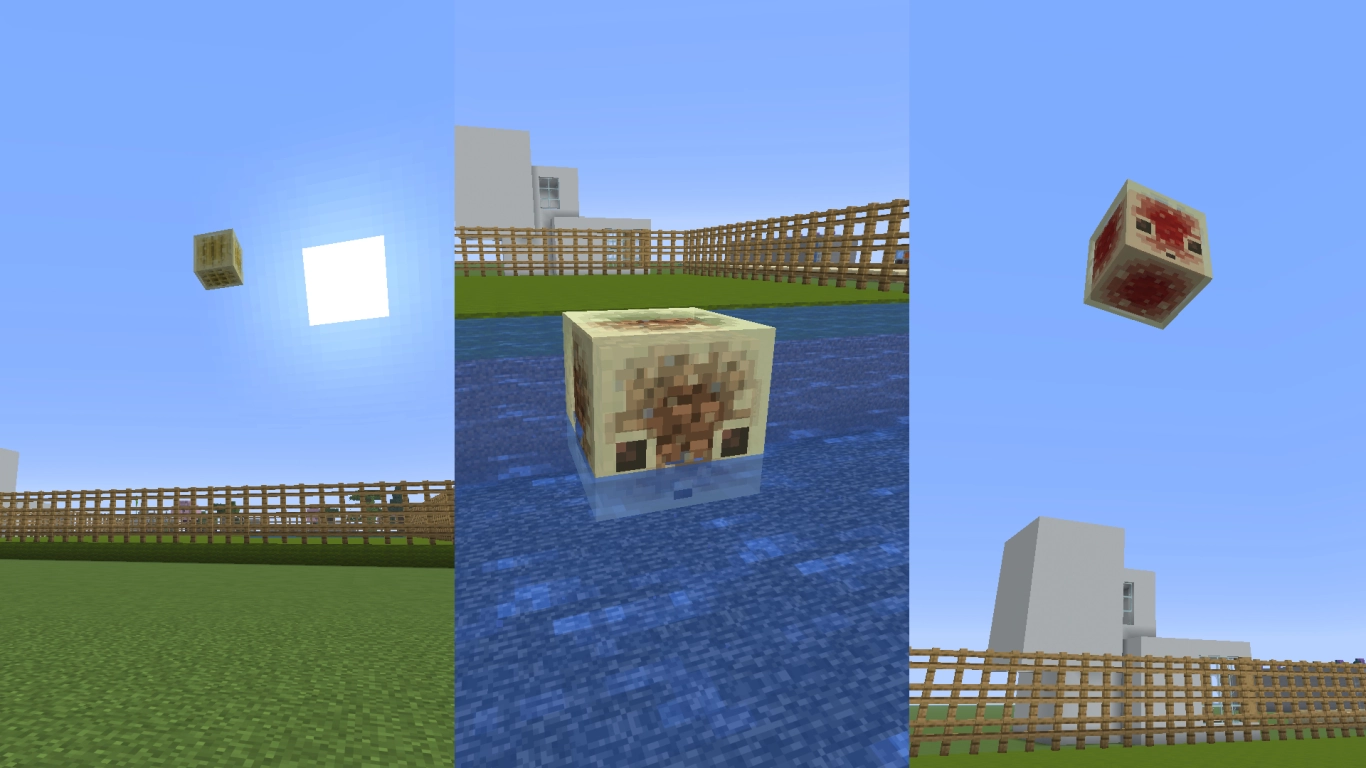
Sulfur Cubes can be set to 12 different states, called archetypes in-game. This depends on the blocks you give them. In general, they inherit the properties of the given block. Their weight, buoyancy, mobility, or jump strength will change when you interact with them. Think of them as square balls for different games or sports.
Simulation of real games and balls:
Natural blocks (e.g., dirt, grass, mud, coal block, clay, or concrete): This counts as normal behavior and is internally referred to as football. The cube is easy to kick and flies high when you hit it. It can also float on water.
Wood (any type, including bamboo): With a wood block, the cube becomes extremely light and can fly especially high. This is dubbed a rubber ball. It bounces and travels several blocks and is hard to control. It can also float on water.
Light natural blocks (e.g., pumpkins and melons, coral, kelp, resin, hay bales, moss, or sponge): This archetype simulates a golf ball. You can only hit it low, but it’s very fast and glides far over the ground. In water, it sinks.
Ice blocks and snow block: Ice is self-explanatory. With it, the Sulfur Cube becomes as slippery as a hockey puck and skims quickly across the ground. It can’t jump and it sinks in water.
Wool: With wool blocks, you can mimic an inflatable beach ball. Its density is reduced, it’s lighter, and it’s easy to pop up high. It doesn’t travel far though, as its lightness loses out to air resistance. Naturally, this variant can float.
Ores and metals: With heavy blocks like these, the cube turns into a medicine ball. Its density is higher and it’s heavier. It won’t jump or be knocked very high. It has high resistance and sinks in water.
Mushrooms: You can use mushroom blocks to turn the Sulfur Cube into a curling stone. It’s similar to a hockey puck, but less fast. It sinks in water as it’s too heavy.
Special properties of the cube with other blocks:
Stone blocks (pretty much all stone types): A stone-made cube can jump higher, but still has a lot of resistance and is therefore very sluggish and slow. It behaves somewhat like a football, just heavier. As a result, it sinks in water.
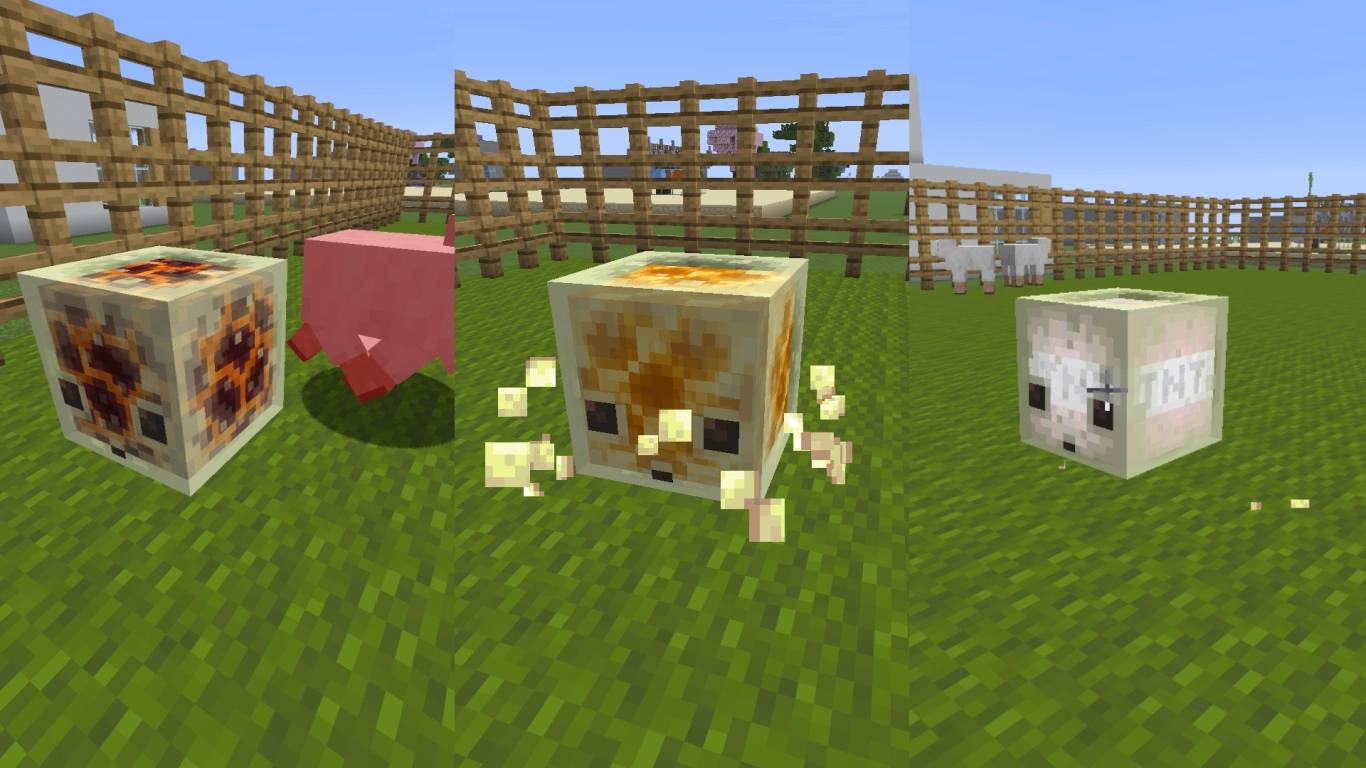
Honeycomb block: Honey is categorized as sticky in Minecraft, and the cube behaves the same with a honeycomb. It has high drag and barely moves. It’s heavy enough to sink in water.
Soul Sand and Soul Soil: If you want the cube even heavier, use soul blocks from the Nether. You can hardly move it at all, even with Knockback on your weapon. It also won’t jump, and its density makes it sink.
Magma Block: A Magma Block makes the Sulfur Cube very hot, and anyone who touches it will get burned. All entities take damage as soon as they touch it. Otherwise, it behaves somewhat like a golf ball.
TNT: Its interaction with TNT is particularly fun. You’ll first get an advancement when you give it a TNT block. It won’t ignite on its own—you’ll need flint and steel or fire. After that, you can knock it toward your target and make it explode. In terms of behavior, this TNT cube is quite bouncy. It even floats on water.
Conclusion: Minecraft Sulfur Cube ideas for unique gameplay
With the new Sulfur Cube, you can try out all kinds of cool things. It absorbs blocks and takes on their properties, simulating various sports that you can now recreate in Minecraft. From football to curling, there’s something for everyone—especially great in multiplayer. Try different blocks yourself and see how the cube behaves. It’s even more fun with friends, and you can design your very own games.


