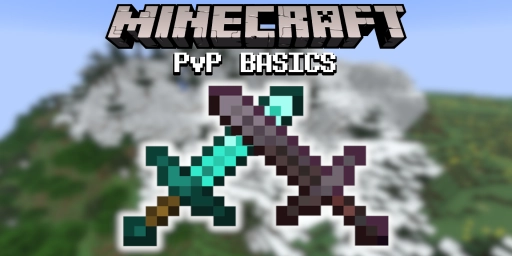
Minecraft may not have the deepest combat system, yet a PvP scene has grown since the early days in which players compete against each other in battle. The focus is mainly on the sword duel, one of the premier disciplines in the game. Whether on a private server or in an official tournament, this is where the best of the best fight for victory! To really play and understand PvP, though, you need to know a few basics. They relate directly to Minecraft itself, how fights work and which options you have.
1. Strafing: Always Keep Moving in PvP
One of the first important tips concerns your own movement pattern. Standing still is dangerous and turns you into an easy target for your opponent. You have to stay unpredictable, which is why you should basically always dance around your opponent. In video games this tactic is called “strafing”, where you mainly move left and right with A and D to dodge attacks while positioning yourself perfectly.
Your crosshair should almost always be on your opponent so you can attack at any moment. Never lose sight of the other player so you don’t give them a chance.
2. The Best Settings for Minecraft PvP: FOV and View
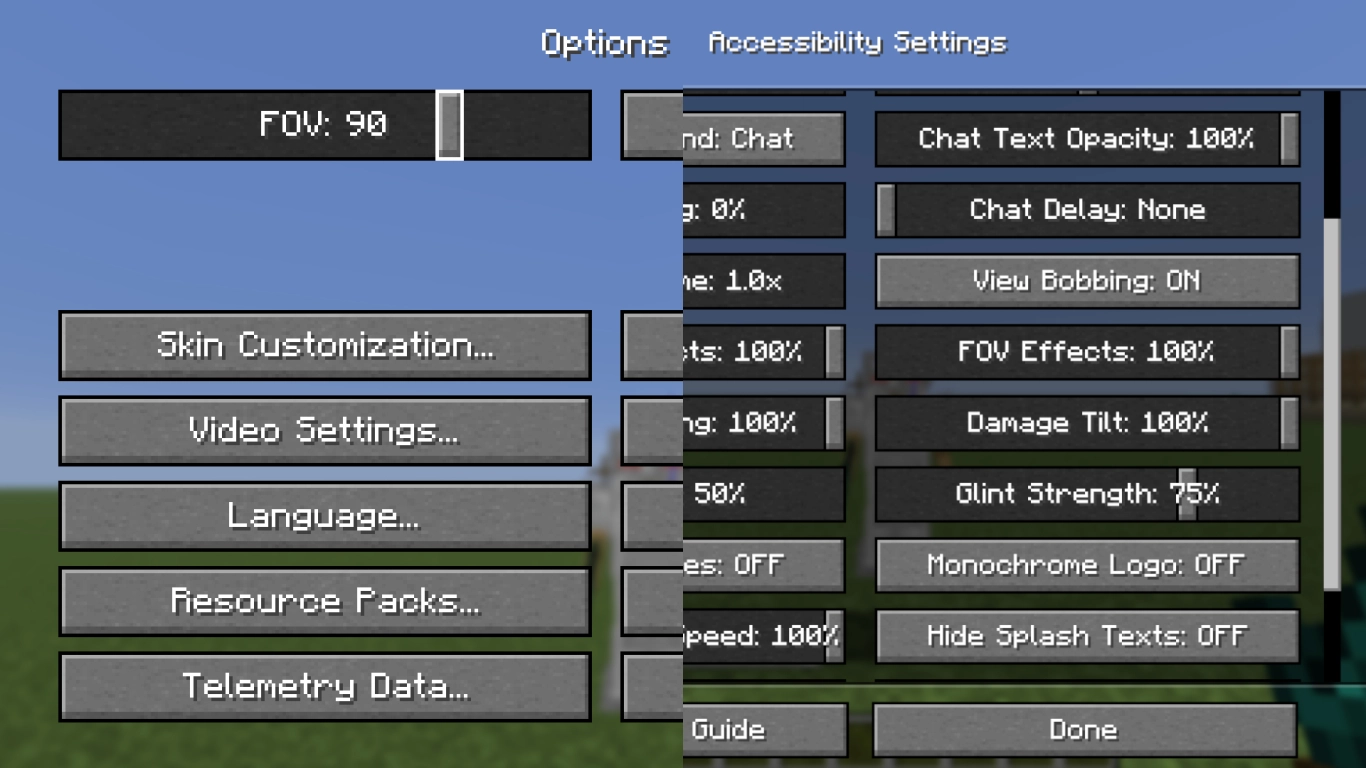
You should also take a look at your settings, because a few changes can make things much easier. First, set your field of view correctly so you can see enough without having too wide a view. In general, an FOV of 80 to 100 works well, but feel free to experiment. Make sure to avoid motion sickness, but a value that is too small isn’t good either. We show you how to get more FPS along the way in our post on graphics settings (Minecraft Graphics Settings: Boost FPS and Optimize Visuals) .
Most pros also have almost all view-related effects turned off. Go to Accessibility in the settings and turn off things like FOV Effects, View Bobbing and Damage Tilt. It’s not a must, but it can make fighting easier. And of course these settings are personal, every player has different preferences. You can test this out in PvP against your friends! Rent your own Minecraft server from us and try out our combat basics there.
3. Attack Reach in Minecraft: A 3 Block Radius
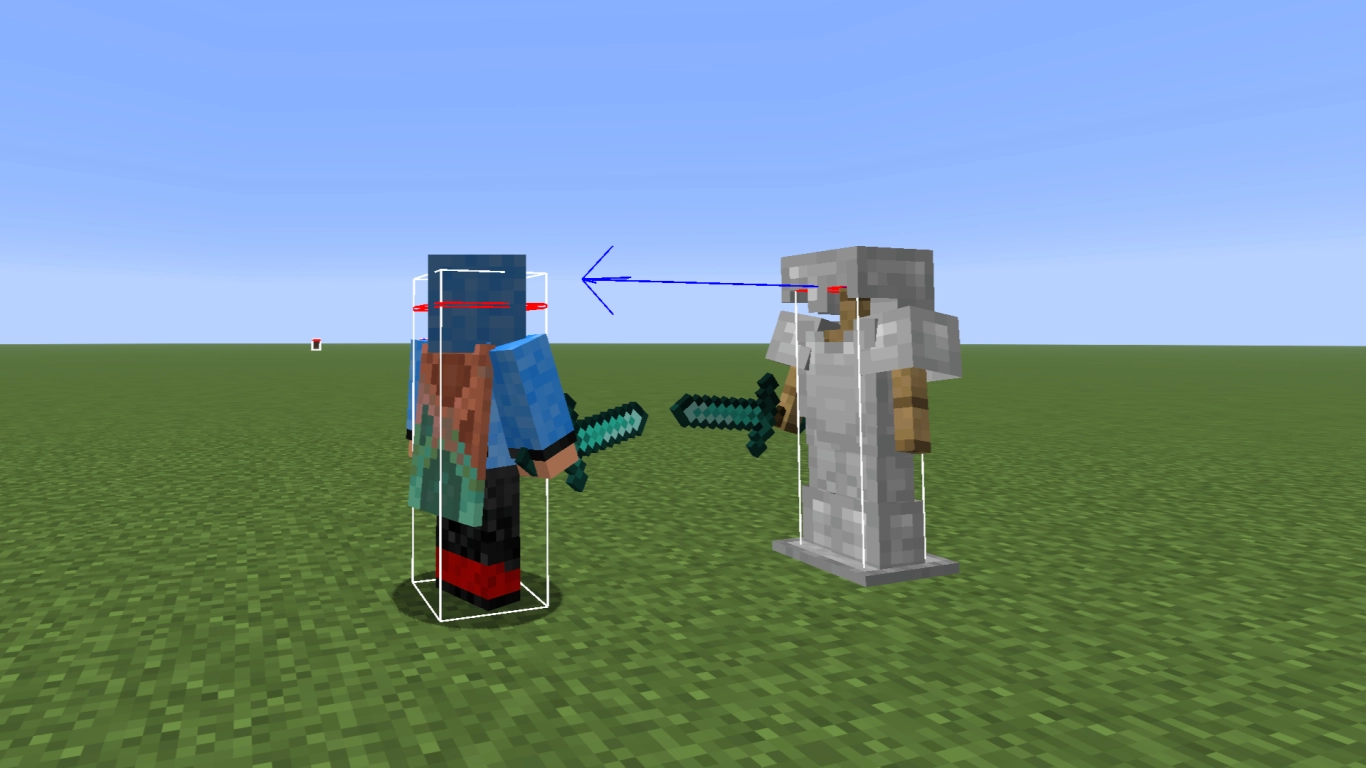
A very important parameter is your actual reach, which you should definitely remember! No matter which player or under which circumstances, you can only ever hit 3 blocks far. Know this radius both around your opponent and around yourself to land attacks or avoid them. It’s also essential that you always aim at eye level. This is where the distance to your opponent is shortest. So focus your crosshair on your opponent’s head.
4. Sprint Attack Instead of Sweep Attack: W-Tapping and Critical Hits
A Minecraft sword actually has more than one attack pattern. In Survival, most players will swing the sword and deal damage to several enemies at once. In PvP, especially 1v1, this doesn’t matter. Other attacks are used here! You can read which other weapons are suited for combat in our overview (Minecraft Weapons: An Overview of All Melee & Ranged Weapons!) .
Most of the time you’ll use a sprint attack, which deals damage directly and knocks your opponent back. You can also perform this attack repeatedly to defeat your opponent. An important tactic is to reset your sprint after every attack. Depending on the technique, this is called W-tapping or WS-tapping. In practice, you briefly release W after every attack or realign with S to set up the next sprint attack.
The second attack is the classic critical hit when you attack while falling. Jump and strike while falling to deal more damage to your opponent. You can’t combine the attacks, though, they are always performed separately.
5. Attack Cooldown: You Can Attack Faster Than You Think
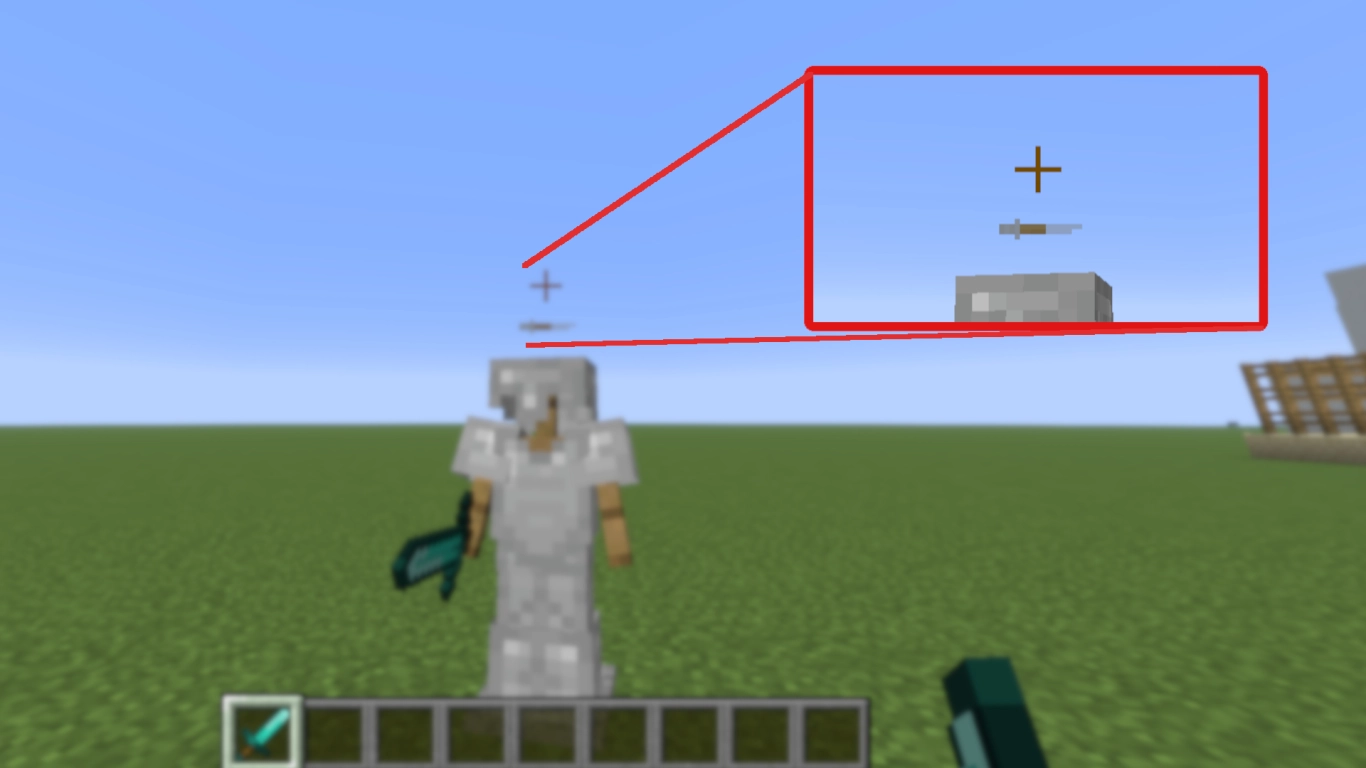
Since the combat update in version 1.9, you can no longer attack back to back in the Java Edition and have to wait for a cooldown. What’s interesting is that the bar doesn’t always have to be full to land a strong attack again. It only needs to be 84.8% full before you can hit properly again! Learning this timing is also important in PvP so you don’t waste a second.
6. Absorb Knockback: Counter Attacks With a Jump
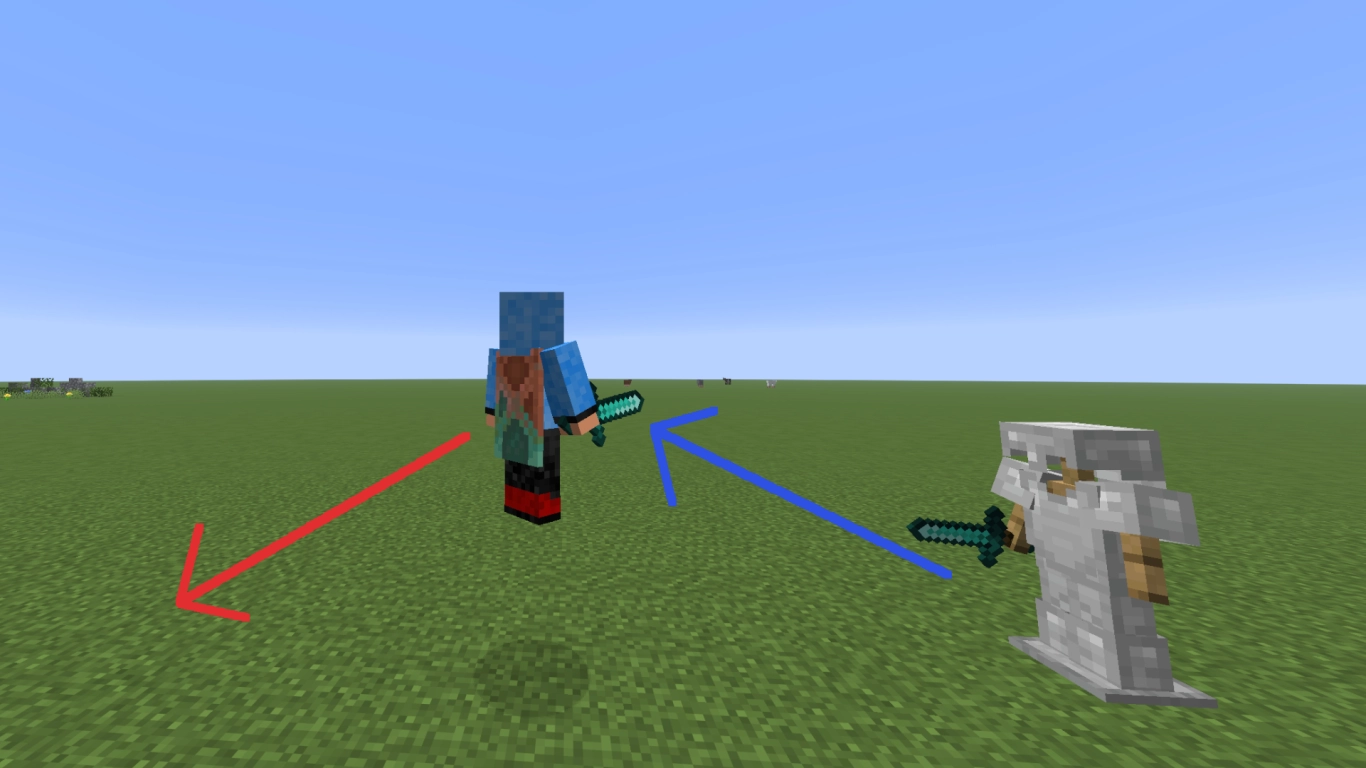
Knockback is an important mechanic in PvP, precisely because you mainly deal damage with a sprint attack. You should also know how knockback is applied. If you’re hit with knockback on the ground, you get launched into the air. You want to avoid that, because your opponent can then keep you in the air and “stun-lock” you.
If you’re already in the air when you get hit, however, you get no additional upward boost. This way you’re back on the ground sooner and can launch a counterattack. You also avoid getting stunned by your opponent again and again.
7. Sprinting in PvP: Carry Your Momentum Into the Attack
As the sword’s attack patterns show, sprinting is another important tool in your arsenal. It lets you not only deal knockback but also close the distance between you and your opponent. Although the 3 block reach always stays the same, a well-timed sprint lets you carry your momentum and attack faster than your opponent.
Just like in tip 2, you can also play with the settings here to set sprint to either toggle or hold. Both are valid, it mostly comes down to personal preference. And keep in mind that you should learn W-tapping so you keep sprinting and can perform knockback attacks again and again.
Conclusion: Hold Your Own Against Other Players With These PvP Strategies
PvP in Minecraft is a lot of fun and can teach you a lot about the game. Whether privately against friends or in real tournaments, the combat system is much more complex than you might think. What matters is your own momentum, your accuracy and your knowledge of various mechanics in the game. Use these to keep your opponent from landing hits while striking at the same time. You can get even more punch with the right enchantments (Minecraft Sword Enchantments: Best Enchantments & Guide) . Some of these tips are also handy in PvE when you’re just playing Minecraft normally! After all, you never know when you’ll end up stuck in a tight spot.