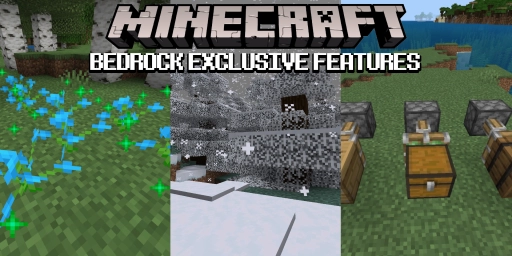
There are currently two versions of Minecraft you can play: the Java Edition, which goes back to the game’s earliest development stages, and the Bedrock Edition, a modern variant for both PC and all consoles. While Java is especially popular among PC players, a large share likely plays on Bedrock. And as similar as the two editions are, they’re quite different once you look closer! Bedrock, for example, has some cool features that Java lacks. That often comes down to technical reasons, but the differences are fascinating to explore. And while some features will make their way to Java, others will remain exclusive.
Minecraft Bedrock shaders: Vibrant Visuals and native graphics
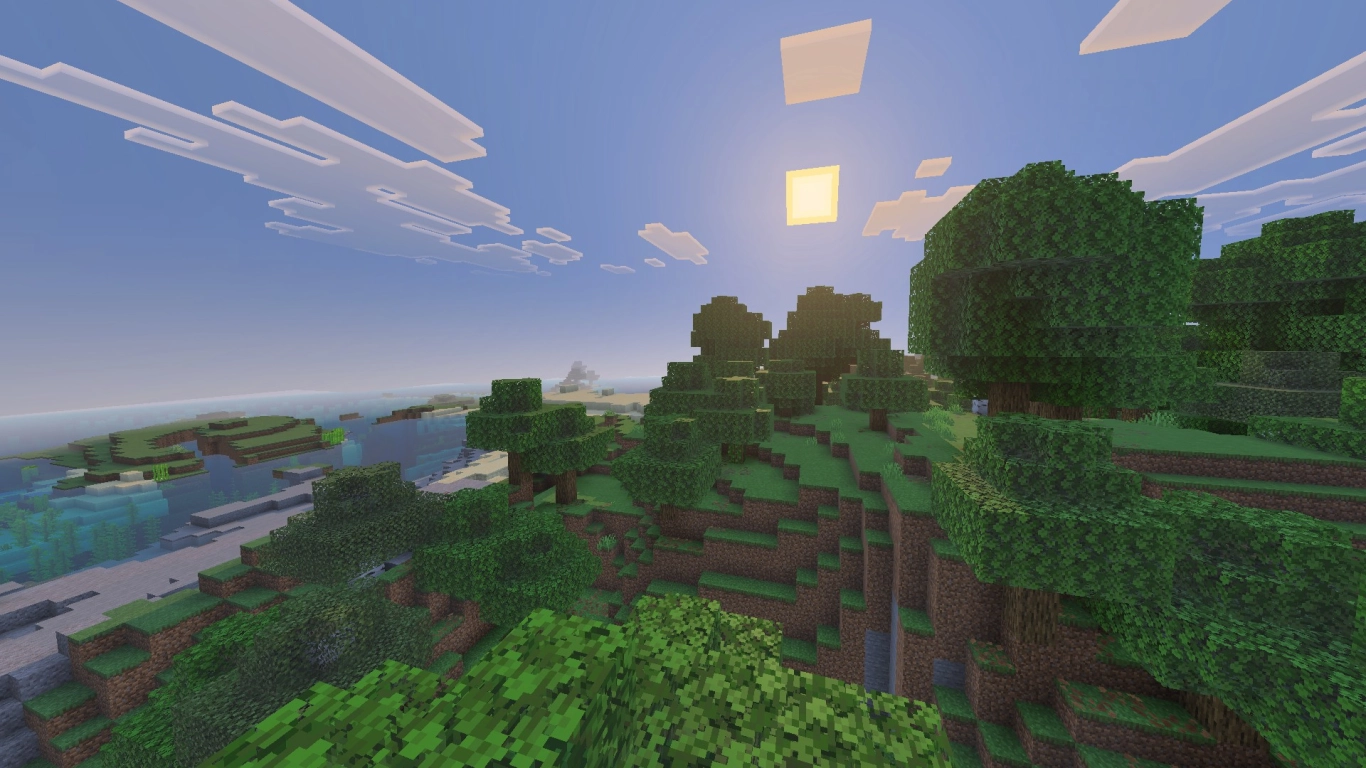
The biggest difference in Minecraft’s visuals are the native shaders integrated into Bedrock. “Vibrant Visuals” can be enabled in-game and work similarly to the modded shaders on the Java Edition. In fact, this is one of the features that at some point is supposed to come to Java as well. The shaders are especially handy for console players who can’t use mods. They give Minecraft a completely new look.
And whether Java or Bedrock, visually everyone can tune the game to their own preferences and their hardware. That naturally applies on a server, too. With us you can rent a Minecraft Java server as well as rent a Minecraft Bedrock server and play together with friends. However, the two versions are not compatible with each other. We recommend giving Vibrant Visuals a try.
Minecraft Bedrock bone meal: Multiply flowers and fertilize sugar cane
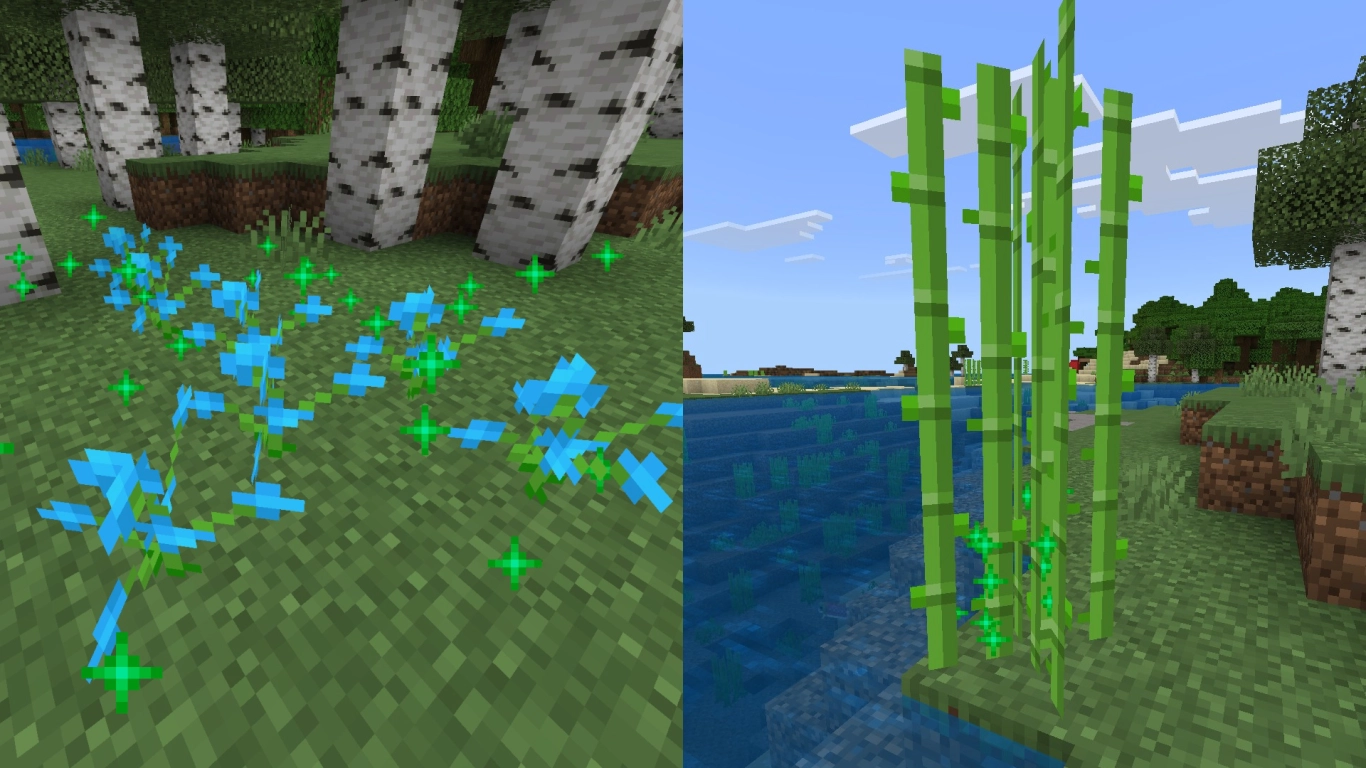
Let’s look at some direct mechanics in the game, starting with bone meal. It can do a lot more in Bedrock, which is especially useful in two situations. First, you can duplicate any flower, regardless of the biome. In Java, only random flowers are generated depending on the biome. In Bedrock, however, you can force a single specific flower to grow.
And sugar cane also benefits from bone meal. While other plants can be grown with it in Java, clicking on sugar cane does nothing. Not so in Bedrock, where you can use bone meal on sugar cane as well. However, it grows significantly more slowly if you let it grow naturally.
Minecraft Bedrock cauldrons: Dye armor and store potions
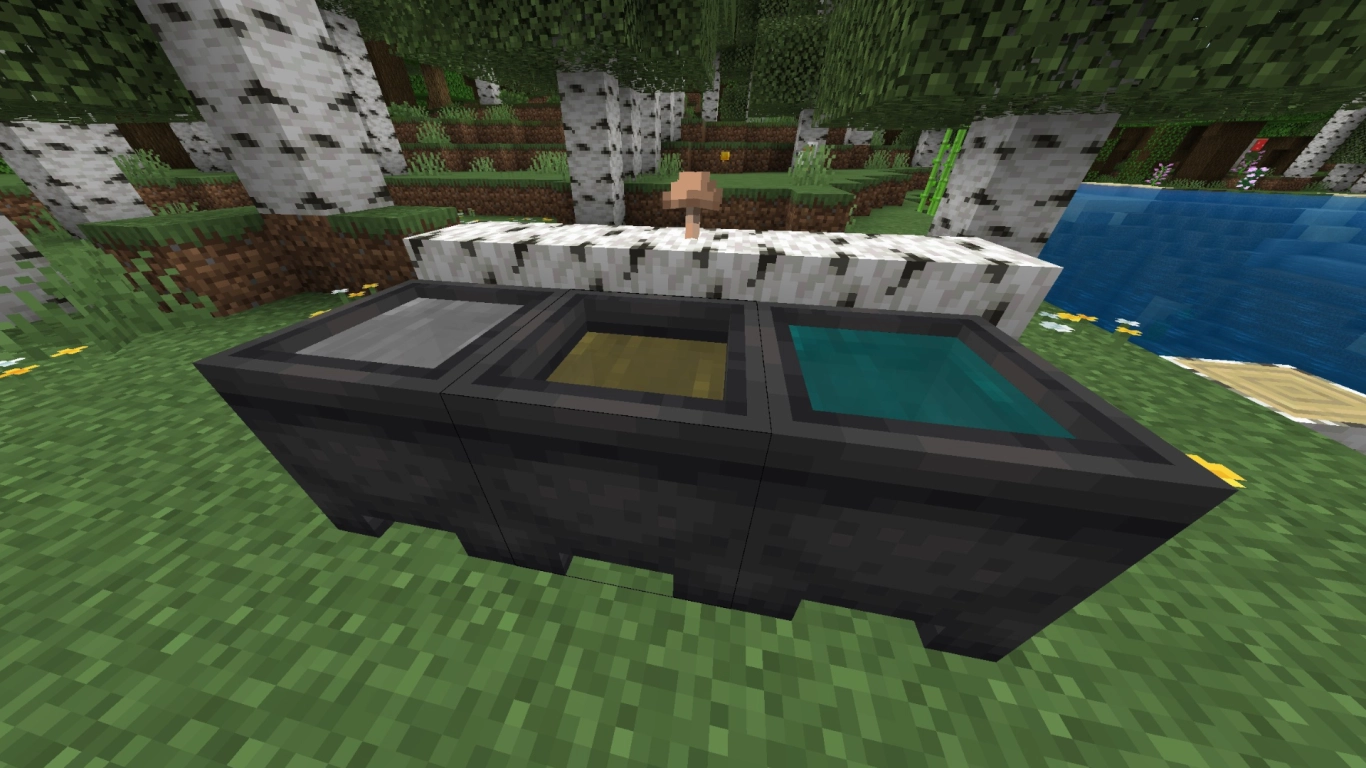
Cauldrons are a block that works completely differently. Yes, you can store water, snow, or lava in them, but Bedrock cauldrons can do much more. You can dye the water with dyes inside. And not just in the 16 base colors, but in all kinds of combinations. This lets you dye leather armor for yourself, your horse, or your wolf.
It gets even better when you fill the cauldron with potions. Yes, that actually works and is exclusive to Bedrock. You can pour up to three small glass bottles into the cauldron and store potions that way. You can also tip arrows with it—an often forgotten feature. In Java, all of this is handled via the crafting menu.
Minecraft Bedrock Wither: A much tougher boss fight
A quirky trait of Bedrock is the fight against the Wither. It’s not easy to begin with, but Bedrock turns it up a notch. Here, the Wither not only has twice as much health (on Hard), its attacks are far more varied and, above all, deadly. It can also break all blocks, unlike in Java. Plus, additional Wither Skeletons spawn to attack you. If you’re looking for a real challenge, fight the Bedrock Wither.
Minecraft Bedrock snow features: Snowlogging and snow layers
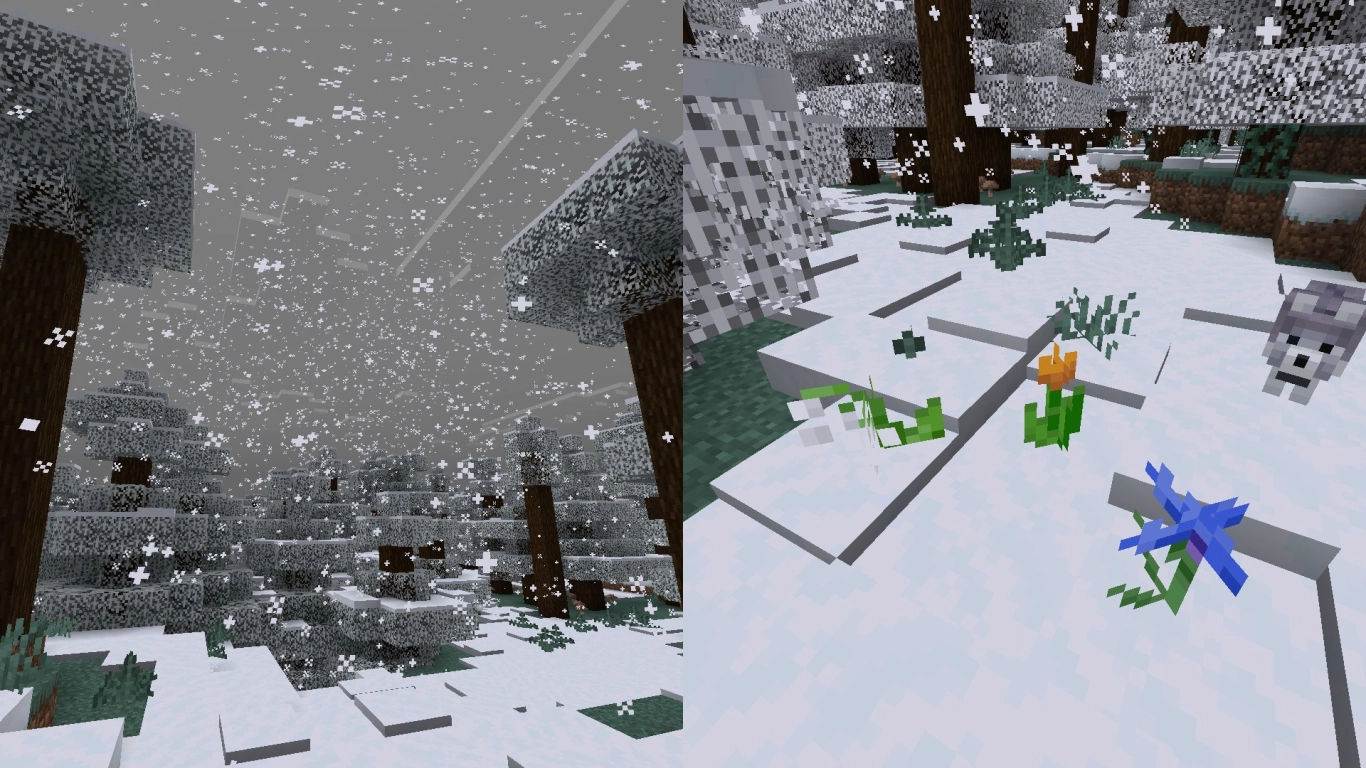
For winter lovers, Bedrock is absolutely the better version, as several exciting features come together here. For example, spruce leaves slowly turn white when it snows in the biome. Snow layers can also fall down if you break the block beneath them. In Java, they’re simply destroyed. Snow can also accumulate the longer it snows. That can be enabled on Java as an option.
The coolest feature, however, is “Snowlogging”, which allows certain plants to be wrapped in snow. This applies to most flowers, grasses, mushrooms, and ferns. It looks great and lets you have a continuous blanket of snow. It doesn’t matter how high the snow layer is.
Minecraft Bedrock combat system: Classic combat instead of 1.9
If you don’t like the controversial combat update in version 1.9, you can play Bedrock. It was never implemented here, and you can still chain your attacks quickly. The reason is that the new combat system isn’t as well suited to mobile devices. Accordingly, some things are missing, such as the sword sweep attack. In the end, it’s pure preference which system you like more.
Minecraft Bedrock building: Placing blocks on edges
There are also a few differences between the two versions when it comes to building and placing blocks. In Bedrock, for example, you don’t have to tiptoe on the edge at height to avoid falling. Here, you can place a block in front on a ledge without having to aim directly at the neighboring block. This was likely implemented to simplify controls on mobile and with controllers.
Minecraft Bedrock redstone: Move chests and blocks with pistons
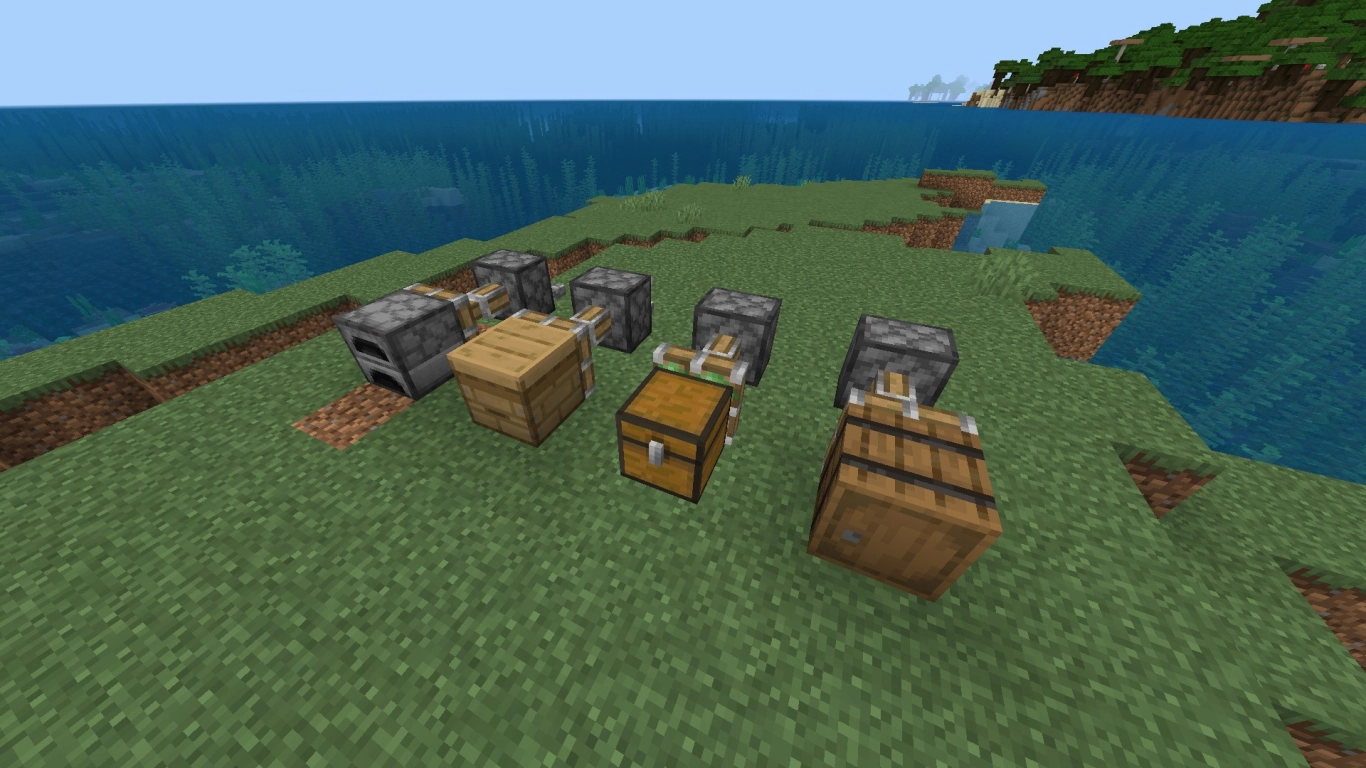
Finally, let’s look at redstone—one of the areas with the biggest differences. This includes which blocks pistons can move. On Java, they’re quite limited, but on Bedrock you can move far more items and entities from A to B.
Most practical are chests, which you can push and pull with a piston, contents and all. The same goes for interactive blocks like barrels, copper chests, furnaces, beehives, dispensers and droppers, hoppers, and brewing stands. It’s super cool and gives you more freedom when building with these blocks.
Conclusion: Minecraft Bedrock Edition features vs. Java
Even if Bedrock and Java look like the same game at first glance, different processes are running under the hood. Due to the different programming languages, there are quirks that are only found in one version. While some features are tied to technical aspects, there’s no real reason for others to be Bedrock-only. Mojang is working to make the versions as similar as possible. Some things probably just can’t be implemented.
Related articles
Installing and Using the Best Minecraft Shaders
Installing Minecraft Shaders: A Simple Guide for Beginners
Minecraft 1.21.6 Update: Discover the New Features and Possibilities