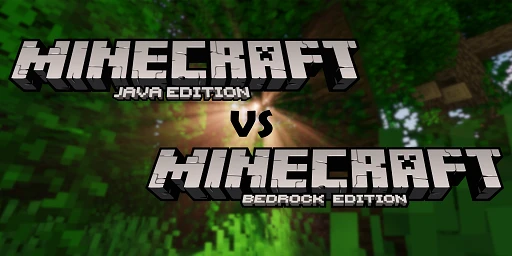
Even though people often talk about Minecraft as a single game, there are actually two different editions behind the name. On one side is the older Java Edition, still beloved by many and essentially the “classic” Minecraft. On the other side is the Bedrock Edition, built for the broader audience. You might assume both versions work the same, but there are surprisingly many differences! That can quickly confuse new players or parents just getting into Minecraft. So today we’ll take a closer look at both editions and show you which one is the best fit for you.
Are Minecraft Java and Bedrock the same game?
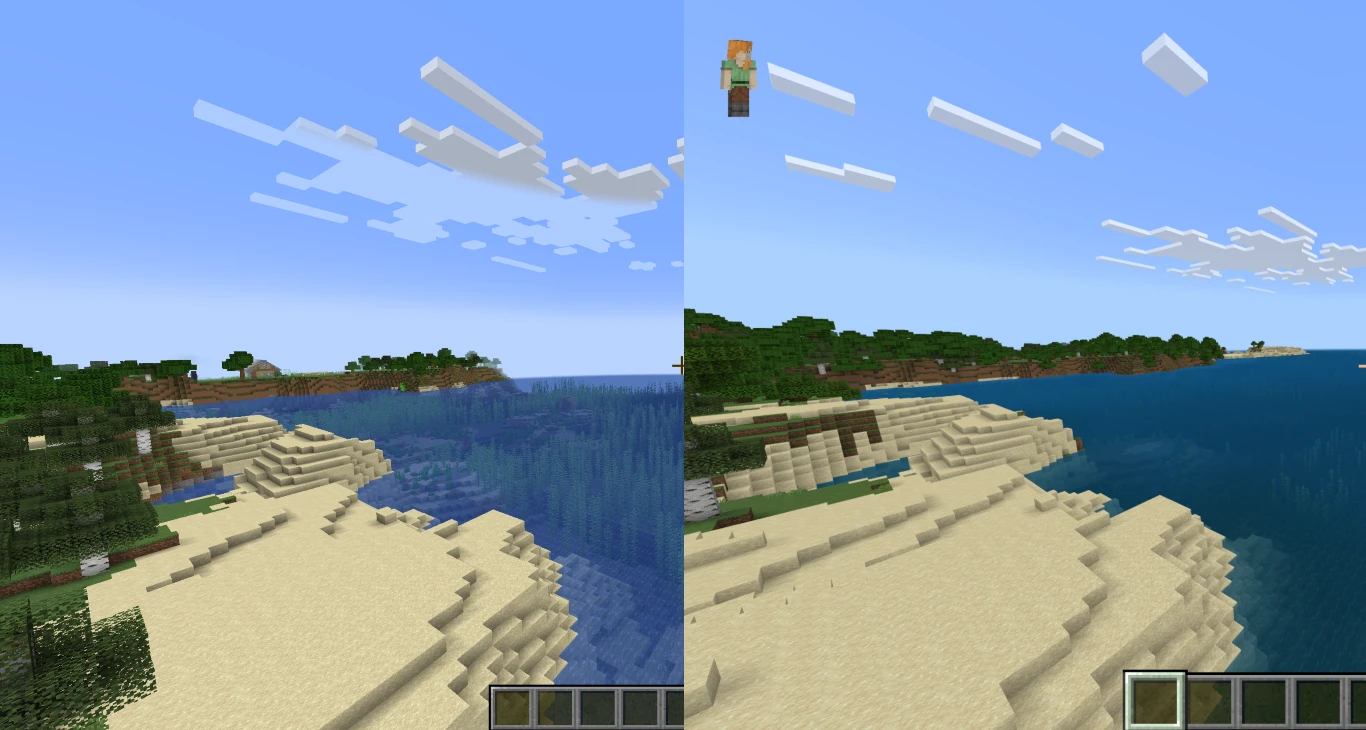
To start, they’re still more or less the same game. The differences can be noticeable, but they don’t change the core gameplay all that much. Mojang has also smoothed out many of these gaps in recent major updates, so both editions are steadily aligning. Plus, you can now buy both editions together in a bundle for just €29.99, so you don’t have to choose.
For example, world generation has been brought into line, so seeds now work across editions. There are still small differences, but you can use the same seed in both Java and Bedrock. And not long ago, Hardcore mode was added to Bedrock as well—another great step!
Fundamental differences between Minecraft Java and Bedrock
The reason these two editions exist is rooted in Minecraft’s development history. The game began as a one-person project by “Notch,” written in the Java programming language—and that stayed true for many years.
However, Java isn’t as easy to bring to other platforms. Early on, Minecraft was meant to appear on consoles and smartphones, but Java wasn’t ideal for that. A second edition was created using C++. While the goal was to keep both versions as similar as possible, their underlying systems mean there will likely always be differences.
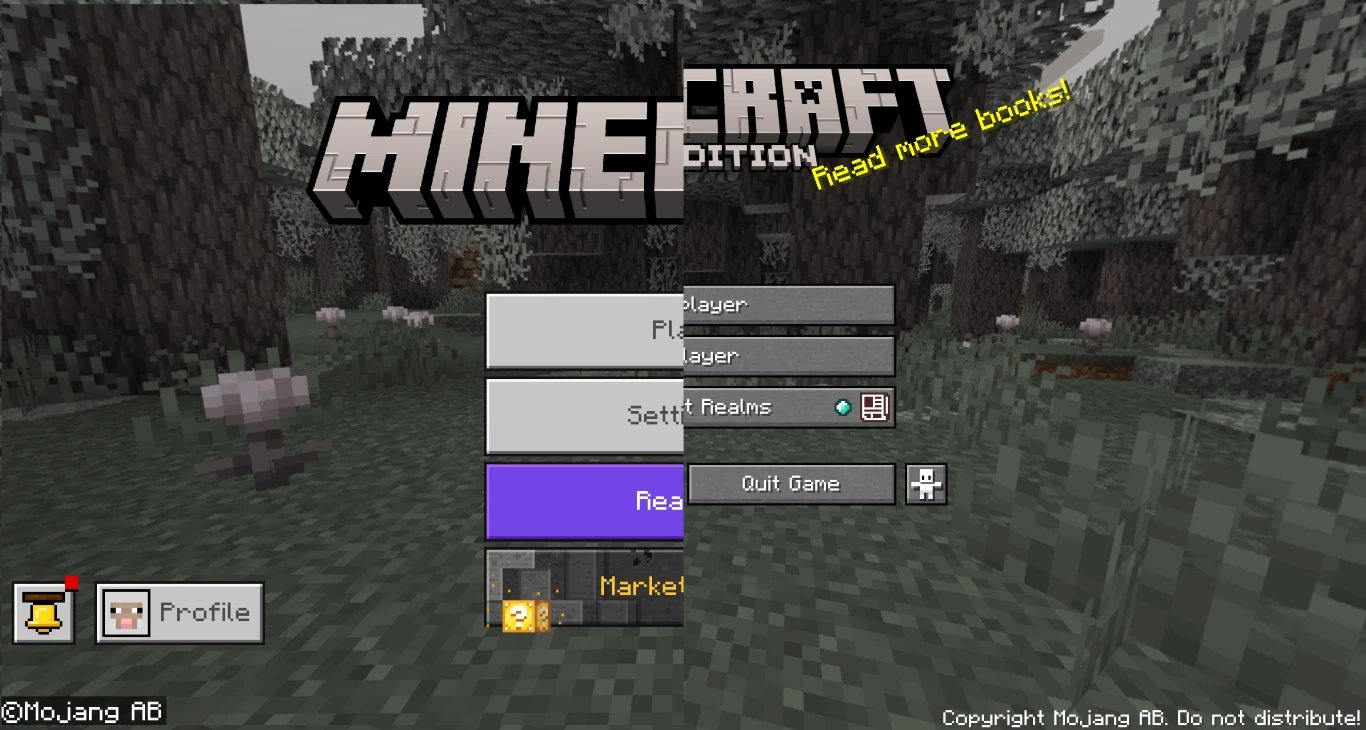
You’ll notice this as soon as you launch the game: the main menu looks completely different, and animations and various interface behaviors differ quite a bit. Bedrock is tailored especially for console players, while Java is focused on PC use.
Minecraft Java vs. Bedrock: Who plays which version?
This leads perfectly into the next point. Because Java only runs on PC, Mac, and Linux, it naturally attracts a different audience. Java players are often long-time fans who have known Minecraft for years. They’re also the ones who love modding and pushing Minecraft to its full potential. More on that in a bit!
The Bedrock Edition is available on all other platforms—and on PC, too. That gives it a much wider reach, and it’s geared more toward casual and console players. It’s less flexible, but easier to pick up and understand.
Performance and stability: Which Minecraft version runs better?
One more structural point before diving into specific features: performance varies because the editions use different programming languages. In practice, Bedrock generally runs smoother, supports higher render distances, and is more stable overall. Java’s architecture can be heavier on older or lower-end PCs.
The biggest differences between Minecraft Java and Bedrock
Now let’s look at some of the most important areas where Java and Bedrock differ. We can’t cover everything—there are hundreds of small and large differences between the editions. If you want to dive into all the details, the Minecraft Wiki is your best resource.
Combat differences between Java and Bedrock
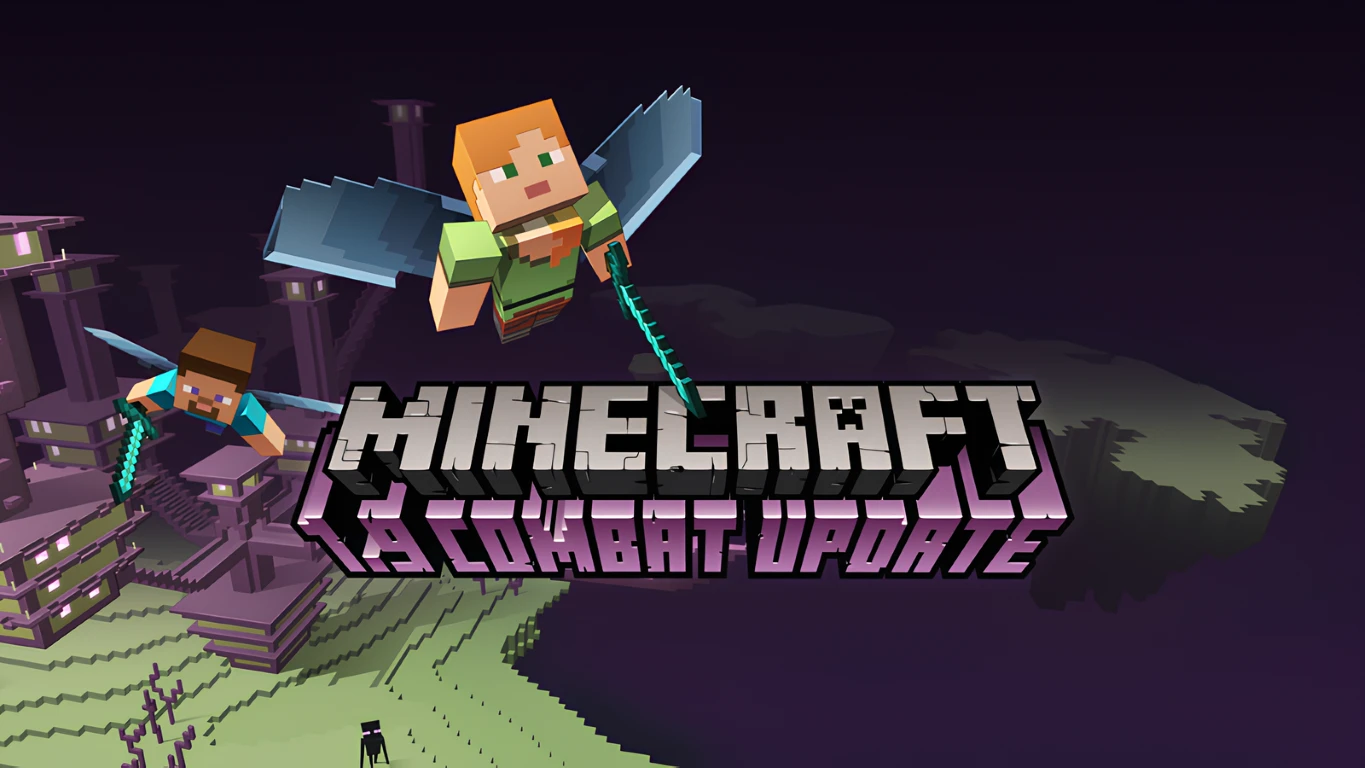
One change you’ll notice quickly is combat. Java’s combat was overhauled in the controversial 1.9 update; those changes aren’t present in Bedrock. In Bedrock you can keep swinging your sword without a cooldown. In Java, the Sweeping Edge enchantment lets you hit multiple enemies at once.
More differences between Minecraft Java and Bedrock:
- The Wither fight is notably harder in Bedrock.
- It’s easier to obtain a trident from Drowned in Bedrock.
- Armor stands are more versatile in Bedrock.
- In Java you can hold any item in your off-hand — in Bedrock only a few.
Gameplay differences in Minecraft Java and Bedrock
Outside of combat, there are several other differences you’ll notice—especially if you play both editions regularly.
Among them:
- The F3 debug screen is only available in Java, but Bedrock can display coordinates.
- Bedrock doesn’t fully pause the world (work on improvements is ongoing).
- Redstone works very differently! That’s why farm designs often come in separate Java and Bedrock versions. In our articles, for example, we focus on Java.
- In Bedrock, cauldrons can be used to dye leather armor.
- Java has 128 strongholds evenly spaced — Bedrock strongholds are random and unlimited.
Minecraft multiplayer: Differences between Java and Bedrock
There are important multiplayer considerations, too. That also applies to our services, since we provide Minecraft Java and Bedrock server hosting. The right edition for you depends on whether your group plays on PC, wants to use mods, or needs cross-play with consoles, smartphones, and tablets.
Minecraft modding: Why Java is the better choice for mods
Modding is arguably the biggest difference—and it’s an essential part of Minecraft. Java clearly leads here and should be your go-to if you play on PC and want to tailor the game to your preferences.
The Bedrock Marketplace isn’t comparable, even if Microsoft likes to present it that way. Marketplace content is curated and limited. It also always costs money, whereas mods, skins, and packs on Java are almost always free and community-made.
Conclusion: Minecraft Java or Bedrock — which version is right for you?
For new players, choosing between Java and Bedrock can be confusing, especially since you now get both editions together when you buy the game on PC. In general, though, Java still feels more flexible—especially for multiplayer and mods. You have far more freedom to shape your experience with friends. On your own server, you can try different setups, install mods, and bring completely new ideas to life in Minecraft.