
Minecraft offers a wide range of settings to tailor the game perfectly to your own preferences. These aspects are also called game rules, and you should definitely know them. They can toggle various features of the game on and off, depending on what you want. You can change them either in the initial world settings (Create a new Minecraft world: best settings and world types) or later with commands, if you have them enabled. For a server, game rules are also important to control gameplay and give every player a good experience. Today we’ll look at the ten most important game rules in Minecraft that you should know.
1. Minecraft gamerule: Stop fire spread
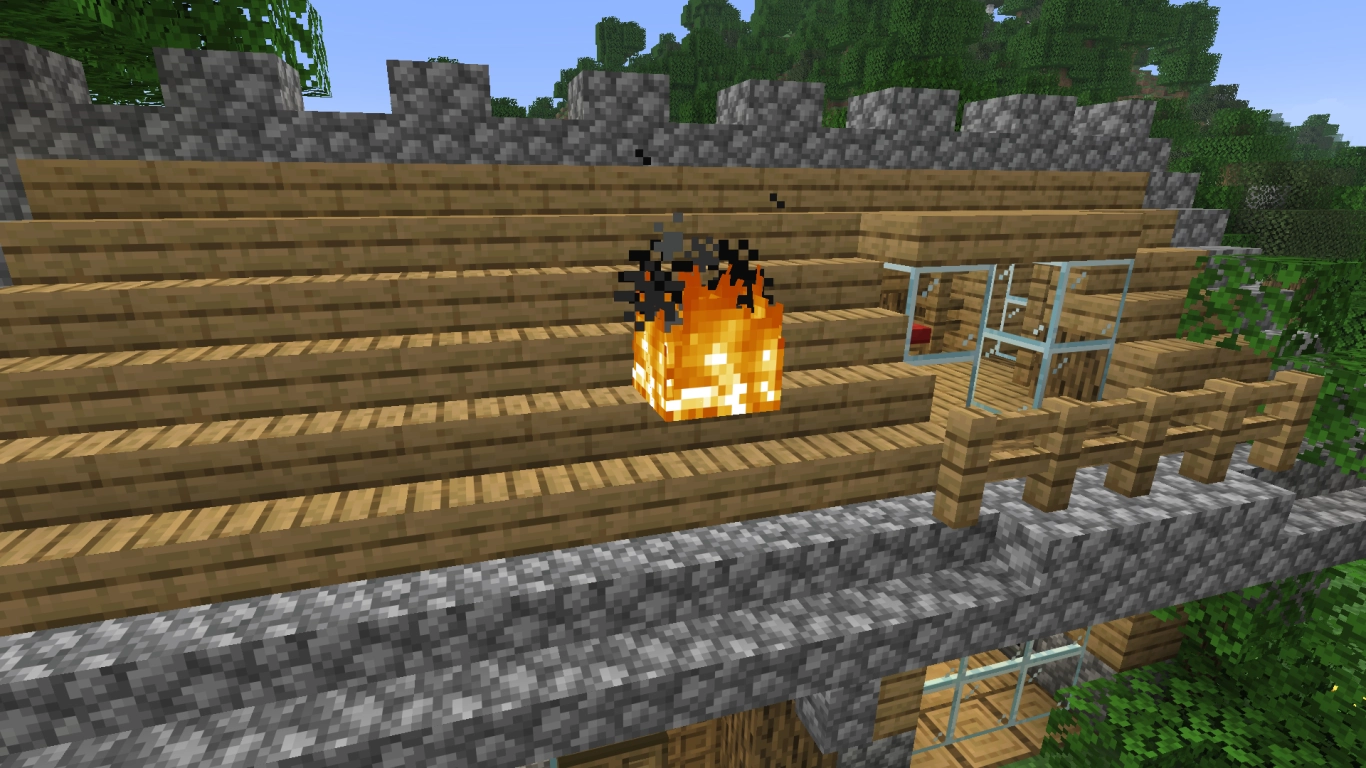
- Command: /gamerule fire_spread_radius_around_player
This rule can be extremely important so that your buildings don’t accidentally catch fire. Older players know this as “doFireTick”, but it was renamed in version 1.21. Now you can not only turn fire on and off, but also set how far fire can spread. At 0 nothing happens, and you can go up to a maximum of 128 blocks. At -1 it spreads infinitely.
As mentioned in the introduction, you can control game rules both when creating the world and later with commands. Open the chat with T and type /gamerule. You’ll usually get some suggestions, which you can select with Tab. At the end you add the value, sometimes true or false, but as in this example it can also be a number. In multiplayer it’s important that the admin has control over these things. Rent a Minecraft server now with DDoS protection and instant start and get familiar with the game rules.
2. Minecraft keep_inventory: Keep inventory after death
- Command: /gamerule keep_inventory
This rule is for players who don’t necessarily want the consequences of death or prefer a more casual experience. Turn it on and your inventory will remain after your death. That gives you a much more pleasant experience if you’re not keen on losing your gear. In the end, you can always decide for yourself how you want to play.
3. Minecraft mob_griefing: Toggle mob griefing

- Command: /gamerule mob_griefing
Some players don’t know what mob griefing actually is. Broadly speaking, it covers all mob interactions that change your world. That includes creeper explosions, endermen picking up blocks, piglins picking up gold, or sheep eating grass. On the one hand it’s a useful rule for monsters, but some other features also get restricted. Many players therefore hope these rules will eventually be configurable separately.
4. Minecraft limited_crafting: Limit crafting to discovered recipes
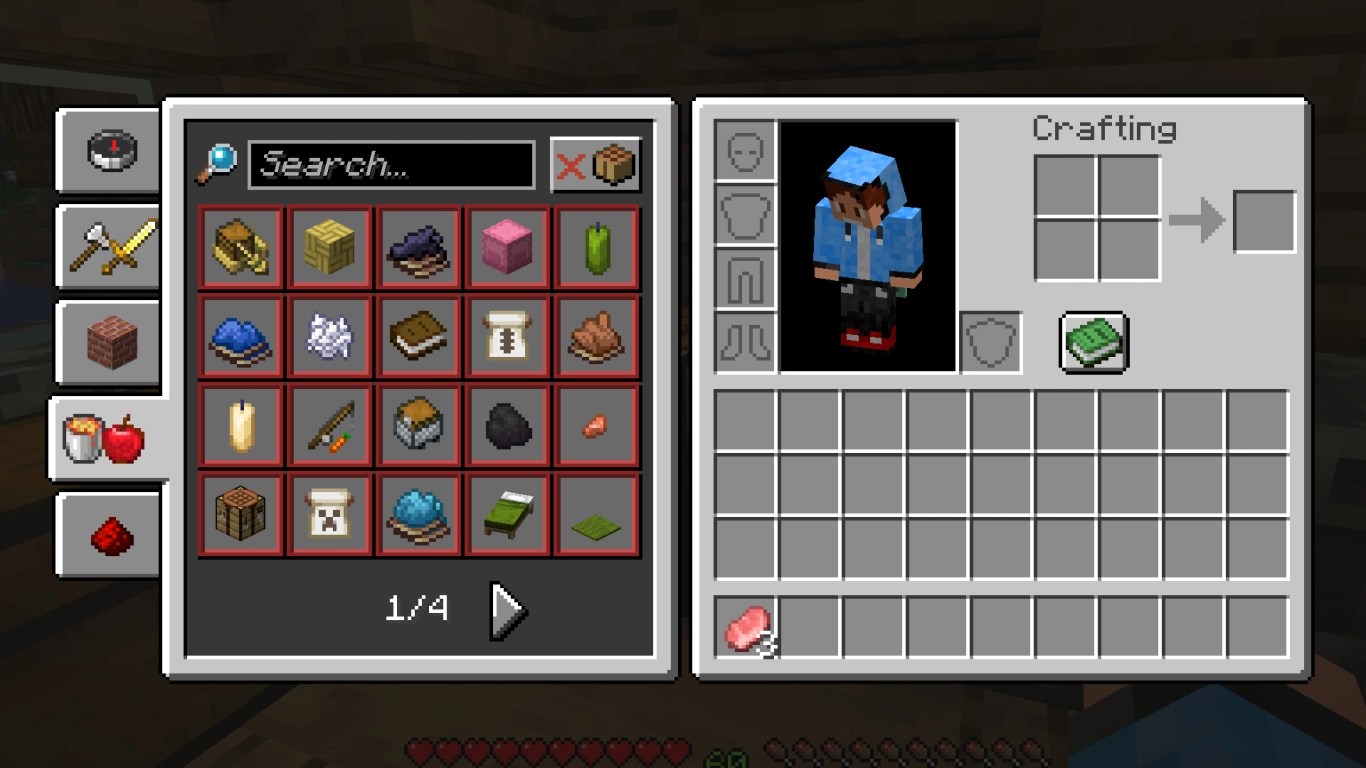
- Command: /gamerule limited_crafting
If you set this rule to true, you can only craft items whose recipes you’ve already collected in your green recipe book. Generally, you unlock recipes when you gather the materials. But not always. For example, you only unlock boats once you’ve been in water. And chests only after ten slots in your inventory are occupied. This rule can be a fun challenge if you’re in the mood.
5. Minecraft raids: Disable village raids
- Command: /gamerule raids
Raids are attacks on a village by pillagers. They can only be triggered if you have the Bad Omen effect from a potion and then enter a village. In theory, you don’t have to be afraid of them. If you still don’t want raids, disable them directly in the rules.
6. Minecraft spawn_phantoms: Disable phantoms without forcing sleep

- Command: /gamerule spawn_phantoms
Phantoms are interesting monsters that only appear if you’ve stayed awake for more than three nights. They attack you from the sky and can suddenly surprise you if you’re not careful. For some players, however, this feature is annoying, so they disable it. Sleeping is not strictly necessary, and not everyone likes the penalty.
7. Minecraft spawn_wandering_traders: Disable wandering trader
- Command: /gamerule spawn_wandering_traders
On a related note, you can also disable the wandering trader if he surprises you with his two llamas after a few hours of play. Some players simply don’t need him and he just gets in the way. Hence the option not to let him spawn. But he can also bring useful items, as we discussed in another article (Minecraft Wandering Trader: Best trades, spawn & AFK farm) .
8. Minecraft advance_time and advance_weather: Fix time and weather
Command: /gamerule advance_time
Command: /gamerule advance_weather
These two rules can be especially helpful in Creative mode, letting you always build in daytime and sunshine, or alternatively set your preferred time of day and weather. First stop both cycles with the commands above. Then you can set the time and weather manually with their own commands. They’ll stay as last set.
9. Minecraft spawn_monsters: Disable only monsters

- Command: /gamerule spawn_monsters
You’ve long been able to disable general mob spawning, but in version 1.21.9 a separate option just for monsters was added. This lets you disable monsters even if you’re not on Peaceful. That means things like hunger still apply, a often-requested feature for Peaceful players. It’s a simple way to turn off monsters without changing the game mode.
10. Minecraft players_sleeping_percentage: Skip night faster on servers
- Command: /gamerule players_sleeping_percentage
Finally, here’s an important command for server admins. Skipping the night can be quite annoying in multiplayer. With this rule you can set what percentage of players must be in bed to skip the night. At 0, for example, only one player needs to be in bed for it to become day again. So set the value to suit your server.
Conclusion on Minecraft game rules: Tailor your world perfectly
Game rules in Minecraft can be very complex, but they let you tailor the game perfectly to your own preferences and circumstances. On the one hand, many of these rules help make the game easier and allow for a relaxing session. Others can also make it harder. That’s exactly what’s great about these rules. You can set them however you like. In the end, there’s no right or wrong, especially not in Minecraft. And for server admins, these tools are all the more important to give every player a good experience.