TLotR: Return to Moria server hosting
Crossplay: PC (Steam, Epic), PS5 and Xbox on one server

4 Slots
✔️Difficulty & sandbox
✔️Build & storage permissions
Server location:
8 Slots
✔️Difficulty & sandbox
✔️Build & storage permissions
Server location:
Create your own setup and customize every option.





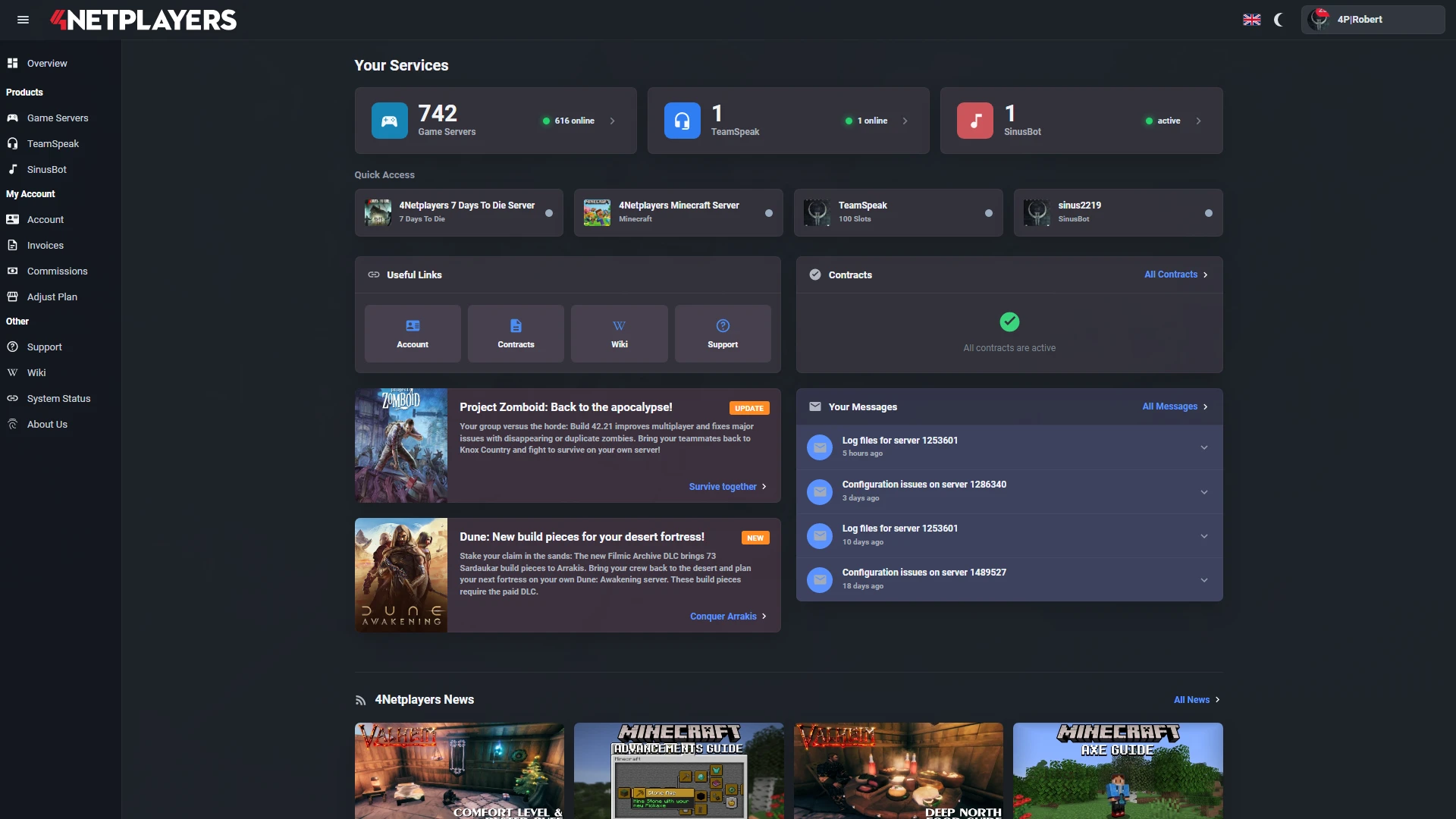
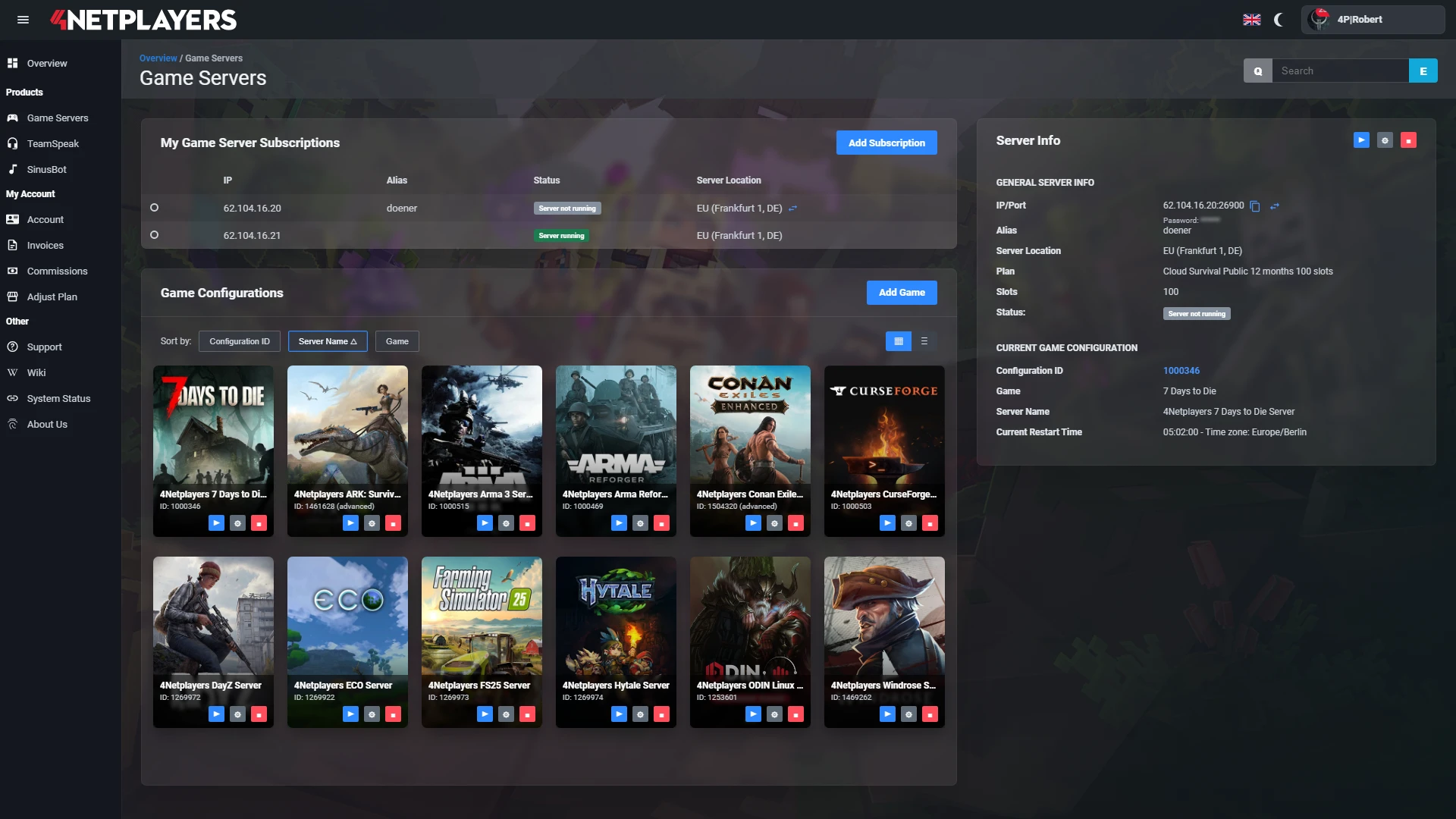
Manage your TLotR: Return to Moria server easily through our web interface. Start, stop, configure your server, or manage backups - all in just a few clicks, with no prior experience required.
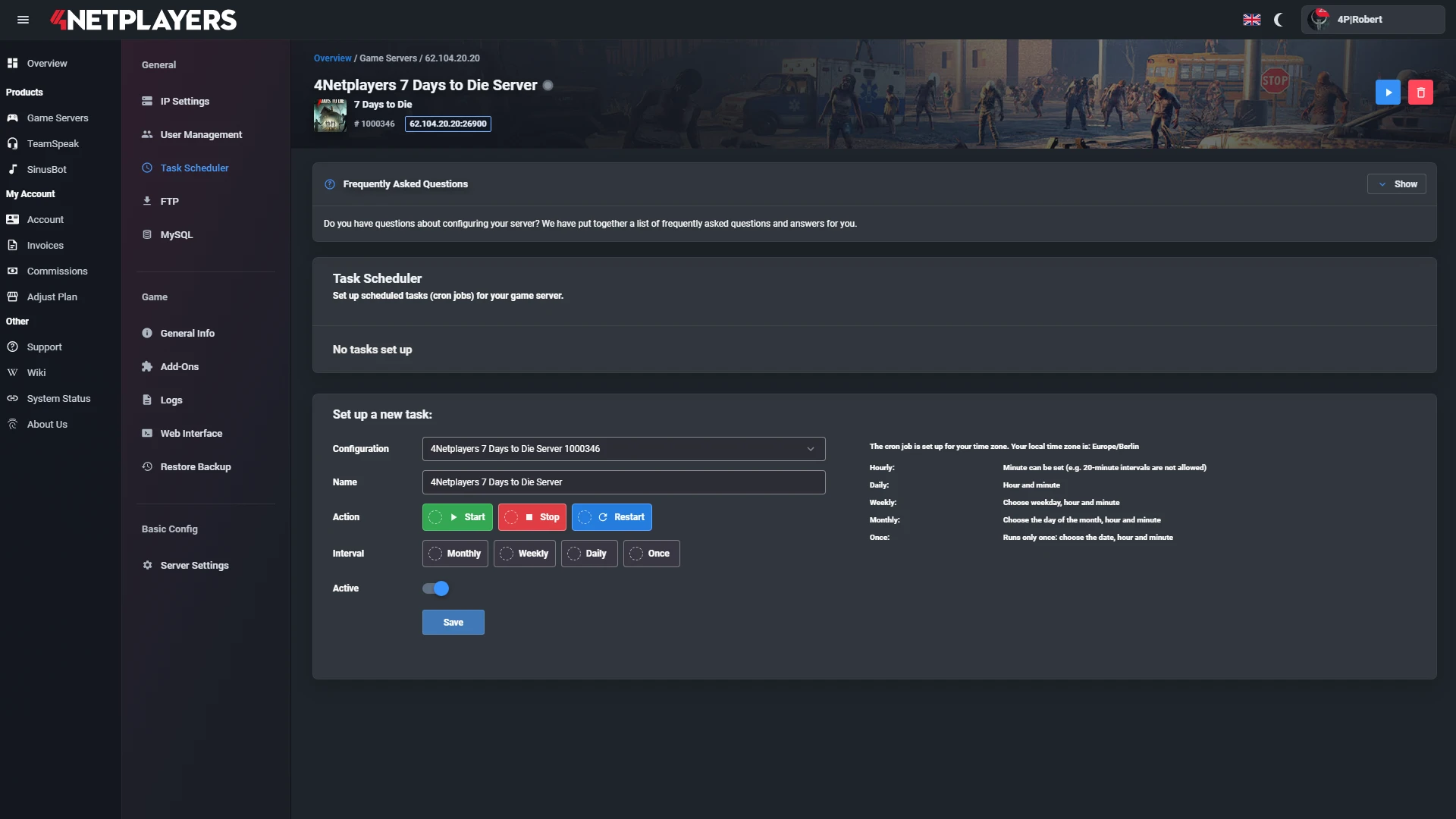
In 14 locations worldwide we offer unmatched connectivity with the lowest pings. Additional locations are continually being added and guarantee breathtaking gameplay in every game at the lowest latency.
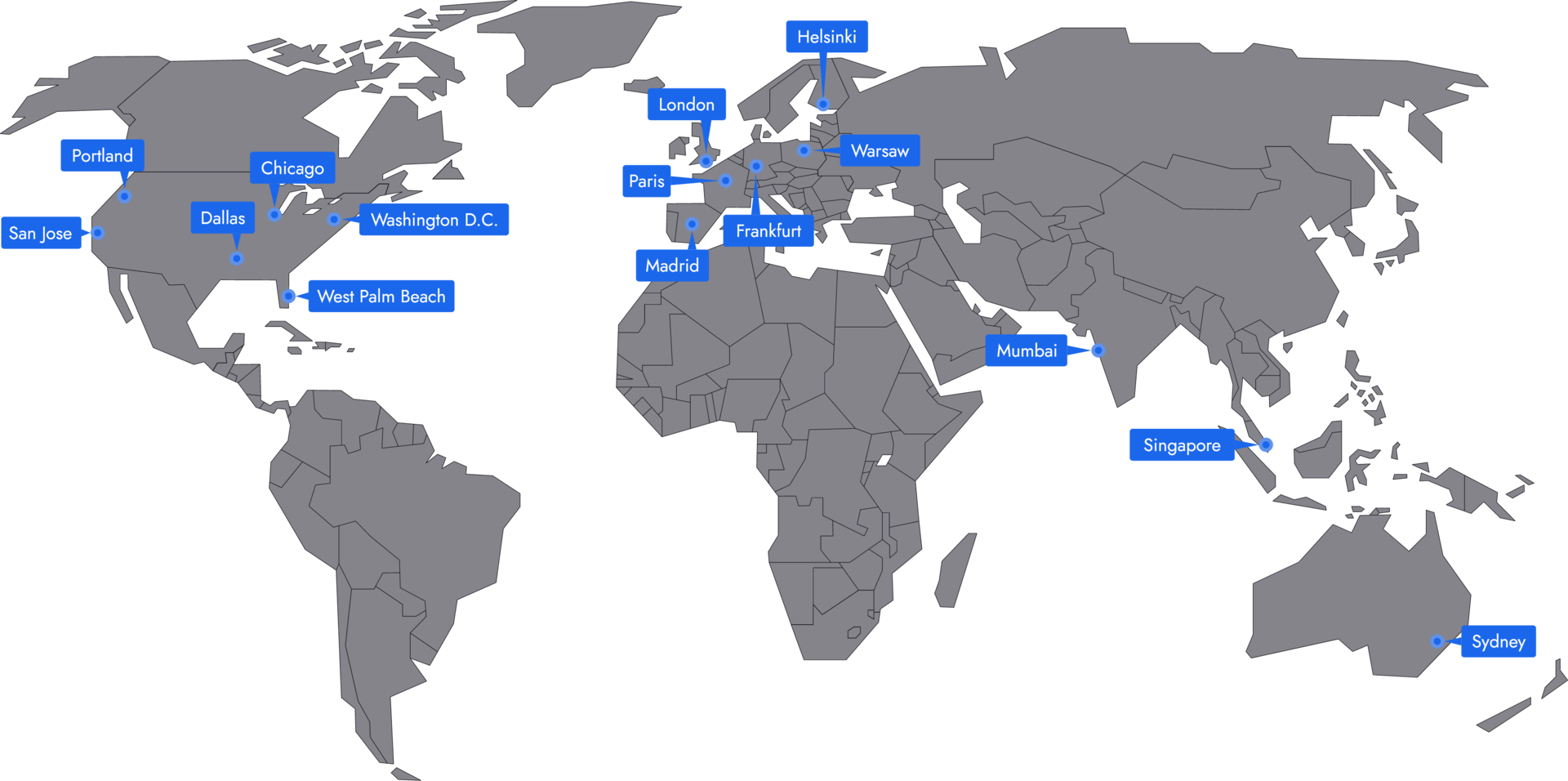
Your TLotR: Return to Moria server is usually ready to use within a few minutes.
A rented TLotR: Return to Moria server gives you full control and a stable gaming environment.
You can rent your TLotR: Return to Moria server flexibly from as little as one month.
The TLotR: Return to Moria servers run on professional hosting infrastructure.
Yes, you can try your TLotR: Return to Moria server risk-free.
Yes, your TLotR: Return to Moria server is fully configurable.
Yes, you’ll receive support for technical questions and issues.
Yes, you can switch to another game at any time.
With Return to Moria server hosting at 4Netplayers, you get a dedicated server for The Lord of the Rings: Return to Moria that is online in minutes and keeps your world running 24/7, even when your own PC is off. You choose 4 or 8 slots and set difficulty, permissions, and server rules yourself. The Durin’s Folk expansion is supported on your server.
DDoS protection, automatic updates, and backups are included, so your company can keep mining, building, and fighting deeper into Moria.
A Return to Moria dedicated server supports up to 8 players at the same time. More dwarves can belong to your world, but no more than eight can be connected simultaneously. At 4Netplayers, you pick 4 or 8 slots. With crossplay, players on PC (Steam or Epic), PS5 and Xbox Series X|S can join the same server.
The main settings of your Return to Moria server are in the MoriaServerConfig.ini: server password, world name, seed, and whether a new world starts in Campaign or Sandbox mode. You also set the difficulty there.
Difficulty can also be changed later with console commands, without restarting the server.
In the MoriaServerPermissions.txt, you decide what each player may do on your Return to Moria server: build and deconstruct, only quick-build platforms and ladders, or use shared storage. You can also block players there.
In the MoriaServerRules.txt, you write a welcome message with your server rules (up to 1,024 characters) that every player sees when joining.
A rented Return to Moria server runs around the clock without your own PC; self-hosting requires a Windows PC that stays on and port forwarding on your router (UDP port 7777 by default). Running the server on the same PC you play on can also cost noticeable CPU and memory.
At 4Netplayers, the server is installed automatically, kept up to date, and protected against DDoS attacks, so your company can join at any time.
The price of a Return to Moria server at 4Netplayers depends on the number of slots and the rental term; you can see the current monthly prices in the packages on this page. Longer terms are cheaper: 3 % off for 3 months, 5 % for 6 months, and 10 % for 12 months.
You choose the term yourself: 1, 3, 6, or 12 months. After that, the server renews month by month at the same price until you cancel.