
7 Days To Die server hosting

10 Slots
✔️Survive the Blood Moon
✔️Secure the base
✔️Test mods
Server location:
16 Slots
✔️More survivors
✔️Large bases
✔️Fend off hordes together
Server location:
Create your own setup and customize every option.



Manage your 7 Days To Die server easily through our web interface. Start, stop, configure your server, or manage backups - all in just a few clicks, with no prior experience required.
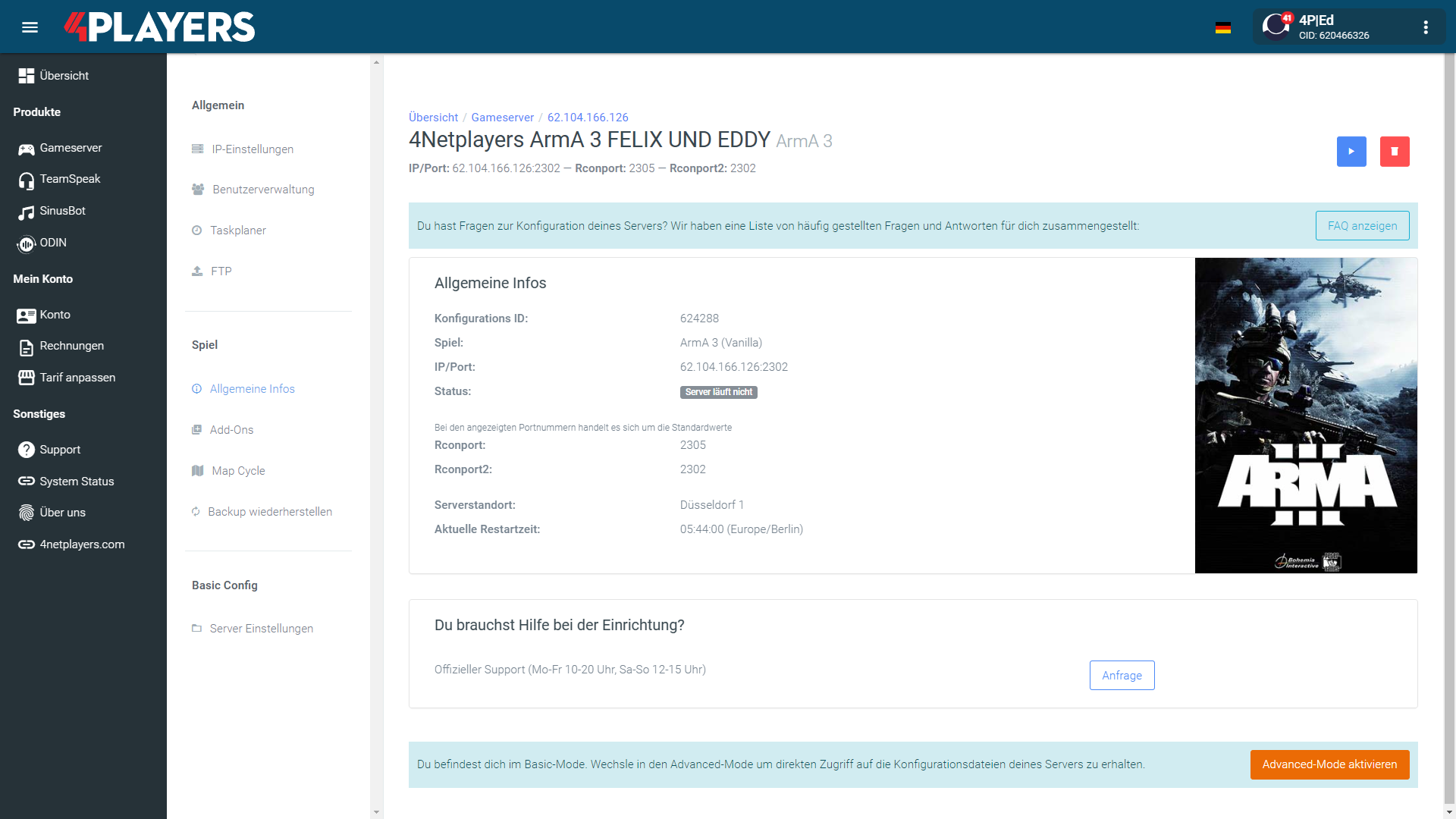
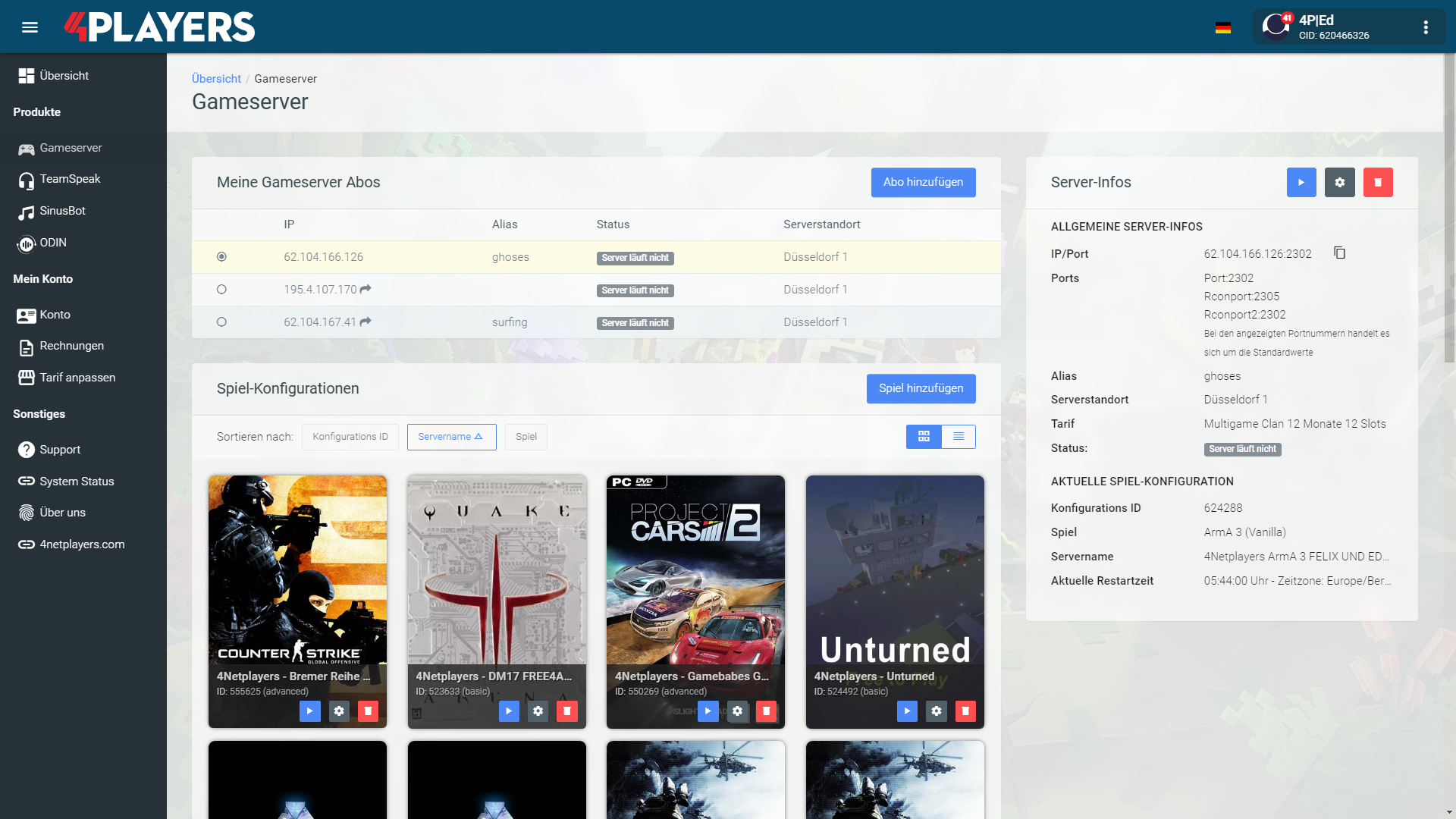
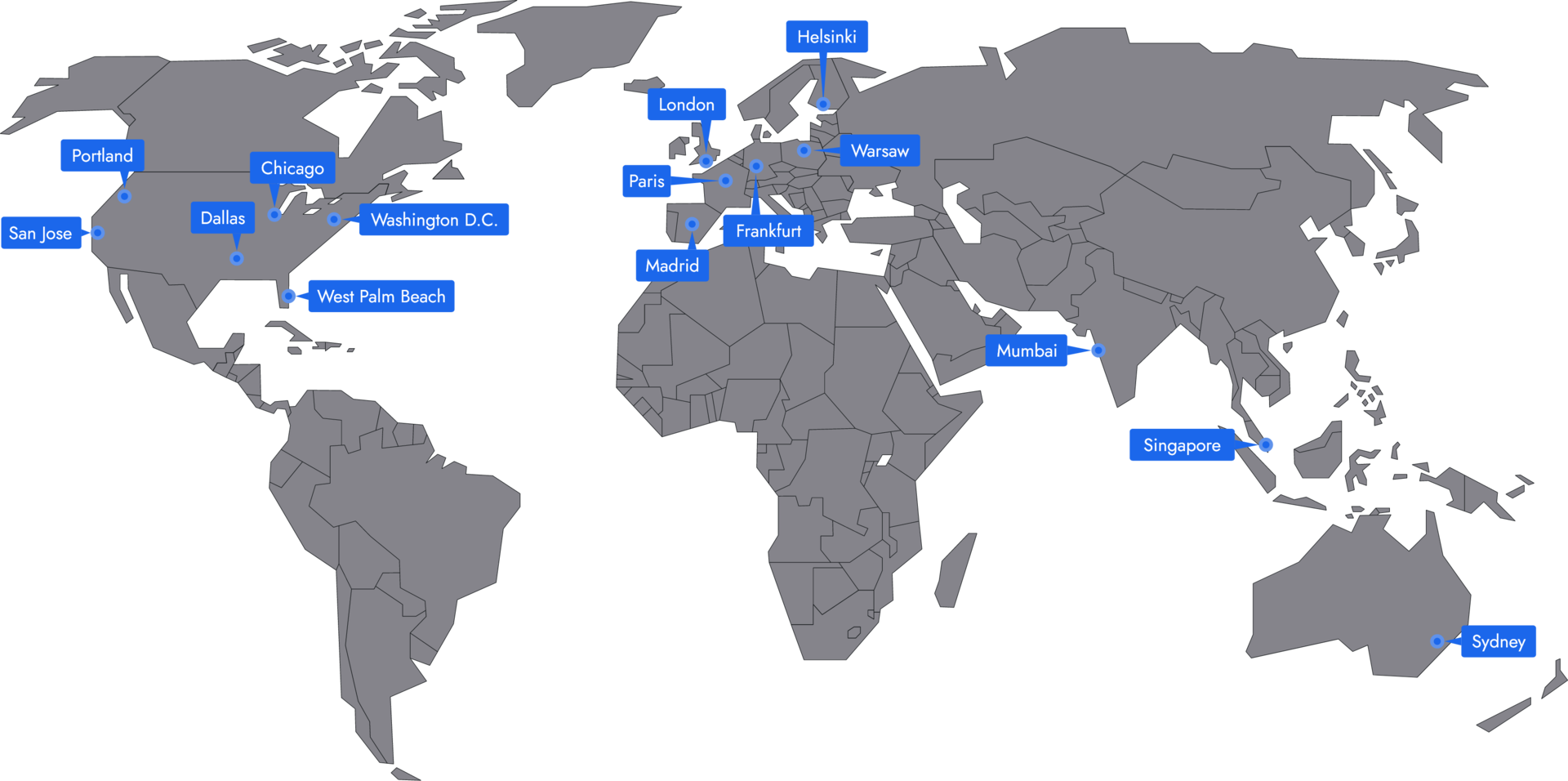
In 14 locations worldwide we offer unmatched connectivity with the lowest pings. Additional locations are continually being added and guarantee breathtaking gameplay in every game at the lowest latency.
Yes, you can install mods on your 7 Days to Die server. This allows you to enhance the gaming experience through various expansions and customizations. You need access to server administration and an FTP program to do this.
Yes, the installation of modpacks like Darkness Falls is possible on your 7 Days to Die server. Modpacks provide a comprehensive collection of mods that enrich the game and offer new challenges. Access via an FTP program is necessary for this as well.
Yes, you can use both your own maps and randomly generated maps on your 7 Days to Die server. This gives you the opportunity to shape the game according to your ideas or to challenge yourself on new, unknown terrain.
Your 7 Days to Die server is usually ready to use within a few minutes.
A rented 7 Days to Die server gives you full control and a stable gaming environment.
You can rent your 7 Days to Die server flexibly from as little as one month.
The 7 Days to Die servers run on professional hosting infrastructure.
Yes, you can try your 7 Days to Die server risk-free.
Yes, your 7 Days to Die server is fully configurable.
Yes, you’ll receive support for technical questions and issues.
Yes, you can switch to another game at any time.
If you want to rent a 7 Days to Die server, it’s not just about a place to play. 7 Days to Die blends survival, zombies, base building, crafting, FPS action, and tower defense into a shared game world that only really ramps up in multiplayer. Every night, every loot run, and every Blood Moon prep makes more sense when your team follows the same plan.
On public servers you play by other people’s rules, with changing players and often with unreliable uptime. Your own 7 Days to Die server, on the other hand, gives you control over slots, difficulty, PvP, mods, and game pace. Your 7 Days to Die server stays online at all times so your group can build, farm, loot, and defend whenever it fits. You don’t start from zero every time; you build a world that feels shaped by your decisions.
A 7 Days to Die multiplayer server makes the difference between “who’s hosting today?” and a meeting point everyone can rely on. Your crew shows up even when you’re not online, and the shared world keeps progressing. One sets up power, someone hunts for books and schematics, others prepare traps for the next horde.
Stable performance and a low ping are not just pleasant but genuinely important. Reliable hardware, appropriate resources, and worldwide locations ensure that combat, vehicles, zombies, and large bases don’t become needlessly sluggish. A 7 Days to Die game server runs as a dedicated server separate from your own machine, so your PC doesn’t have to handle both client and host at once. That reduces stutter in critical moments, when the horde breaks through and every second counts.
With admin rights, you decide how tough Navezgane should be for your group. You can configure your server, set custom options, and determine whether PvP is enabled, how many slots are available, and how quickly loot, zombies, and Blood Moons scale. Instead of adapting to someone else’s rules, you tailor the 7 Days to Die dedicated server to your playstyle.
The biggest advantage shows after a few sessions: progress stays meaningful. Your base doesn’t disappear because a public host goes offline, and your community has a permanent home. A spontaneous session becomes a project with roles, routines, and shared goals. That’s exactly why your own 7 Days to Die server feels less like a lobby and more like a home for your group.
Mods and adjustments are a big part of 7 Days to Die’s appeal, because no wipe, no base, and no horde has to play out the same way. With the right 7 Days to Die hosting, you can align modpacks, maps, balancing, and server rules cleanly with one another. Whether harsher survival, more convenience, new items, or a complete overhaul: you give the world a direction that fits your group.
A 7 Days to Die game server suits relaxed co-op evenings just as well as planned events. You can set PvP times, let clans compete against each other, or schedule Blood Moon nights as community events. This creates a rhythm players return to. Not because a matchmaking system randomly throws them together, but because they know something is happening on your server. That makes planning easier and keeps motivation high over many play sessions.
Good 7 Days to Die hosting takes the annoying parts off your hands without taking away your control. In server management you set options, switch versions, check logs, and adjust slots or parameters without wrestling with complicated setups. Automatic updates, backups, and DDoS protection help keep your game server stable so you can focus on what matters in the game.
If you want to rent a 7 Days to Die server now, you’re not just starting another round of survival. You’re building your own world with your own rules, always online and growing with your group. Today the first base is planned, tomorrow the first Horde Night test is up, and after that come mods, events, and new players. Configure your server, invite your people, and start playing together right away.

Selected guides for choosing, setting up and managing your own 7 Days To Die server.