Mods are a key part of Minecraft for improving the game and keeping the experience fresh and varied. From performance upgrades and new blocks to quality-of-life changes, mods can add tweaks that the vanilla game doesn’t offer. If you want to learn more about mods and how to install them, check our guide: (Installing Minecraft Mods: Step-by-Step Guide for Beginners) . Today we’re looking at mods that don’t necessarily change gameplay a lot, but noticeably improve the overall feel. They all run on Fabric, the currently very popular mod loader.
1. Sodium: Minecraft performance mod for smoother rendering
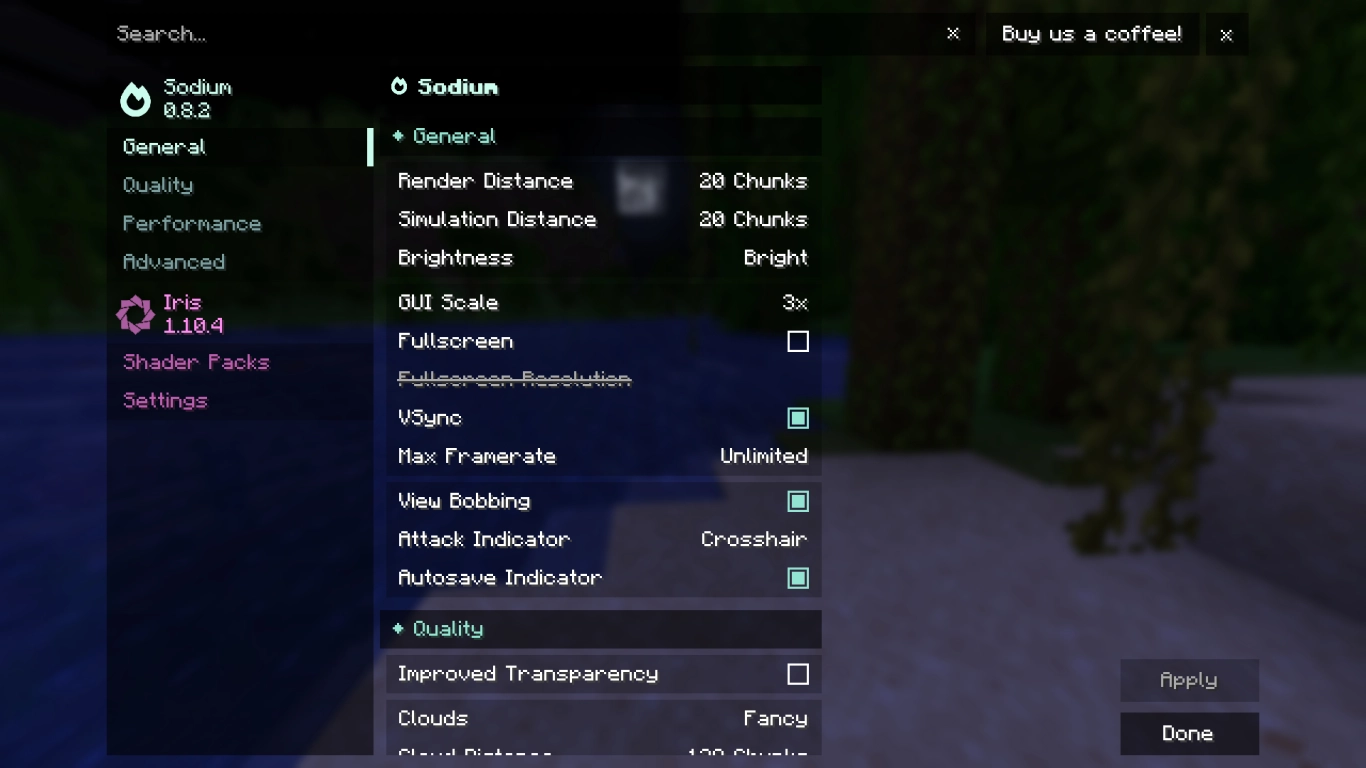
Veteran players will remember OptiFine, and although it still exists, Sodium is now the better alternative. Minecraft: Java Edition runs fairly smoothly, but it still has its share of performance issues. With Sodium, those should be a thing of the past.
In essence, Sodium greatly improves rendering and overall performance in Minecraft. That gives you not only faster performance, but also some visual upgrades. On startup, you’ll also find revamped graphics settings that are more clearly organized.
If you’re looking for more mods like this, visit the developer’s page. There you can also install Lithium, Phosphor, and Hydrogen for further optimizations.
2. Mod Menu: Manage Minecraft mods with ease
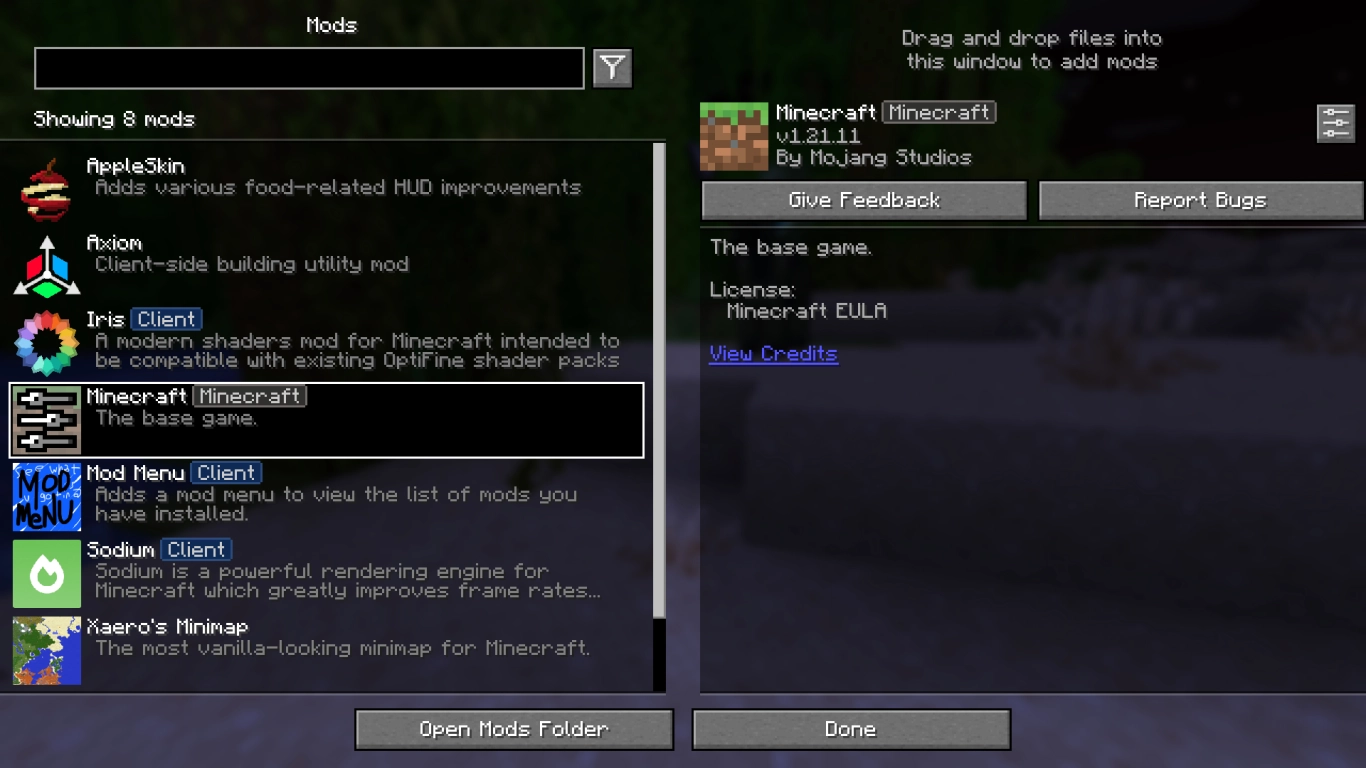
Mod Menu is a very simple mod you should basically always have installed. It adds a new button to your main menu showing all your installed mods at a glance. There you can read descriptions, follow links to developers, or tweak settings for individual mods. If you ever lose track, this is the quickest way to see exactly what each mod does.
3. Xaero’s Minimap: Minimap and world map for better orientation
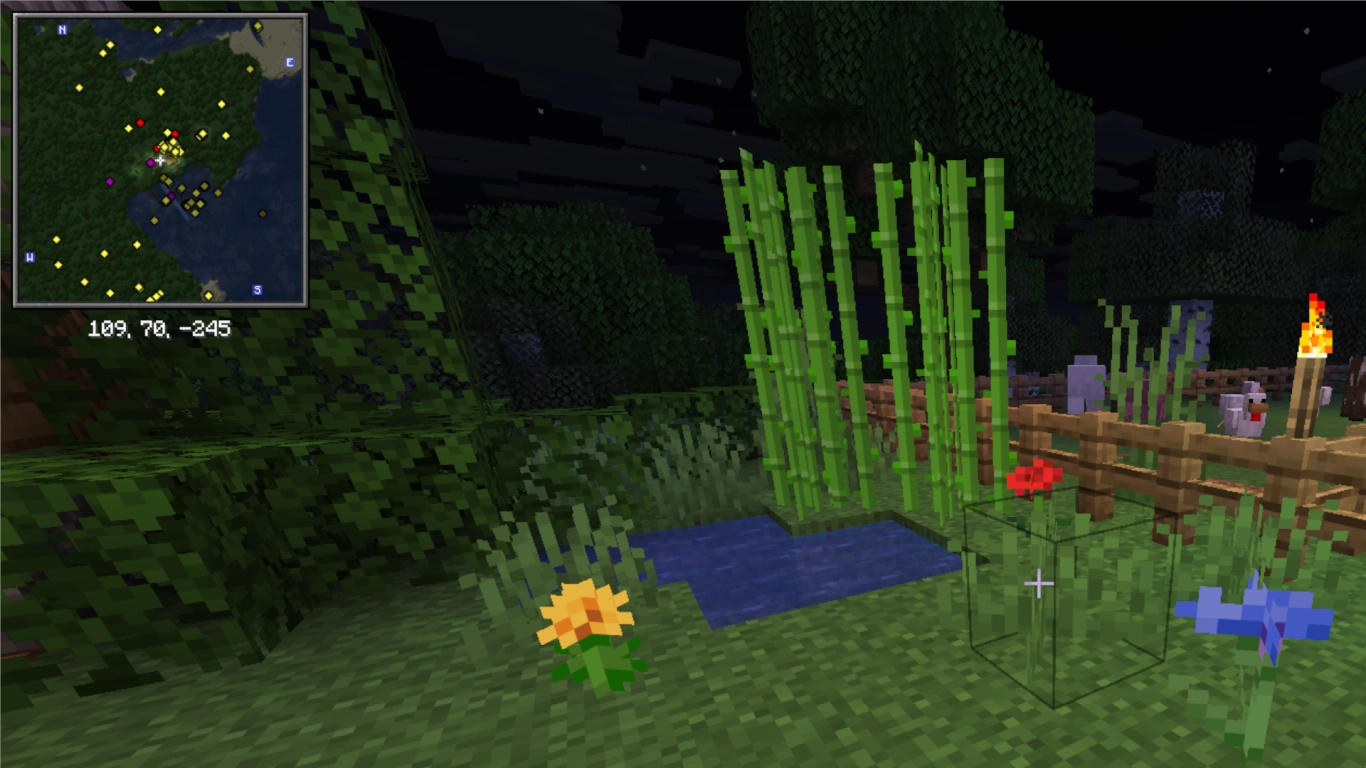
While the game has maps, a separate minimap is often much more helpful. A very popular choice is Xaero’s Minimap,
which also offers a large World Map. You can configure both maps flexibly: size, waypoints, mob and animal displays, and much more. This makes navigating your Minecraft world significantly easier.
4. AppleSkin: Precise hunger and saturation display in Minecraft
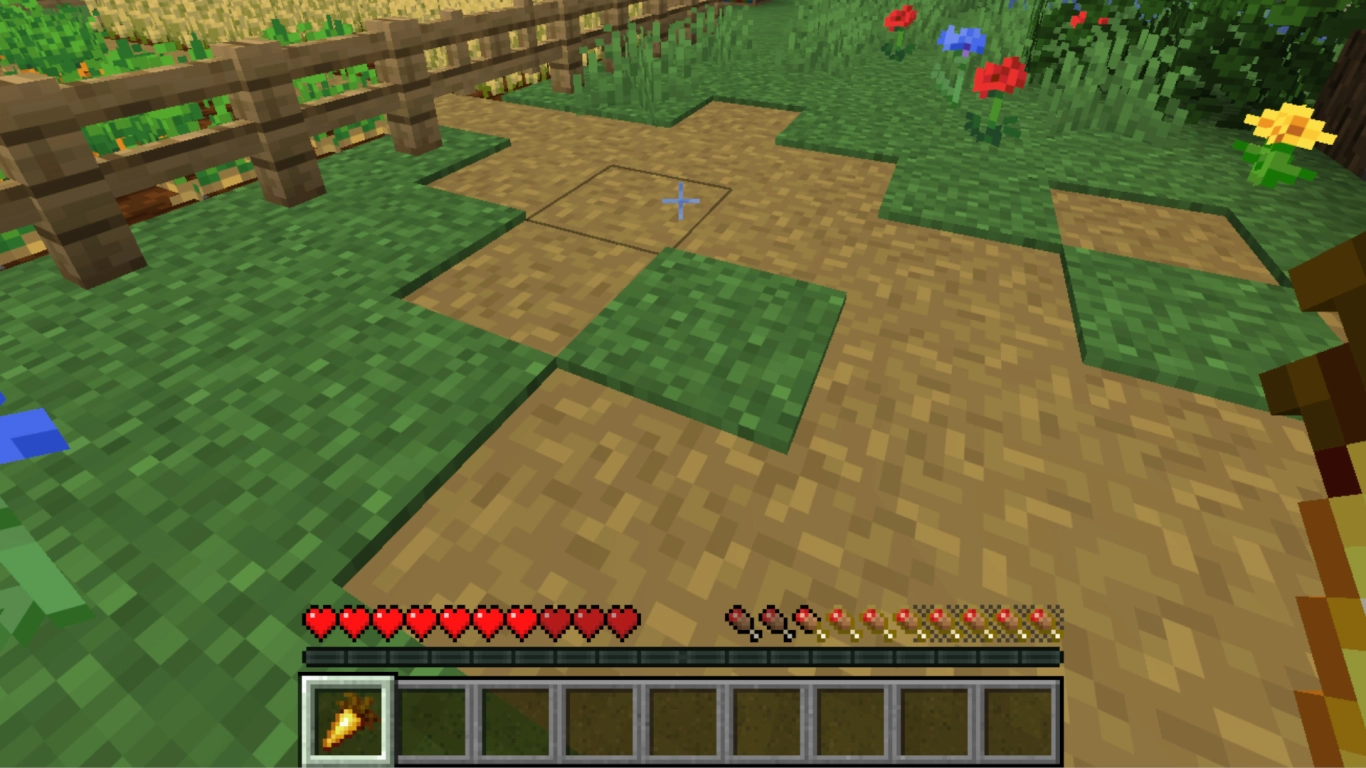
Hunger and food matter, but vanilla Minecraft doesn’t show all the information you’d like. Each food item restores a specific number of hearts, hunger points, and grants saturation. With
AppleSkin, all of this becomes visible.
5. Iris Shaders: Realistic shaders for better graphics in Minecraft
Shader packs give Minecraft a beautiful look and are a must-have for many players. Together with Sodium, you’ll need
Iris Shaders to add shader functionality. You’ll find the relevant options in the graphics settings. If you want to dive deeper, read our guide:
(Installing and Using the Best Minecraft Shaders)
.
6. Jade: On-screen block and entity info
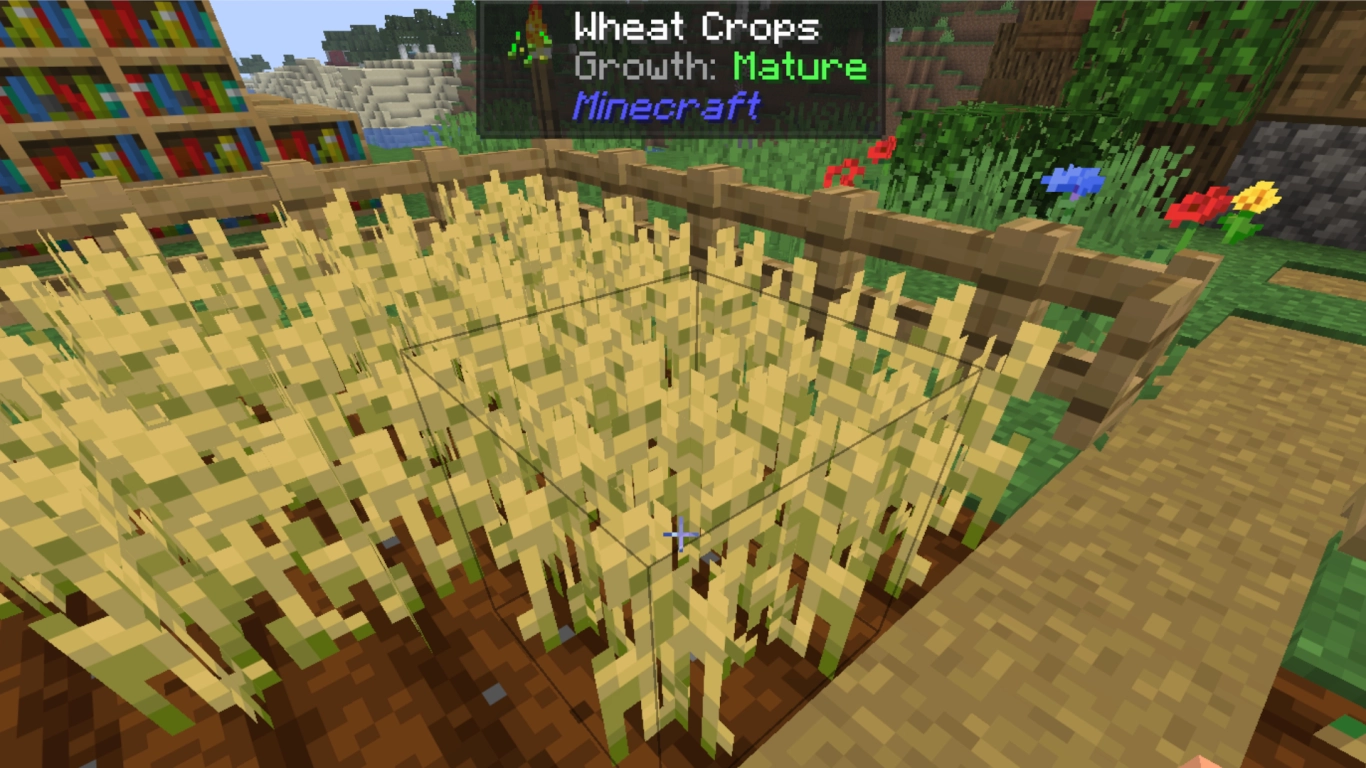
Jade is a QoL mod that shows which block (or entity) you’re looking at. You can set the scope and level of detail in the settings.
7. Zoomify: Handy Minecraft zoom like OptiFine
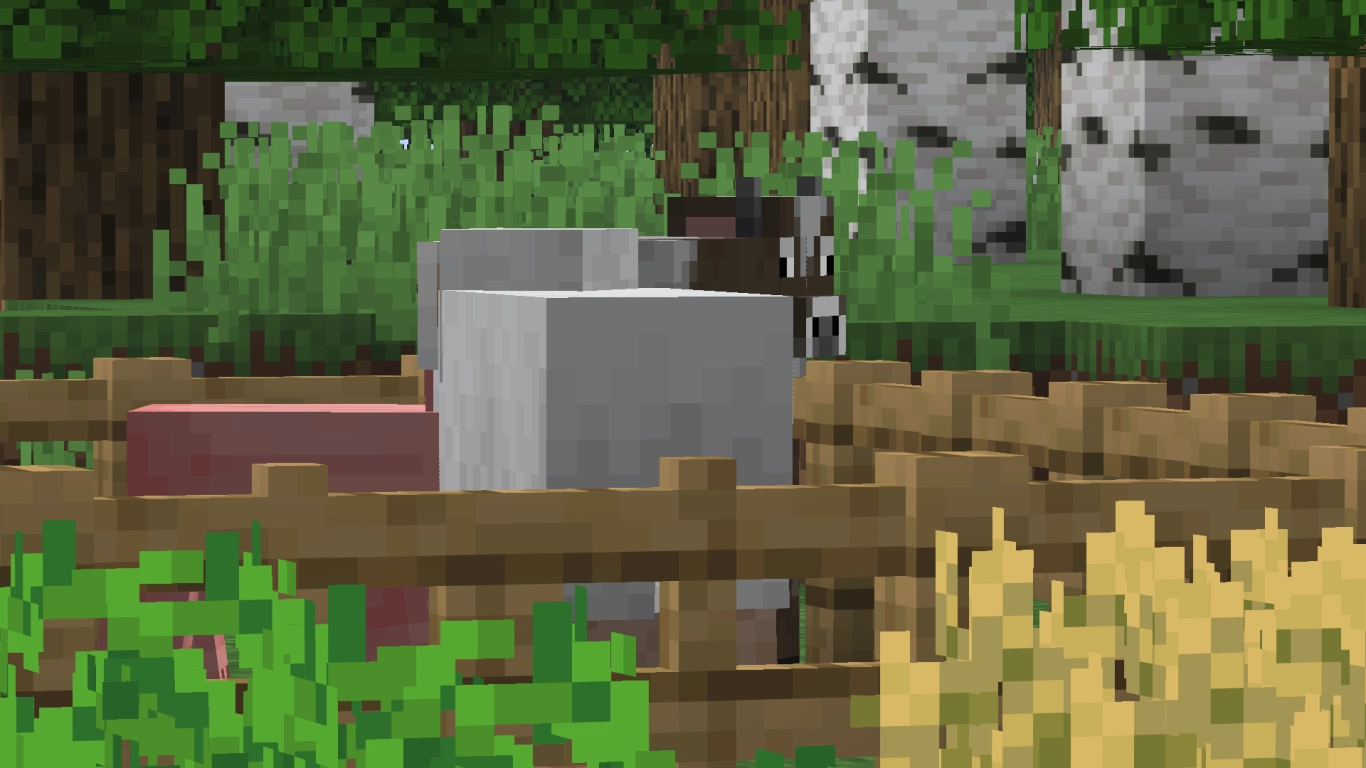
With Zoomify, you can zoom in flexibly and fully customize the zoom.
8. Mouse Tweaks: Sort inventory faster and move items efficiently
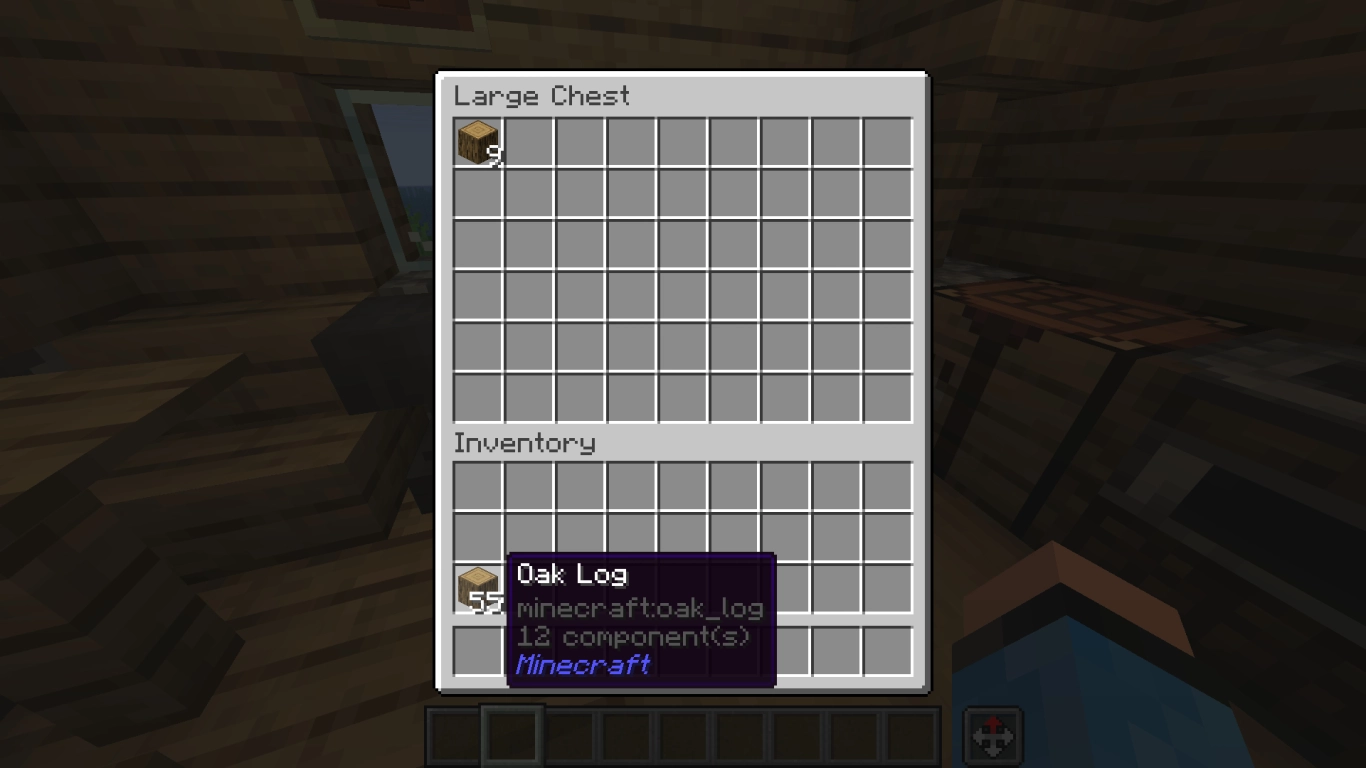
Mouse Tweaks lets you manage items more efficiently and speeds up your inventory handling significantly.
9. Veinminer: Mine ore veins faster
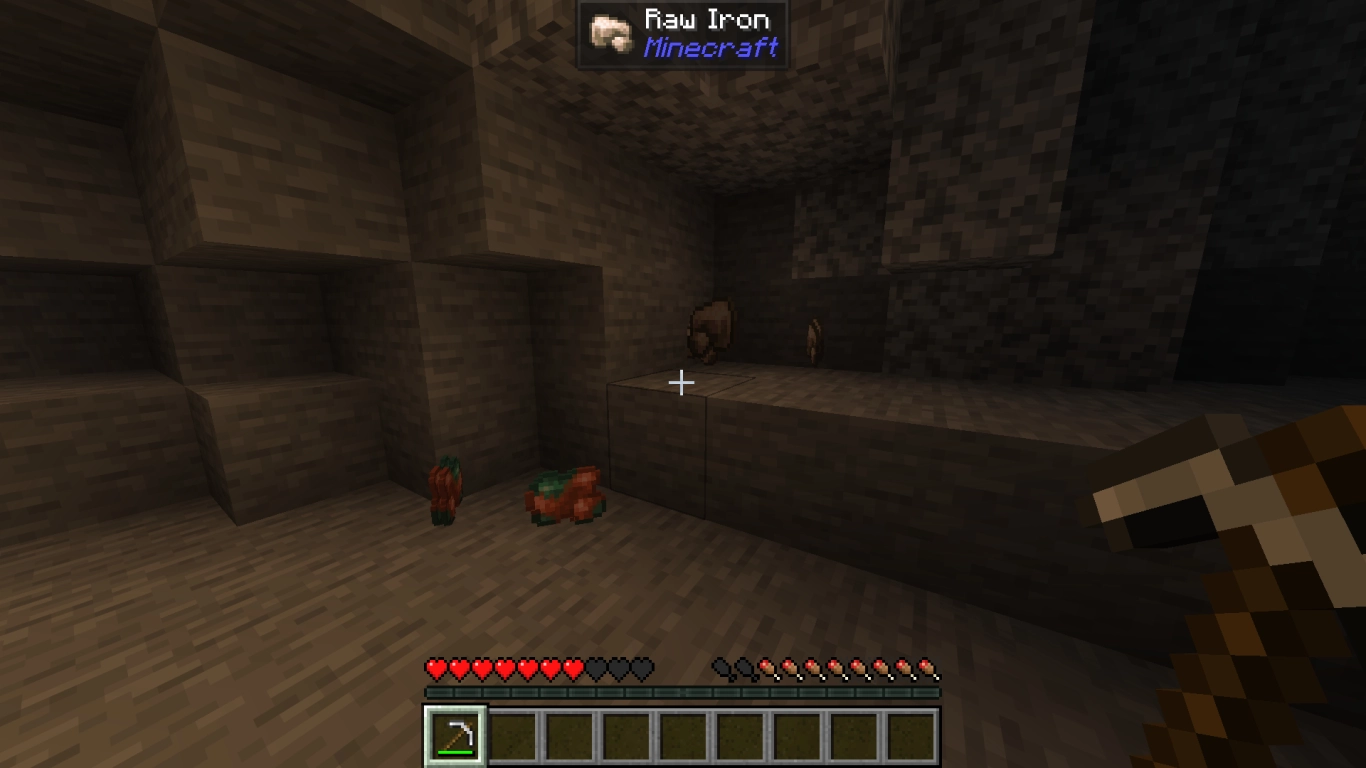
Veinminer lets you mine all adjacent ores at once.
Alternatively, there’s a version as an enchantment.
10. Enchantment Descriptions: Understand enchantments at a glance
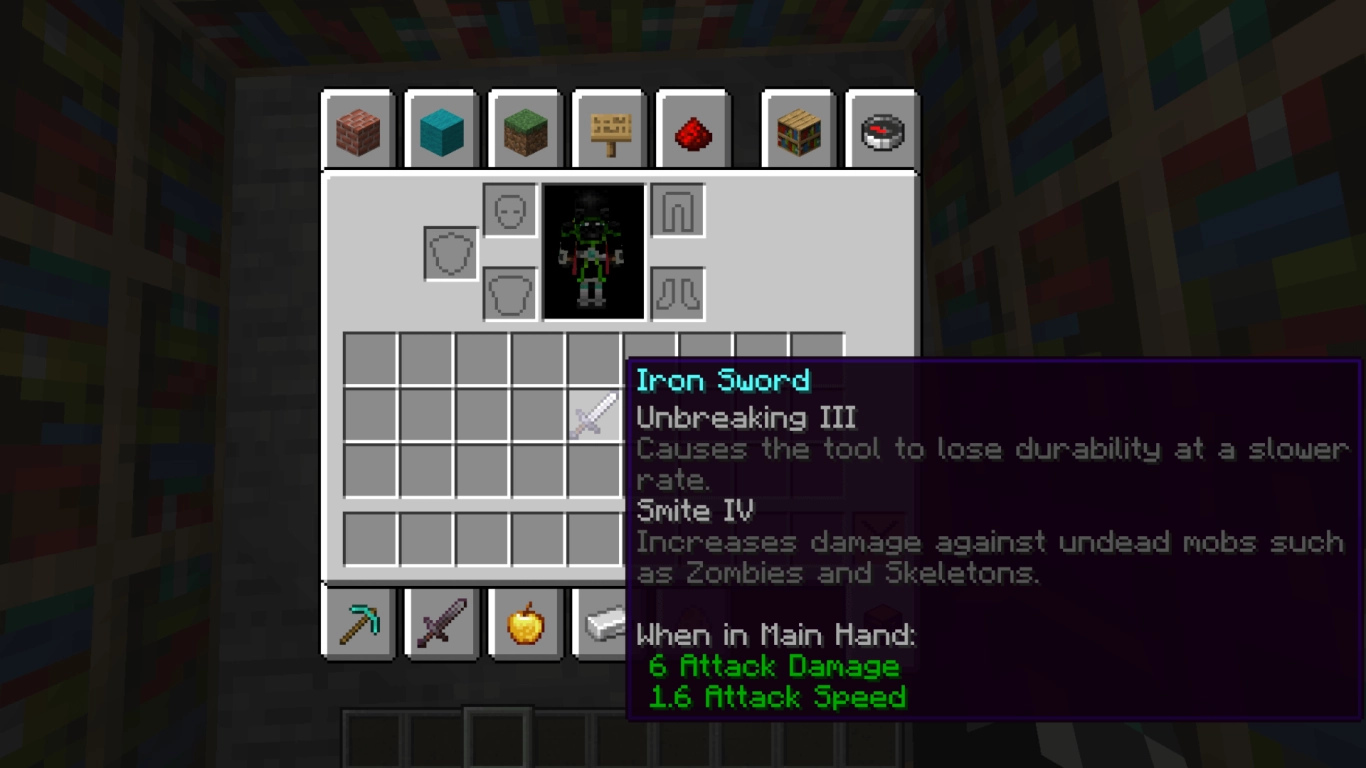
Enchantment Descriptions adds clear descriptions to the tooltips of enchanted items and explains all effects plainly.
Conclusion: The best Minecraft Fabric mods for performance and QoL
Mods don’t just add new content to Minecraft—they’re also handy helpers for better performance and convenient QoL features that vanilla doesn’t provide.
Rent your own Minecraft server with us, so you can install the right mods right away.
More interesting articles
Minecraft Creative Mode: Tips, Commands, and the Best Mods
Installing Minecraft Mods: Step-by-Step Guide for Beginners
Installing and Using the Best Minecraft Shaders