
Palworld server hosting
Palworld 1.0 with crossplay for PC, Xbox, PS5 and Mac

10 Slots
✔️Crossplay included
Server location:
10 Slots
✔️Crossplay included
Server location:
10 Slots
✔️Crossplay included
Server location:
Create your own setup and customize every option.
 Full release
With version 1.0, Palworld left Early Access. The full release adds more than 70 new Pals, new areas around the World Tree, reworked breeding and many new building parts, items and quests. Existing systems such as base building and Pal work have been expanded as well.
Your Palworld server at 4Netplayers runs the current full release. We install new updates automatically, and new server settings such as voice chat are available in your configuration.
Read the article: (Palworld 1.0: The 10 Biggest Changes at Launch)
 Content Update
The Sakurajima update brings a completely new island to Palworld, characterized by dense forests, volcanic areas, and vibrant cherry blossom landscapes. Players can encounter previously unknown Pals that fit perfectly into the new environment and challenge new factions that add extra thrills. With raid bosses that require a high degree of teamwork and equipment, the endgame becomes more varied and more challenging than before. New resources like Crude Oil are also being introduced, allowing you to unlock advanced technologies and craft powerful weapons or tools.
On our Palworld servers, the Sakurajima update is playable immediately – no manual setup or additional steps required. You can experience the increased level and tech caps, dynamic events like meteor strikes, and the new Pals with friends right after renting your server. This lets you dive into the new adventures without delay and enjoy all the features on a stable, high-performance game server.
Read the article: (Palworld Sakurajima Update: New Island, Pals & Raid Boss)
 Content Update
Feybreak is an expansion that makes the world of Palworld denser, more mysterious, and more dangerous. With a new region shaped by mystical landscapes, ancient ruins, and hidden secrets, the update offers plenty of fresh content for adventurers. It also adds numerous new Pals with unique abilities and designs that not only spark your collecting passion but also enable new strategies in combat. The roster of enemies grows as well, so you can expect more demanding challenges in the new areas.
When you rent a Palworld server from us, Feybreak is available immediately – you don’t need to install or configure anything. New building and crafting options, additional recipes, and improved structures are ready for you right from the start. This lets you focus entirely on exploring the new region and enjoy the freshly added content with your team – all on a game server that provides maximum stability and performance.
Read the article: (Palworld Feybreak Update: New Region, Pals, Dungeons & Raid)




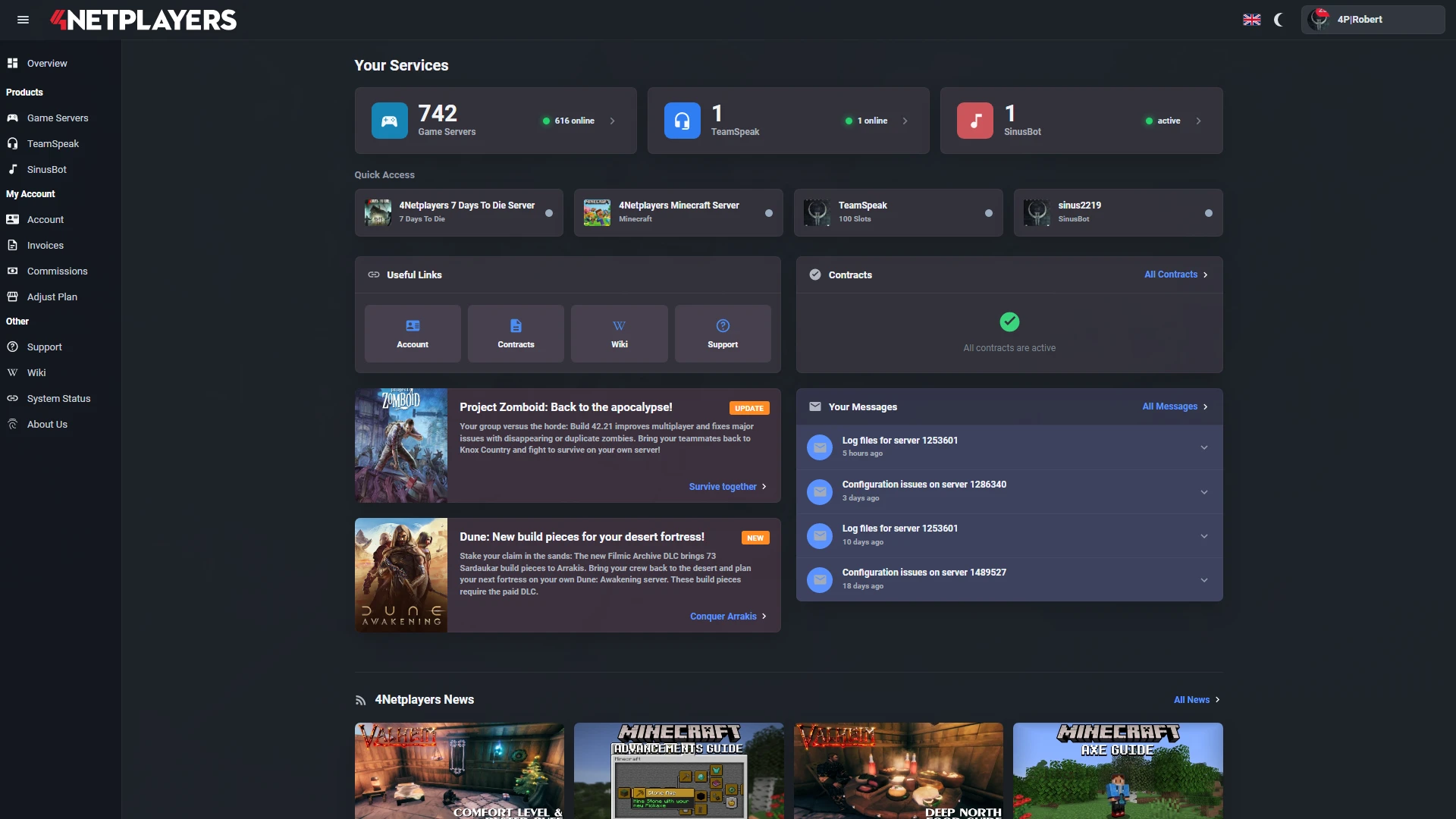
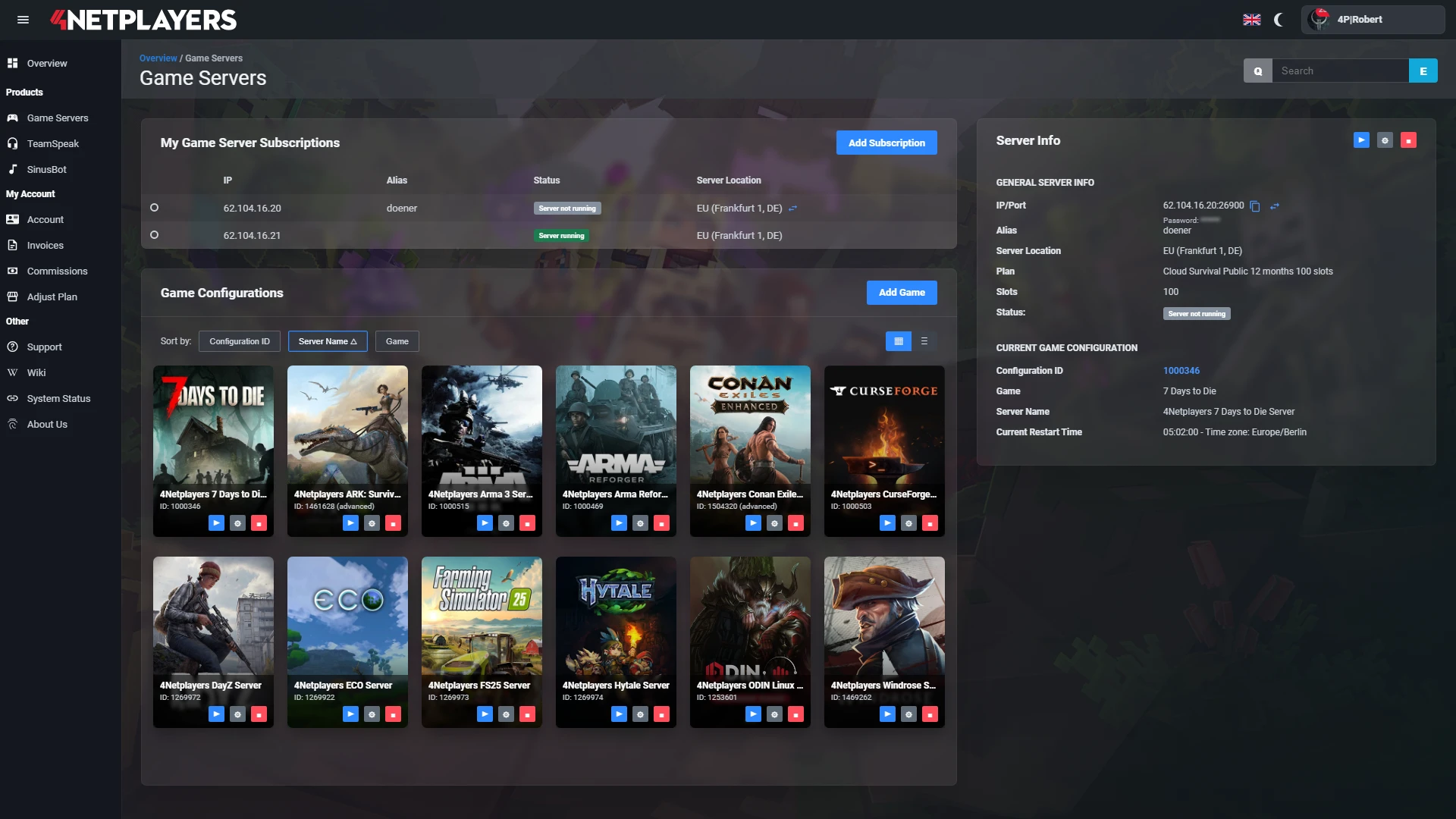
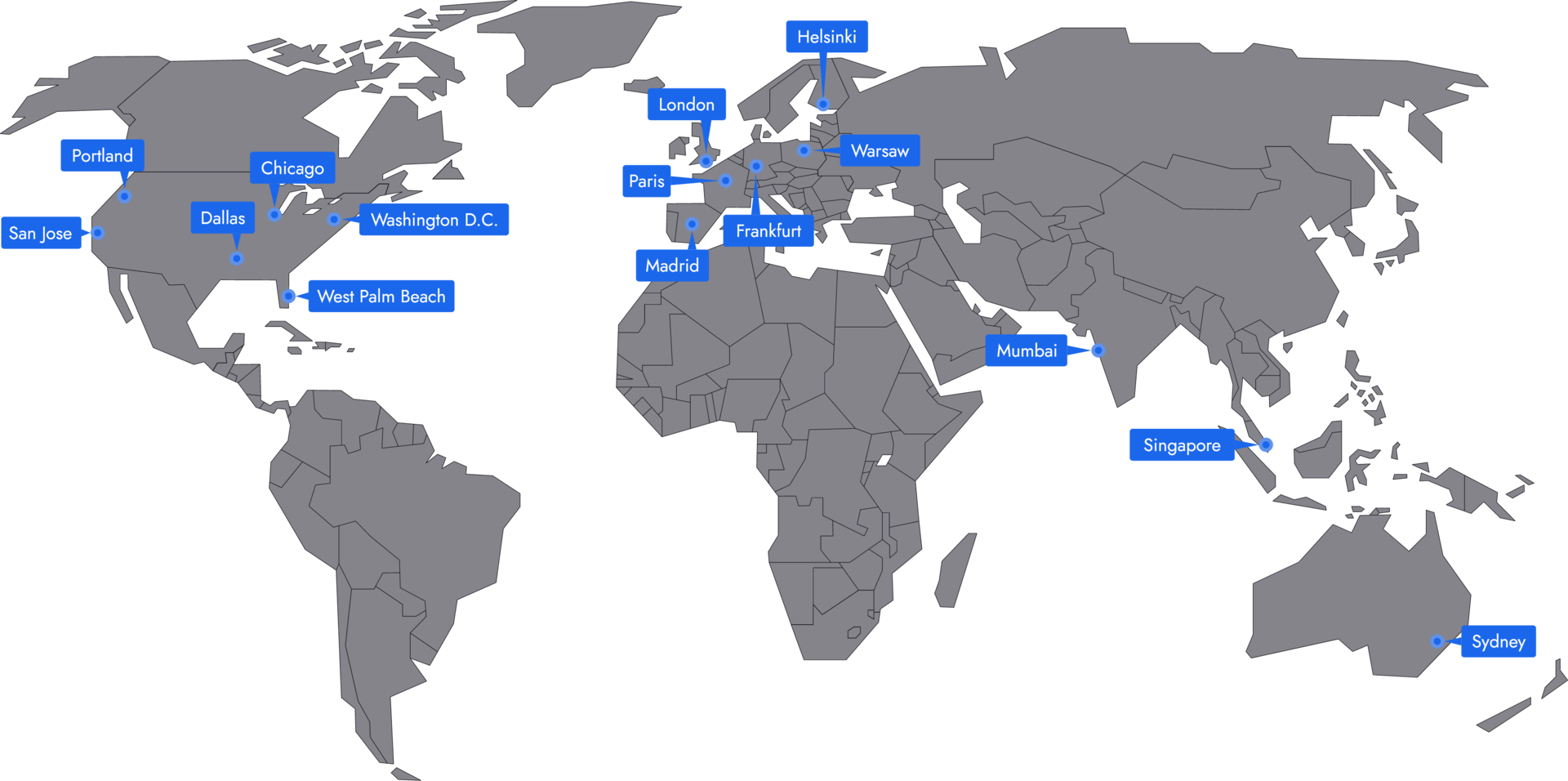
Manage your Palworld server easily through our web interface. Start, stop, configure your server, or manage backups - all in just a few clicks, with no prior experience required.
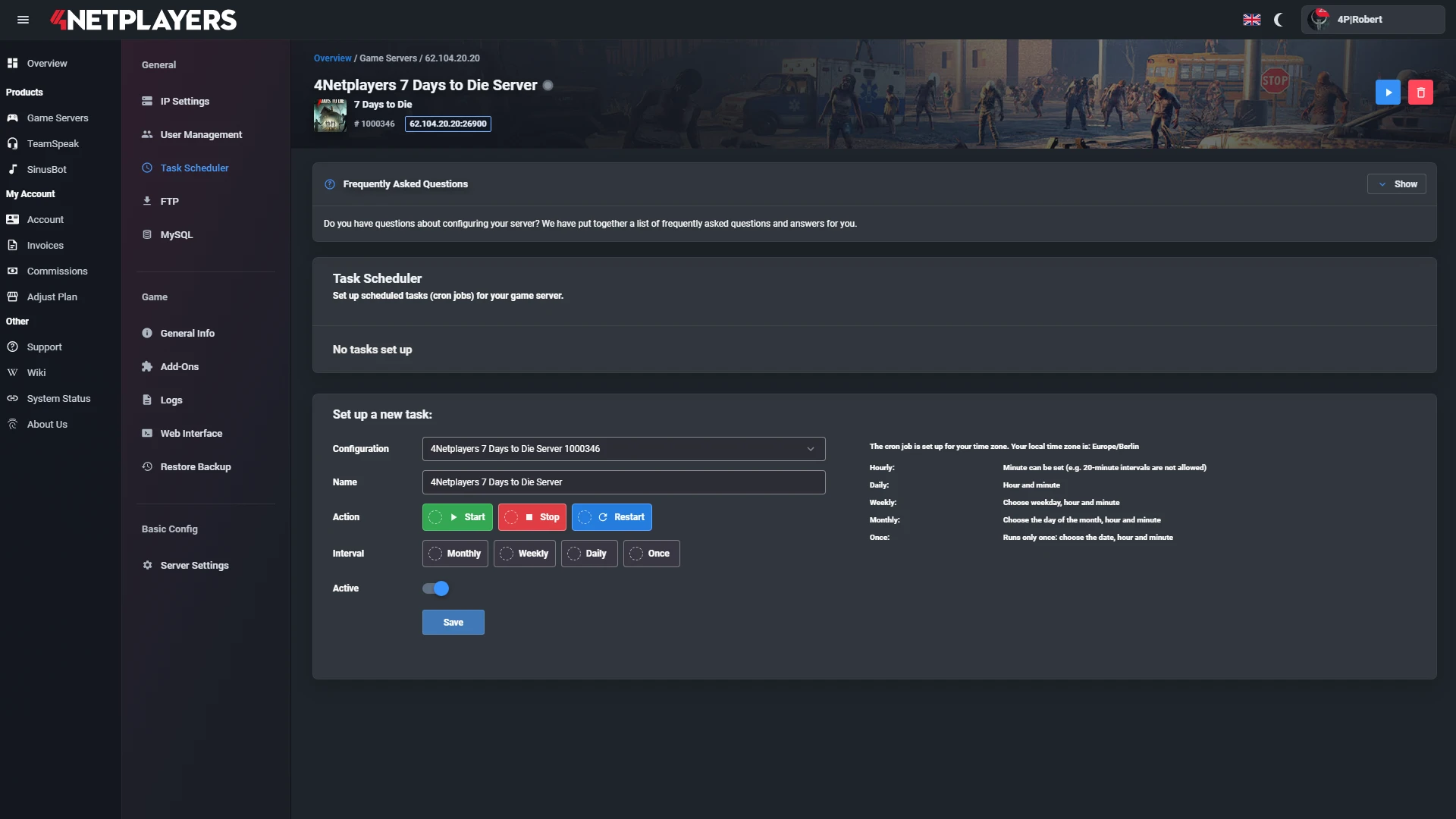
In 14 locations worldwide we offer unmatched connectivity with the lowest pings. Additional locations are continually being added and guarantee breathtaking gameplay in every game at the lowest latency.
After logging in, click “Game server” on the left, then “Create configuration.” Choose a server name, set the server and admin passwords — and your server is ready to go!
Palworld supports crossplay between Steam, Xbox (including the PC version from the Microsoft Store), PS5 and Mac. All of these versions play together in the same world on your Palworld server.
PC players join via the direct connection with IP and port, while Xbox and PS5 players find your server in the server list under “Community Servers”. The setup is explained in Set up crossplay.
You can easily transfer your existing save files to your server. Download the savegame files from your local Palworld folder and upload them to the server via FTP.
You’ll find a detailed guide in our wiki: Upload Palworld savegame. That way you can seamlessly continue where you left off in single-player or co-op.
Yes, our servers automatically create backups of your world. You can view these backups at any time in the web interface and restore them with a single click if needed.
If you’d like to perform a server wipe, you can also start a fresh world via our interface without losing your old backups.
Updates for Palworld are applied on our servers as soon as the developer releases them. You can start your server right away with the latest version.
Your Palworld server is usually ready to use within a few minutes.
A rented Palworld server gives you full control and a stable gaming environment.
You can rent your Palworld server flexibly from as little as one month.
The Palworld servers run on professional hosting infrastructure.
Yes, you can try your Palworld server risk-free.
Yes, your Palworld server is fully configurable.
Yes, you’ll receive support for technical questions and issues.
Yes, you can switch to another game at any time.
A Palworld server from 4Netplayers is a dedicated server that keeps your world online around the clock, even when the host is offline. It runs the current full release, Palworld 1.0, and players on Steam, Xbox, PS5 and Mac join together.
You start with 10 slots, set experience, resources, egg incubation time and difficulty yourself, and upload an existing world via FTP. Automatic backups protect your progress.
Yes. Palworld left Early Access with the full 1.0 release on July 10, 2026, and your Palworld server at 4Netplayers runs the current version. We install new updates from Pocketpair automatically; after a restart, you keep playing.
Version 1.0 also added new server settings, such as in-game voice chat, which you can enable for your world. For what changed in the game, see our overview (Palworld 1.0: The 10 Biggest Changes at Launch) .
Yes. Palworld supports crossplay between Steam, Xbox (including the PC version from the Microsoft Store), PS5 and Mac, and all of these versions play in the same world on your Palworld server. You don’t need a separate server for each console.
You choose which versions may join in the server settings. Step by step: Set up crossplay and Set up and join your server.
For a group of friends, the 10 slots in the Palworld packages are enough. If you’re planning a larger community, choose more slots in the configurator. You can set the billing period to one, three, six or twelve months.
Many bases, lots of working Pals and several players building and fighting at the same time put the most load on the processor. For worlds like that, the configurator offers the CPU Performance Boost with Ryzen 9.
In co-op with an invite code, the world is only online while the host is playing, and it runs on their computer. A Palworld server runs around the clock in a data center: everyone in your group can join whenever they have time, and Pals, bases and progress stay in one shared world.
On your own server, you also control access with a server password and an admin password and set the rules for every player. How to use admin rights in the game is explained in Become an admin.
You set experience, resource yield, egg incubation time, death penalty and difficulty directly in the web interface. That way, you can play a relaxed game with more experience and shorter incubation or make it deliberately harder.
Other values, such as the allowed crossplay versions or voice chat, are edited in Advanced Mode in PalWorldSettings.ini. Guide: Change server settings.
Upload your world from co-op or single player to the Palworld server via FTP and keep playing there with your group. Before bigger changes, download the current save, and restore the automatic backups in the web interface with one click.
Guides: Upload your save and Download your save. For getting started in the full release, check out our (Palworld Beginner Tips 2026: Settings, Catching Pals, Building a Base) .


Selected guides for choosing, setting up and managing your own Palworld server.