
Project Zomboid server hosting
Current Build 42 version · Mods from the Steam Workshop

4 Slots
✔️World runs 24/7
✔️Safehouse always online
✔️No host PC required
Server location:
8 Slots
✔️More room for loot runs
✔️Customize mods & rules
✔️Ideal for established groups
Server location:
12 Slots
✔️Larger groups
✔️More mods
Server location:
Create your own setup and customize every option.




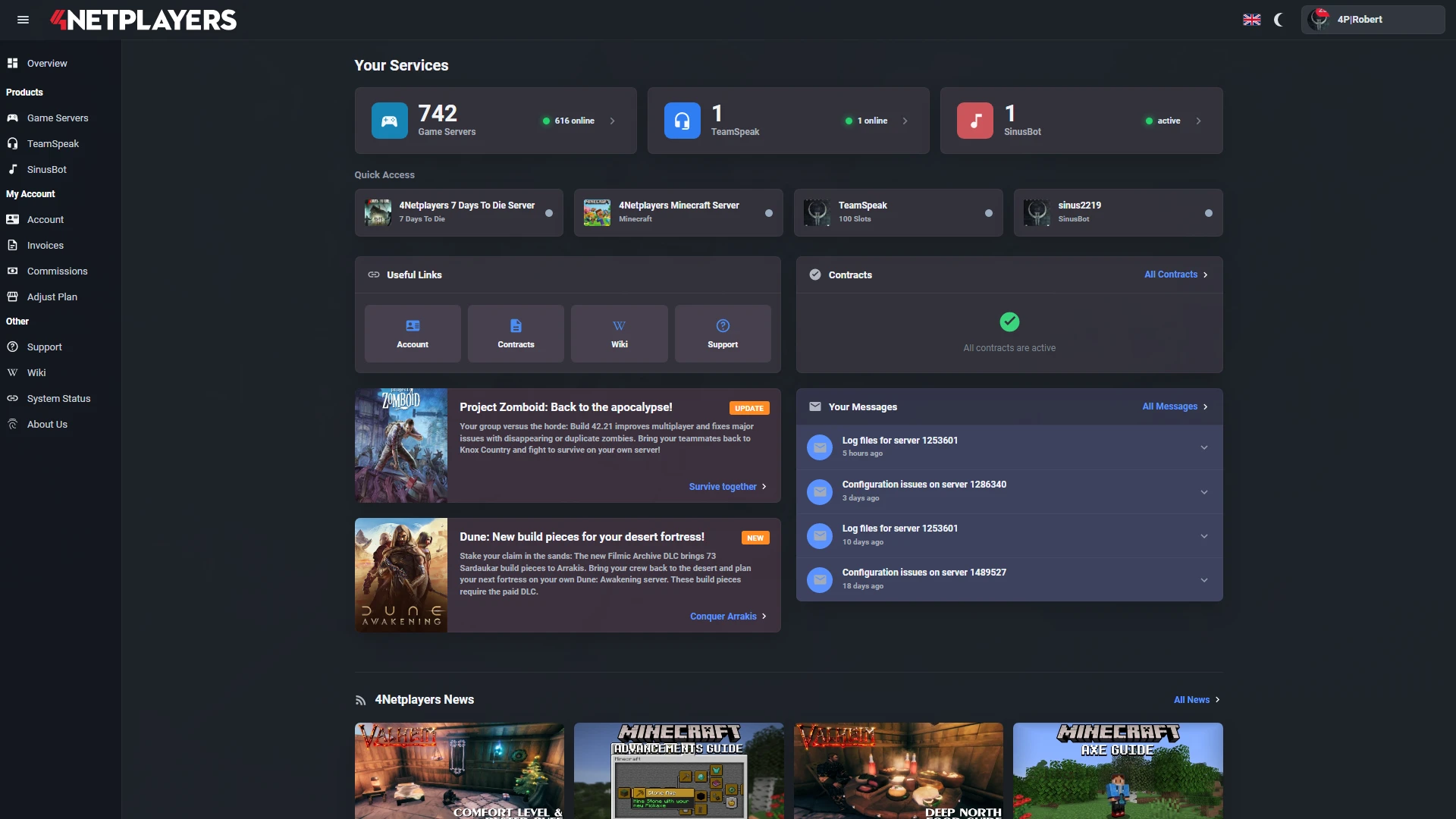
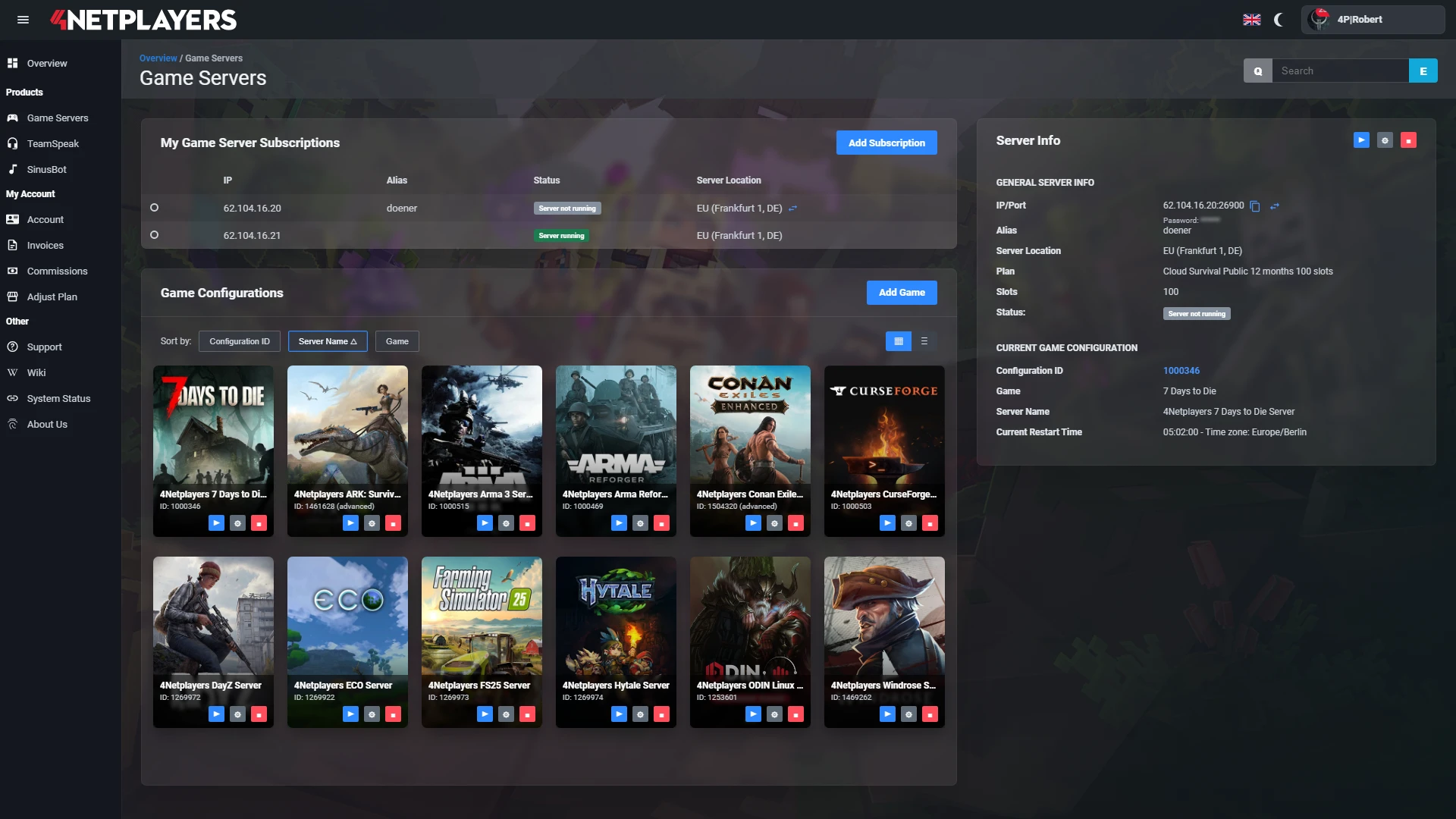
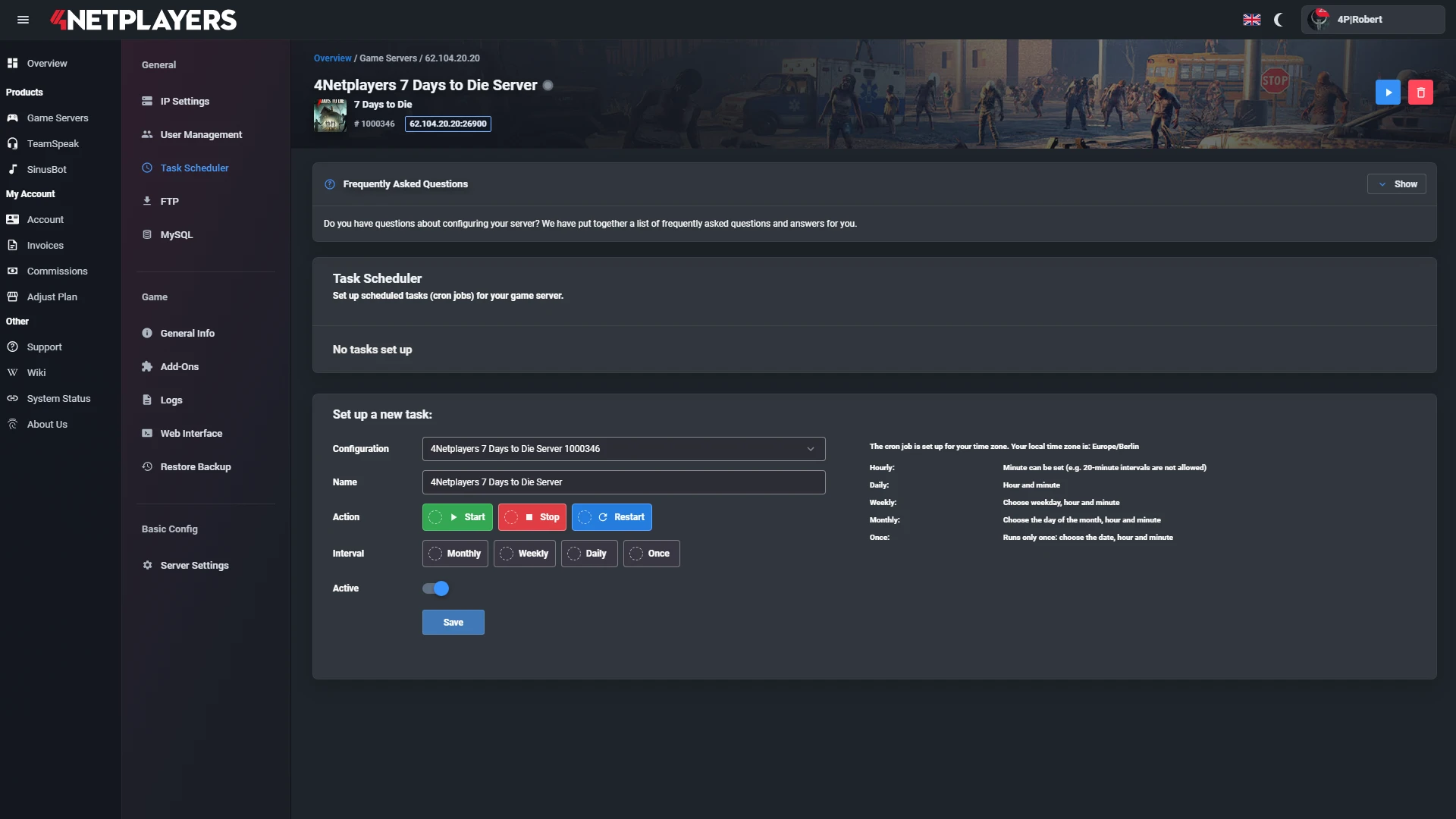
Manage your Project Zomboid server easily through our web interface. Start, stop, configure your server, or manage backups - all in just a few clicks, with no prior experience required.
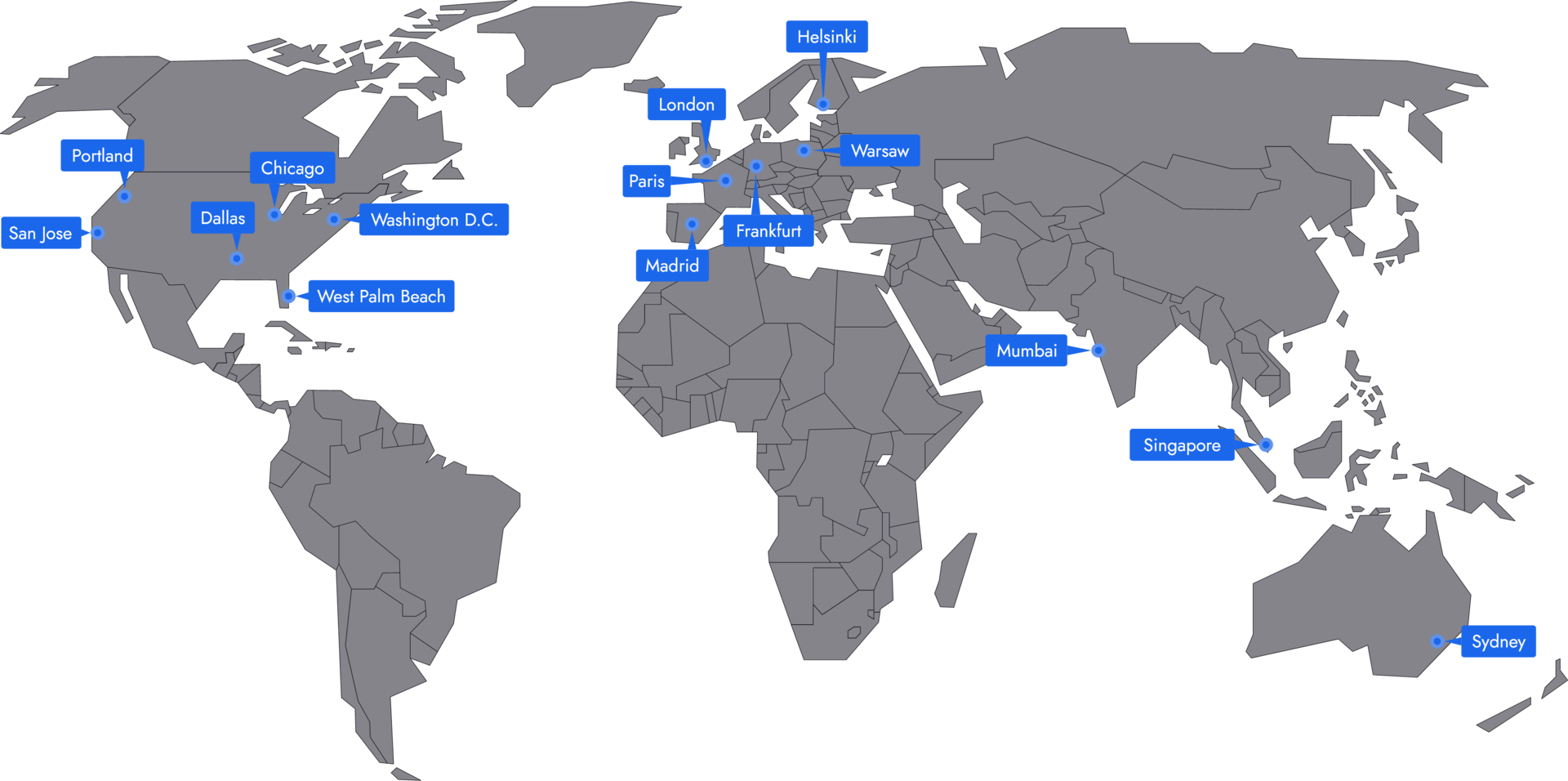
In 14 locations worldwide we offer unmatched connectivity with the lowest pings. Additional locations are continually being added and guarantee breathtaking gameplay in every game at the lowest latency.
Your Project Zomboid server is usually ready to use within a few minutes.
A rented Project Zomboid server gives you full control and a stable gaming environment.
You can rent your Project Zomboid server flexibly from as little as one month.
The Project Zomboid servers run on professional hosting infrastructure.
Yes, you can try your Project Zomboid server risk-free.
Yes, your Project Zomboid server is fully configurable.
Yes, you’ll receive support for technical questions and issues.
Yes, you can switch to another game at any time.
A Project Zomboid server from 4Netplayers is a dedicated server that runs the current stable version of Build 42 and keeps your Knox County world online around the clock. Nobody has to stay in the game as host for the others to keep playing.
You start with 4, 8 or 12 slots on a monthly plan, add mods from the Steam Workshop, set your own sandbox rules such as loot, zombies and sleep, and can upload an existing save. Backups run automatically.
Yes. Your Project Zomboid server runs the current stable version of Build 42. Build 42 has been the stable version of Project Zomboid since 29 July 2026 and brings multiplayer back. The server installs new updates automatically.
In Build 42 multiplayer, inventory, loot distribution and actions run on the server, backed by an anti-cheat system. So that everyone can join, you and your friends also play the default Steam version without a beta branch, because the server and the game need to be on the same version.
At 4Netplayers you choose the number of slots for Project Zomboid, not the amount of RAM. More slots also give the server more resources. The 4-slot plan is enough for co-op with two to four friends, we recommend 8 slots for a regular group and 12 slots for small communities.
If you plan to run lots of mods, a large base or a densely populated map, pick a plan with more slots. You can also add the CPU Performance Boost in the configurator. All plans are monthly, and longer terms are cheaper.
You add Steam Workshop mods in your server’s servertest.ini file: the Workshop ID goes in the WorkshopItems= line and the Mod ID in the Mods= line. Separate multiple entries with a semicolon. On the next start, the server downloads the mods itself, and your friends get them automatically when they join.
Both IDs are usually listed in the mod’s description on the Steam Workshop. Step by step: install mods. Our overview (The Best Project Zomboid Mods for an Enhanced Gaming Experience) shows which mods are worth it.
Your friends select “Join” in the Project Zomboid main menu, enter your server’s IP address and port from the web interface and, if one is set, the server password. On their first join, each player creates their own username and password, which they use to log in from then on.
As admin, you log in with the username admin and your admin password, which you’ll find in the server settings. Guide: become an admin.
On your Project Zomboid server you set the sandbox rules yourself: loot amount, zombie population and respawn, how fast a day passes, whether players need to sleep, PvP and safehouses. That way you can play a relaxed co-op game or a tough long-term run.
You set the sandbox values before a new world starts. Our guide (Project Zomboid Sandbox Settings: Your Ultimate Guide) explains what each option does. For your first days in Knox County, our beginner tips (Survive in Project Zomboid: Effective Tips for Beginners) will help.
Yes. Upload your save folder via FTP to the Zomboid/Saves/Multiplayer directory on your server. For the server to load it, the folder must be named servertest, like the world on the server. Then start the server and continue where your group left off.
You can also download your save at any time, for example as an extra backup or to move it. Guides: upload a savegame and download a savegame.
In the game you can open a multiplayer world for free via “Host”. It is only reachable while you are playing, though, and it uses your own PC’s resources. You can also run your own dedicated server on a PC, but then you take care of ports, updates and backups yourself.
A rented Project Zomboid server, on the other hand, runs 24/7 in a data centre. Everyone in your group can log in whenever they have time, and backups are created automatically.

Selected guides for choosing, setting up and managing your own Project Zomboid server.