ArmA 3 server hosting

10 slots
Server location:
16 slots
Server location:
Create your own setup and customize every option.





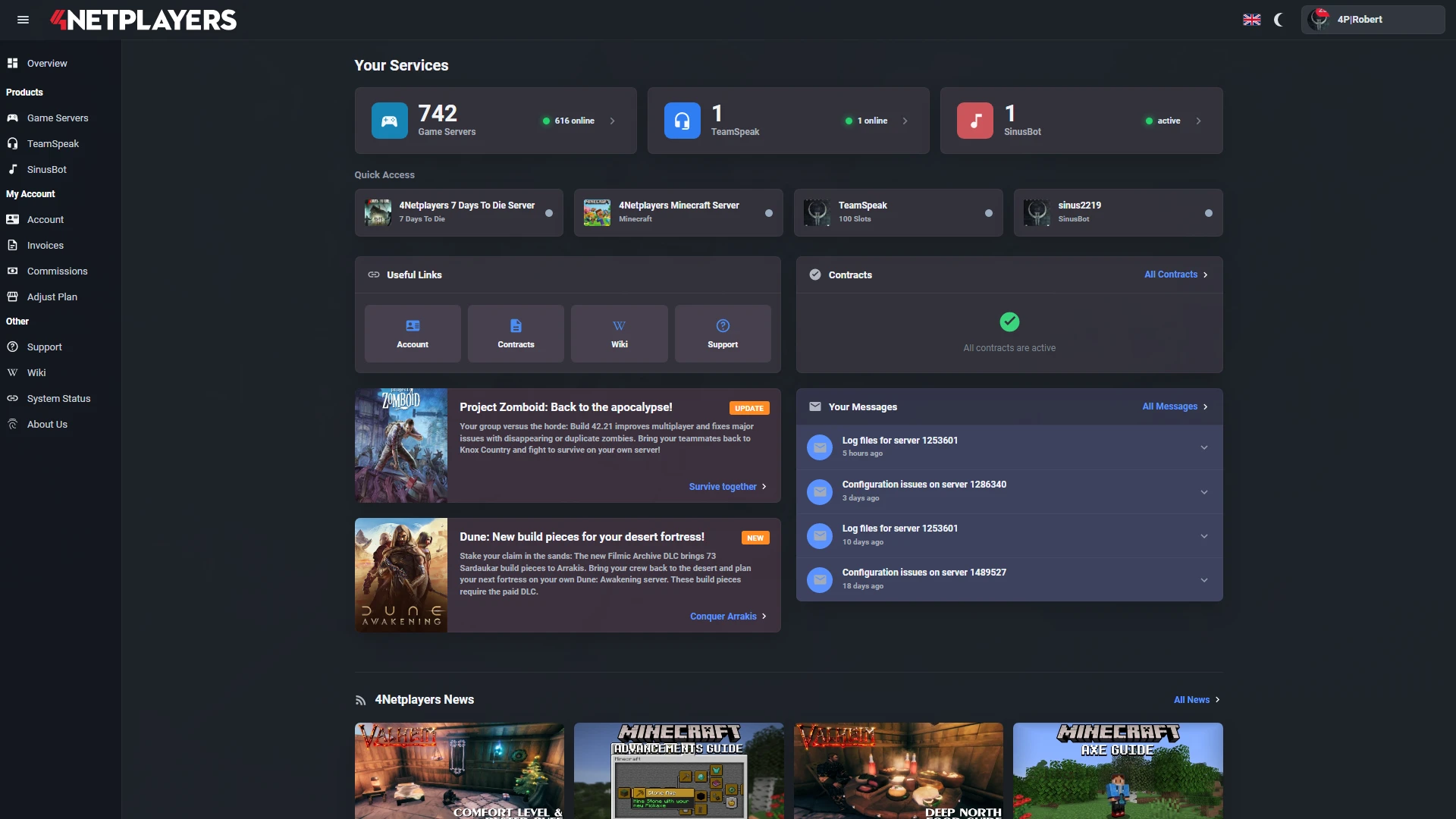
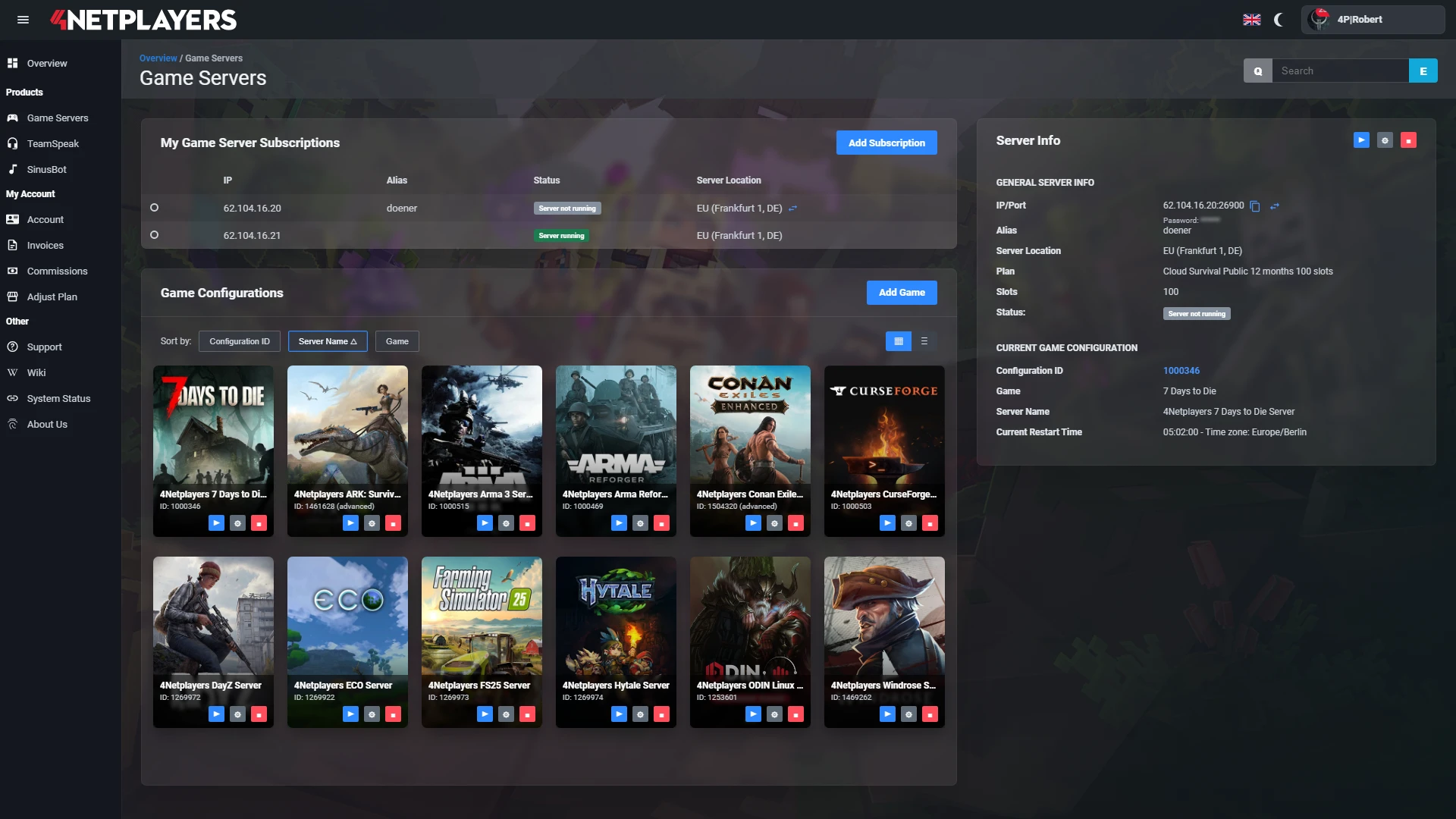
Manage your ArmA 3 server easily through our web interface. Start, stop, configure your server, or manage backups - all in just a few clicks, with no prior experience required.
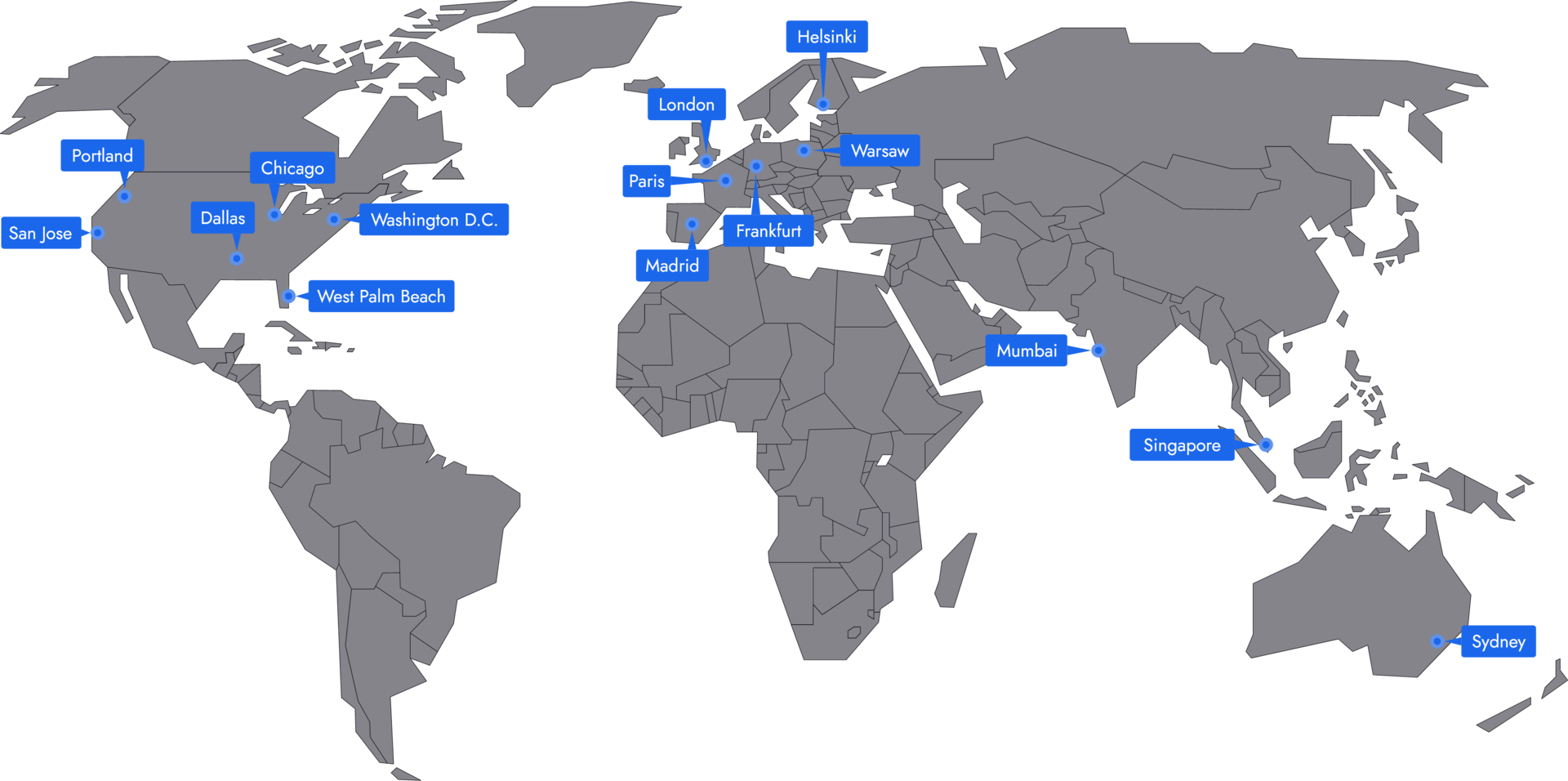
In 14 locations worldwide we offer unmatched connectivity with the lowest pings. Additional locations are continually being added and guarantee breathtaking gameplay in every game at the lowest latency.
Yes, you can install mods on your Arma 3 Server, and this requires no additional programs. Mods can be easily installed on your server by specifying the WorkshopID.
Yes, the server already comes with all DLCs, including all Creator DLCs such as Global Mobilization. There is no need for additional installation from your side.
Yes, you can use your own missions on your Arma server. These can be easily uploaded to your server with an FTP program.
Your ArmA 3 server is usually ready to use within a few minutes.
A rented ArmA 3 server gives you full control and a stable gaming environment.
You can rent your ArmA 3 server flexibly from as little as one month.
The ArmA 3 servers run on professional hosting infrastructure.
Yes, you can try your ArmA 3 server risk-free.
Yes, your ArmA 3 server is fully configurable.
Yes, you’ll receive support for technical questions and issues.
Yes, you can switch to another game at any time.
Arma 3 server hosting at 4Netplayers gives your unit, clan or group of friends a dedicated server that runs around the clock, even when nobody is online. Steam Workshop mods install automatically from their Workshop ID, and all DLCs, including the Creator DLCs, are already on the server.
Included with every Arma 3 server:
Copy the Workshop ID from the mod’s Steam Workshop link and enter it in the web interface under Mod Settings in the field for automatic installation via Steam Workshop. Separate several IDs with semicolons. The server downloads the mods and loads them at the next start.
This works for the usual building blocks of a modded Arma 3 server, such as CBA_A3, ACE, RHS, CUP or TFAR. Your players subscribe to the same mods in the Arma 3 launcher and join with the same mod list.
Install mods on your Arma 3 server
Yes. All Arma 3 DLCs and the Creator DLCs are pre-installed on every 4Netplayers server. To play a Creator DLC, you enter its short code in the mod settings and restart the server, for example vn for S.O.G. Prairie Fire or gm for Global Mobilization.
Available Creator DLCs: Global Mobilization, S.O.G. Prairie Fire, CSLA Iron Curtain, Western Sahara, Spearhead 1944, Reaction Forces and Expeditionary Forces.
Activate the Creator DLCs · Mission lists for S.O.G. Prairie Fire, Global Mobilization, CSLA Iron Curtain and Spearhead 1944
Upload your own missions as .pbo files via FTP and add them to the map cycle in the web interface. For a quick start, the server already includes the official Arma 3 missions and the scenarios of the Creator DLCs, including Zeus missions from Global Mobilization and CSLA Iron Curtain.
As the server owner, you set the password, difficulty and map cycle and manage players with admin commands during the session.
Choose the slots by the number of players who join at the same time; at 4Netplayers, Arma 3 servers start at 10 slots and you can add more later. Performance depends less on the player count than on the mission: many AI units, vehicles and scripts put the most load on the server’s processor.
You can run the free Arma 3 dedicated server software on your own PC, but the PC has to stay on around the clock and you need to set up port forwarding on your router. A rented Arma 3 server at 4Netplayers stays online without your PC, comes with DDoS protection and handles Workshop mods, DLCs and updates in the web interface.
Hosting from the game menu ends the session as soon as the host leaves. A dedicated server keeps running, so your unit can meet at fixed times and join whenever they like.


Selected guides for choosing, setting up and managing your own ArmA 3 server.