Valheim server hosting
Crossplay for PC, Xbox, PlayStation 5 and Nintendo Switch 2

10 Slots
✔️BepInEx available
✔️Crossplay included
Server location:
10 Slots
✔️BepInEx available
✔️Crossplay included
Server location:
10 Slots
✔️BepInEx available
✔️Crossplay included
Server location:
Create your own setup and customize every option.
 Major Update
Hearth & Home adds significant depth to Valheim in constructing and designing your base. New structures, furniture, and cooking recipes allow you to set up your camp more individually and functionally than ever before. The balancing of food and stamina has also been revised, leading to more tactical combat.
When you rent a Valheim server, Hearth & Home is already pre-installed with us. This way, you can start directly with friends, build your settlement, and use the new content without waiting time – on a stable game server that is always ready.
To the article: (Valheim Hearth & Home)
 Major Update
The Mistlands introduce a mystical biome full of fog, new enemies, dangerous bosses, and unique weapons. Dark tunnels, ancient ruins, and magical creatures constantly challenge you and your team, making every adventure more exciting.
On our Valheim servers, the Mistlands update is immediately included. When you rent a server, you can venture directly into the Mistlands with your group, plan expeditions, and experience epic battles together – without complicated setup.
To the article: (Valheim Mistlands Update: Biome, Enemies, Magic & Tips)
 Major Update
The Ashlands update opens a new chapter in Valheim: a fiery endgame area full of lava, ash, and relentless enemies. With new weapons, stronger armor, and dangerous beasts, this biome is particularly aimed at experienced players seeking real challenges.
When you rent a Valheim server with us, Ashlands is automatically available. You can immediately build bases in the hot terrain with your team and engage in strategic battles – without manual installation or additional costs.
To the article: (Valheim Ashlands Update: Enemies, Flametal, Dungeons & Tips)
 Major Update
Hildir’s Request brings fresh content to Valheim, which is especially exciting for explorers and collectors. New quests lead you to mysterious campsites where you can find rare loot, cosmetic items, and new customization options. Additionally, the update expands the trading mechanics and introduces additional equipment into the game.
When you rent a Valheim server with us, you can experience Hildir’s Request immediately. Start a new expedition with friends, find the hidden treasures, and make your adventure even more varied – without additional setup or waiting times.
To the article: (Valheim Hildir’s Request: merchant update, dungeons, and cosmetic additions explained)
 Major Update
The Frost Caves expand the mountains in Valheim with icy dungeons full of dangers. Dark caves, new enemies like bats and cultists, and valuable resources await you deep in the ice. With new building and armor sets, you can enhance your equipment and explore the cold biome more safely.
On our Valheim servers, Frost Caves is already available – you can immediately dive into the icy depths with friends, collect loot, and master new challenges.
To the article: (Valheim Frost Caves: Dangers in the depths of the Mountains)
 Major Update
The Bog Witch is an upcoming update that fundamentally changes the swamp biome. New creatures, dark secrets, and a powerful boss await you in the misty swamps. Additionally, you gain access to fresh equipment, building materials, and spells that make your survival even more intense.
When you rent a Valheim server with us, you are ready to experience The Bog Witch directly with friends – without manual updates or additional setup.
To the article: (Valheim: The Bog Witch – Swamp Update, Alchemy & Enemies)
 Major Update
Call To Arms makes Valheim even more cooperative: New events, enemies, and defense scenarios test your teamwork. Face waves of attacks, tactically expand your base, and secure new rewards. This update is especially aimed at players who love combat and collaboration.
On our Valheim servers, Call To Arms is ready to use immediately. You can face the new challenges directly with friends – stable, flexible, and without waiting time.
To the article: (Valheim Call to Arms Update (2025): Siege Warfare, Weapons & Clans)





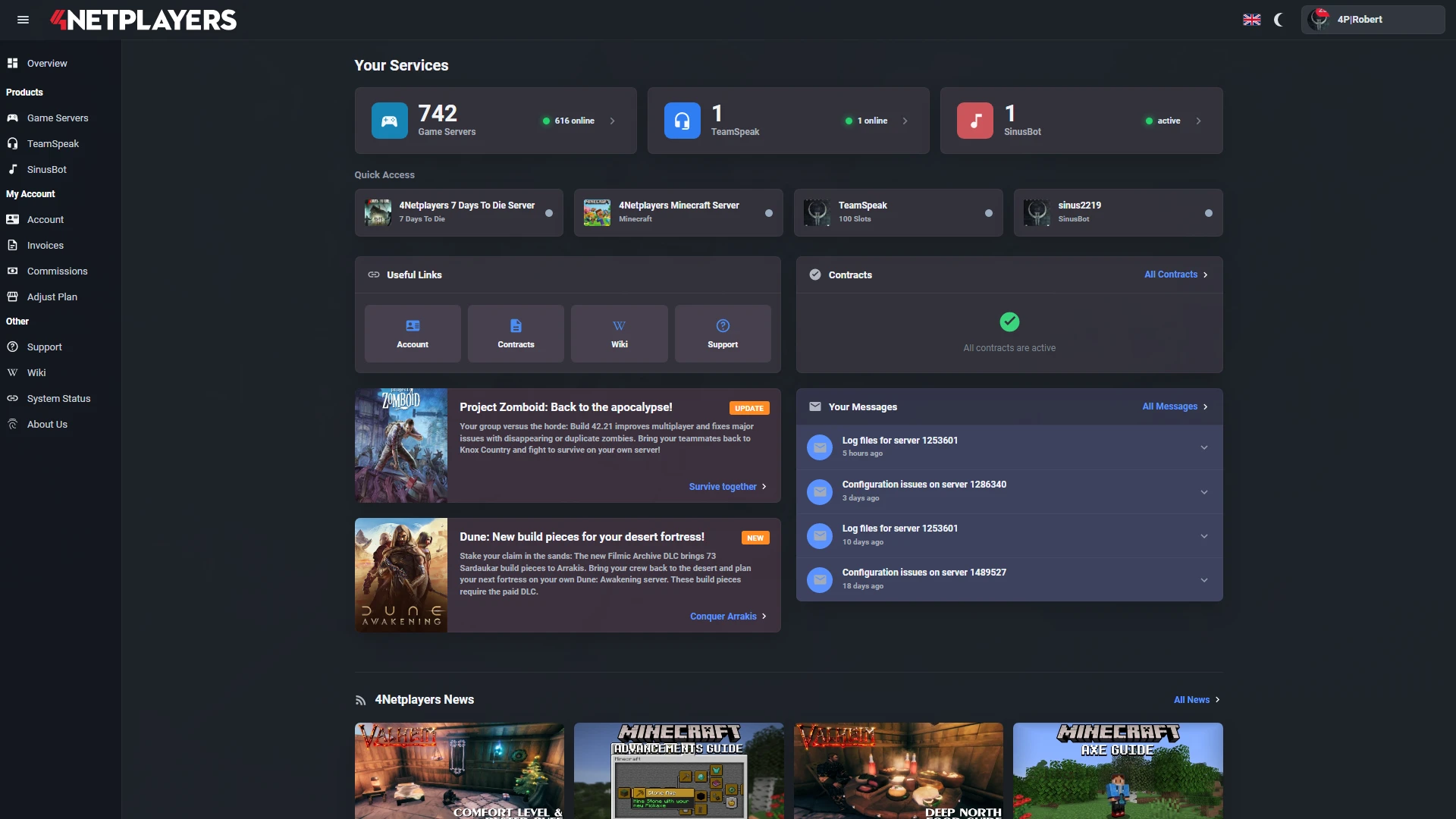
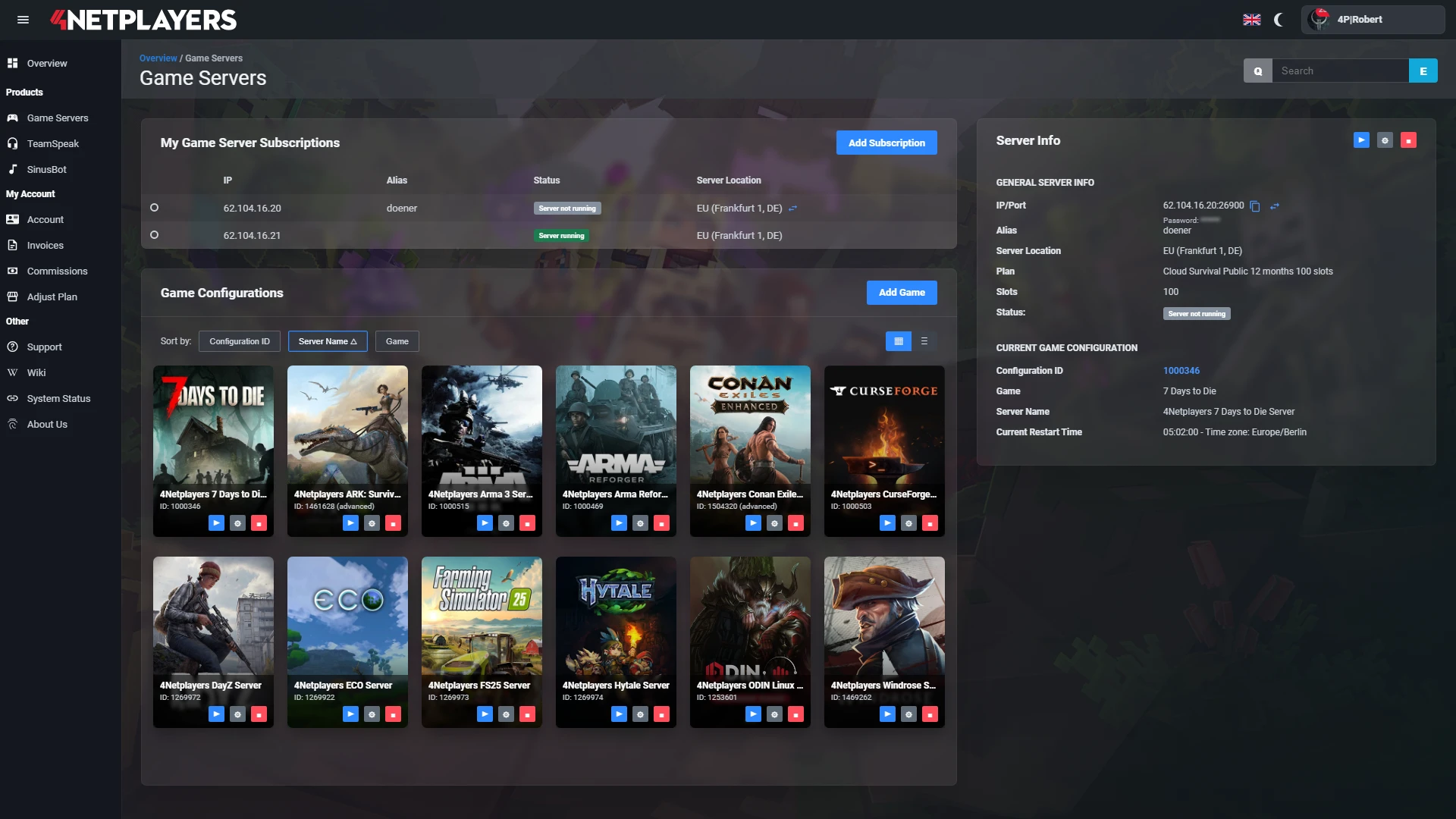
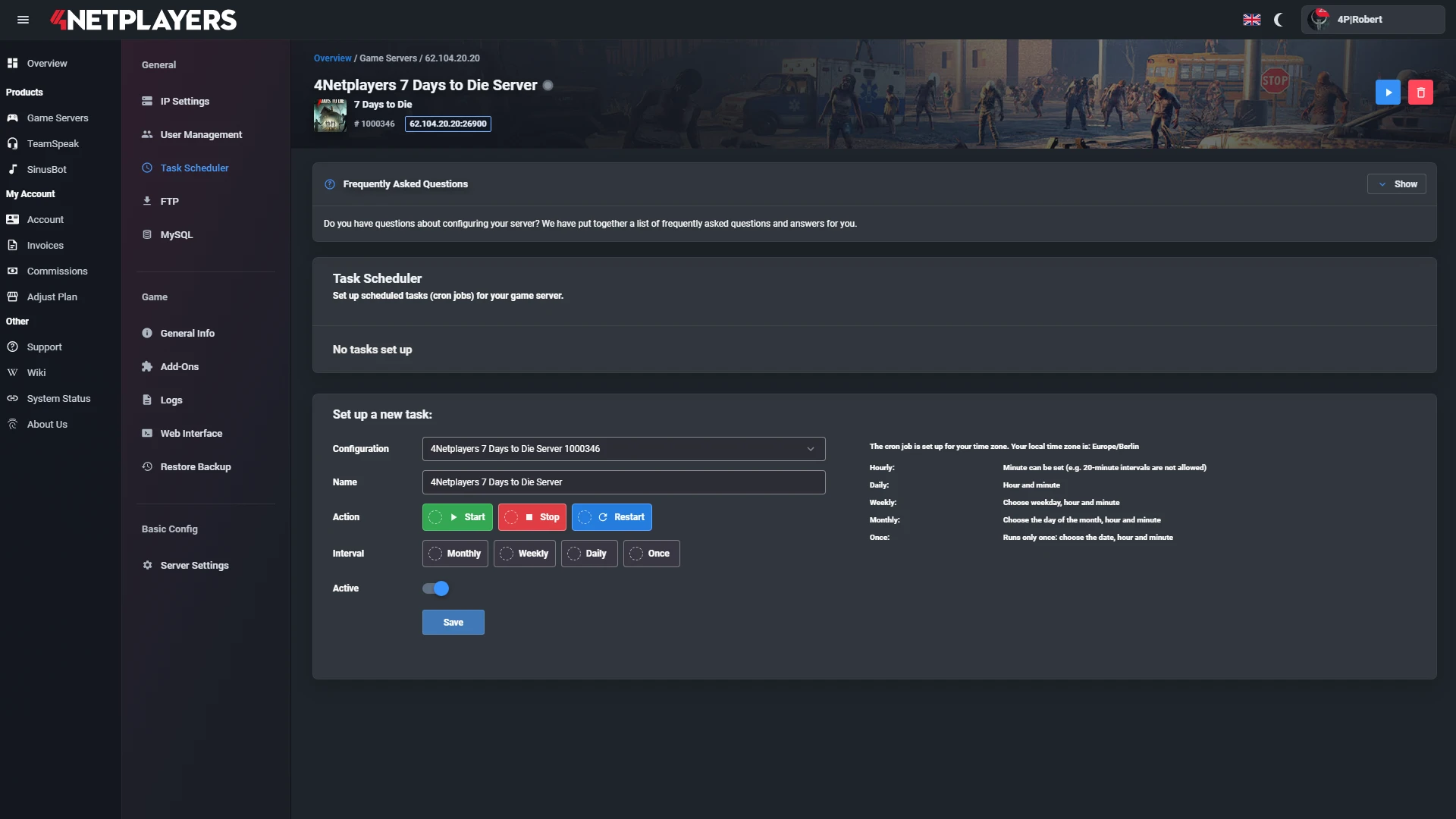
Manage your Valheim server easily through our web interface. Start, stop, configure your server, or manage backups - all in just a few clicks, with no prior experience required.
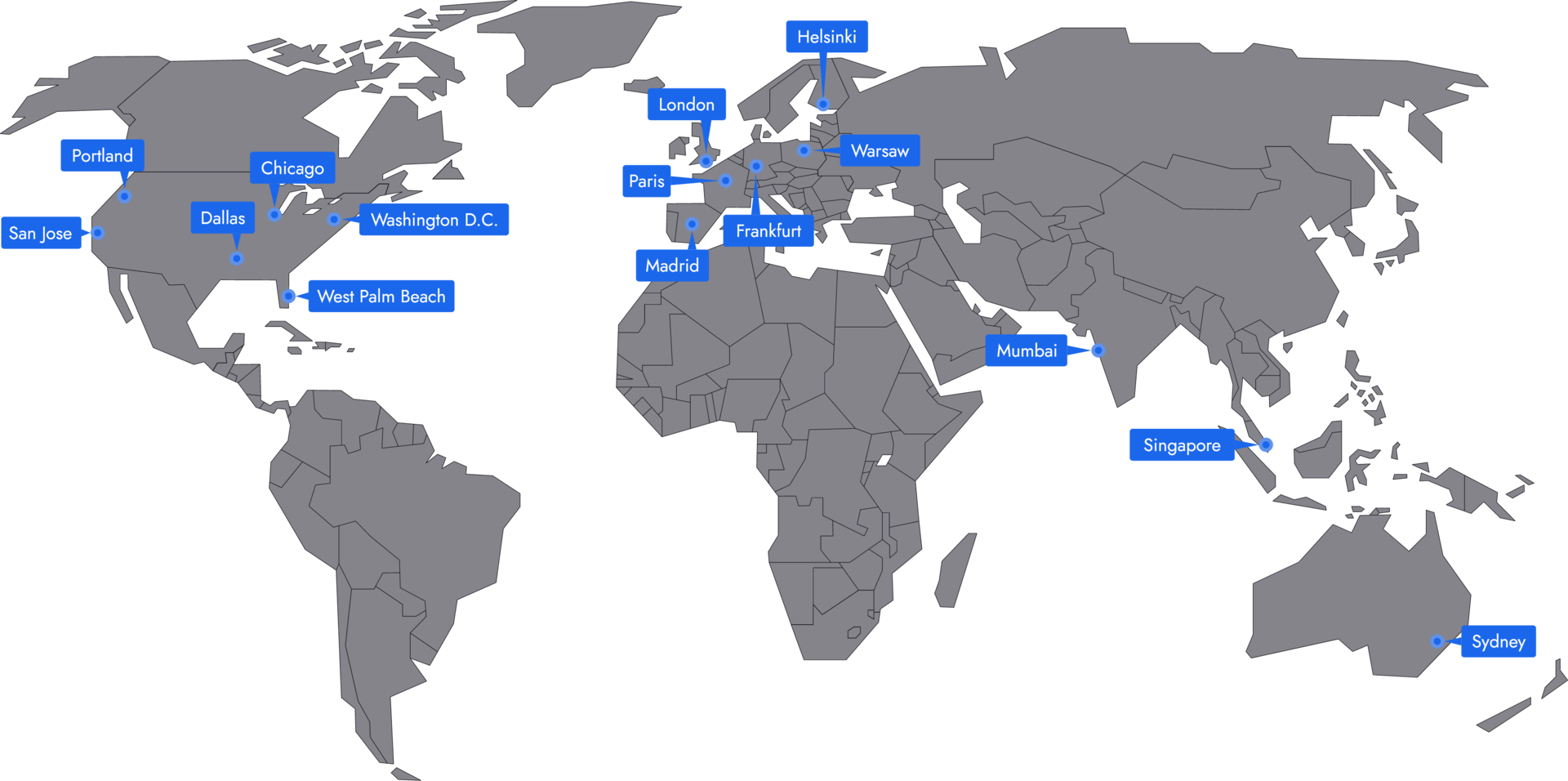
In 14 locations worldwide we offer unmatched connectivity with the lowest pings. Additional locations are continually being added and guarantee breathtaking gameplay in every game at the lowest latency.
Valheim+ is already pre-installed with us. You can activate or deactivate it with a click in the web interface. This gives you access to many quality-of-life features such as advanced building, better server settings, and more stable mod integration.
You can easily upload mods via FTP or through our web interface. For mods to function correctly, BepInEx must be activated. Then restart the server, and the mods are ready to use immediately.
Yes, BepInEx is pre-installed on all Valheim servers and can be activated in the web interface. This allows you to manage and use mods more stably without manual installation steps.
After logging in, go to “Game Server” in the web interface and click on Create Configuration. There you can select mods, set a password, and start your server immediately. The entire process takes only a few minutes.
Yes, Valheim supports crossplay between PC (Steam/Microsoft Store), Xbox, PlayStation 5 and Nintendo Switch 2. On your server, you can enable this option in the web interface and play cross-platform with your friends.
Yes. You can upload and download your world at any time via FTP or in the web interface. This makes it easy to transfer your progress to another server or save it locally.
Yes. You can adjust the number of player slots at any time and switch between monthly or longer runtimes. With longer runtimes, you benefit from cheaper prices.
Yes. All major updates from Hearth & Home through Mistlands and Ashlands to the Deep North from version 1.0 are included. You don’t need to set anything up and can play the latest content immediately.
Your Valheim server is usually ready to use within a few minutes.
A rented Valheim server gives you full control and a stable gaming environment.
You can rent your Valheim server flexibly from as little as one month.
The Valheim servers run on professional hosting infrastructure.
Yes, you can try your Valheim server risk-free.
Yes, your Valheim server is fully configurable.
Yes, you’ll receive support for technical questions and issues.
Yes, you can switch to another game at any time.
A Valheim server from 4Netplayers is a dedicated server that keeps your Viking world online around the clock, even when the player who created it is offline. It always runs the current Valheim version including the Deep North, has room for the official maximum of 10 players and connects players on PC, Xbox, PlayStation 5 and Nintendo Switch 2 through crossplay.
You can upload your existing world, run mods through the preinstalled BepInEx and set difficulty and world rules in the web interface. Everything you need to get started is in our (Valheim 2026: Beginner’s Guide to Survival, Building, and Bosses) .
Up to 10 Vikings can play on a Valheim server at the same time. Developer Iron Gate sets this limit, and it still applies in Valheim 1.0 and on dedicated servers. That is why our Valheim servers come with 10 slots, so your whole group can be online at once.
Because the server runs all the time, nobody has to wait for the host. Everyone plays when they have time: one player expands the longhouse, another raids a sunken crypt for iron, and in the evening you take on the next boss together.
Yes. Your Valheim server runs the current version of Valheim, which includes the Deep North, the final biome with the final boss. It arrived with version 1.0 in September 2026, so your group can head north right away.
Worlds created before 1.0 still load. According to Iron Gate, however, new content only generates in areas nobody has explored yet. If you want to experience the full Deep North, starting a new world is the best choice. Our article (Valheim 1.0: All new features, new biome, and 40+ weapons) sums up what changed with 1.0.
Your friends connect in-game via “Join Game” and “Join IP” using your server’s IP address and port, for example 123.45.67.89:2456, and then enter the server password. They can also add the server to their Steam favourites.
If friends on Xbox, PlayStation 5 or Nintendo Switch 2 want to join, enable crossplay in the web interface under Add-Ons. Console players then join with the 6-digit join code shown under “General Info” in your server configuration. PC players can use the code as well. Step by step: connect directly to the server and enable crossplay.
Before the first start, you choose a world preset in the web interface: Normal, Casual, Easy, Hard, Hardcore, Immersive or Hammer. Below that, you can adjust individual rules such as raids, combat or resources. That way you can play a relaxed building world or a tough survival run.
For mods, BepInEx is preinstalled on every Valheim server and can be activated in the web interface. You then upload your mods via FTP. Guides: change world settings, install mods and become an admin.
Yes. You upload your world to your Valheim server and continue where your group left off. Since Valheim 1.0, a world is a folder named after the world. Older worlds made of a .db and a .fwl file work as well, and the server converts them on the first start.
This also lets you move worlds that ran on your own PC or with another host. You can also download your world at any time, for example as an extra backup. Guides: upload a savegame and download a savegame.
You can run a Valheim dedicated server for free on your own PC with the Steam tool “Valheim Dedicated Server”. That PC then has to run nonstop, and you take care of updates, port forwarding and backups yourself.
A rented Valheim server runs on our hardware in a data centre, is online 24/7 and is managed through the web interface. For groups that play regularly but are not always online at the same time, that is usually the more convenient option.


Selected guides for choosing, setting up and managing your own Valheim server.