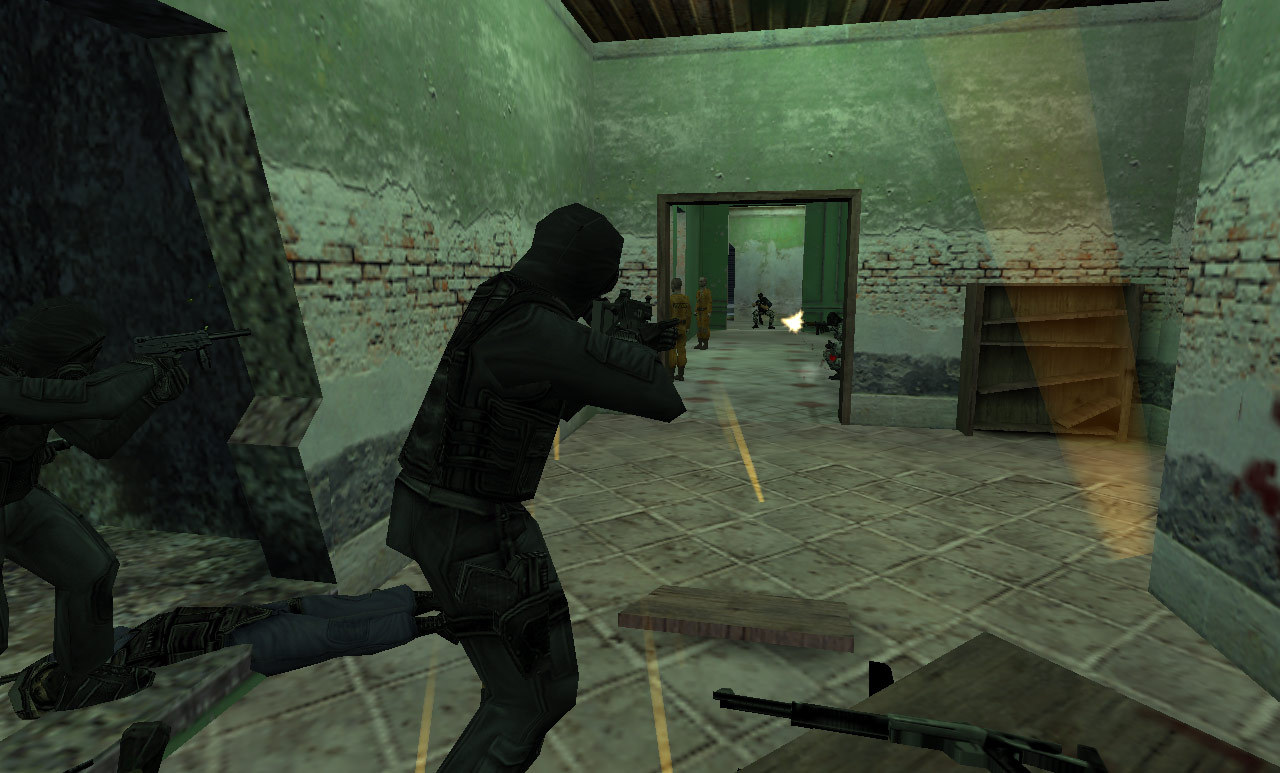
Counter-Strike server hosting

4 slots
Server location:
8 slots
Server location:
Create your own setup and customize every option.





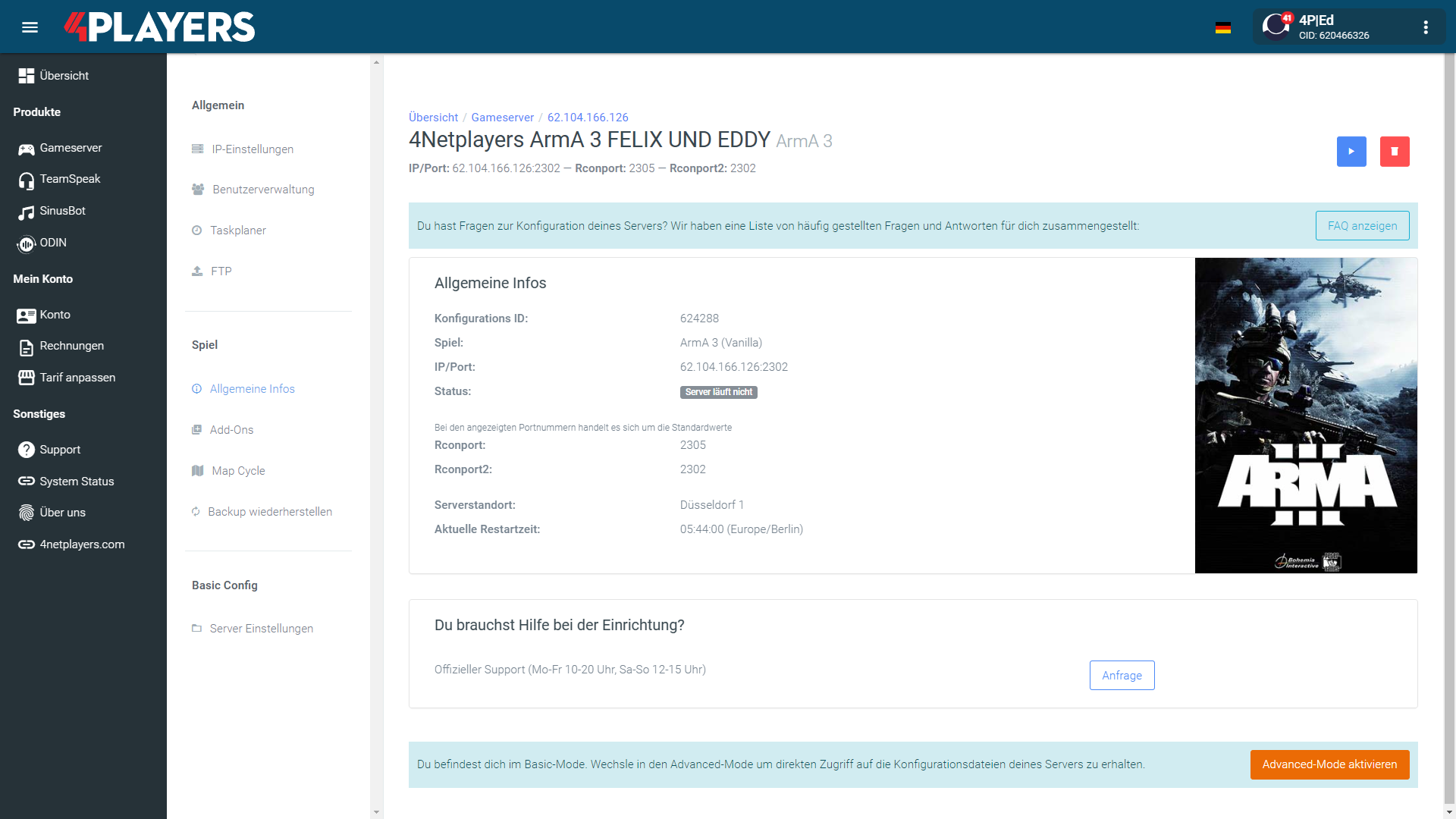
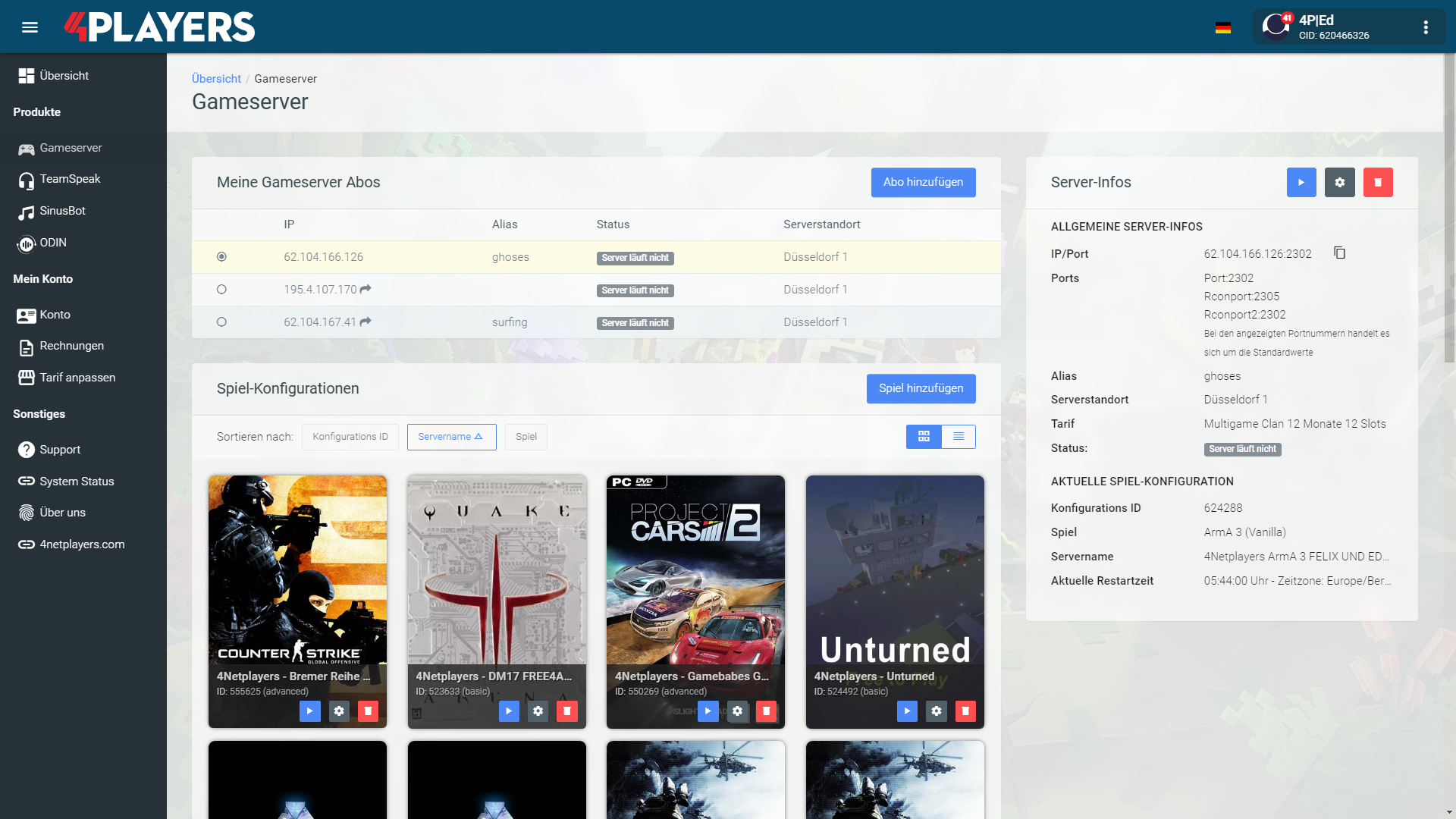
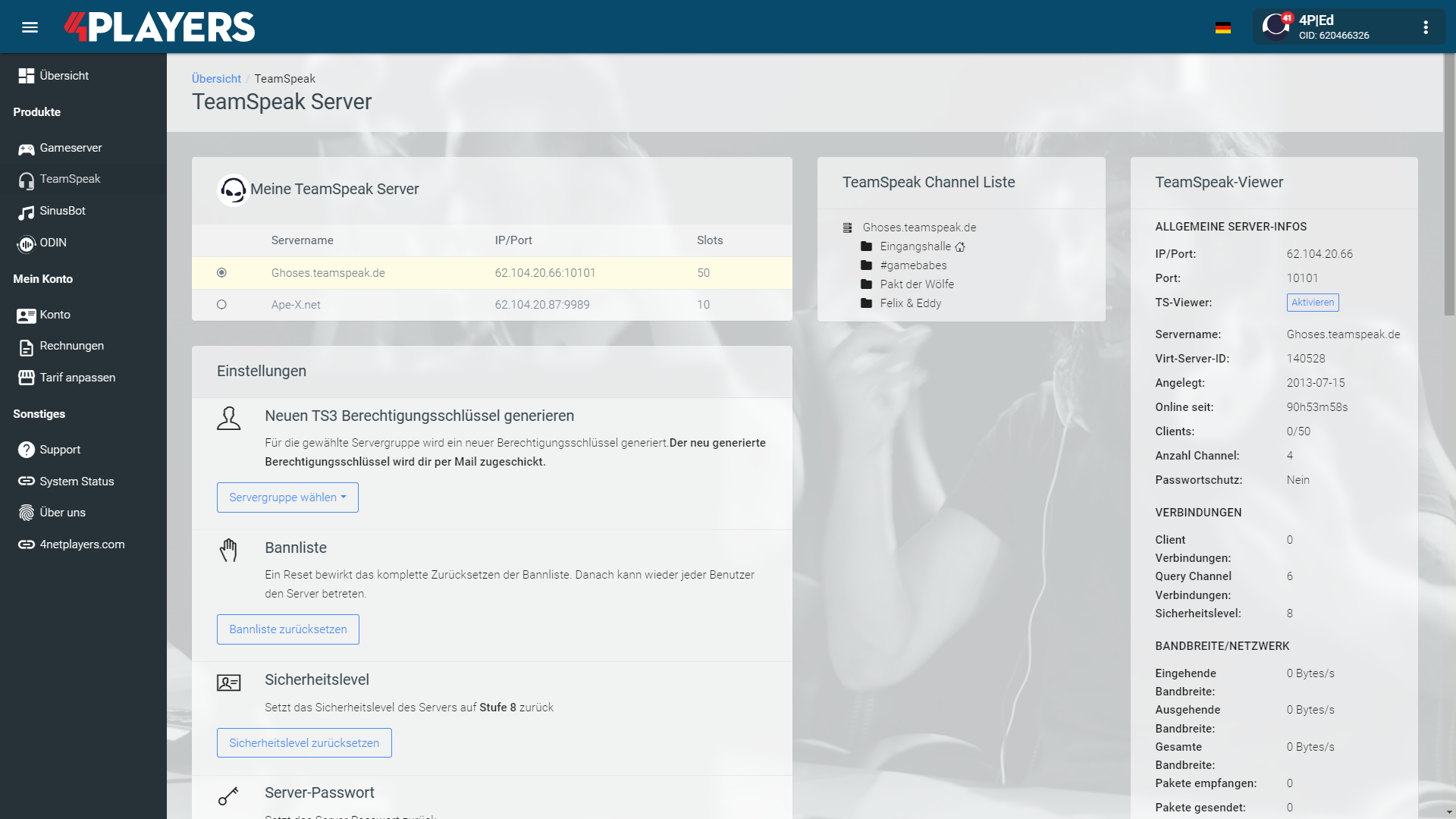
Manage your Counter-Strike server easily through our web interface. Start, stop, configure your server, or manage backups - all in just a few clicks, with no prior experience required.
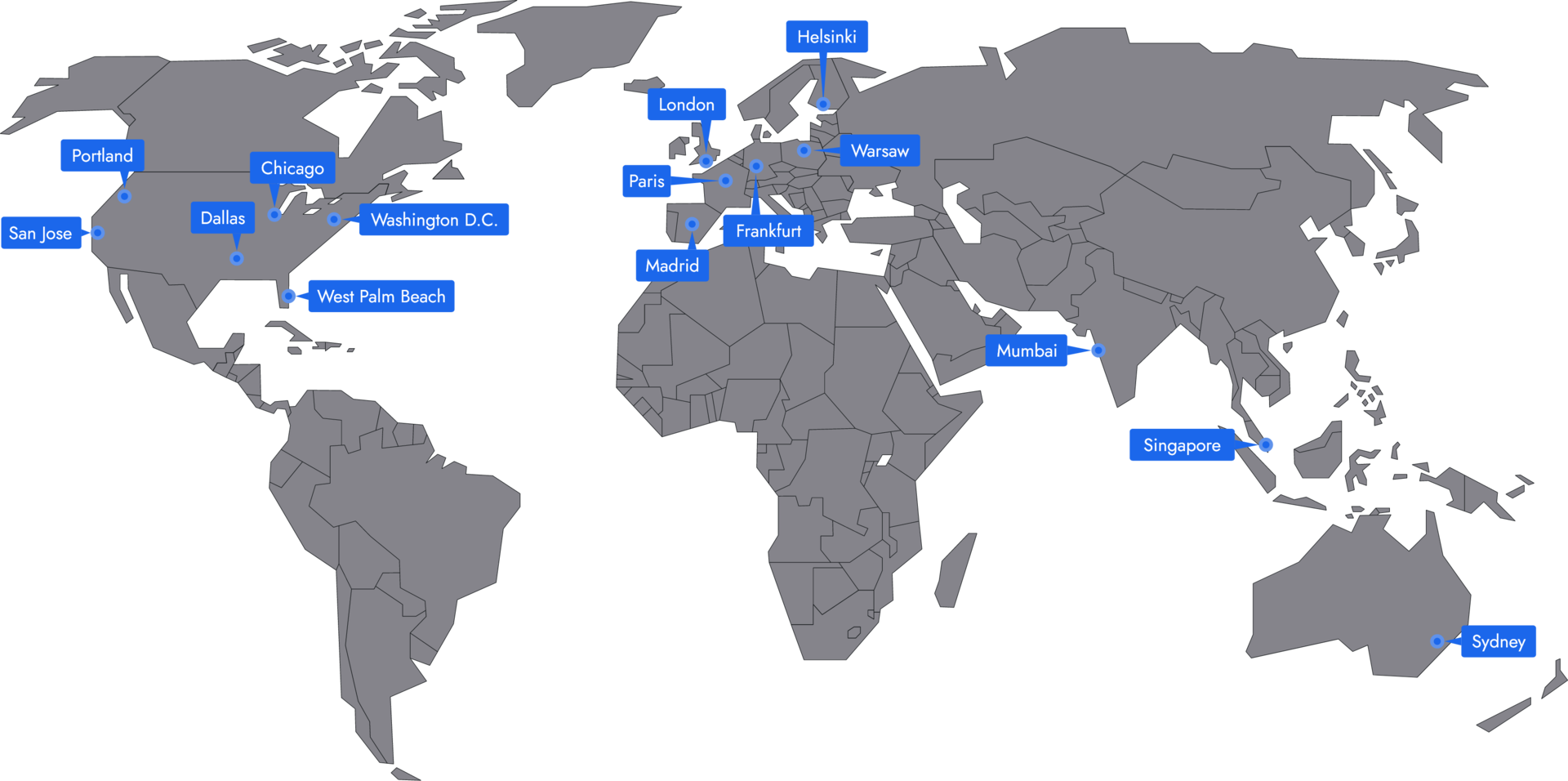
In 14 locations worldwide we offer unmatched connectivity with the lowest pings. Additional locations are continually being added and guarantee breathtaking gameplay in every game at the lowest latency.
Buying a Counter-Strike server is often very expensive. In comparison, if you rent a **Counter-Strike server, you are not burdened by a one-time high payment. As a rule, you pay a low price once a month.
With us, you also have the possibility to adjust the tariff for your server, the associated mods and accordingly the price at any time. the price at any time. So you can try out different servers and modpacks and optionally remove them remove them again without spending a large sum of money.
With 4Netplayers, this is completely up to you. Regardless of whether you choose the Starter, Professional or Premium offer, you can determine the term of your contract yourself. Starting at one month up to a term of 12 months, it’s up to you how long you want it to last. it is up to you how long you want to rent a server with us as your host. The longer the term of your contract is, the cheaper it will be, by the way, and so you will save 10% of the price for a 12-month contract compared to one month you save 10 % of the price.
Absolutely. With 4Netplayers you don’t have to worry about security and protection. For one thing, you have free to choose the duration of your contract and are not obliged to make endless monthly payments. On the other hand your server itself is safe, because we protect it with DDoS from bad traffic.
After logging in, click on “Gameserver” on the left and then on “Create configuration”. Select your desired mods, enter a password - and your server is ready to go!
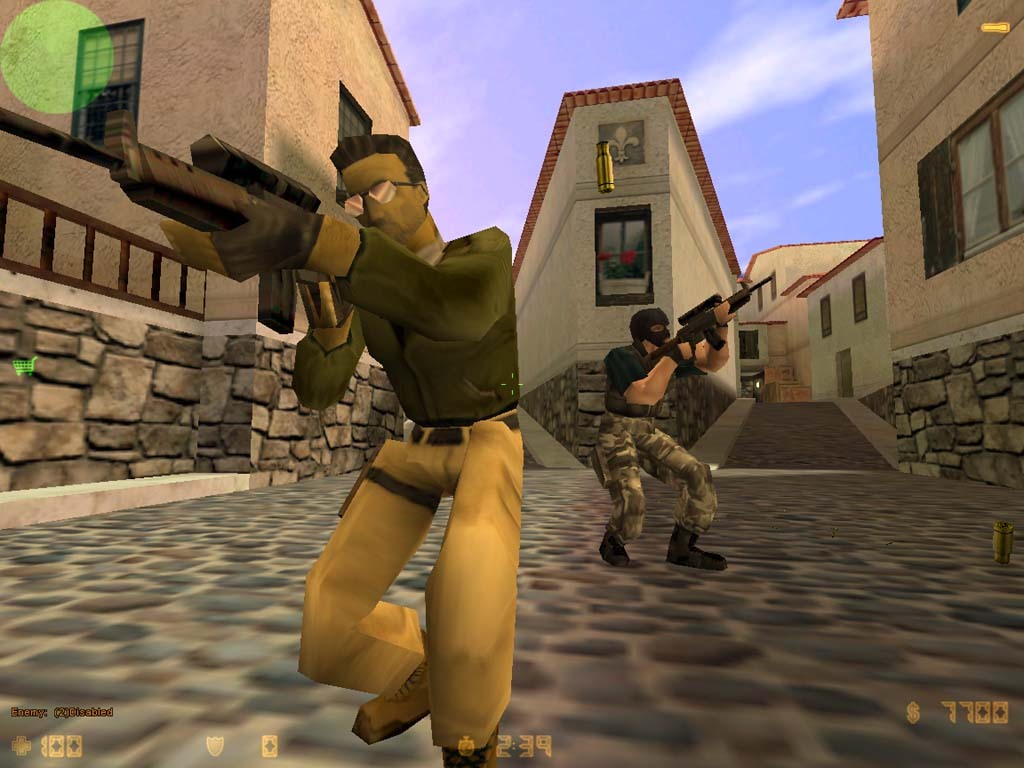
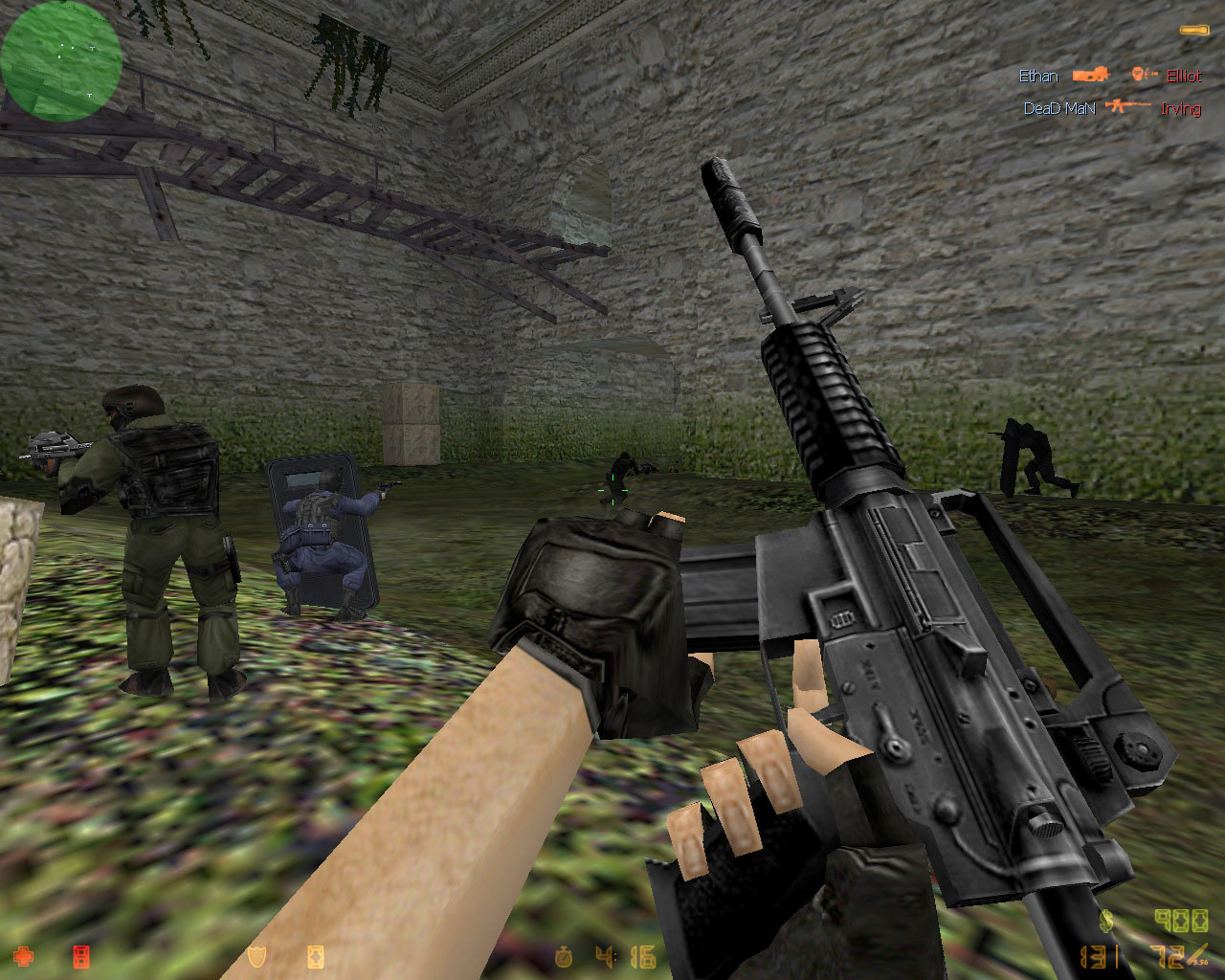
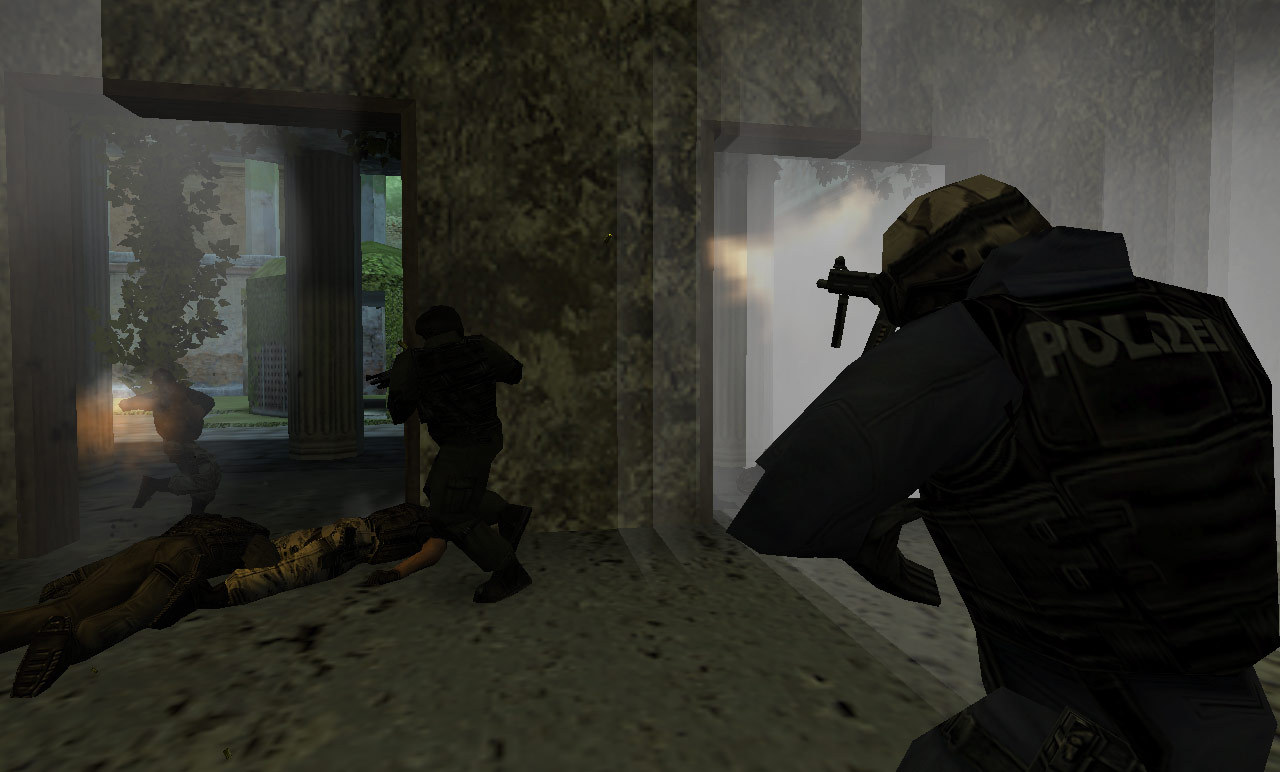
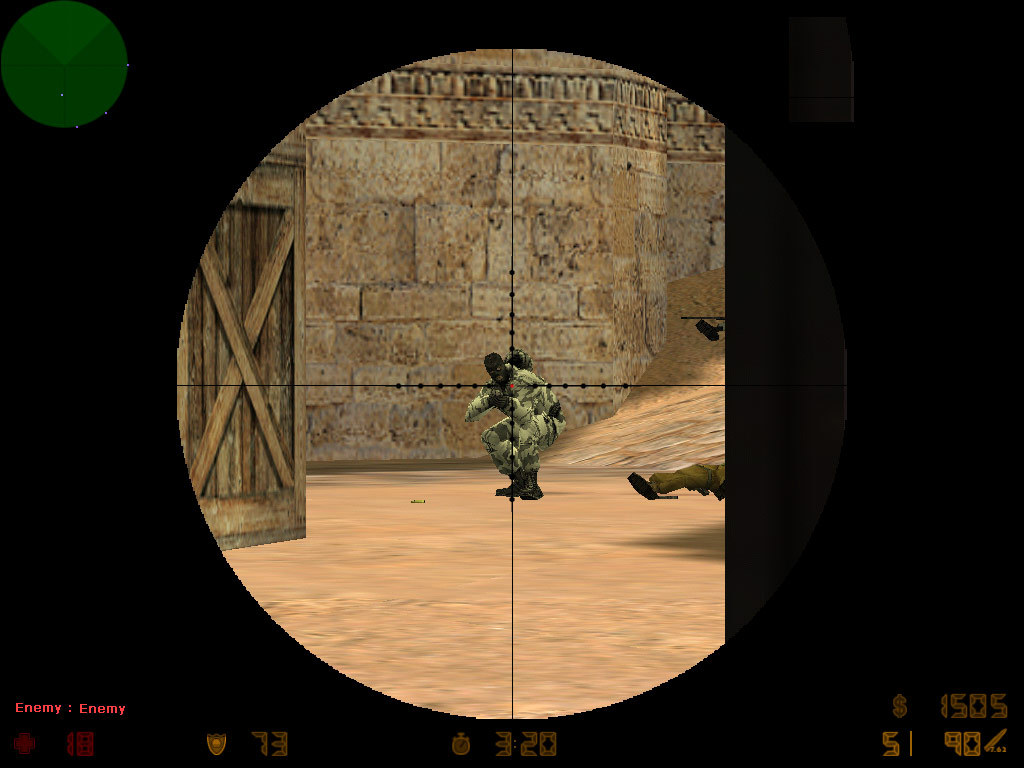
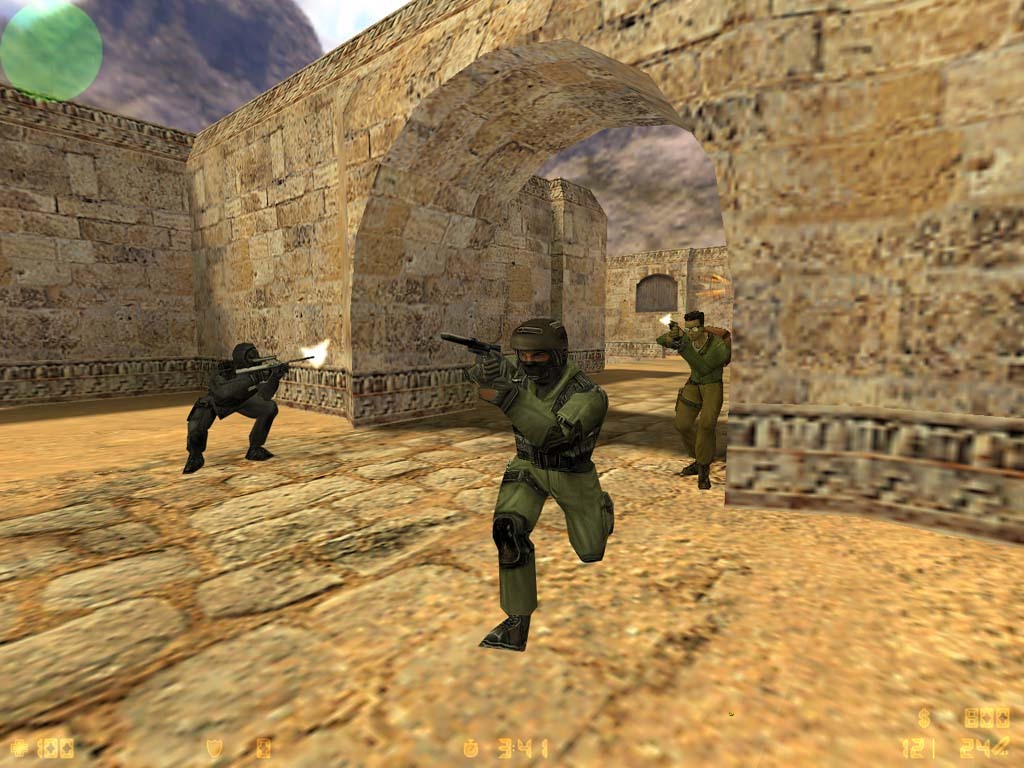
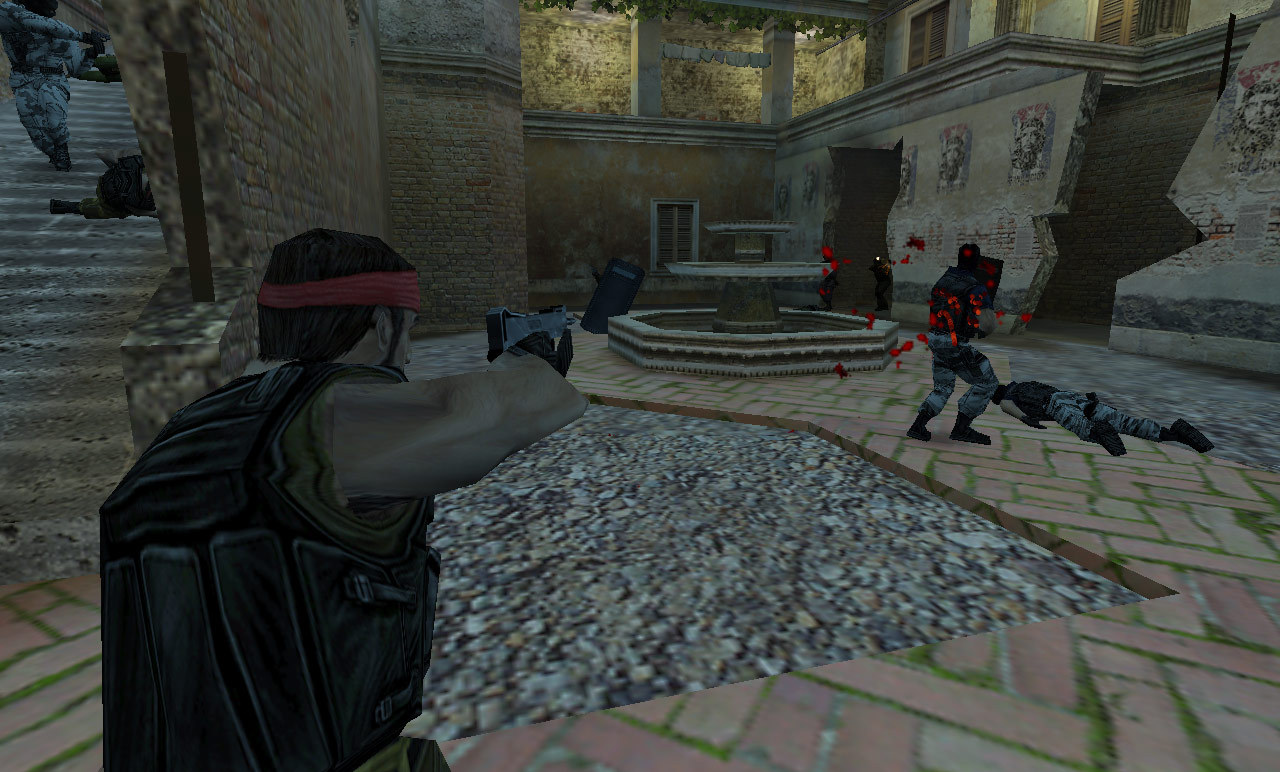
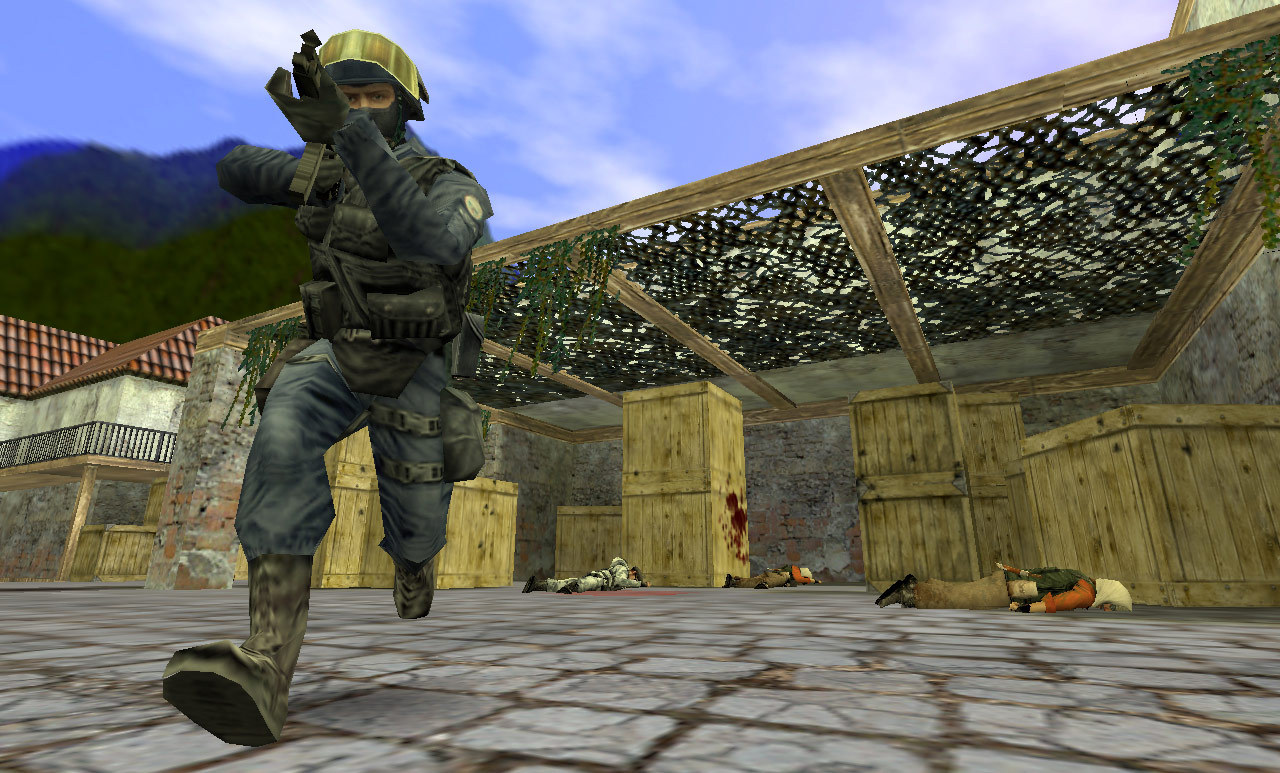
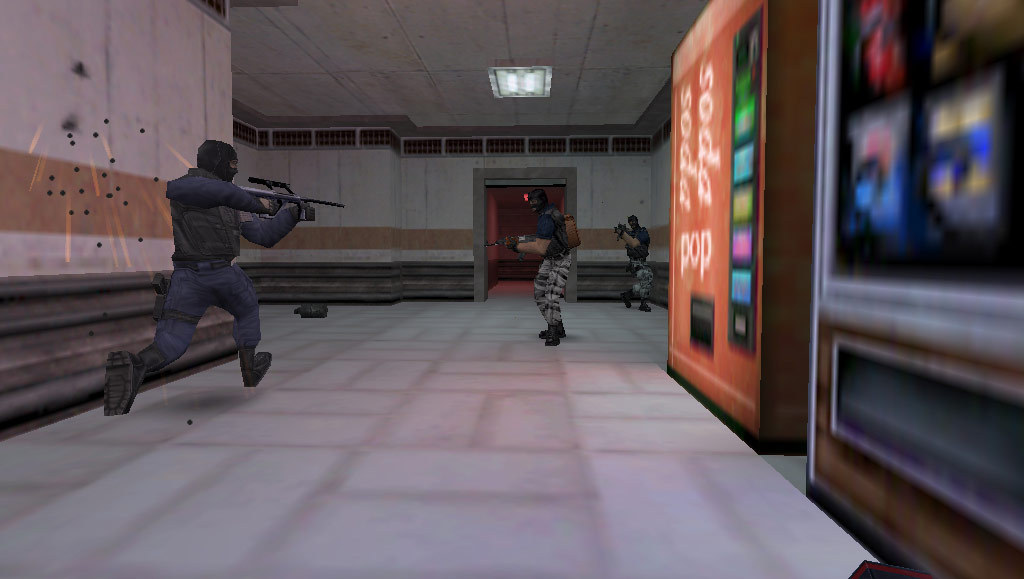
Counter-Strike is at its best when everyone plays by the same rules: clear calls, fast rounds, familiar maps and a server that does not disappear when one player leaves. Renting your own Counter-Strike server gives your group a permanent place for practice, casual evenings, clan matches or community games.
Instead of relying on random public servers, you decide who can join, which settings apply and how your match night is run. For international English-speaking groups across Europe, that matters: players may be spread across countries, time zones and connection quality. A dedicated setup helps you keep the game predictable, fair and easy to return to.
Public servers are useful for quick games, but they rarely feel like your own space. With a private Counter-Strike server, your friends, clan members or regular community players always know where to meet. Share the address, set your access rules and start playing without searching for a suitable lobby every time.
That is especially useful for groups that play on a schedule. You can run a relaxed map night during the week, organise an internal 5v5, or open the server to trusted guests at the weekend. The server stays available, so your setup is not tied to one player’s PC or a temporary session.
In Counter-Strike, latency affects how the game feels from the first duel. A clean connection helps with peeking, trading, spraying and reacting to calls. When your group includes players from different countries, the best option is usually the available data centre that gives the fairest average ping for everyone rather than the lowest ping for only one player.
Before choosing a setup, think about where most of your regular players are based and test what works best for your team. A rented server gives you a stable point of connection, so your matches are not dependent on whatever public server happens to be populated that evening.
Running your own server means you are not a guest in someone else’s match environment. You can manage access, apply passwords, adjust settings and keep the game aligned with your group’s expectations. Whether you prefer classic settings, practice rounds, a fixed map pool or stricter behaviour rules, the server can reflect the way your team wants to play.
Admin control also helps keep sessions moving. If a player disrupts the game, if a setting needs changing, or if you want to prepare a specific training setup, you do not have to wait for an external admin. Your group stays in control of the match flow.
Counter-Strike has a long tradition of custom servers, community maps and server-side adjustments. With 15+ mods preinstalled, you can get started more easily and experiment with different setups without turning every change into a technical project.
Typical use cases include:
If a change does not suit your group, you can adjust the setup again rather than abandoning the server and looking elsewhere.
A Counter-Strike server is more than a place to connect; it can become the centre of a small community. Clans can use it for training routines, scrims and match preparation. Friend groups can keep a private space for evening games. Community organisers can offer a consistent server with known rules and trusted admins.
Permissions, passwords and admin roles help you decide how open or private the server should be. Start with a small group, invite regulars later, and keep the environment manageable as your player base grows.
Renting is practical if you want predictable costs without buying and maintaining your own hardware. You can plan your Counter-Strike server in USD, choose a configuration that matches your expected player count, and adjust your setup when your needs change.
For a small private group, you may only need enough capacity for regular friends. For community nights or clan activity, planning extra slots can make sense. The important point is to match the server to how you actually play: number of players, mod use, map rotation and how often the server will be active.
The right Counter-Strike server is the one that fits your group’s routine. If you mainly play with friends, focus on stable access and simple administration. If you run a clan or community, plan for clear rules, enough slots and the flexibility to manage maps, mods and players.
Once the server is configured, your team has a reliable place to meet, practise and play on your terms. Set it up, invite your players and make your next Counter-Strike session easier to organise.
Selected guides for choosing, setting up and managing your own Counter-Strike server.