
Duel & Training
50% off in the 1st month
4 Slots
✔️Duel & Warm-Up
✔️Aim Training
✔️Private Arena
AUD
8.82
4.40
BRL 31.31
15.63
CAD 8.69
4.34
CHF 5.01
2.50
CNY 41.79
20.86
CZK 130.50
65.13
DKK 40.29
20.11
EUR 5.39
2.69
GBP 4.61
2.30
HUF 1,963.31
979.83
INR 590.47
294.69
MXN 107.54
53.67
NOK 58.98
29.43
PLN 23.25
11.60
RON 28.28
14.11
SEK 59.21
29.55
SGD 7.95
3.97
TRY 294.20
146.83
USD 6.19
3.09
/ month
(tax included)
4.40
BRL 31.31
15.63
CAD 8.69
4.34
CHF 5.01
2.50
CNY 41.79
20.86
CZK 130.50
65.13
DKK 40.29
20.11
EUR 5.39
2.69
GBP 4.61
2.30
HUF 1,963.31
979.83
INR 590.47
294.69
MXN 107.54
53.67
NOK 58.98
29.43
PLN 23.25
11.60
RON 28.28
14.11
SEK 59.21
29.55
SGD 7.95
3.97
TRY 294.20
146.83
USD 6.19
3.09
/ month
(tax included)
Server location:
Team & CTF
50% off in the 1st month
8 Slots
✔️Team Deathmatch
✔️Capture the Flag
✔️Clan Training
AUD
17.66
8.82
BRL 62.68
31.31
CAD 17.40
8.69
CHF 10.04
5.01
CNY 83.66
41.79
CZK 261.25
130.50
DKK 80.66
40.29
EUR 10.79
5.39
GBP 9.23
4.61
HUF 3,930.26
1,963.31
INR 1,182.03
590.47
MXN 215.27
107.54
NOK 118.06
58.98
PLN 46.54
23.25
RON 56.61
28.28
SEK 118.53
59.21
SGD 15.92
7.95
TRY 588.95
294.20
USD 12.39
6.19
/ month
(tax included)
8.82
BRL 62.68
31.31
CAD 17.40
8.69
CHF 10.04
5.01
CNY 83.66
41.79
CZK 261.25
130.50
DKK 80.66
40.29
EUR 10.79
5.39
GBP 9.23
4.61
HUF 3,930.26
1,963.31
INR 1,182.03
590.47
MXN 215.27
107.54
NOK 118.06
58.98
PLN 46.54
23.25
RON 56.61
28.28
SEK 118.53
59.21
SGD 15.92
7.95
TRY 588.95
294.20
USD 12.39
6.19
/ month
(tax included)
Server location:
Custom configuration
Create your own setup and customize every option.
Our 5-star reviews on Trustpilot
Pay securely and flexibly for Quake Live servers



Intuitive web interface for your Quake Live server
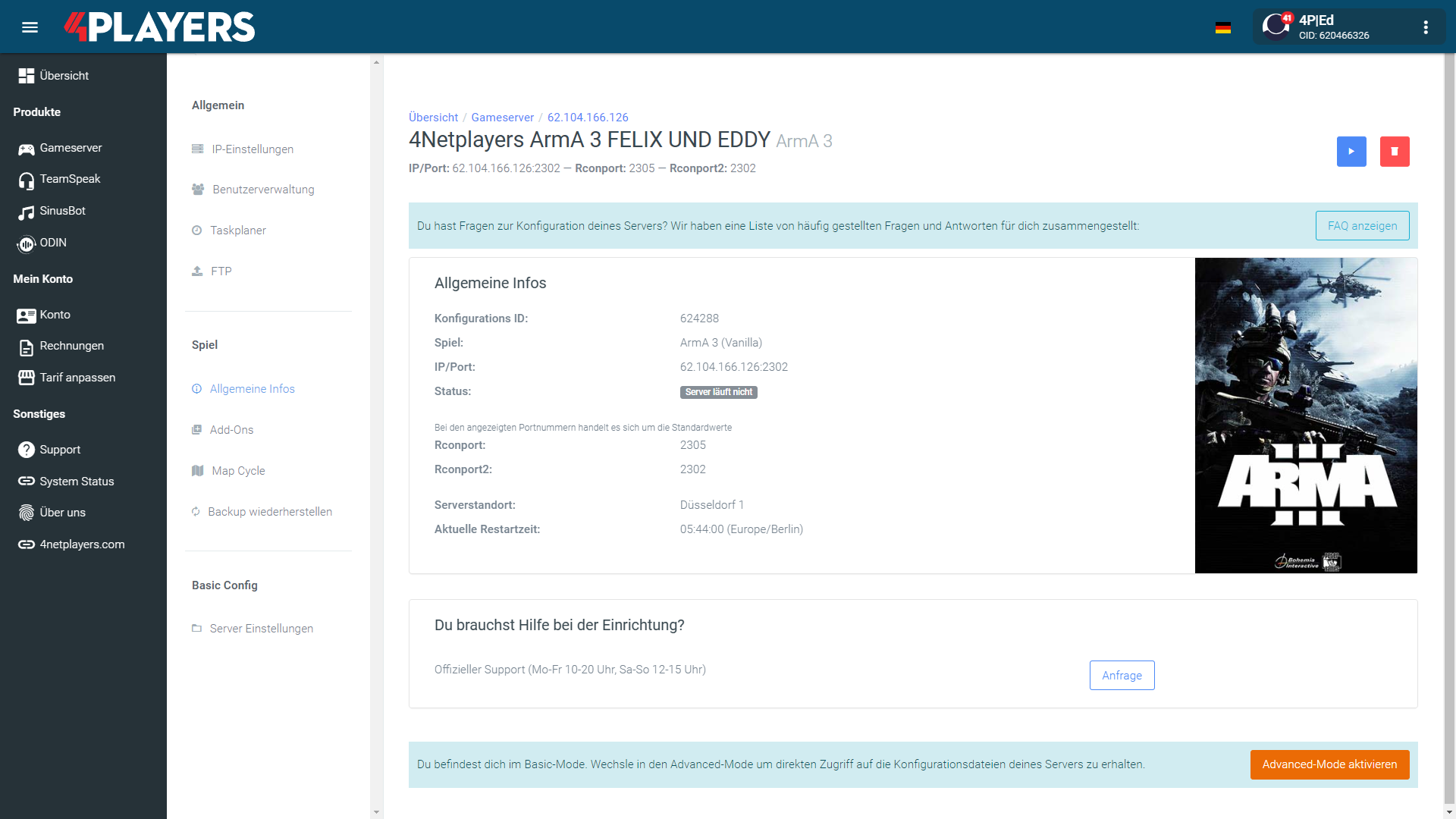
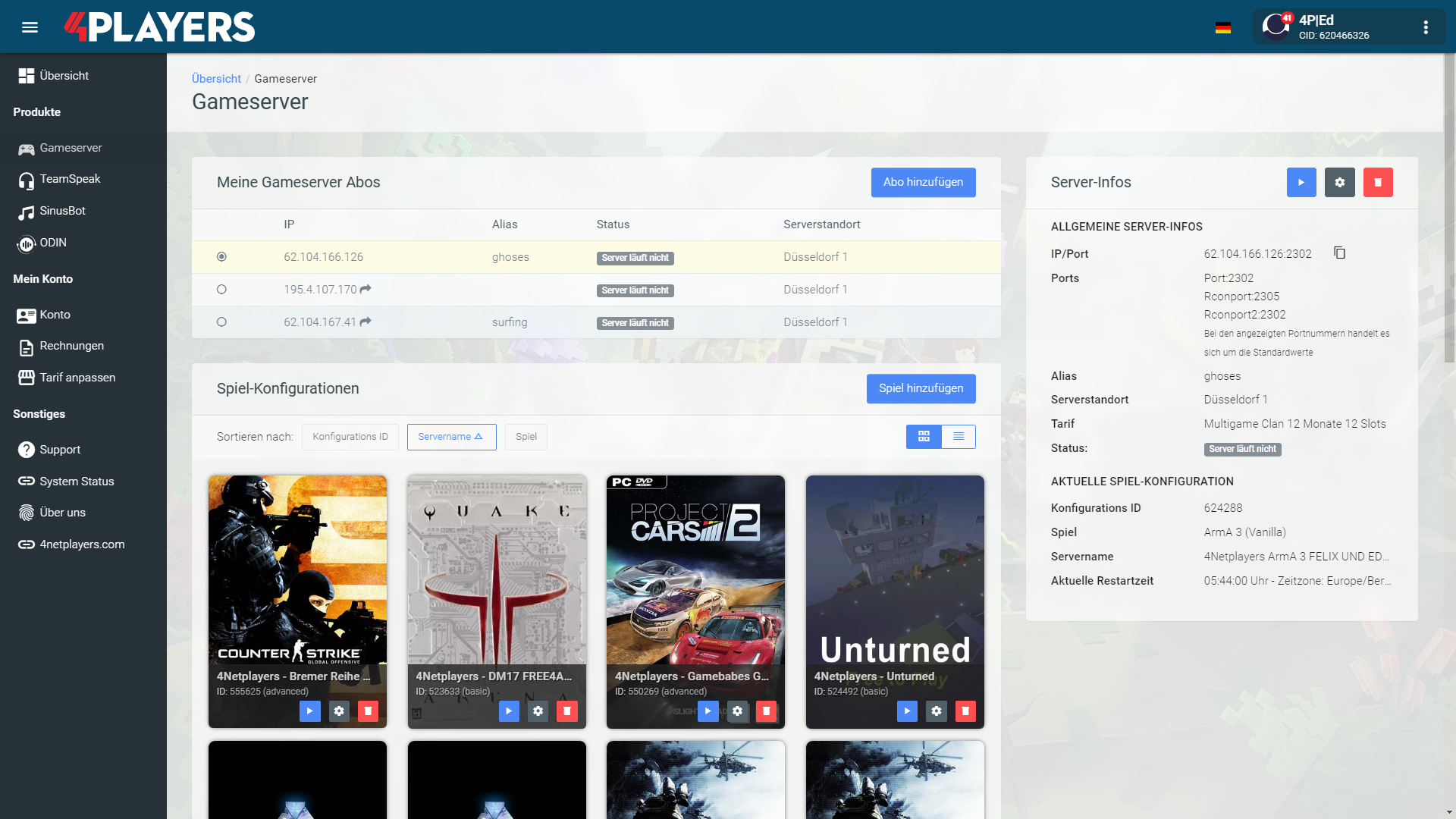
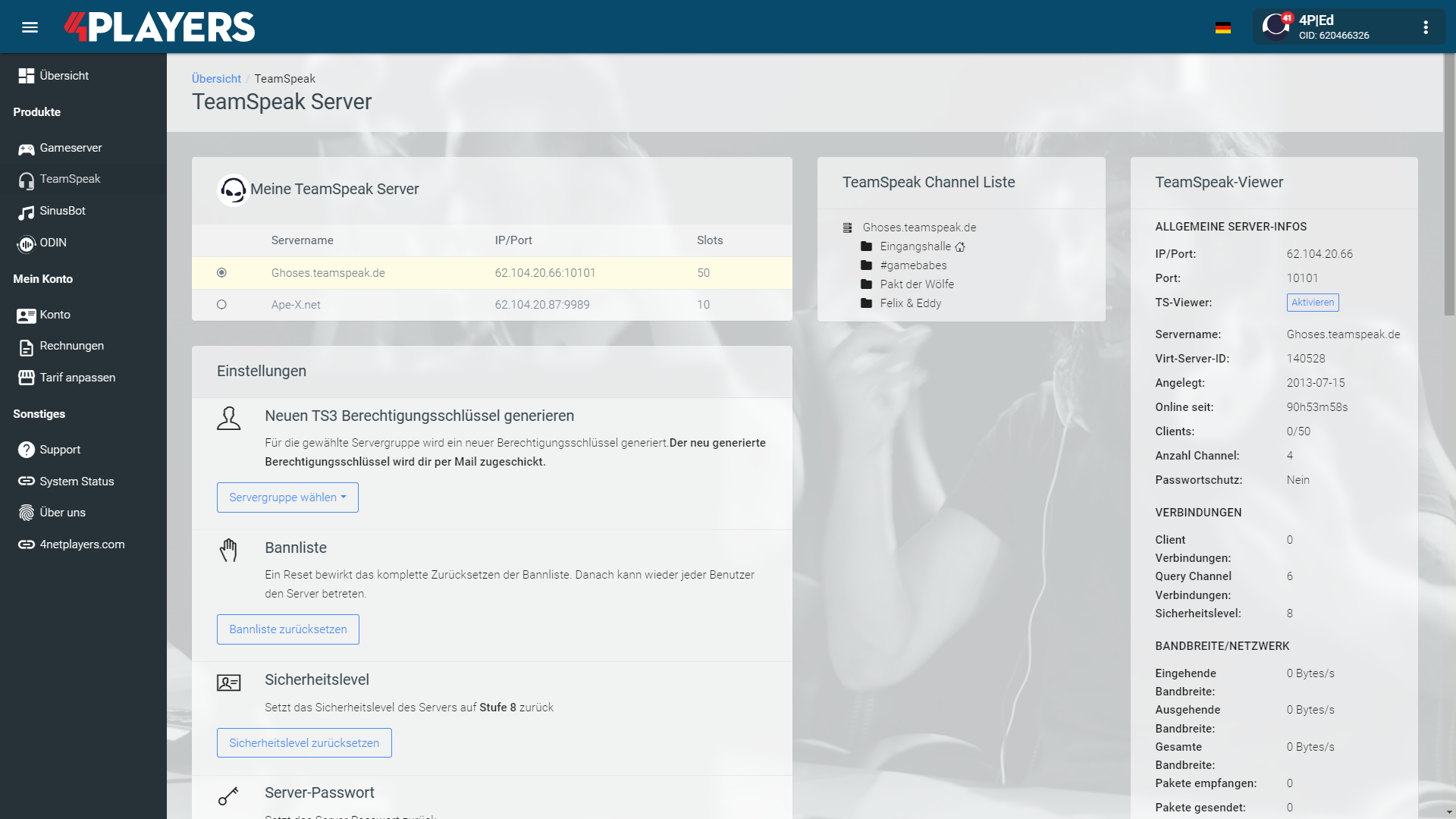
Manage your Quake Live server easily through our web interface. Start, stop, configure your server, or manage backups - all in just a few clicks, with no prior experience required.
Quake Live Server locations with low latency
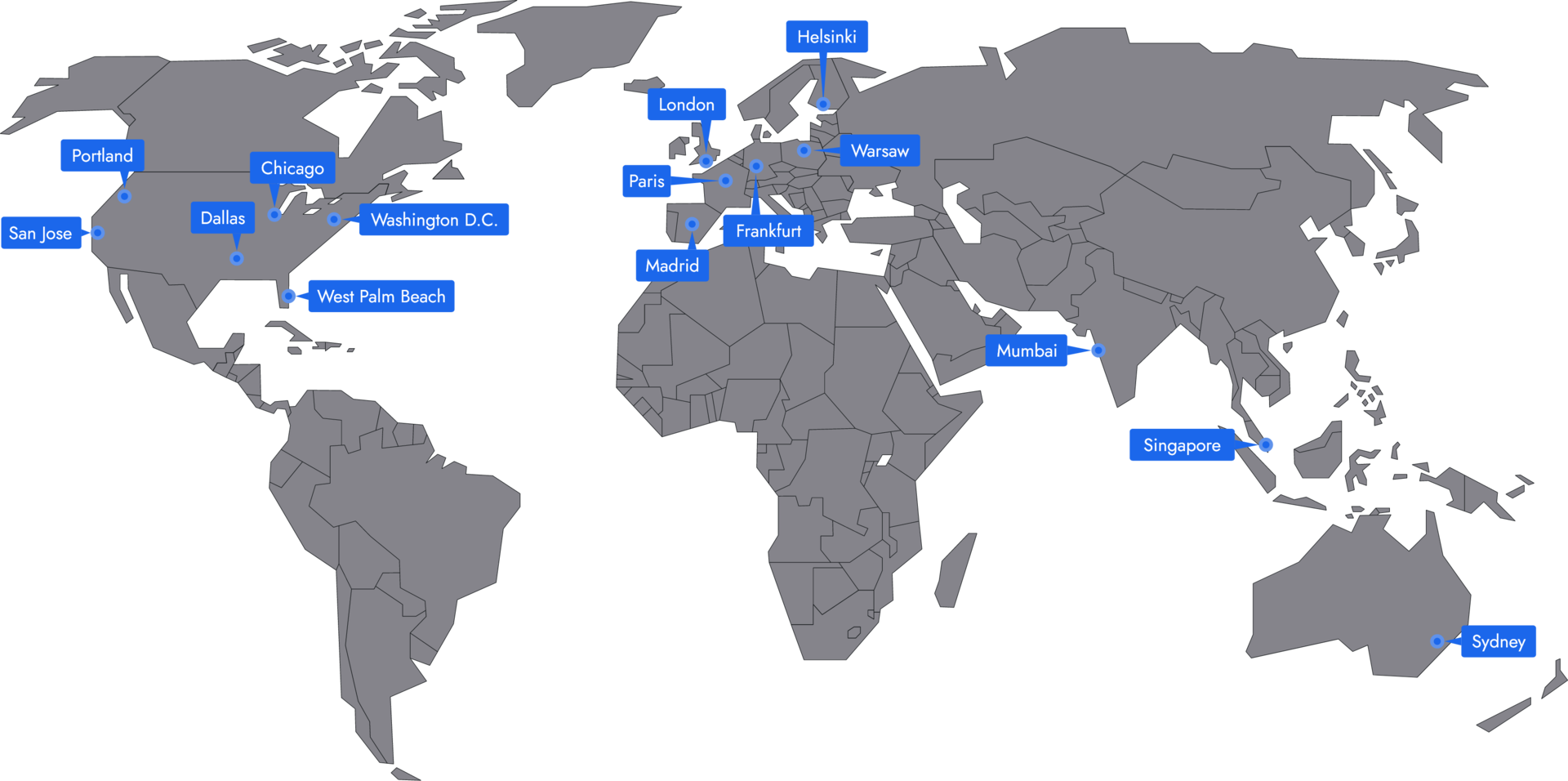
In 14 locations worldwide we offer unmatched connectivity with the lowest pings. Additional locations are continually being added and guarantee breathtaking gameplay in every game at the lowest latency.

Frequently asked questions about Quake Live servers
Your Quake Live server is usually ready to use within a few minutes.
- Automatic setup immediately after ordering
- Immediate access to the IP address and console
- No manual activation required
- Assistance from support if needed
A rented Quake Live server gives you full control and a stable gaming environment.
- Server runs 24/7
- Custom settings
- Flexible resource allocation
- Protection against outages and attacks
You can rent your Quake Live server flexibly from as little as one month.
The Quake Live servers run on professional hosting infrastructure.
- High-performance hardware
- Fast network connectivity
- Regular maintenance and updates
- Continuous system monitoring
- Protection against DDoS attacks
Yes, you can try your Quake Live server risk-free.
- 14-day right of withdrawal
- Full functionality during the trial period
- No hidden costs
Yes, your Quake Live server is fully configurable.
Yes, you’ll receive support for technical questions and issues.
- Help with setup and operation
- Contact via email or chat
- Comprehensive guides in the help section
Yes, you can switch to another game at any time.
- Switch directly via the web interface
- No extra charge for changing games
- Automatic switch within a few minutes
- Switch back at any time
Rent a Quake Live Server: Your Arena, Your Control
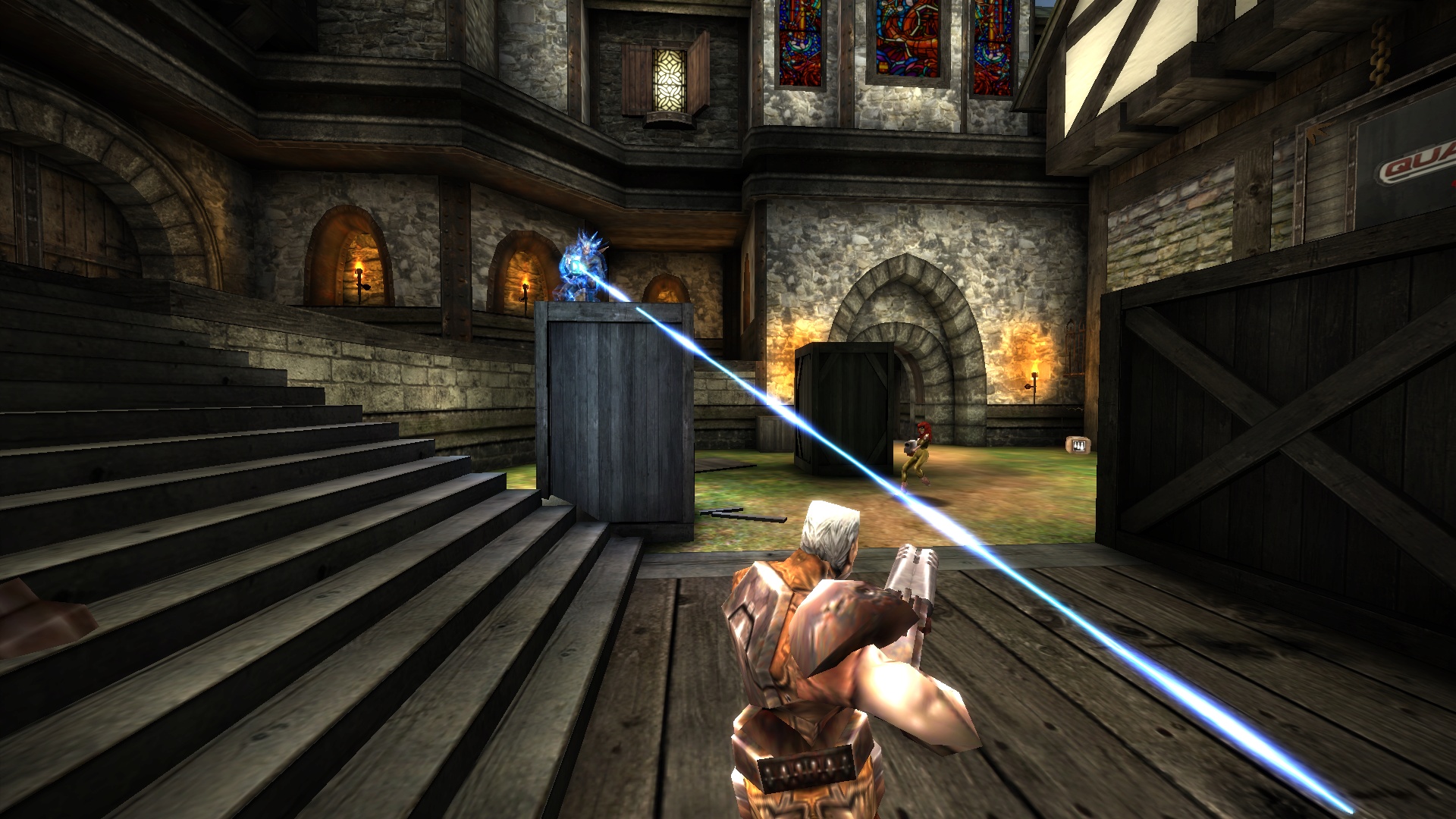
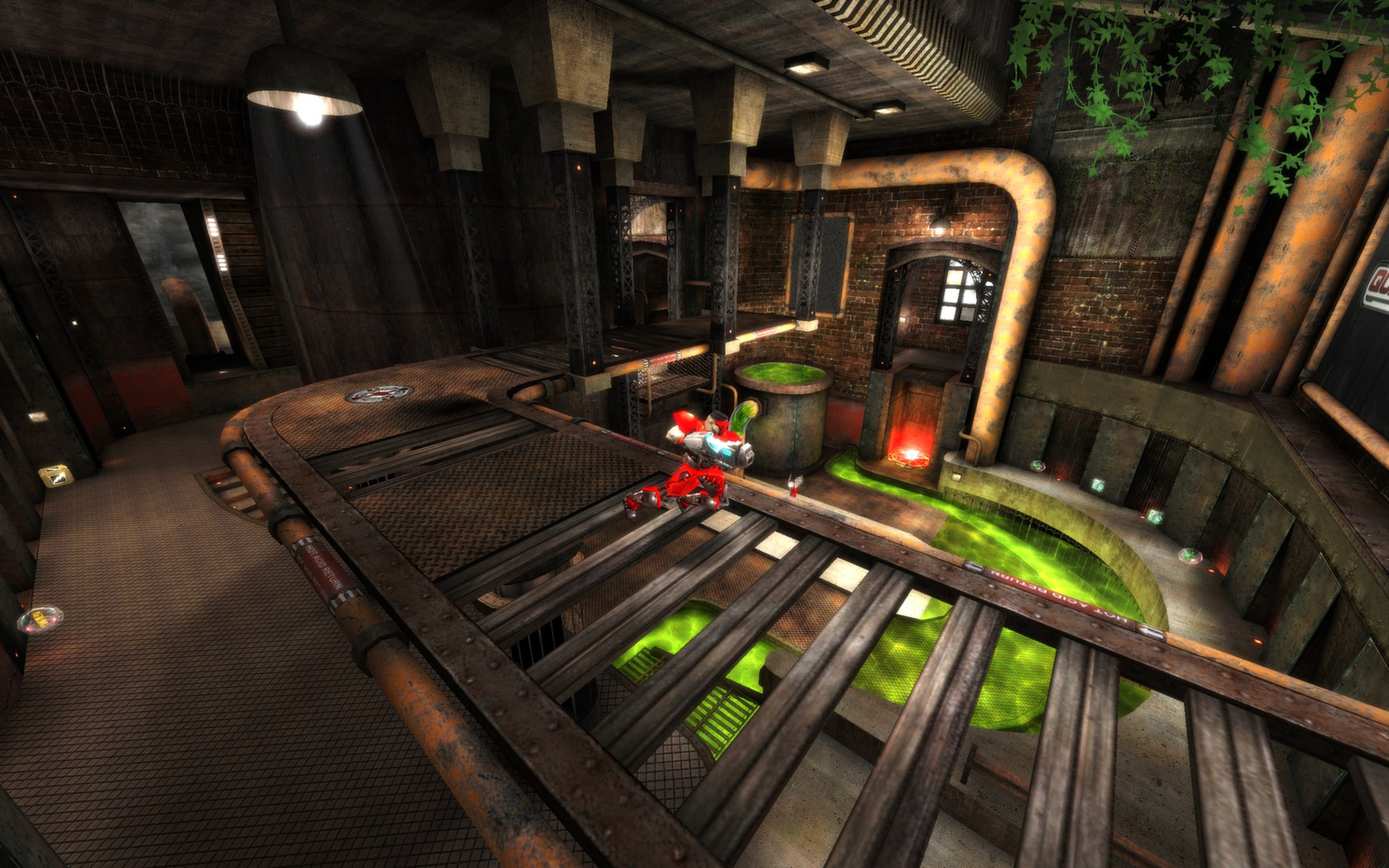
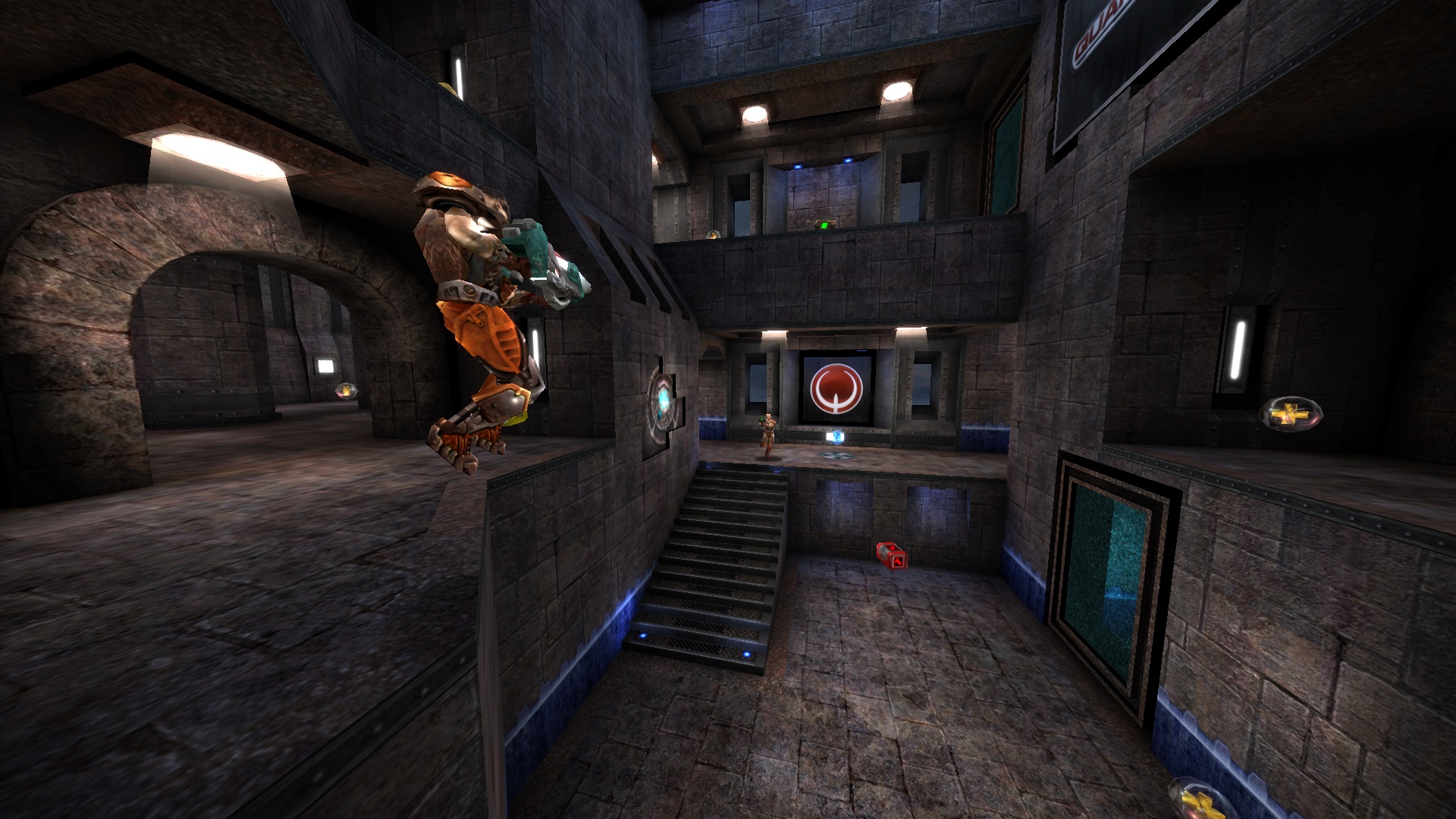
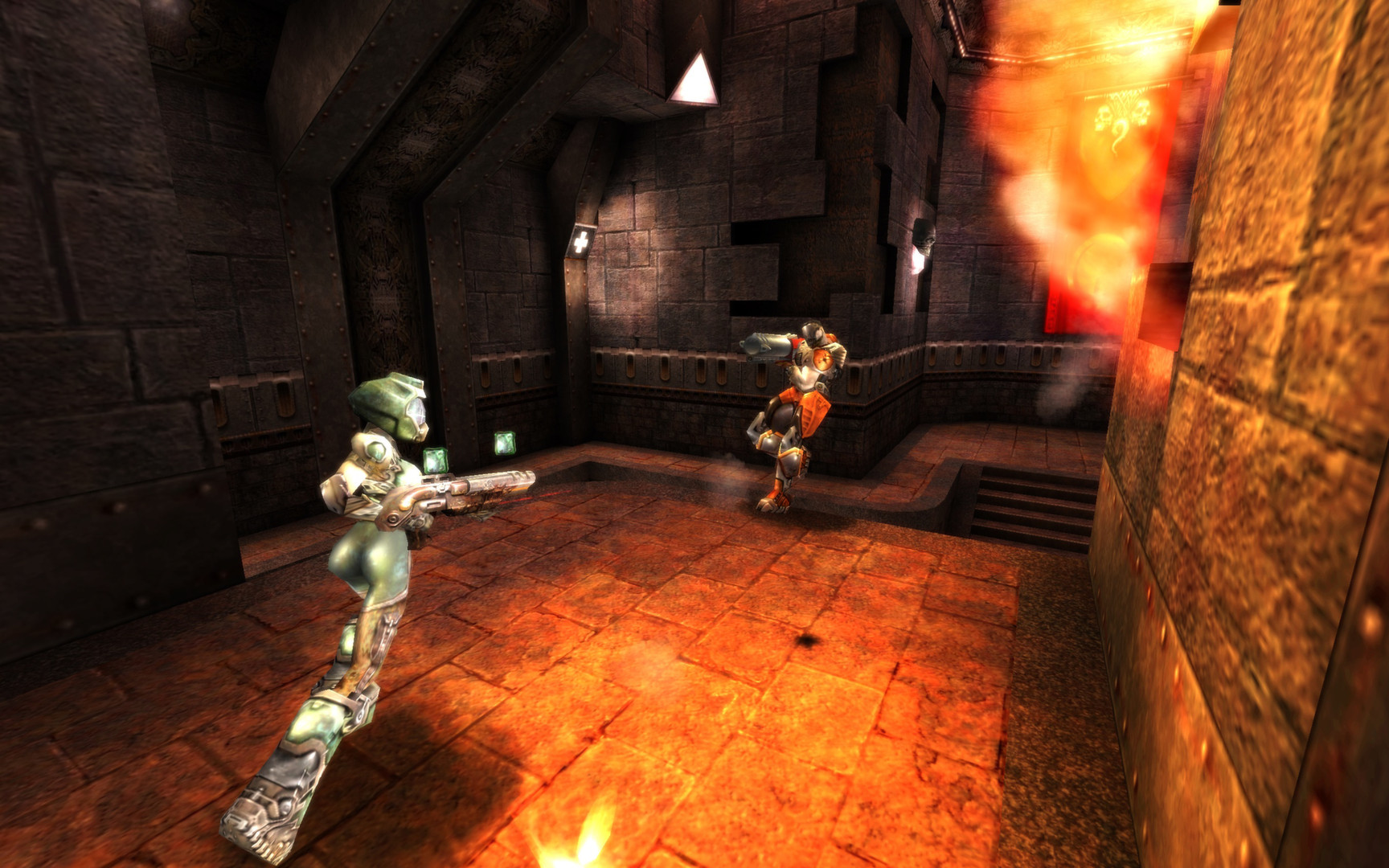
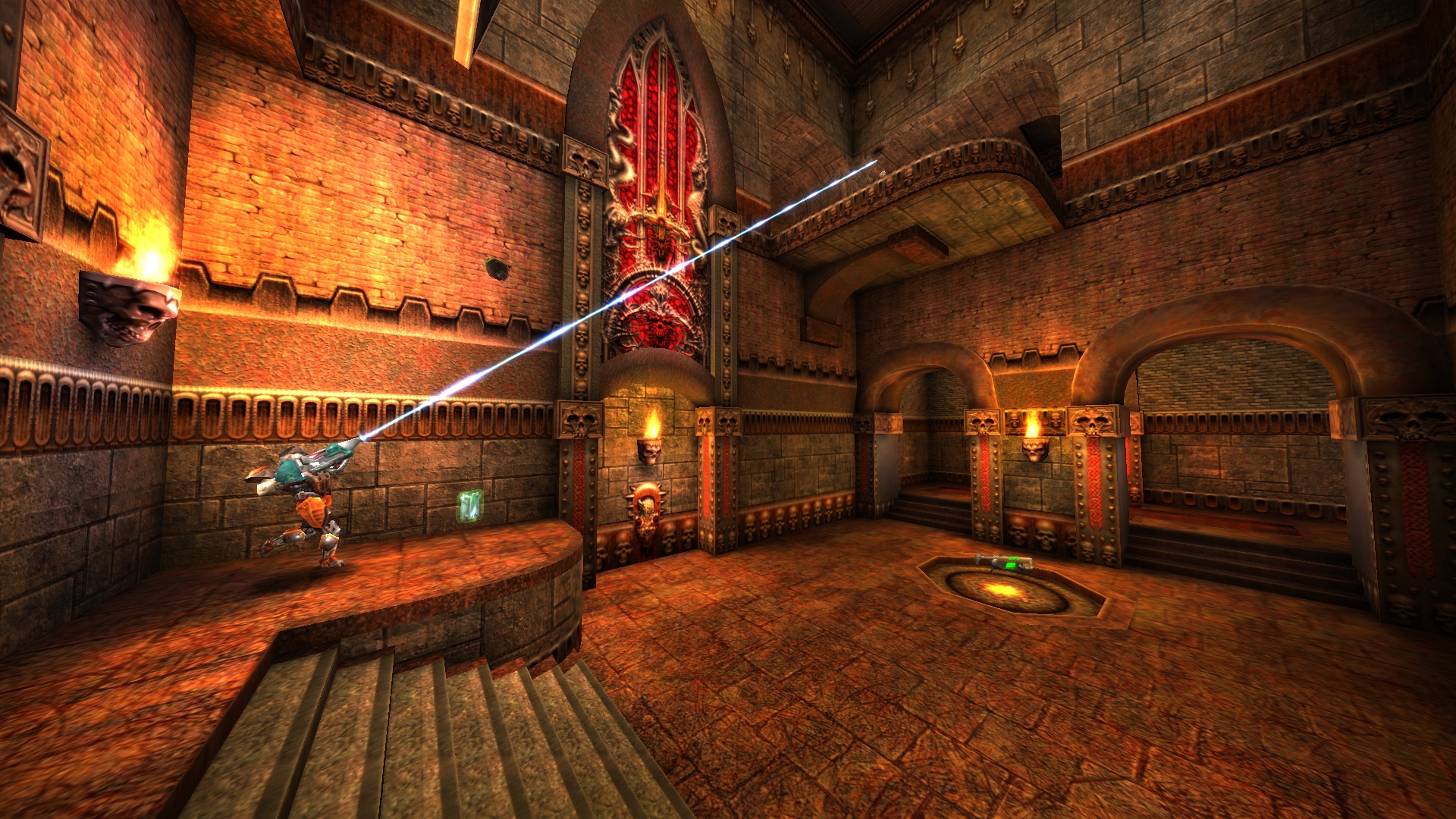
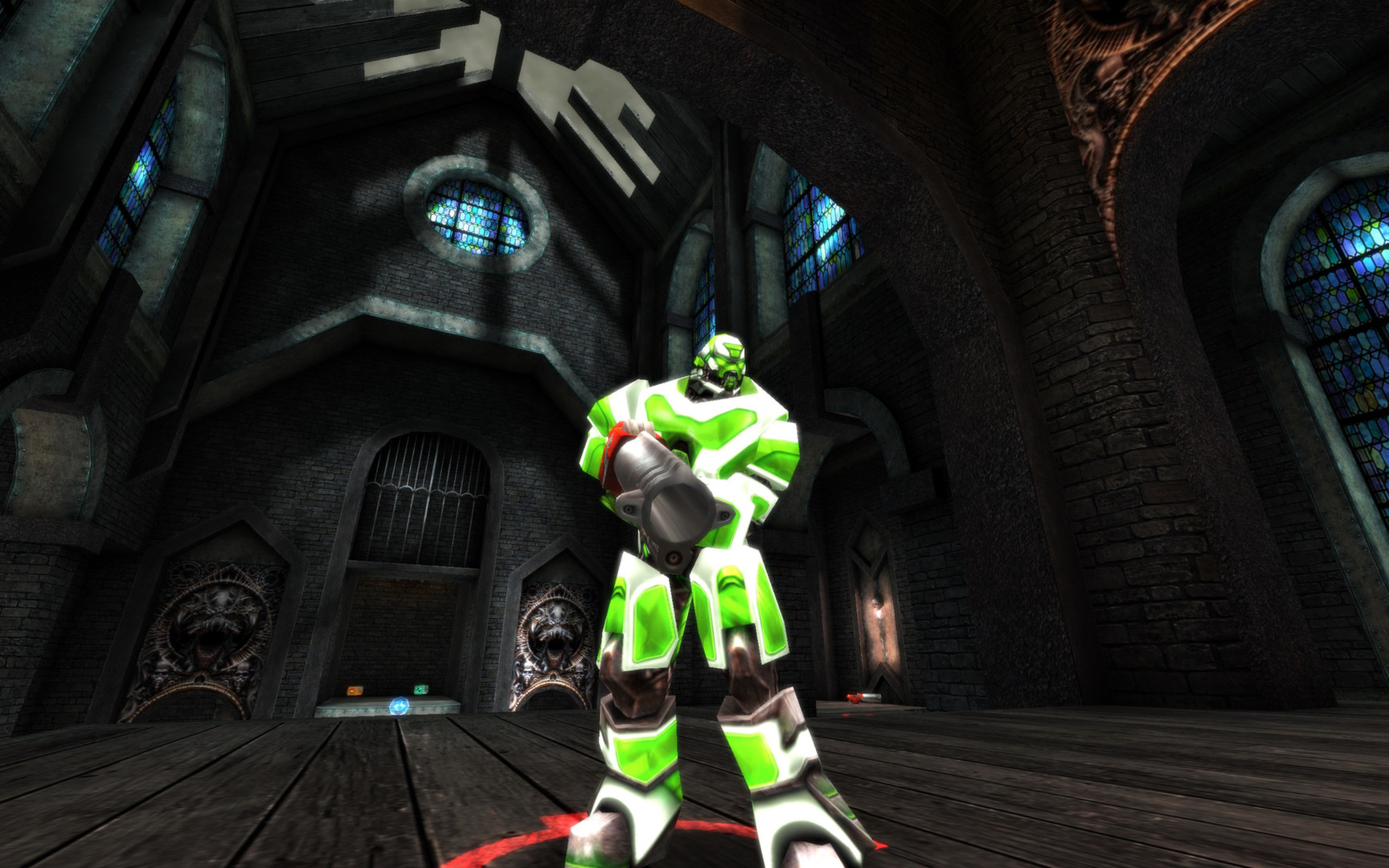
Quake Live is unforgiving. Every rocket jump, every railgun shot, and every spawn can decide the match in a split second. So if you want to rent a Quake Live server, it’s not about just any game server, but a clean, reliable arena for fast multiplayer. The game builds on the uncompromising pace of Quake III Arena, offering over 100 arenas and more than a dozen modes, from Duel and Team Deathmatch to Capture the Flag.
Your own Quake Live server brings structure to exactly the chaos that makes Quake so great. You decide who plays, which maps run, how many slots are available, and which custom settings apply. Instead of relying on public lobbies, shifting rules, or full servers, you create a consistent environment for practice, fun matches, and serious duels. That way, spontaneous rounds turn into a shared game world that’s ready at any time.
Play Together, Without Lobby Frustration
Multiplayer feels best when your crew doesn’t have to spend ten minutes looking for a free spot. With a Quake Live multiplayer server you set fixed slots, grant friends access, and start matches straight away. Whether it’s an after-work session, a warm-up before the clan war, or a spontaneous free-for-all: your server is there when you want to play, not only when there happens to be room somewhere.
On top of that, there’s the technical difference you notice in Quake right away. Low ping, stable performance, and reliable hardware ensure that hits register cleanly and movement stays precise. A dedicated server with the right resources is far more comfortable for fast shooters than a random public instance. With worldwide locations, you choose the server location that suits your group best instead of putting up with unnecessary latency.
Your Own Rules for Practice, Progress, and Community
Public servers can be fun, but they rarely give you real control. On your Quake Live game server, you use admin rights, adjust time limits, frag limits, map rotation, and game modes, and decide whether it’s casual or competitive. You can configure the server, set clear rules, and remove disruptive players without debates with unfamiliar admins or ever-changing hosts.
That consistency is particularly valuable for progress. When you play regularly on the same server, routines, rivalries, and a sense of community emerge. Practice groups can repeat duels, teams can test setups, and new players find their footing faster because they’re not starting from scratch each time. Your own Quake Live server turns individual matches into a permanent meeting place where skill, stats, and shared playtime can develop meaningfully.
Mods, Maps, and Events on Your Terms
Quake Live thrives on variety. On a Quake Live dedicated server, you can tune content and settings to fit your group. Workshop maps, fitting mods, tailored map pools, and special training settings give your sessions more character. You don’t have to take whatever a public server happens to be running; you build precisely the rhythm that fits your players.
That’s especially handy for clans, PvP groups, and small tournaments. You plan event nights, set fixed rotations, prepare duel series, or organize Capture the Flag matches with familiar teams. A server for Quake Live thus becomes a foundation for recurring matches rather than a random meeting point. Anyone who plays regularly soon notices: more control means better rounds, fairer conditions, and more reason to return.
Manage Easily and Start Right Away
With Quake Live hosting, technology should help, not get in the way. A clear server management interface makes it easy to adjust slots, change settings, and restart the game server without fighting through unnecessary hurdles. Automatic updates keep the base up to date, backups protect your configuration, and DDoS protection ensures that planned matches don’t immediately fail due to attacks or outages.
If you want to rent a Quake Live server now, you’re not just spinning up yet another instance in the server browser. You’re creating your own world with its own rules, always online and giving your group a permanent place. Training today, clan match tomorrow, community night on the weekend: your server stays ready. Configure it to match how you play, invite your people, and jump right in instead of waiting for the perfect public lobby.
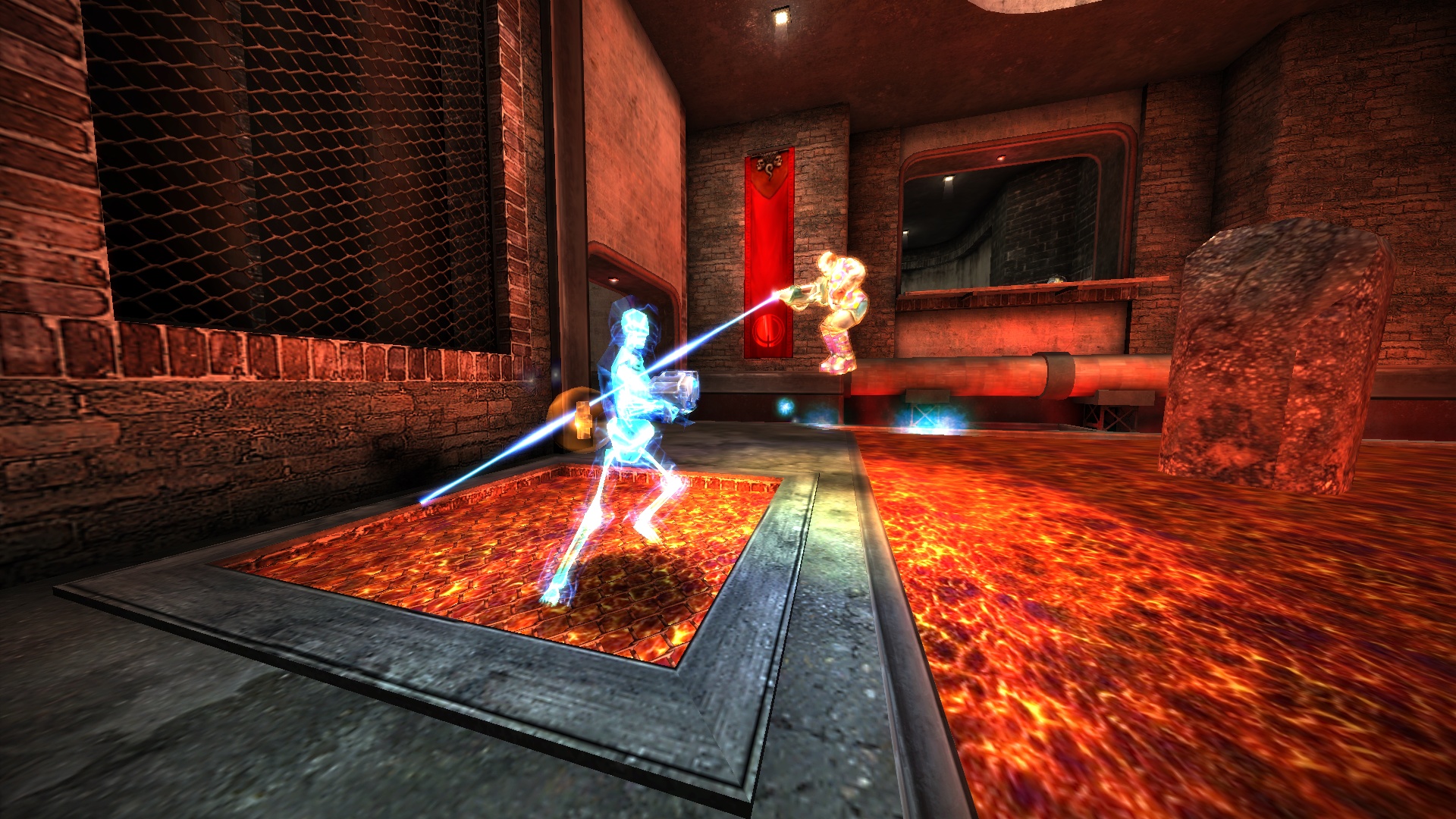
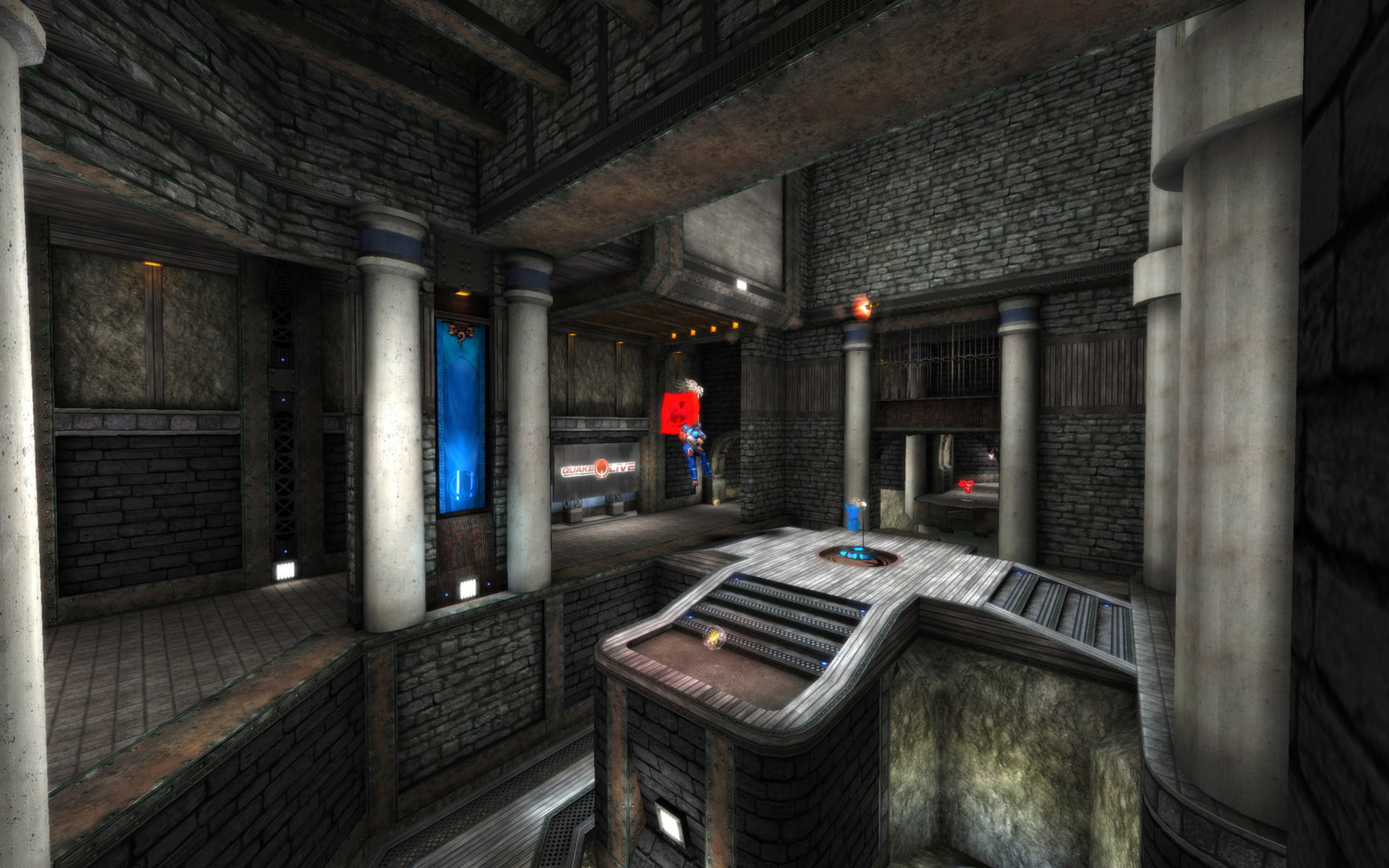
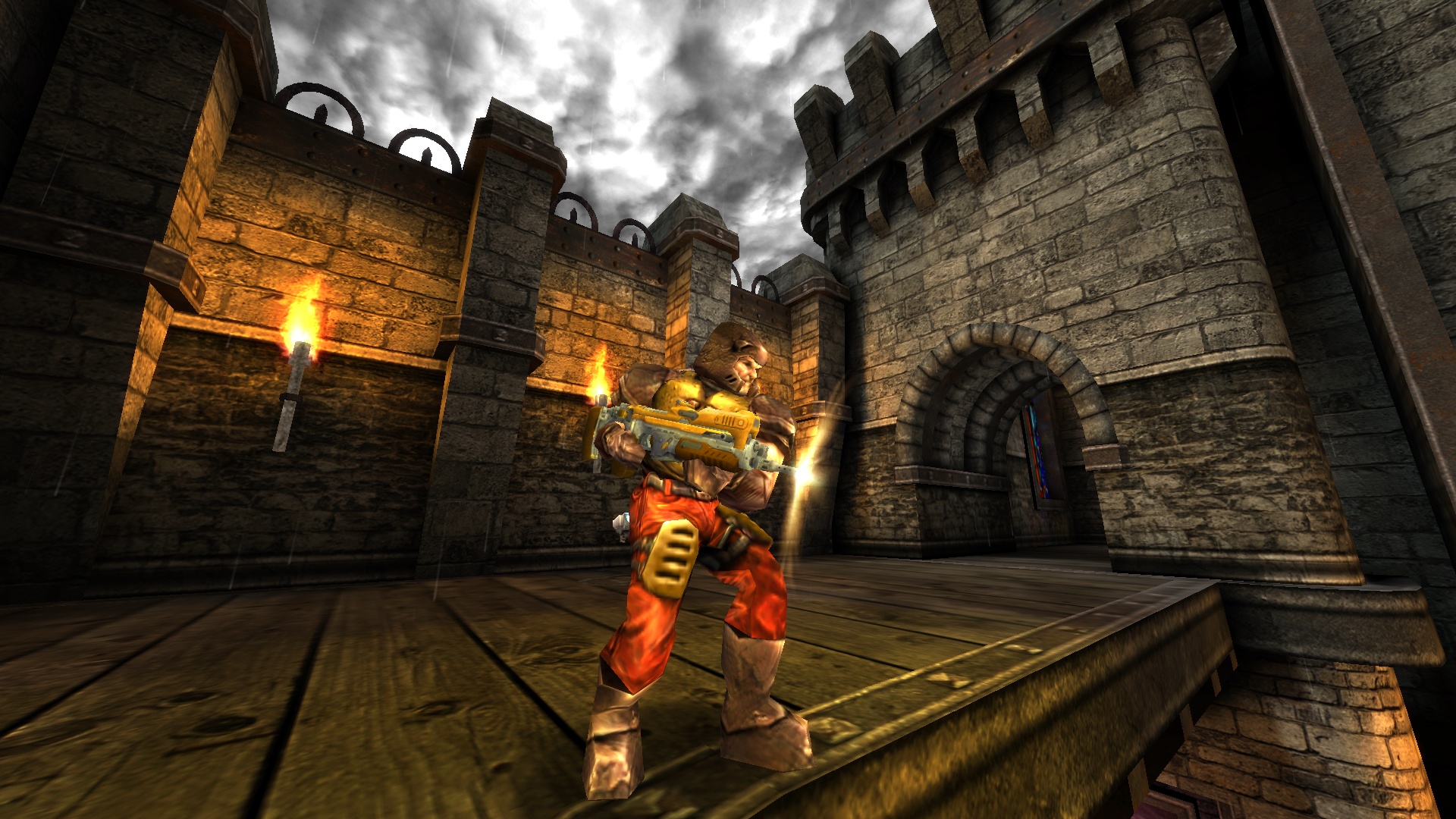
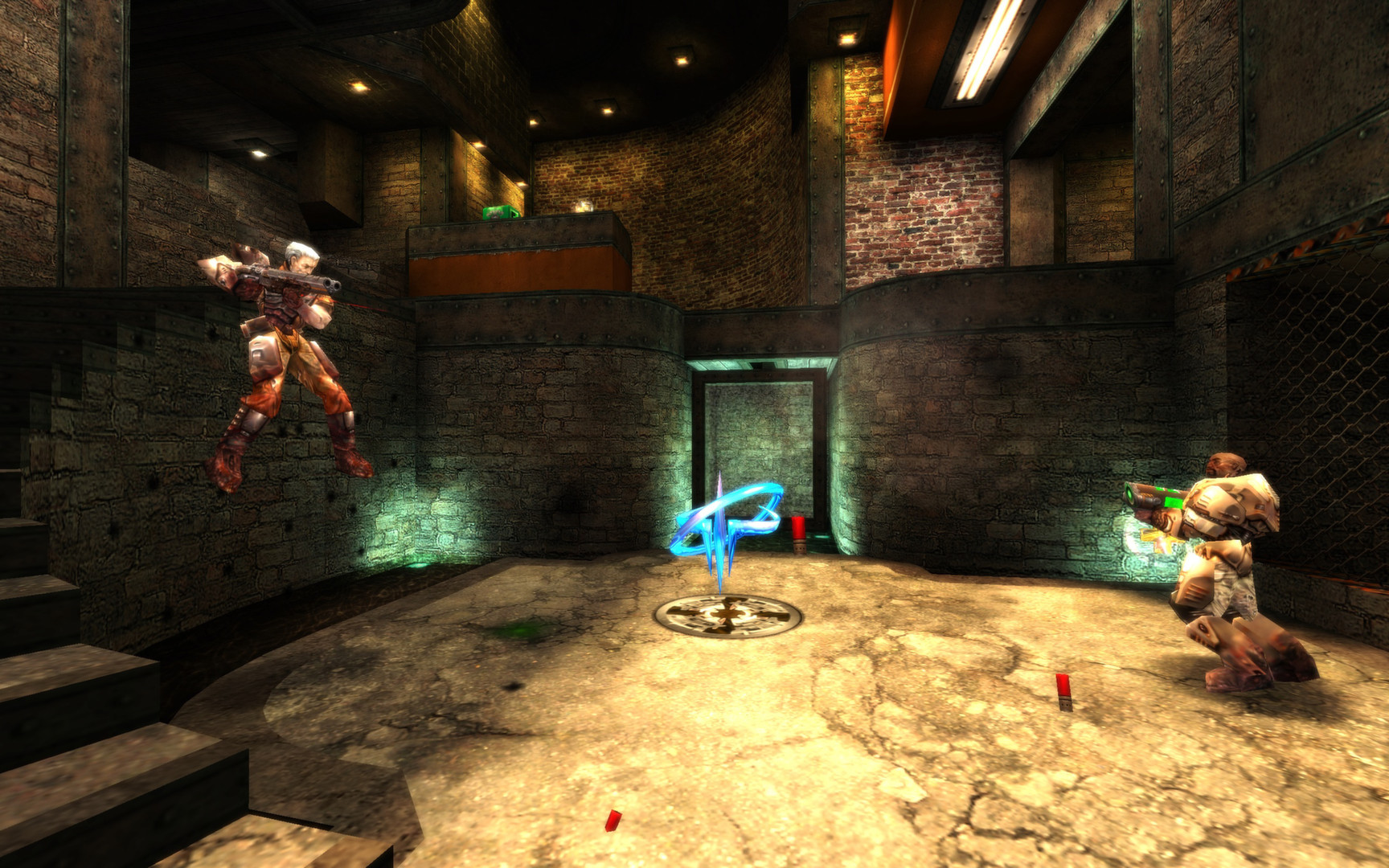
Quake Live Screenshots