Most players will probably start out in Minecraft’s Survival mode. But there’s also Creative mode, which gives you limitless tools and options to let your imagination run wild. On top of that come unique functions, unreleased or hidden features, and a bunch of small tricks you might not know yet! It’s absolutely worth using Creative mode even as a hardcore Survival player, because you can test all your ideas without any grind. To wrap up, we’ll share a few mods that make the mode more comfortable—and especially better—for creative builders.
Minecraft Creative Mode: Features, advantages, and tips
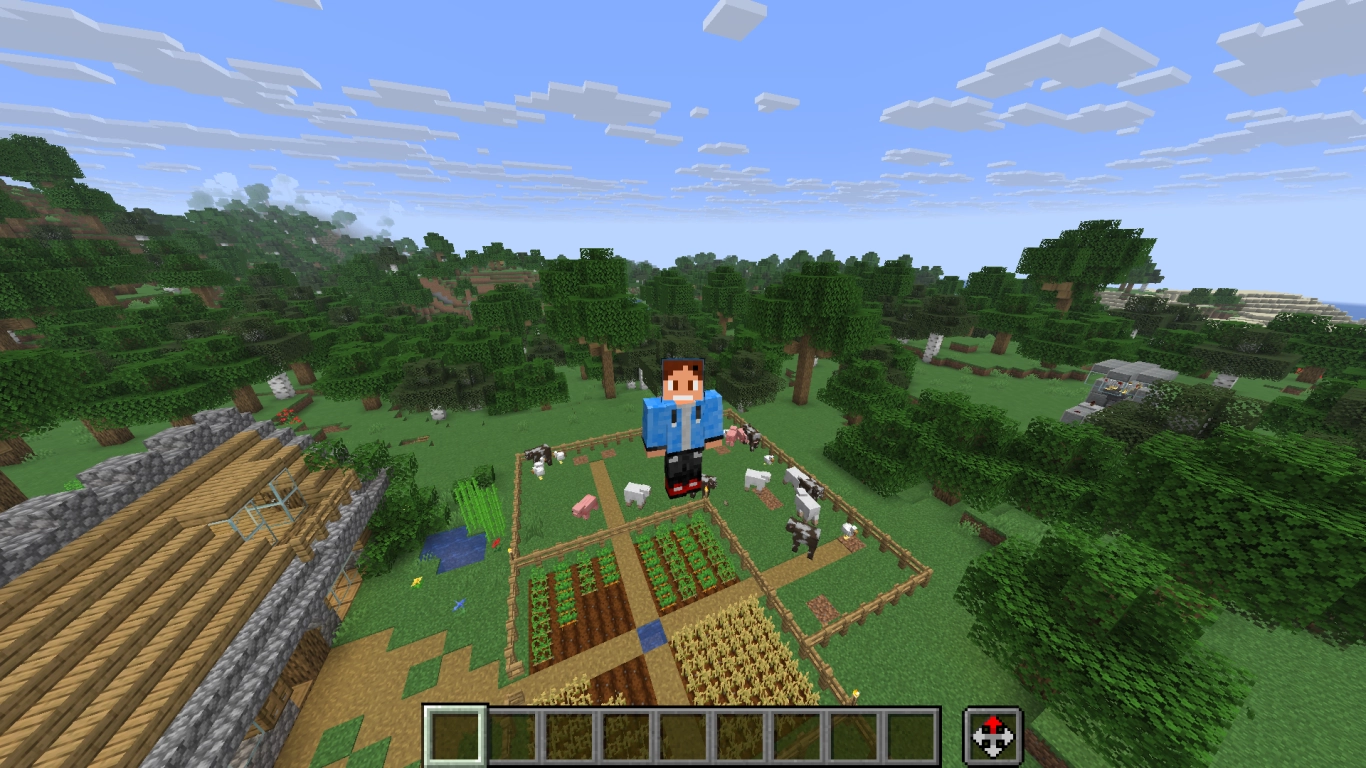
You can select Minecraft’s Creative mode when you create a new world. If you enable cheats, you can also switch an existing world to Creative by pressing F3+F4 and cycling through the available modes. The other modes are Adventure and Spectator.
Creative mode includes the following features:
- You can fly by double-tapping the space bar. This lets you reach previously inaccessible places and move faster in your creative world.
- You can break any block with a single hit, even without tools.
- The middle mouse button is your best friend in Creative. Press it and the block you’re looking at will instantly appear in your selected hotbar slot. In Survival, this only works for blocks you already have in your inventory.
- Your block-breaking reach is longer—a bit over 5 blocks.
- Hunger is disabled.
- Mobs won’t attack you, though you can still set a difficulty.
- Commands are enabled by default and help you trigger specific actions.
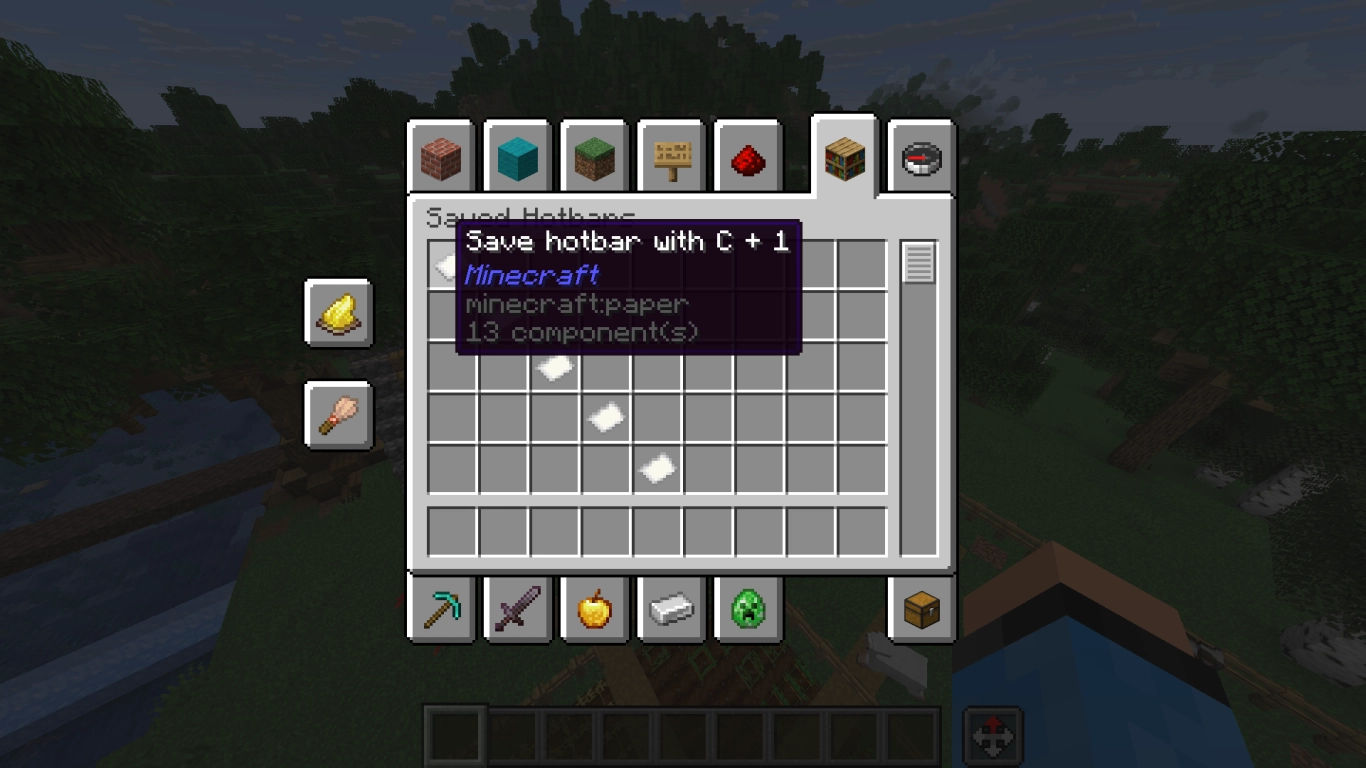
The inventory works differently in Creative because you have access to every block. That makes it easy to build amazing things without searching for materials first. There are also a few extra functions that aren’t obvious at first glance.
- Save your hotbars so you can switch faster when you rely on certain block palettes.
- Search for items to find them quickly.
- Delete unwanted items from your inventory.
- Use spawn eggs to generate the mobs you want.
Minecraft Creative mode secrets and hidden features
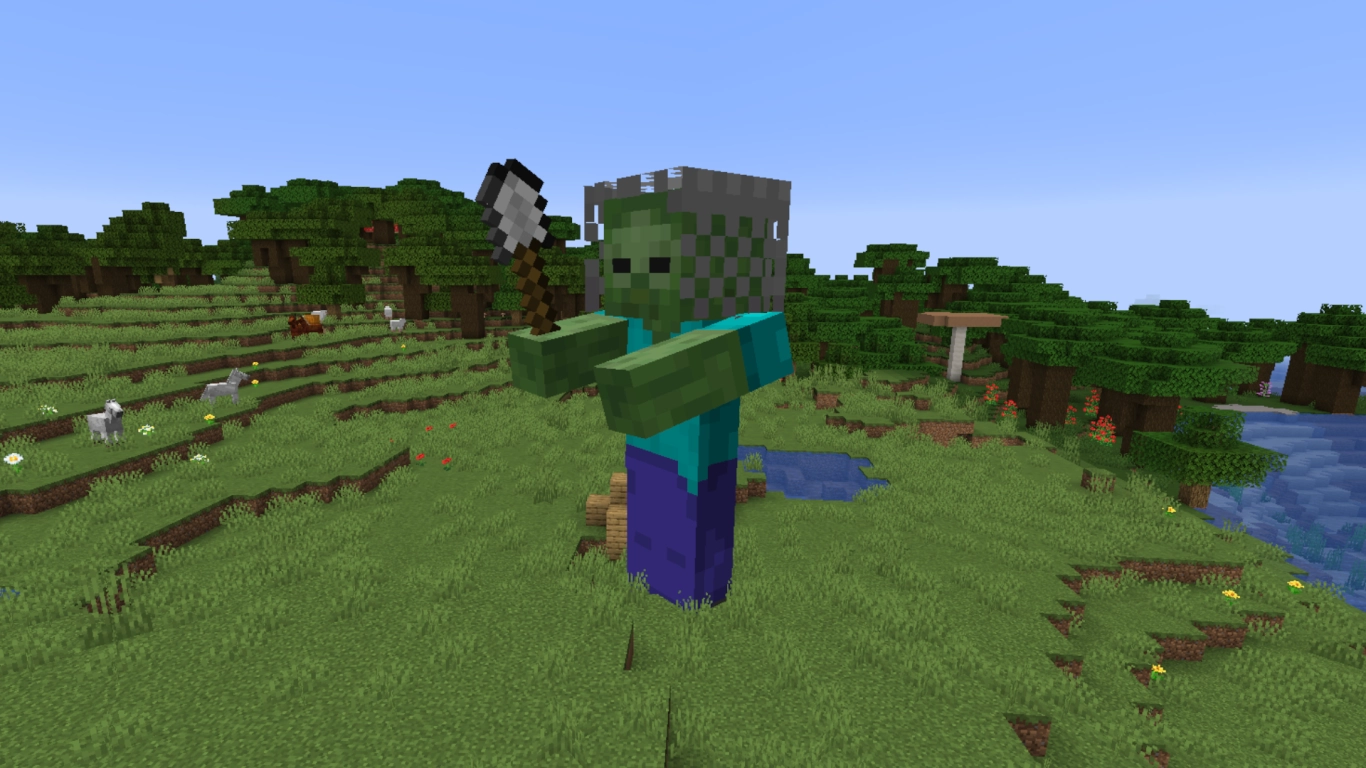
Thanks to its open nature, Creative mode also hides lots of small secrets you wouldn’t see in normal gameplay. They’re coded into the game, but you normally don’t have access to them.
For example, there are three mobs you can summon: the giant zombie, the not-yet-implemented Illusioner, and The Killer Bunny. You can spawn them with commands, and aside from the giant, the other two even have working AI. Recently, the Creative-exclusive zombie horse was added to the official game, so who knows when the others will follow.
Unlike in Bedrock, armor stands in Java Edition’s Survival aren’t very dynamic—but you can enable that functionality in Creative. This allows the stand to take different poses, which isn’t otherwise possible.
Minecraft Creative mode commands: The most important cheats
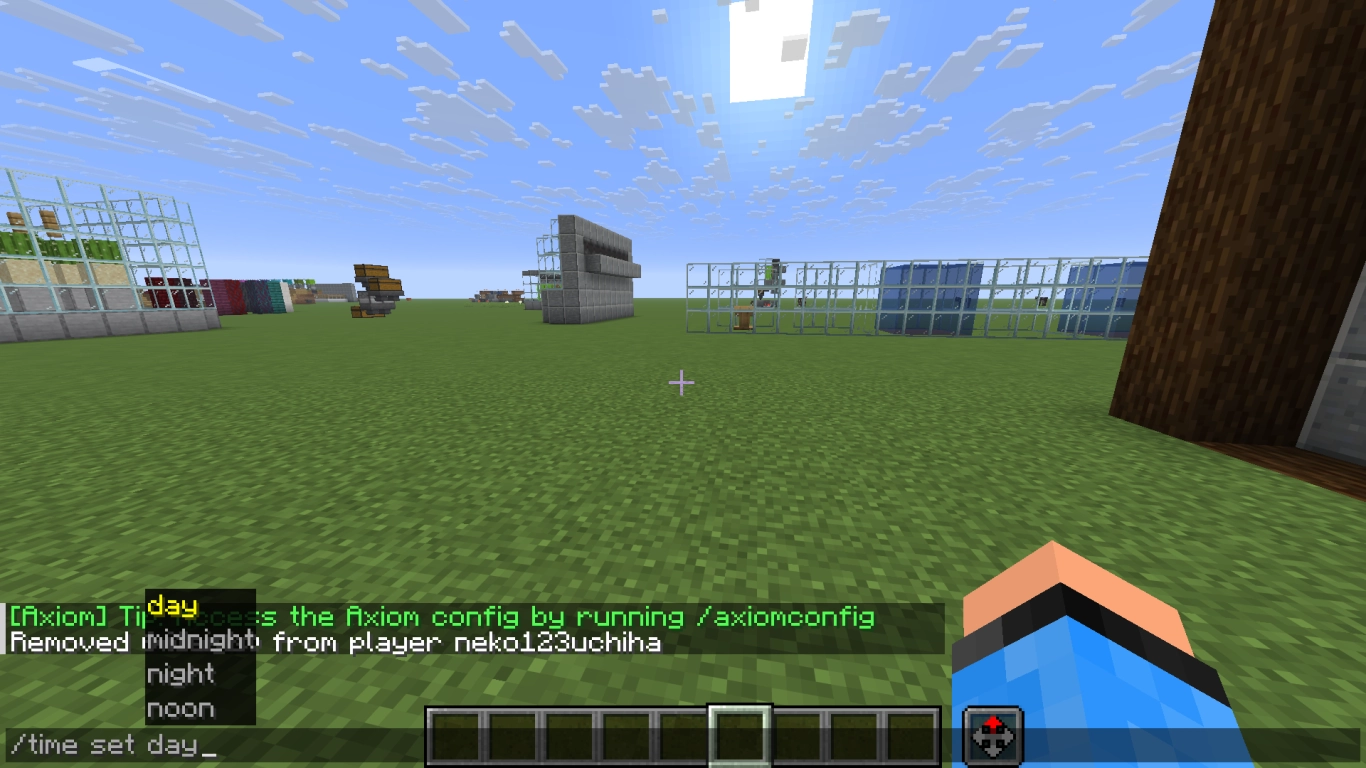
In Creative, you should absolutely make use of commands to make many tasks easier. Open the chat by pressing T. A bar appears at the bottom, where you can type commands. They all start with a /, followed by the command. As soon as you type the slash, you’ll see available commands. Usually it’s enough to type the first letters and then use Tab to cycle suggestions. Press Space to move to the next argument, and confirm with Enter.
We can’t list every command, so here are the most useful ones:
- /clear → Clears your entire inventory.
- /time set day → Sets it to day.
- /fill → Fill, remove, or replace blocks within a specified region (by coordinates). Coordinates can be auto-suggested when you’re looking at a block.
- /gamemode → Switch between the four game modes.
- /gamerule → A collection of options to customize your gameplay.
- /kill → Eliminate entities around you or yourself.
- /locate → Find specific biomes or structures in your world.
- /enchant → Enchant the item in your hand.
- /summon → Summon entities (mobs, projectiles, etc.).
- /weather → Change the weather.
Commands can be confusing at first, but learning them will help you bring creative ideas to life much faster. There are also more advanced command blocks that can store and run longer inputs—especially important for advanced maps.
Minecraft Creative mode mods: Best tools for builders
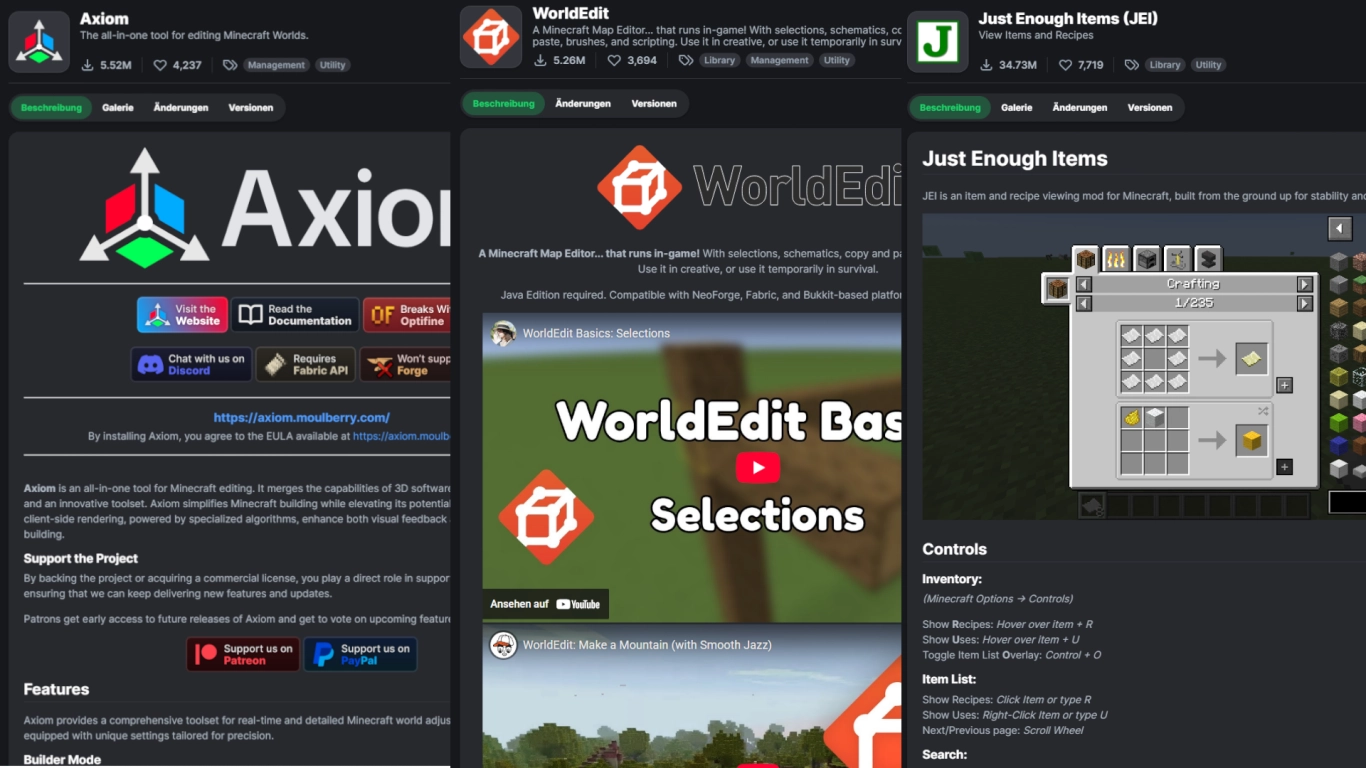
If you’re building in Creative, mods are practically essential. You can do a lot with commands, but some mods make life much easier. We covered mods in a recent article (Minecraft Mods: 10 Fabric recommendations for performance, graphics & QoL) , but these are perfect for creative projects!
- Axiom: Arguably the best Creative mod. Lets you copy, delete, and extend selections with the mouse. It also includes a Blender-like mode for terrain sculpting.
- WorldEdit: A map editor that has been a cornerstone of the creative modding scene for many years.
- Just Enough Items: Shows all items, plus recipes and other options. Perfect if you have mods with extra items and blocks installed and want better oversight.
- Litematica: Enables precise block work, can count and replace blocks, and lets you save schematics.
- Tweakeroo: Brings lots of small improvements, especially for the hotbar and item selection.
Conclusion on Minecraft Creative mode: Ideas, commands, and mods
Creative mode is perfect for trying out all your ideas without major consequences. You can also use it if you don’t want to collect every material for a build and would rather focus on construction. Some mods make things easier, but you should also get comfortable with Vanilla Minecraft commands to unlock some cool functionality.
Of course, you can also play Creative on a multiplayer server—check out our page and rent your own Minecraft server. A world in Creative mode can be a great change of pace from Survival gameplay!
More interesting articles
Minecraft Mods: 10 Fabric recommendations for performance, graphics & QoL
Minecraft Mega Projects: 12 Build Ideas for Your World
Create a new Minecraft world: best settings and world types
Advanced Minecraft Building: Create Your Dream World
Minecraft for Returning Players: The Biggest Updates & Pro Tips