

Satisfactory server hosting

10 slots
✔️Steam & Epic
✔️Mods & Experimental
✔️Auto updates
Server location:
16 slots
✔️Steam & Epic
✔️Mods & Experimental
✔️Auto updates
Server location:
Create your own setup and customize every option.





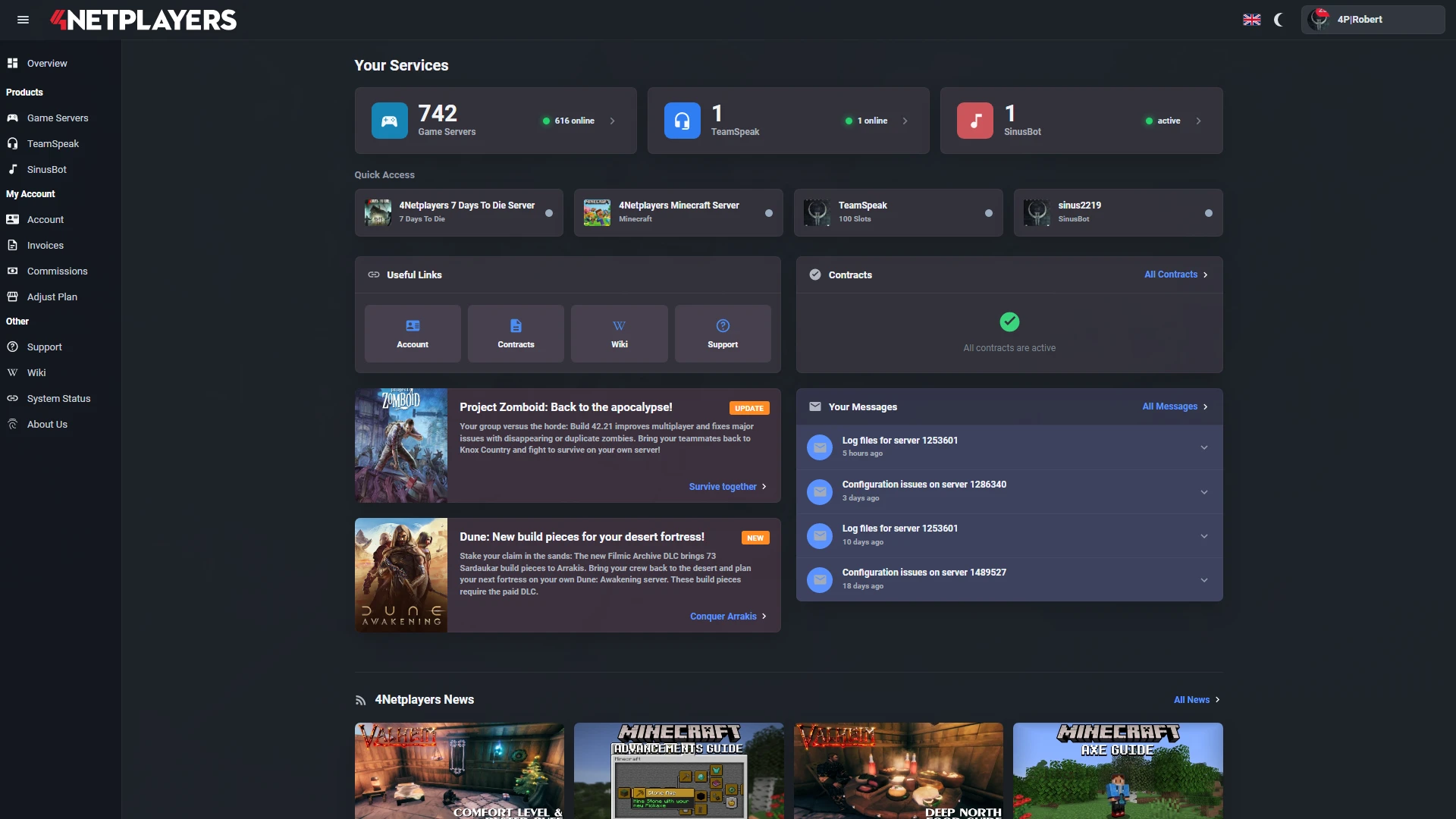
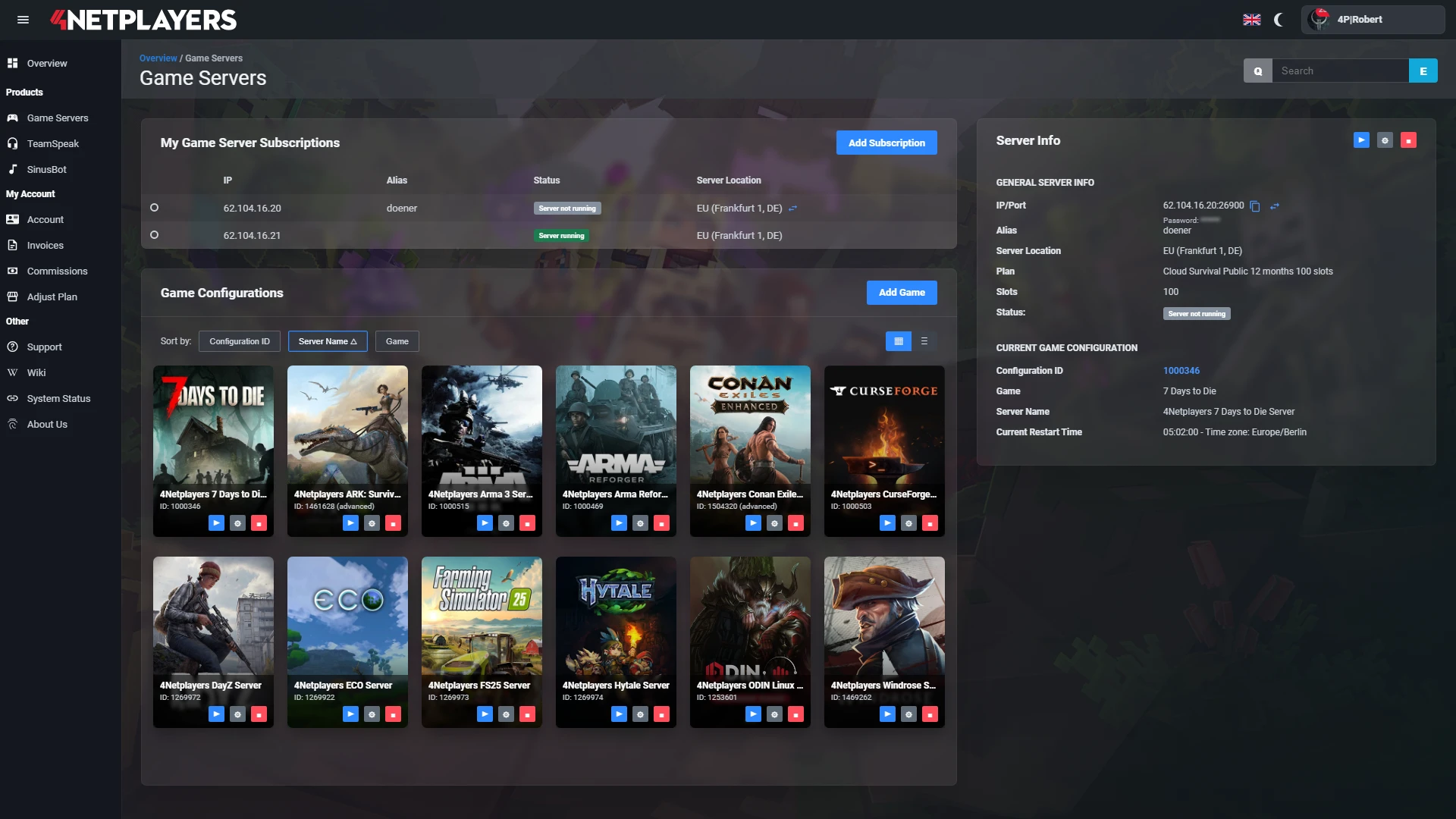
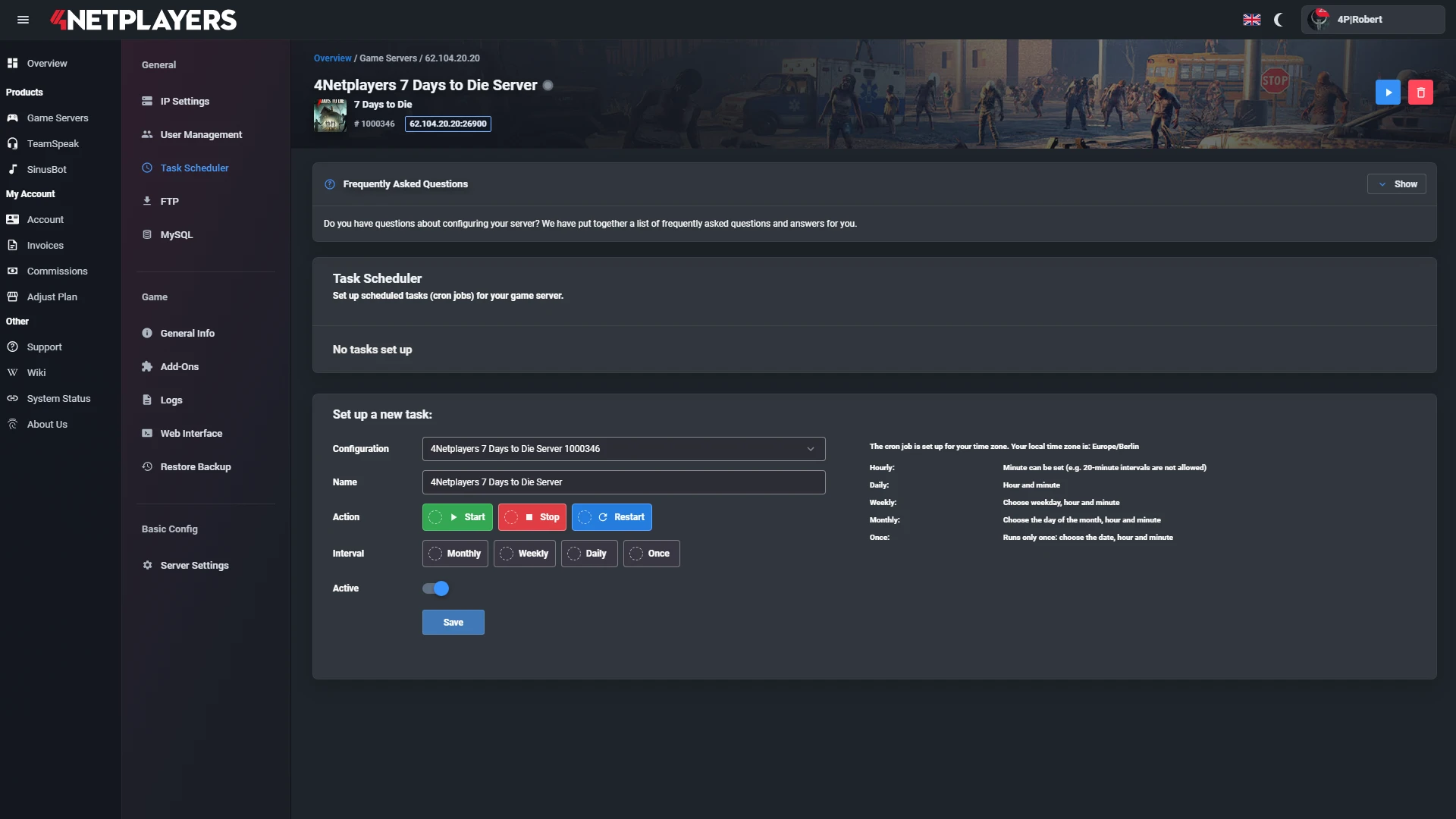
Manage your Satisfactory server easily through our web interface. Start, stop, configure your server, or manage backups - all in just a few clicks, with no prior experience required.
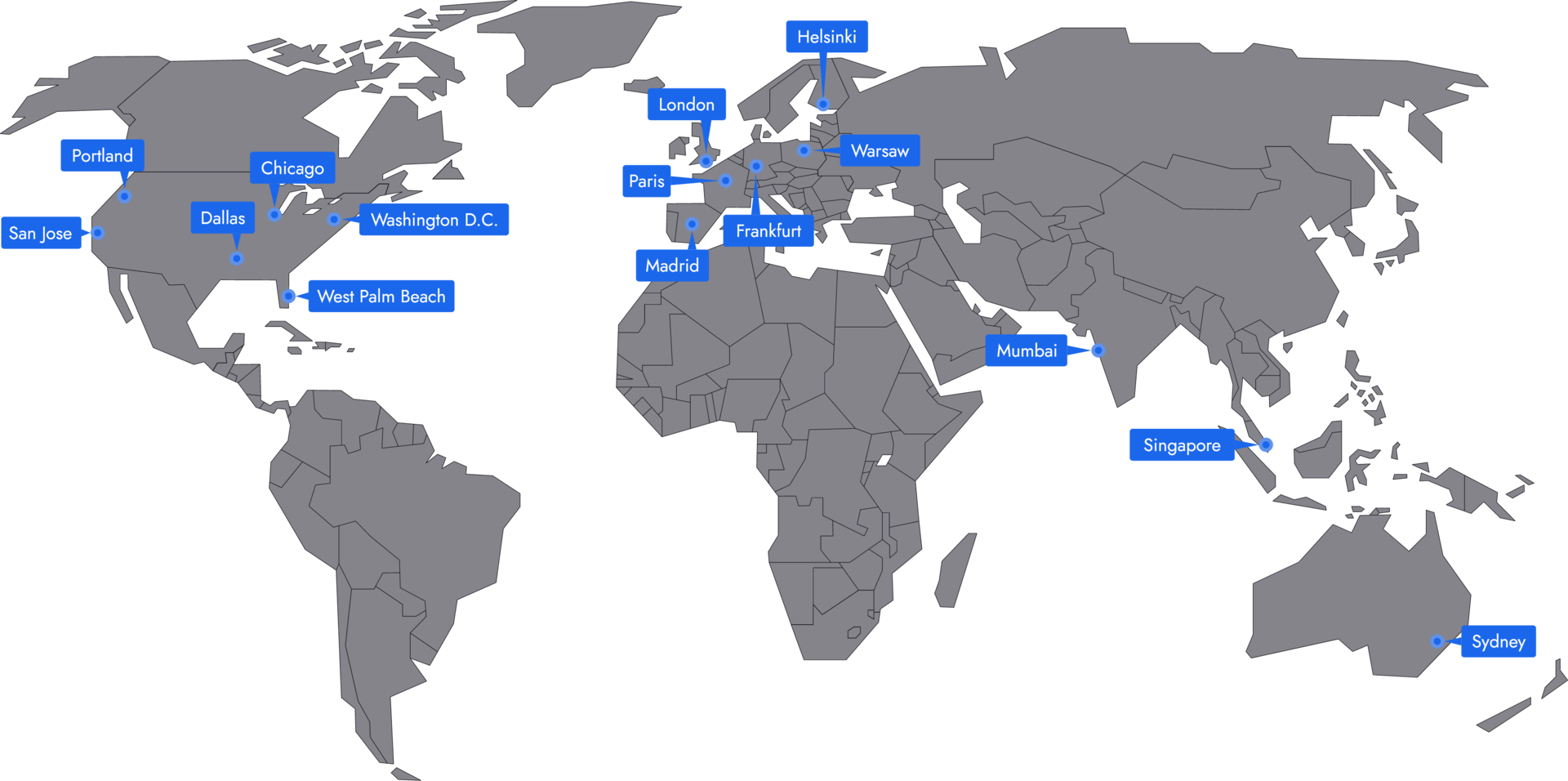
In 14 locations worldwide we offer unmatched connectivity with the lowest pings. Additional locations are continually being added and guarantee breathtaking gameplay in every game at the lowest latency.
The price of your Satisfactory server depends on the number of slots and the term. You can see the current prices of the packages with 10 and 16 slots at the top of this page.
You can choose a term of 1, 3, 6 or 12 months. For 3 months you save 3 %, for 6 months 5 % and for 12 months 10 %.
Yes. On a Satisfactory dedicated server, PC players on Steam and Epic Games play together. Everyone adds the server in the game’s Server Manager with its IP address and port and joins from there.
Yes. Your Satisfactory server supports mods via the Satisfactory Mod Loader (SML). You upload the Linux server version of the mods from ficsit.app via FTP to the FactoryGame/Mods folder. All players install the same mods locally with the Satisfactory Mod Manager. You’ll find the detailed guide in our wiki.
Yes. In the web interface you switch your Satisfactory server to the Experimental version or back to the stable version. All players select the same version in Steam or Epic Games. Download a backup of your save before switching.
Your Satisfactory server is set up right after you order. Then you start it in the web interface, add it in the Server Manager and set an admin password when you first connect. The server installs updates from Coffee Stain automatically.
A rented Satisfactory server is a dedicated server for the PC version where players on Steam and Epic Games build together. The server is reachable around the clock, even when the host is offline. At 4Netplayers you pick the slots that fit your group, the data center location and, if you like, the CPU Performance Boost with Ryzen 9.
What you get with your Satisfactory server:
A Satisfactory server from 4Netplayers holds as many players as you book slots: 10 slots means 10 players at the same time. The game itself is designed for 4 players; on a dedicated server, the system sets the player limit to match your slots.
Every additional player and every new production line increases the load on the Satisfactory server. For large groups and megafactories, the CPU Performance Boost is worth it.
A Satisfactory server needs a fast CPU above all, because the dedicated server calculates most of the game logic on a single core. Large factories with lots of conveyor belts, trains and drones therefore put the processor under load first. At 4Netplayers you can add the CPU Performance Boost with Ryzen 9 to your Satisfactory server.
If you host it yourself, the official Satisfactory wiki recommends at least 8 GB of RAM, and 16 GB for more than 4 players or large save files. With a rented server, 4Netplayers takes care of the hardware; you only choose slots, location and, optionally, the boost.
You can host a Satisfactory dedicated server yourself for free, but then a computer of your own has to run around the clock. A rented server, on the other hand, is online right away without any setup, and your group keeps building even when you are not playing.
For a self-hosted Satisfactory server you need:
With 4Netplayers there is no port forwarding to set up, and the server installs updates from Coffee Stain automatically. You manage settings, restarts and files in the web interface.
You join a Satisfactory server through the Server Manager in the main menu: select “Add Server”, enter the IP address and port from the web interface and confirm. On the first start you claim the server and set a server name and an admin password.
This is how your group plays together:
A player password keeps strangers off your server. Step by step: How to connect to your Satisfactory server and Change or reset the admin password.
You transfer your Satisfactory save to the server directly in the game: in the Server Manager under “Manage Saves”, you upload a local save and then load it. This also works with a world you have so far played in co-op on the host’s PC.
Alternatively, you copy saves to the server via FTP or download them, for example as a backup before a big rebuild.
To get your shared factory started, check out our (Satisfactory Beginner's Guide: Tier 0, HUB & Automation) .
Yes, a Satisfactory server from 4Netplayers runs mods with the Satisfactory Mod Loader (SML). You download the Linux server version of the mods from ficsit.app and copy them via FTP into the FactoryGame/Mods folder. Every player installs the same mods locally with the Satisfactory Mod Manager.
If the mod versions on the server and the PC match, joining works. After a game update, check ficsit.app to see whether your mods have already been updated for the new version. You can test new content before the official release with the Experimental version, which you set in the web interface.
Guide: Install mods on your Satisfactory server.


Selected guides for choosing, setting up and managing your own Satisfactory server.