StarRupture server hosting


4 players
✔️World runs 24/7
✔️No host PC required
✔️Progress is saved
🎁 + Free game server
Server location:
Create your own setup and customize every option.





Manage your StarRupture server easily through our web interface. Start, stop, configure your server, or manage backups - all in just a few clicks, with no prior experience required.

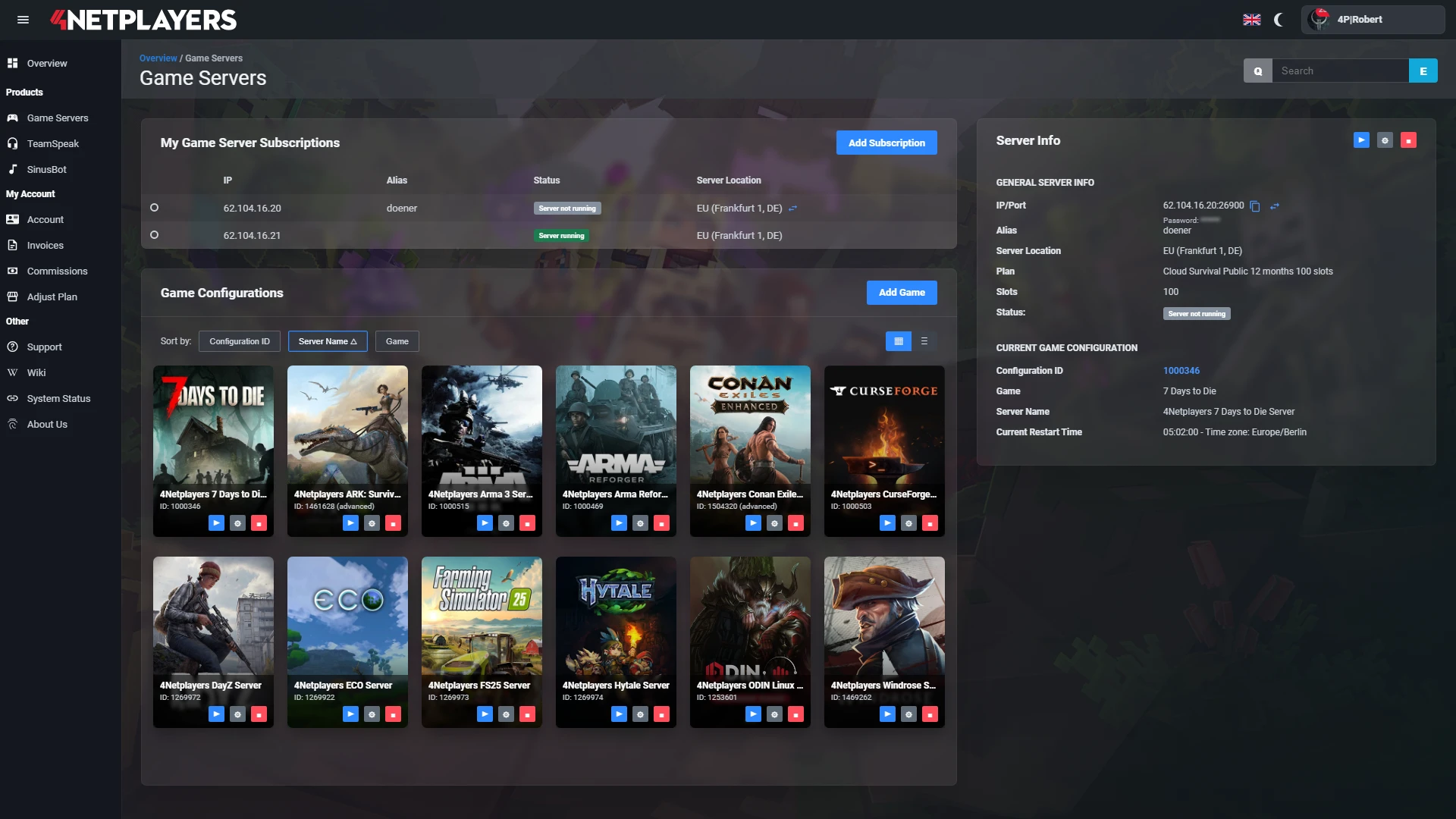
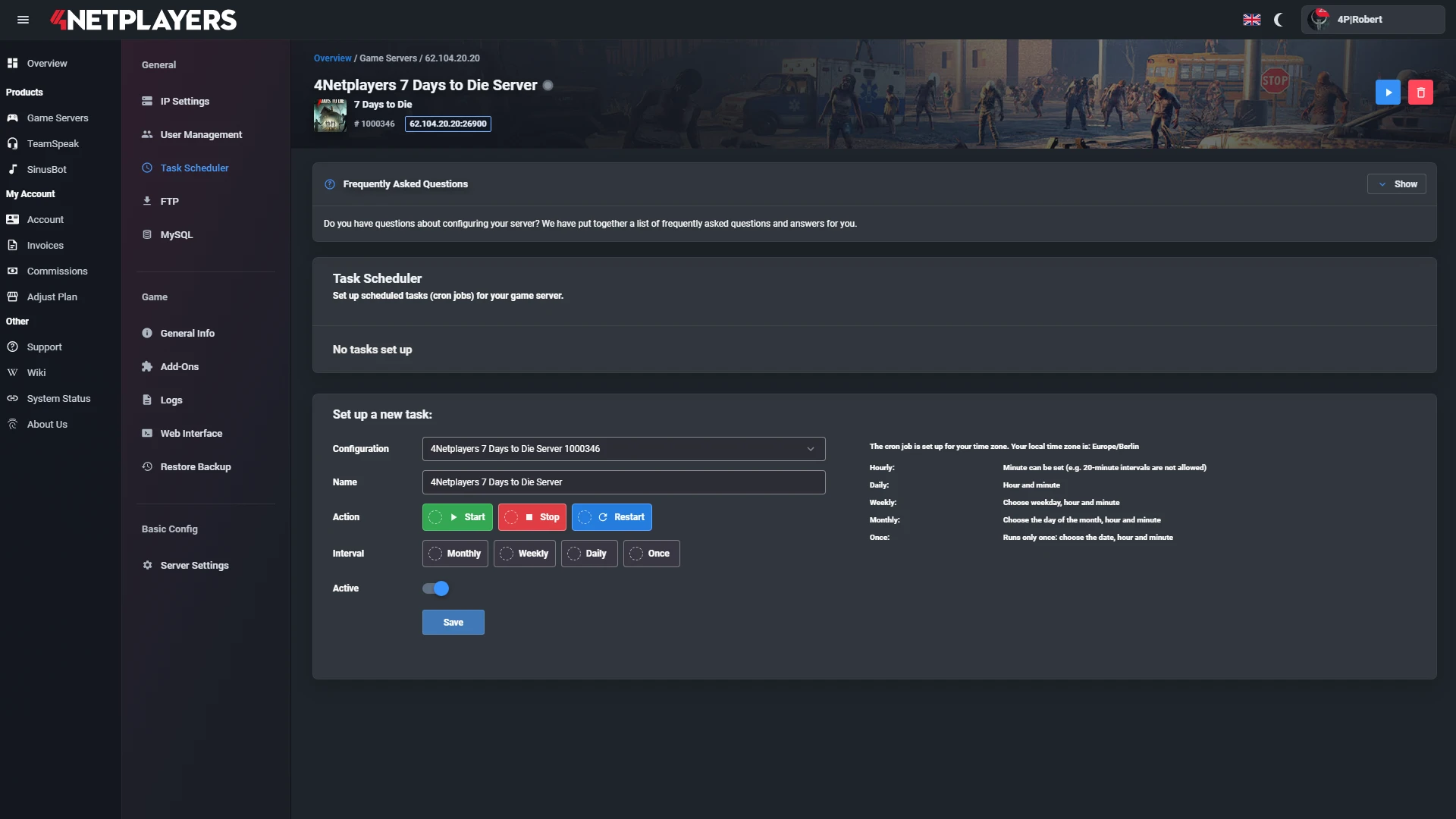
In 14 locations worldwide we offer unmatched connectivity with the lowest pings. Additional locations are continually being added and guarantee breathtaking gameplay in every game at the lowest latency.

Your StarRupture server is usually ready to use within a few minutes.
A rented StarRupture server gives you full control and a stable gaming environment.
You can rent your StarRupture server flexibly from as little as one month.
The StarRupture servers run on professional hosting infrastructure.
Yes, you can try your StarRupture server risk-free.
Yes, your StarRupture server is fully configurable.
Yes, you’ll receive support for technical questions and issues.
Yes, you can switch to another game at any time.
StarRupture server hosting from 4Netplayers gives your crew a dedicated server that keeps your planet, base, and factory online around the clock. StarRupture is built for groups of up to 4 players, and each 4Netplayers StarRupture server is set up for exactly that: up to 4 players on one shared world, with no host PC that has to stay on.
You manage the server in the 4Netplayers web interface, set a password for your group, and upload mods by FTP. Backups, automatic updates, and DDoS protection are included with every StarRupture server.
A StarRupture server supports up to 4 players at the same time, the co-op group size Creepy Jar designed the game for. A 4Netplayers StarRupture server comes with all 4 player slots, so your full crew can explore, build, and fight together on the same world.
Because the server runs independently of your own PC, it stays online when the person who would normally host is offline. Everyone in your group can log in on their own schedule, keep the production lines running, and pick up exactly where the last session ended.
To join a StarRupture dedicated server, start the game, choose Join Game and then Dedicated Server, enter the server’s IP address and port, and add the password if one is set. You’ll find the IP address and port in the 4Netplayers web interface.
Share these connection details with your crew so everyone can connect directly. The step-by-step guide shows each screen: how to join your StarRupture server.
A StarRupture server password keeps your world private to your crew. StarRupture expects the password as a hash: you convert your password into a hash first, then paste it into the Server Password field in Basic Mode of the 4Netplayers web interface, or into PlayerPassword.json in Advanced Mode.
Save the setting and restart the server. Your friends then enter the plain password when they join. The full walkthrough is in our guide to setting a StarRupture server password.
Yes, StarRupture mods run on the server. Players don’t need to install them on their own PCs. Download a mod, for example from Nexus Mods, extract it if it’s packed, and upload the files by FTP to /StarRupture/Content/Paks on your server while the server is stopped.
Start the server again and the mod is active for everyone who joins. Our guide explains the upload in detail: installing mods on your StarRupture server. Check each mod’s notes for compatibility with the current game version first.
If you run the StarRupture dedicated server tool yourself, your PC has to stay on while anyone plays, and you need to forward ports and install every update yourself. With StarRupture server hosting from 4Netplayers, the server runs around the clock with backups, automatic updates, and DDoS protection included.
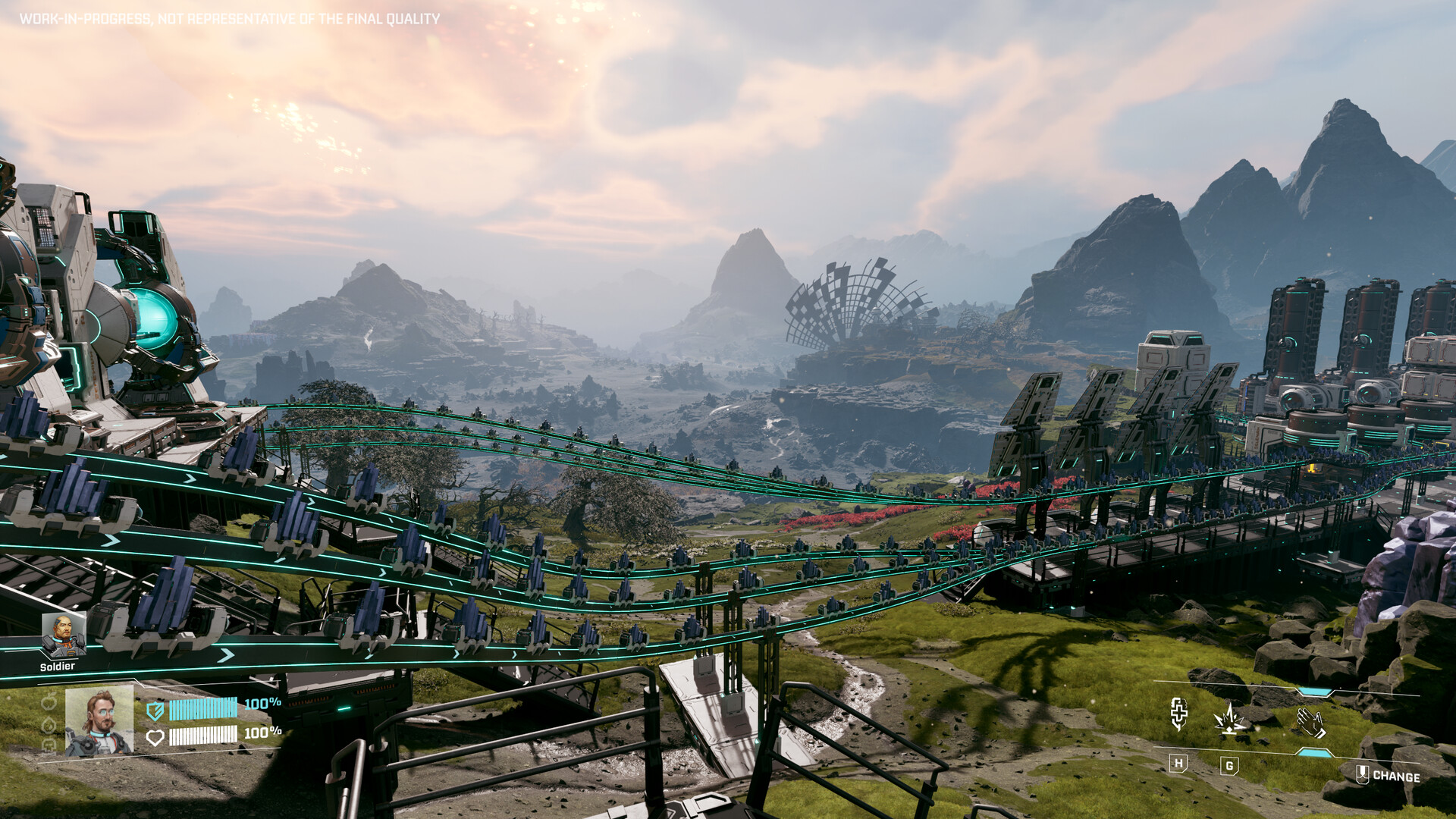
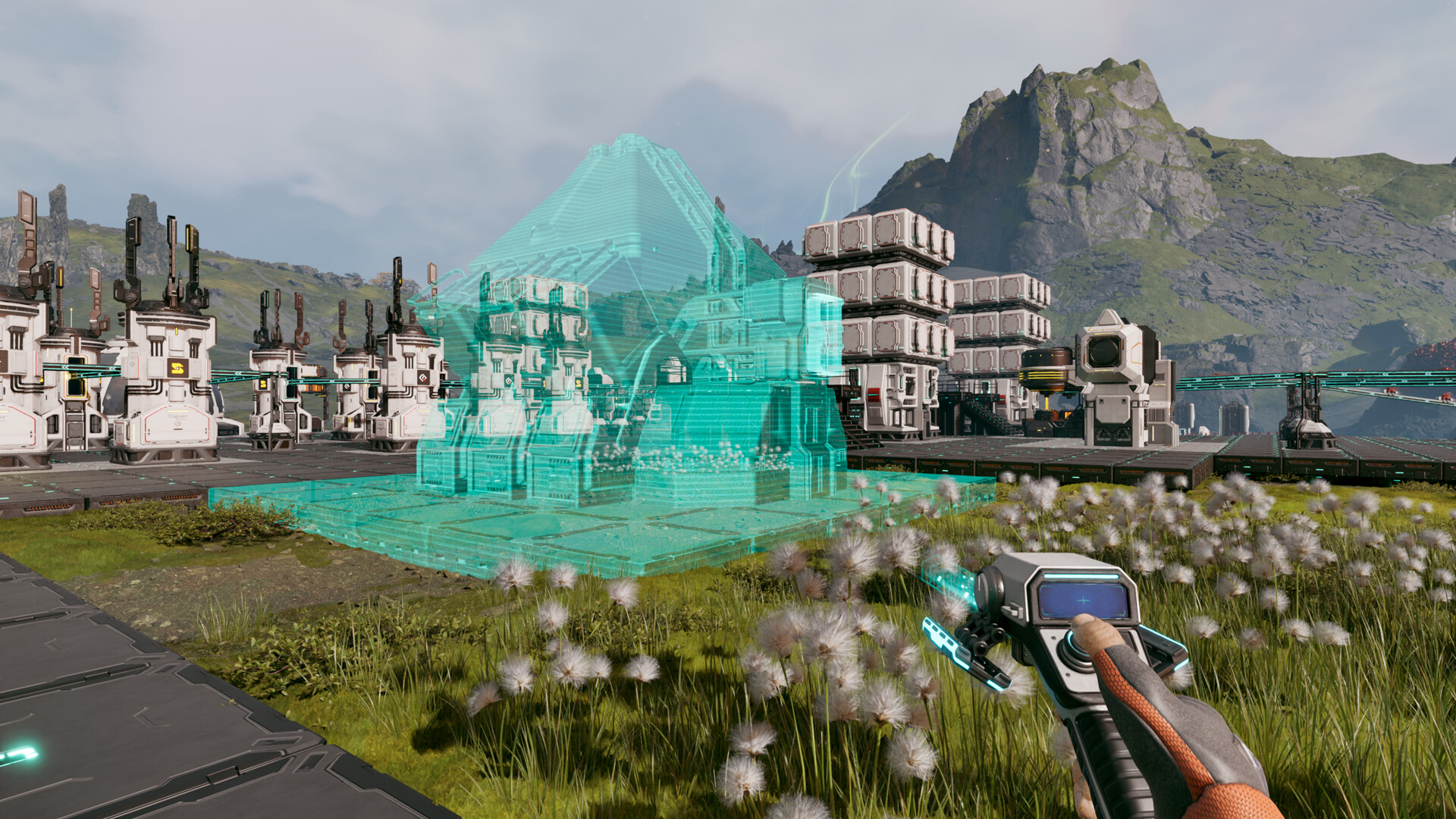
That leaves your crew free to focus on the planet: plan the next production chain, defend the base against alien swarms, and push out into new regions together.
Selected guides for choosing, setting up and managing your own StarRupture server.