RuneScape: Dragonwilds server hosting
Crossplay: PC, PS5 and Xbox on one server

6 slots
✔️Start exploring Ashenfall right away
✔️World stays online 24/7
Server location:
6 slots
✔️Ideal for regular co-op crews
✔️Base building without a host PC
Server location:
6 slots
✔️For long-term progression
✔️Backups included
Server location:
Create your own setup and customize every option.





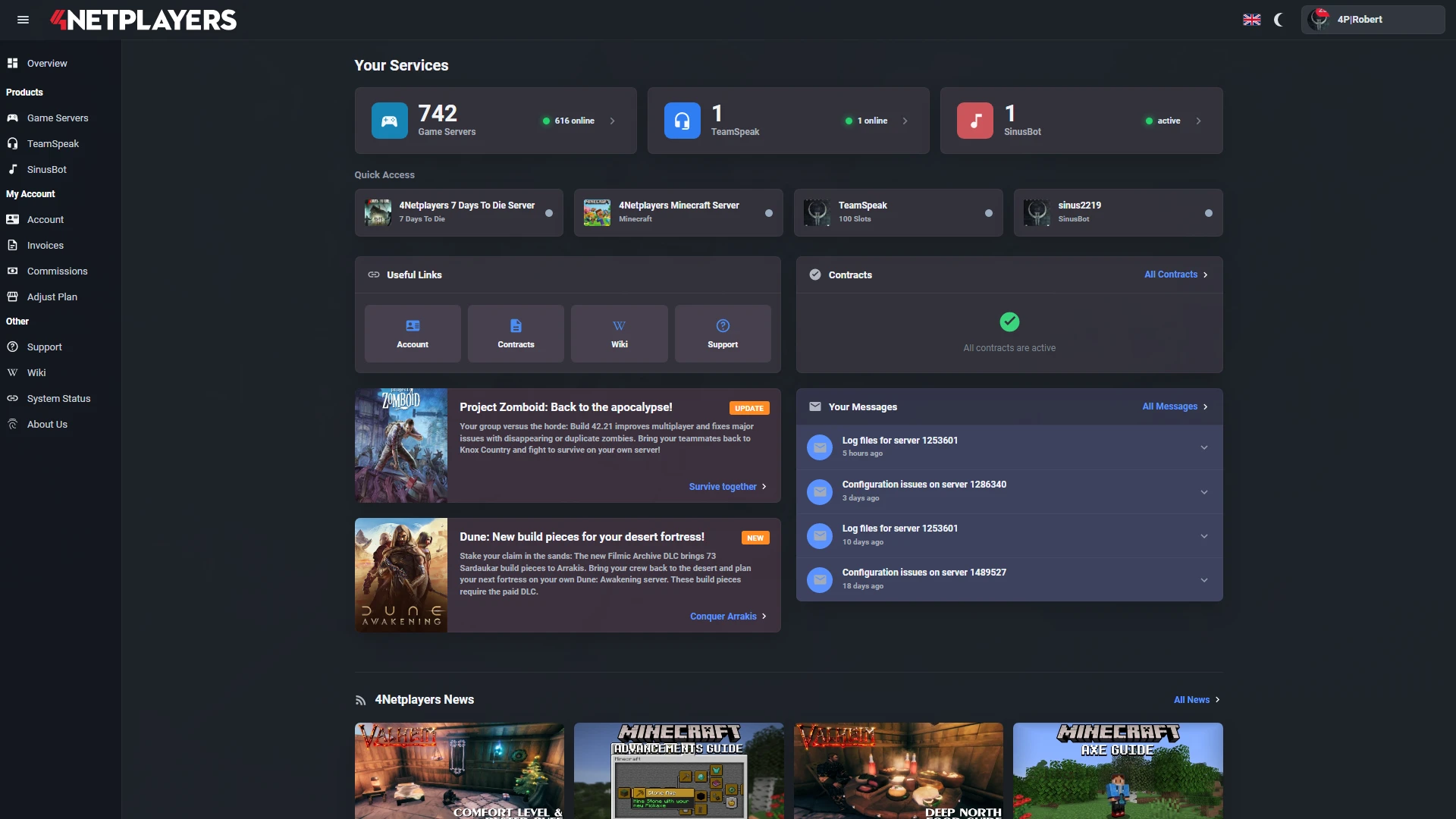
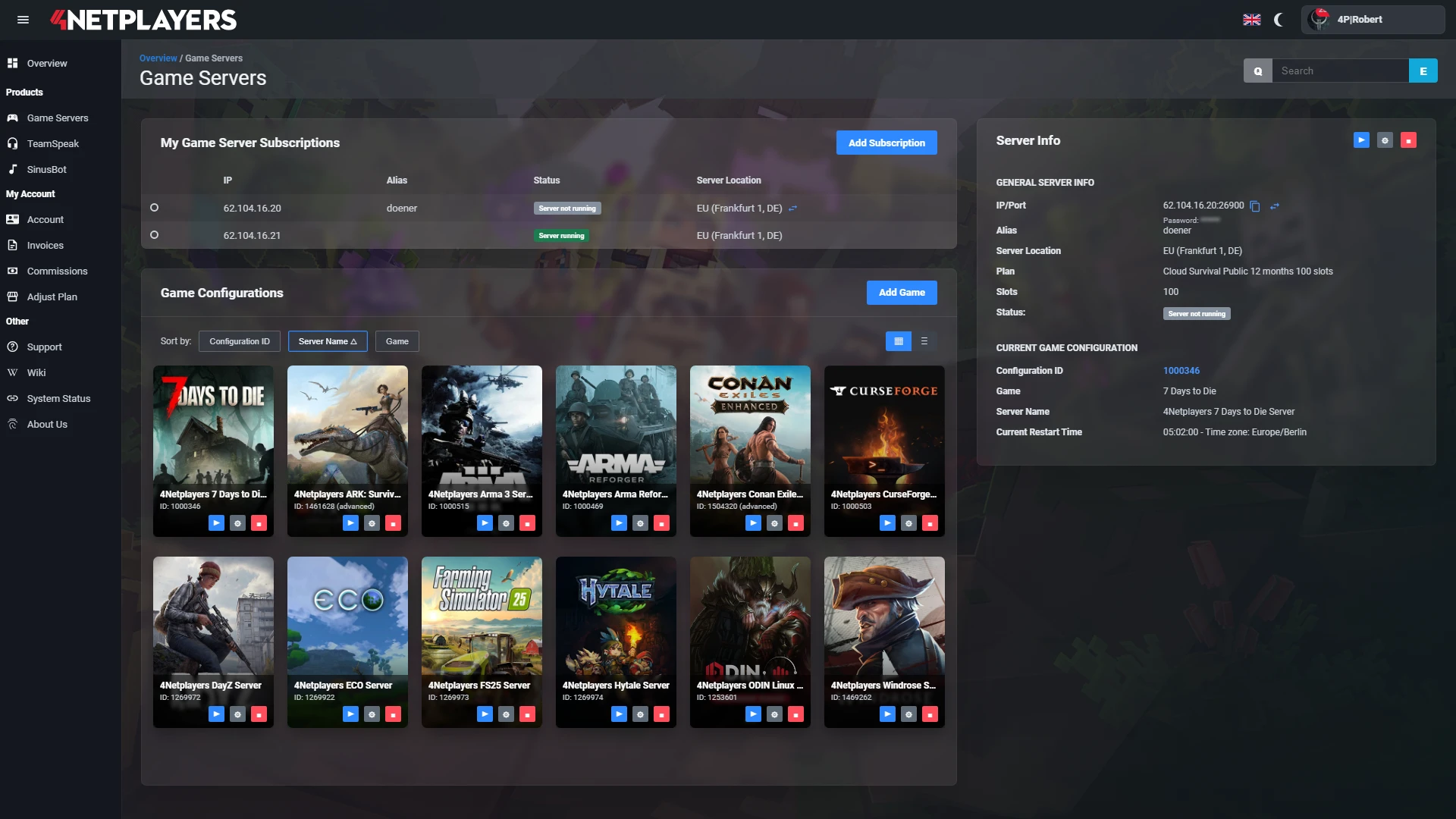
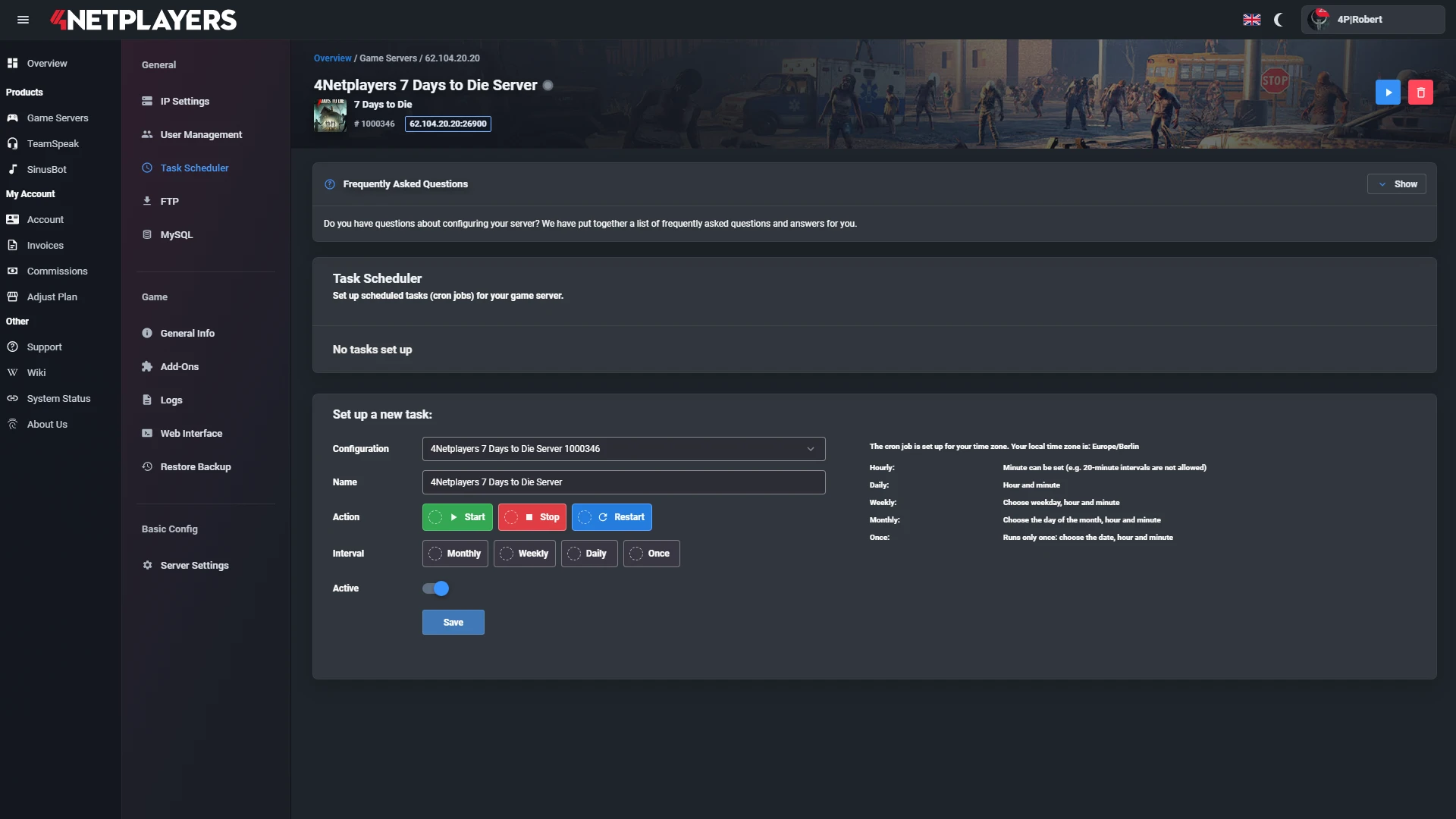
Manage your RuneScape: Dragonwilds server easily through our web interface. Start, stop, configure your server, or manage backups - all in just a few clicks, with no prior experience required.
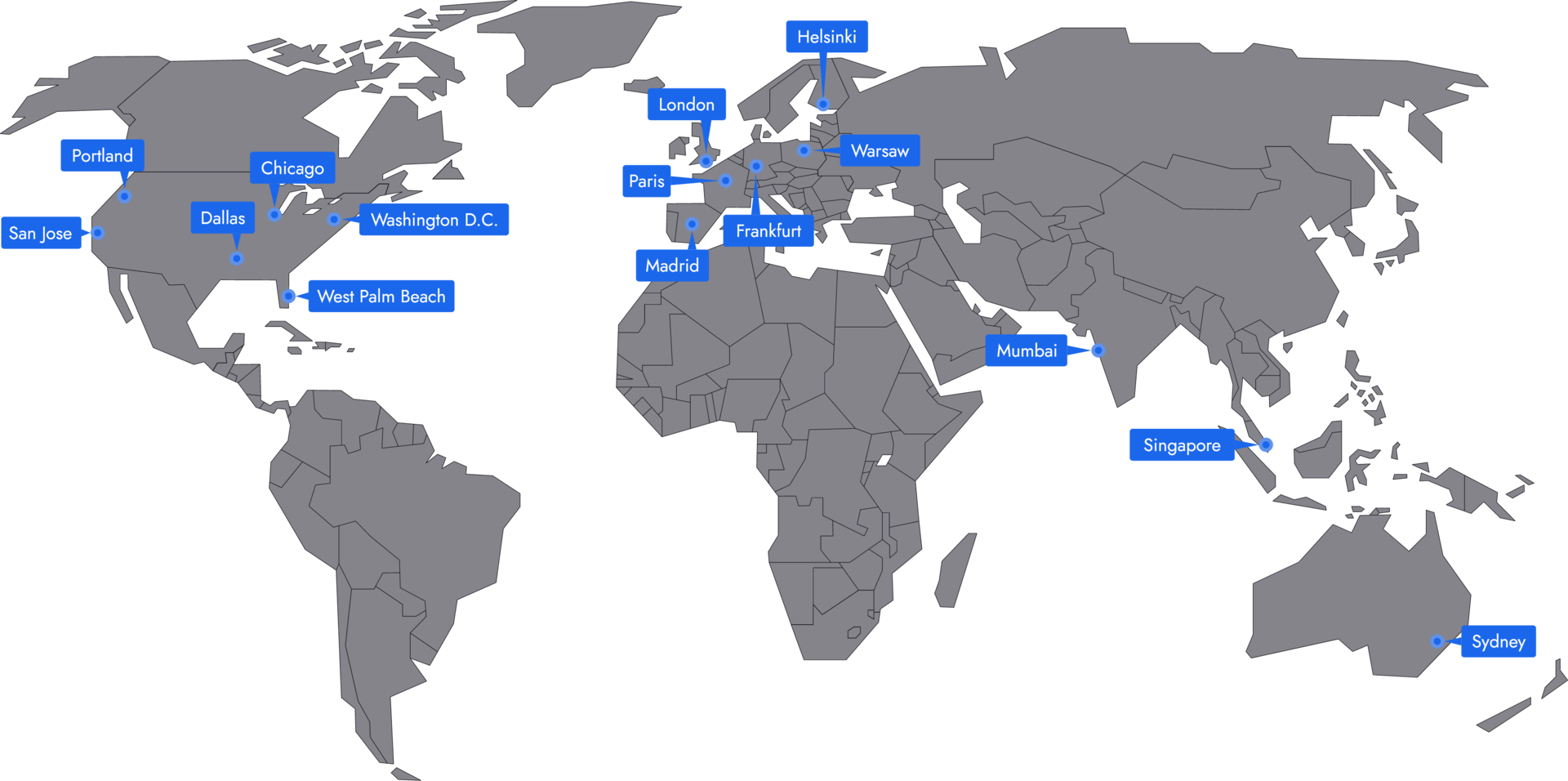
In 14 locations worldwide we offer unmatched connectivity with the lowest pings. Additional locations are continually being added and guarantee breathtaking gameplay in every game at the lowest latency.
Your RuneScape: Dragonwilds server is usually ready to use within a few minutes.
A rented RuneScape: Dragonwilds server gives you full control and a stable gaming environment.
You can rent your RuneScape: Dragonwilds server flexibly from as little as one month.
The RuneScape: Dragonwilds servers run on professional hosting infrastructure.
Yes, you can try your RuneScape: Dragonwilds server risk-free.
Yes, your RuneScape: Dragonwilds server is fully configurable.
Yes, you’ll receive support for technical questions and issues.
Yes, you can switch to another game at any time.
With RuneScape: Dragonwilds server hosting at 4Netplayers, your group gets a private dedicated server that keeps your world in Ashenfall online 24/7, even when the player who created it is offline. Up to 6 players can join, and thanks to crossplay, friends on PC, PS5 and Xbox play together on the same server.
Every package includes all 6 slots, the maximum the game allows on a dedicated server. You set the server up with your Player ID, adjust the DedicatedServer.ini and can upload an existing world. DDoS protection, automatic updates and backups are included.
A RuneScape: Dragonwilds dedicated server supports up to 6 players at the same time. At 4Netplayers, every package comes with all 6 slots, so your group does not need to upgrade when a fifth or sixth friend joins.
Since the 1.0 release, players on PC, PS5 and Xbox can join the same dedicated server through crossplay, so a mixed group does not need to agree on one platform first.
To set up a RuneScape: Dragonwilds dedicated server, you need your Player ID, which the game also calls EOS ID. The server uses it as the owner ID and will not start without it.
Step by step with screenshots: find your EOS ID.
The main RuneScape: Dragonwilds server settings are stored in the DedicatedServer.ini, which you can edit at 4Netplayers. Stop the server before you change it, because values edited while it is running are lost.
The owner, identified by the Player ID, can ban and unban any player, online or offline.
Yes. You can upload an existing RuneScape: Dragonwilds world to your server at 4Netplayers and continue where your group left off. Copy the world’s .sav file from RSDragonwilds/Saved/SaveGames on your PC into the same folder on the server, and do not rename the file, or the server will not keep the progress.
The same way works for a world with custom rules: create it locally in Custom or Creative mode, enter it once, then upload the save. Back up your saves before game updates; backups are included with every server.
The price of a RuneScape: Dragonwilds server at 4Netplayers depends only on the term, because every package already includes all 6 slots. You choose 1, 3 or 6 months, and the longer the term, the lower the price per month. The current prices are shown in the packages on this page.
Compared with hosting at home, you need no PC running around the clock, no 8 GB of RAM to spare and no port forwarding for UDP port 7777.