A base in Palworld serves multiple roles. It’s your storage, worksite, and breeding station all in one! But the more structures you can build and the more complex your Pal roster becomes, the more overwhelming base building can feel. On top of that, you’ll use a variety of construction materials. If you’re looking for a guide to your very first base, we already have the perfect article for you (Palworld Base Guide: Base Building, Farming, Breeding, and Storage) . Today, we’re focusing on advanced tips you should incorporate as you progress.
Build vertically in Palworld: More floors for an efficient base
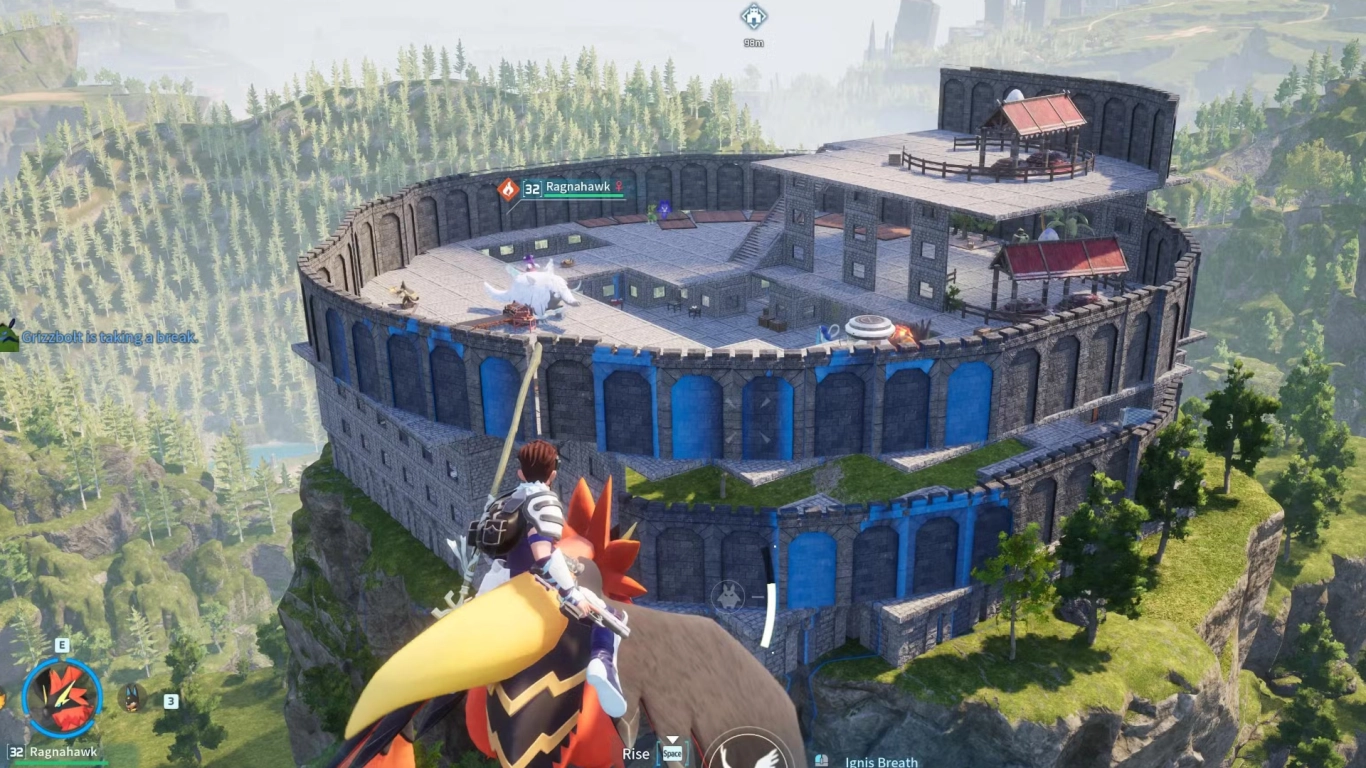
Your base only gives you limited space left and right, but what if you build upward? This trick is well known in the community, but new players may not know about it. A vertical base can save you a lot of frustration when trying to fit every workstation in one place. There are a few things to keep in mind, though.
Pals can have pathfinding issues, so we recommend a ceiling height of three walls and a width of at least two stairs. Even better, use sloped roofs, since some Pals can’t walk up stairs. It’s best to experiment to see which setup works for your specific Pals.
Your base becomes even more effective if you stack workstations on top of each other. This really shines when you need large quantities of resources. In a normal playthrough, it’s not strictly necessary.
Group tasks: Structure work areas efficiently
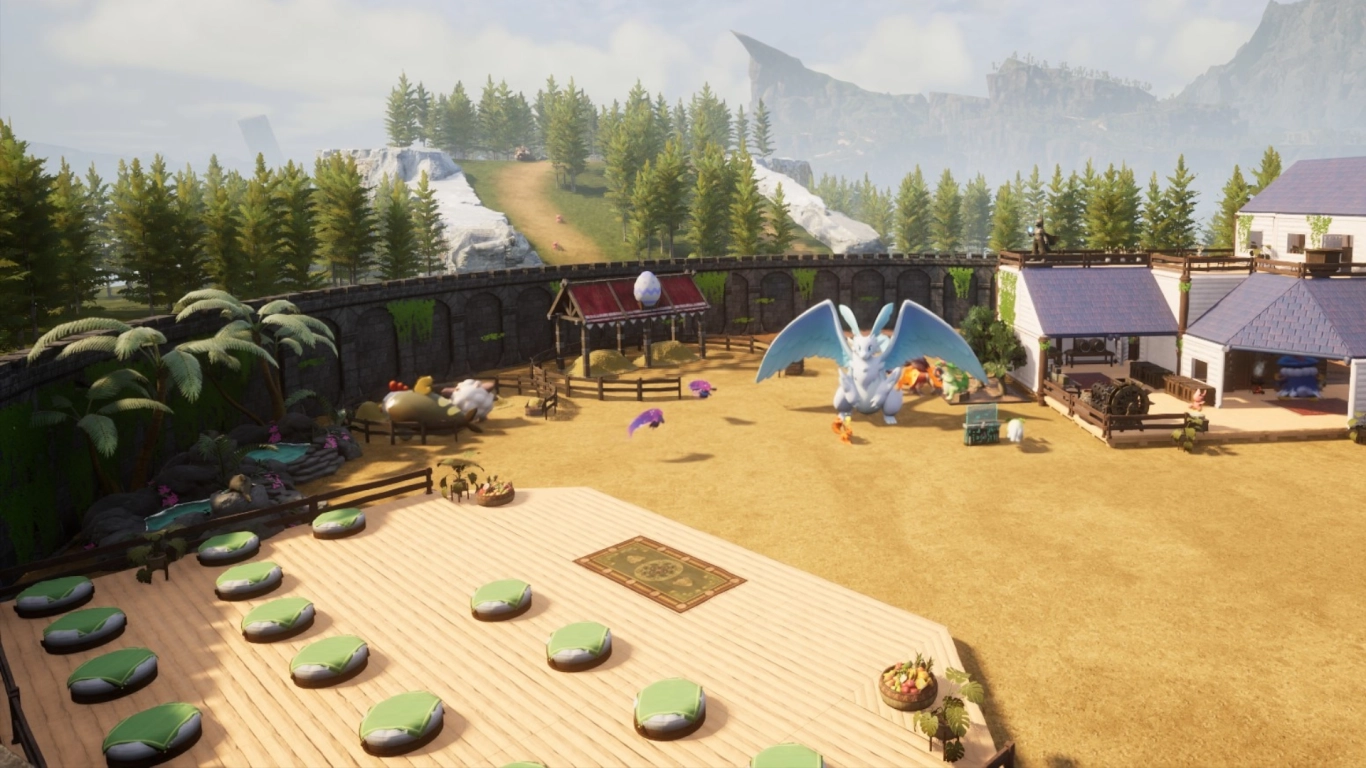
Help your Pals know where to work by grouping similar tasks. Many elements in Palworld can be combined to save space. For example, keep all food production elements together, with a furnace nearby that’s also handled by Pals with Kindling. On the other side of the base, focus on gathering resources like wood and stone.
You can integrate additional machines at the same time. If you’re using a Breeding Farm, place your Egg Incubators right there, too. Pathfinding for Pals should work smoothly in this setup.
Use the Monitoring Stand: Prioritize tasks and assign Pals
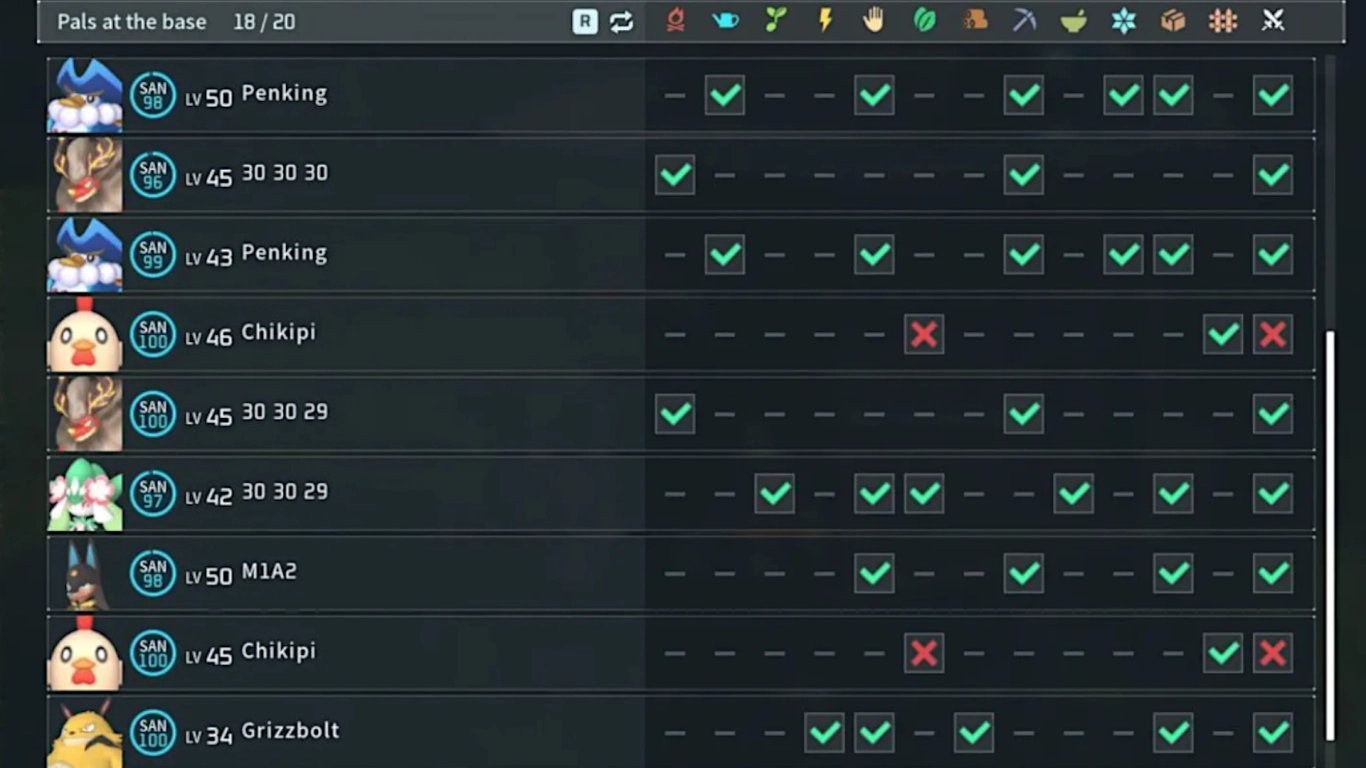
By default, every task in Palworld has a built-in priority that Pals follow. For example, tasks like defending the base and construction outrank Cooling or Gathering (Source: Work Priority: Palworld Base Work Priority). But you can decide which Pals handle which tasks—and in what order.
Use the Monitoring Stand, which unlocks at level 14. It lets you precisely define how your Pals work and which duties they take on. This becomes crucial as your base’s workload grows. After all, your Pals should work efficiently and not get in each other’s way. We already have a post if you’re looking for the best Pals for every job (Palworld Guide: Best Pals for Base, Gathering, Crafting, and Electricity) .
Upgrade workstations: Invest technology points wisely
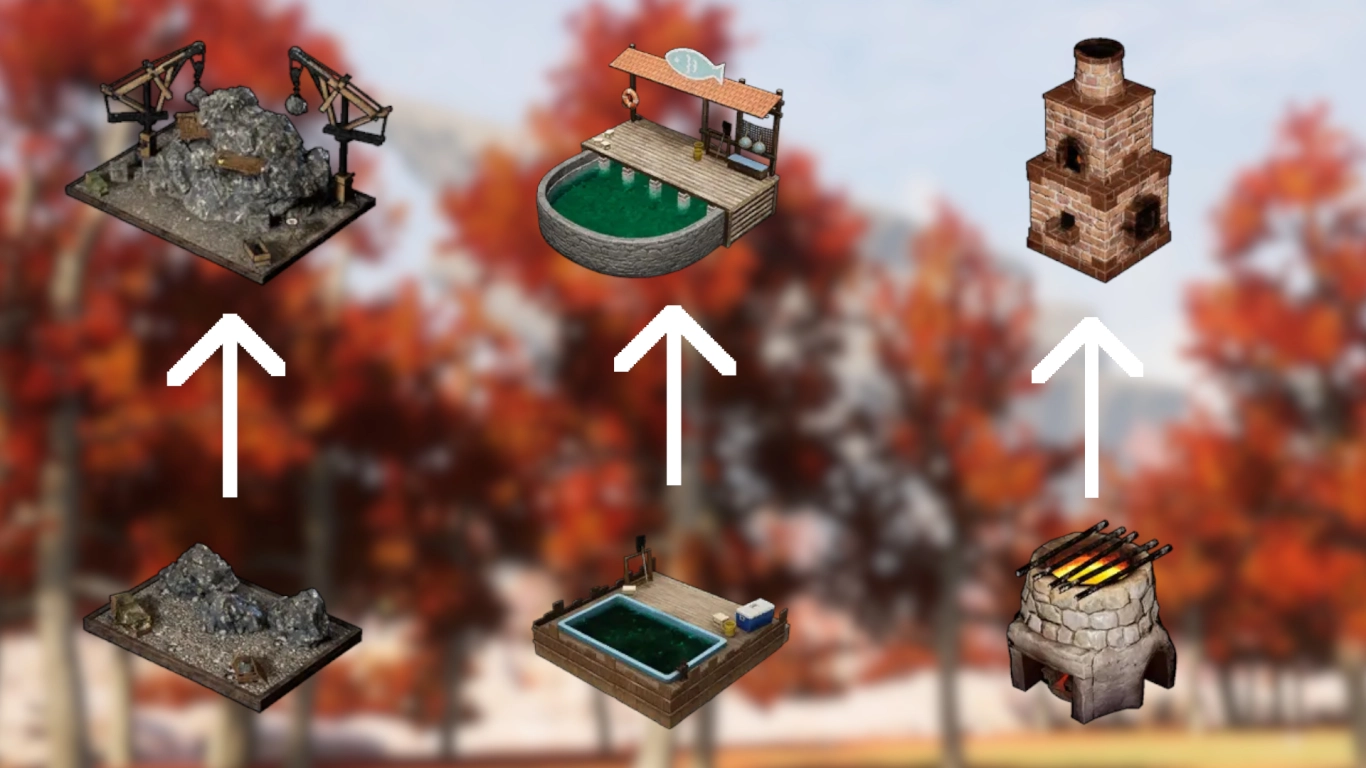
Many players notice this but still overlook it. Almost all production buildings, machines, and workstations have multiple upgrades you unlock via the Technology tree. Keep an eye out for these and save up Technology Points accordingly. Prioritize the upgrades that matter most for your current gameplay.
You can streamline many workflows—like cooking with better cooking stations, fishing with larger fish ponds, faster conveyor belts, or new workbenches. Also make sure you have the required resources ready to build these upgrades.
Decentralized storage: Keep resources close to workstations
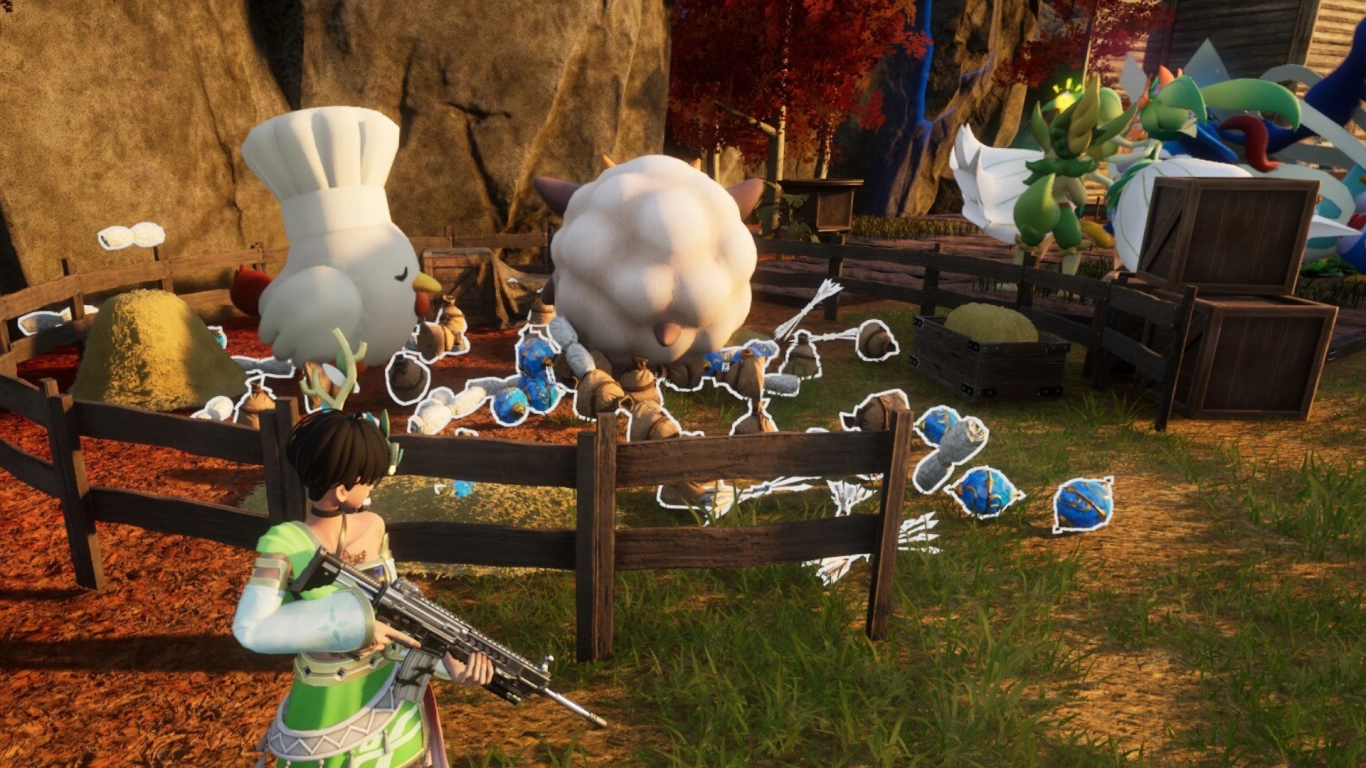
This ties directly into the second tip where we recommended grouping similar areas of your base. Take it further by implementing decentralized storage. You can still keep your most important resources at a central hub, but items that are crafted or gathered at a specific station should be stored right next to that workstation in chests.
That way, you always know where to find specific resources. Your Pals also have shorter travel times and can stay focused on their tasks. Build chests inside or next to the workstation so everything gets stored quickly and safely.
Pal well-being: Beds, Feed Box, and Hot Springs

A central part of your base should be a safe, quiet area for your working Pals. Each one loses Sanity while working and will need to eat sooner or later. Non-nocturnal Pals sleep when it gets dark. You should plan for all of this in your base.
We recommend an area that covers all needs at once. Provide enough beds, keep a Feed Box stocked and cooled, and use Hot Springs to restore your Pals’ Sanity.
Fend off raids: Defenses, walls, and traps
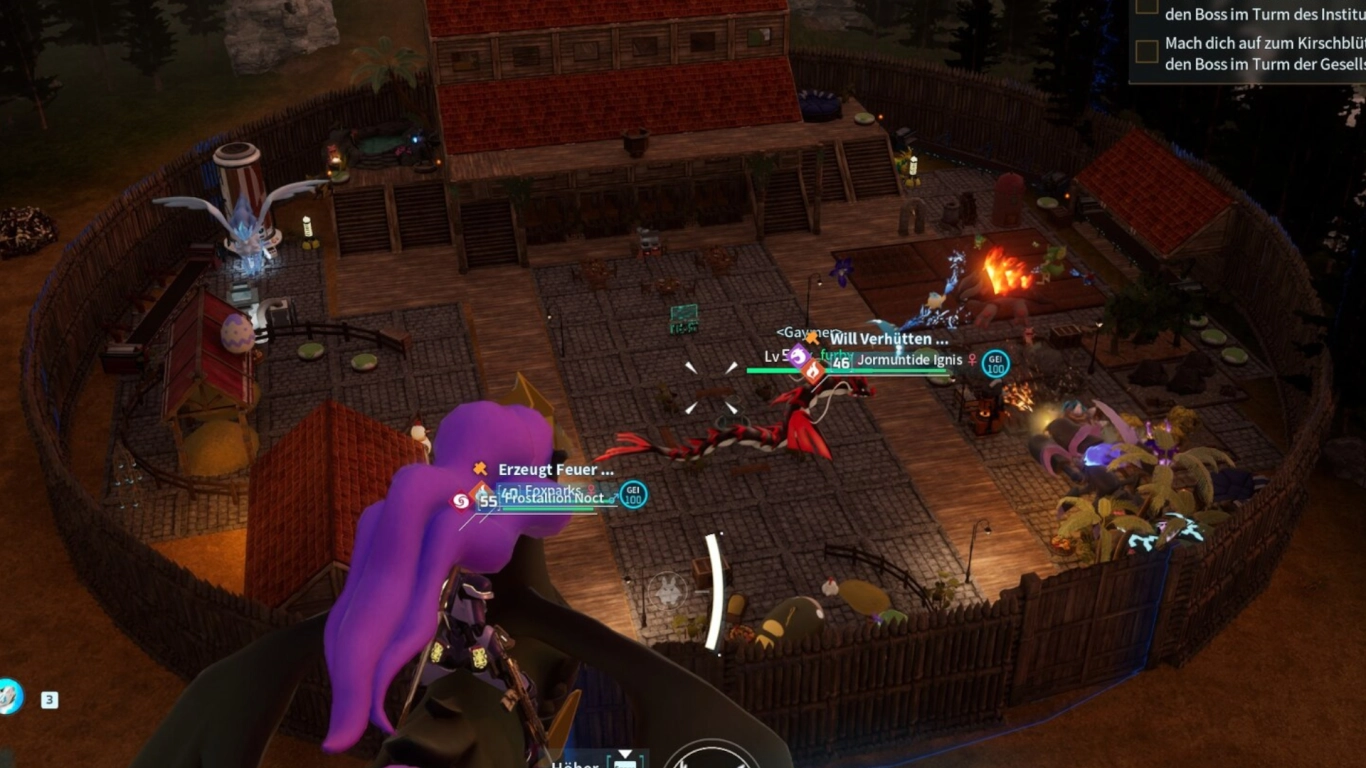
Raids deserve a dedicated article, but here’s a quick overview. If you haven’t disabled them in the options, you might get a nasty surprise. Raids are random events where Pals or human factions attack your base. Their strength depends on your location and progress.
Check the Technology tree for defensive options like walls, turrets, and traps. A complete wall around your base—or an inaccessible location (e.g., on a cliff)—can prevent a raid. You can win a raid by defeating all raiders or by stalling the fight until the attackers leave.
Conclusion: How to make your Palworld base efficient and advanced
Base building is a key part of Palworld, where each Pal’s unique abilities really shine. But without a well-organized base, you won’t get far. Make sure tasks are segmented and grouped, save space with a vertical design, and organize storage around areas and machines. And don’t forget to give your Pals breaks and a place to unwind!
If you want to build a base this efficient yourself, then rent your own Palworld server from us and play with your friends! You can share a base or build separately and compare your creations.