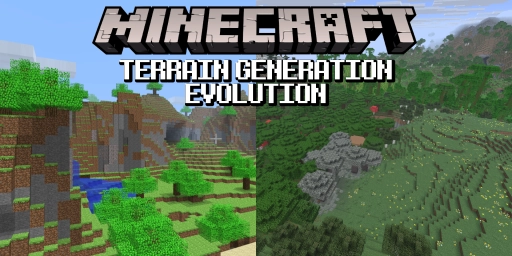
The worlds you can generate in Minecraft today look completely different from those a few years ago—let alone during the early Alpha or Beta days. World creation based on a seed works very differently now and has taken many shapes over the years. From the limited but highly creative Indev worlds to the steep mountain ranges of the Caves & Cliffs update, we’ll take a closer look at it all! If you’re after great mods for this aspect of Minecraft, we’ve already compiled a list for you (Minecraft world generation: The best mods and datapacks) . For example, the Modern Beta mod lets you relive many of these variants!
Indev: Limited Minecraft worlds and customizable island generators
- Versions: Indev
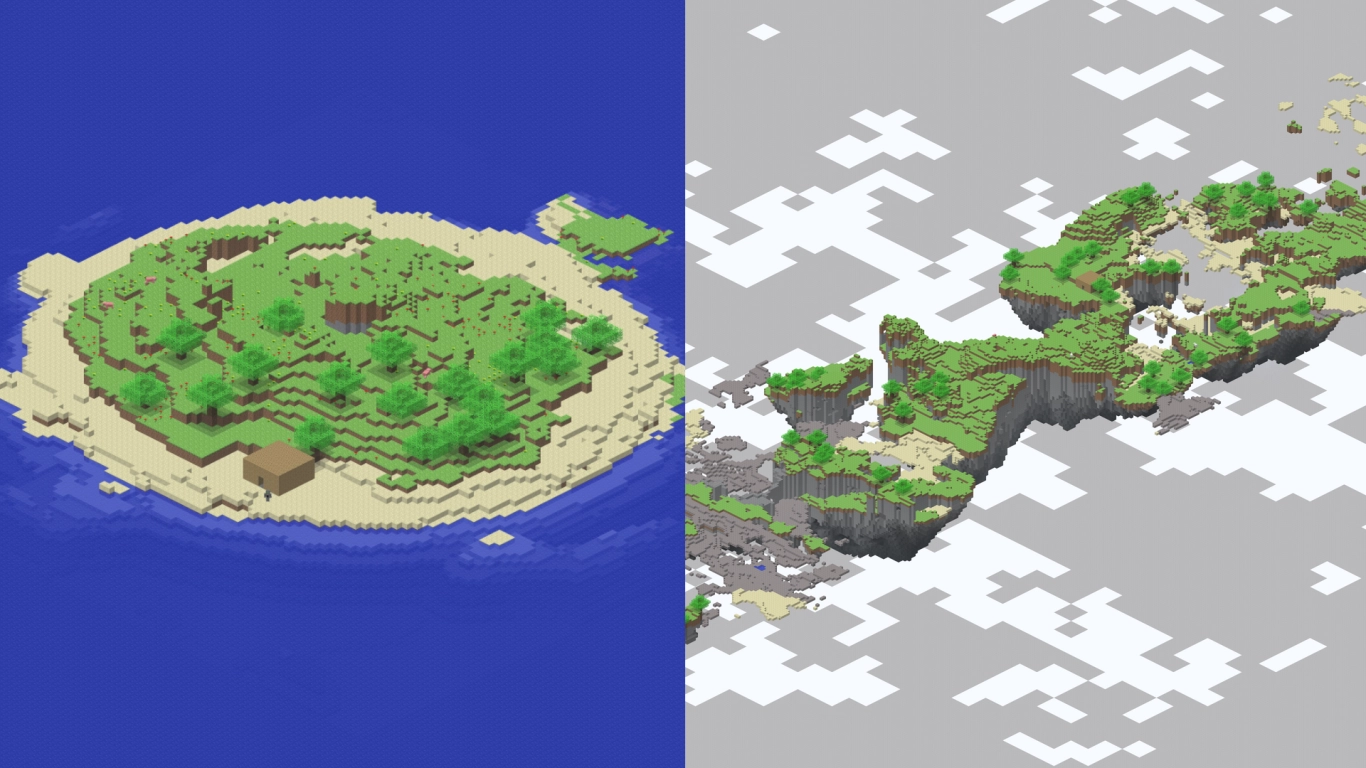
Minecraft did not start with infinite worlds—you spawned on a lonely island with nothing but the ocean around you. But those were just the default settings; there were also additional parameters you could set.
You could adjust the island’s size and shape, or turn it into a chain of floating islands. These could spread vertically as well as horizontally, leading to some very cool designs. You could also choose between four themes: normal, hell, paradise, and woods. Customization options for your little island were surprisingly robust!
Infdev: The first infinite Minecraft worlds and quirky structures
- Versions: Infdev
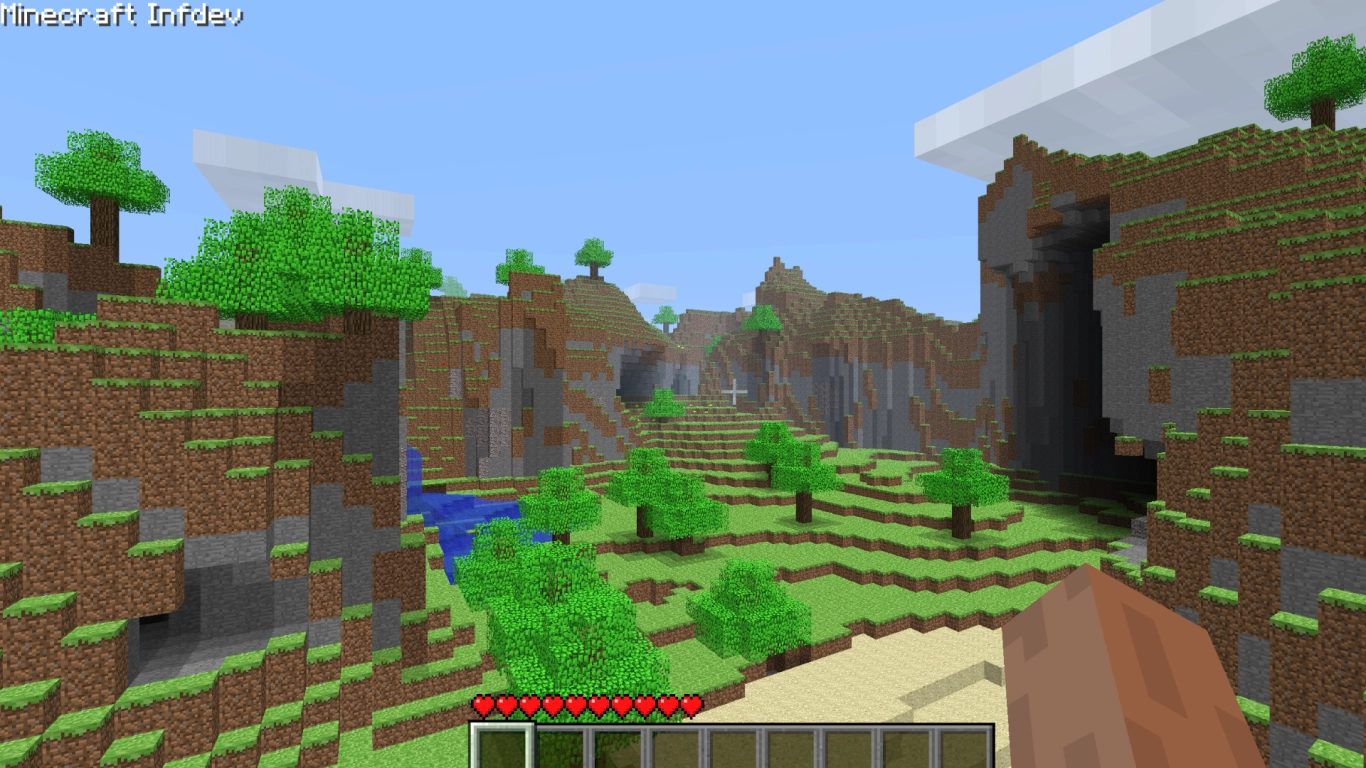
During this phase there were several different generation variants. Early on the terrain was sparse and disjointed; later it began to resemble the Alpha terrain we know next. In between there were even gigantic cliffs and little besides huge trees. This stretch of development is also known for odd constructions like obsidian walls and a massive brick pyramid. Maybe you’ll stumble upon them yourself!
Alpha: Neon-green grass and early terrain generation
- Versions: Alpha 1.0 to Alpha 1.1
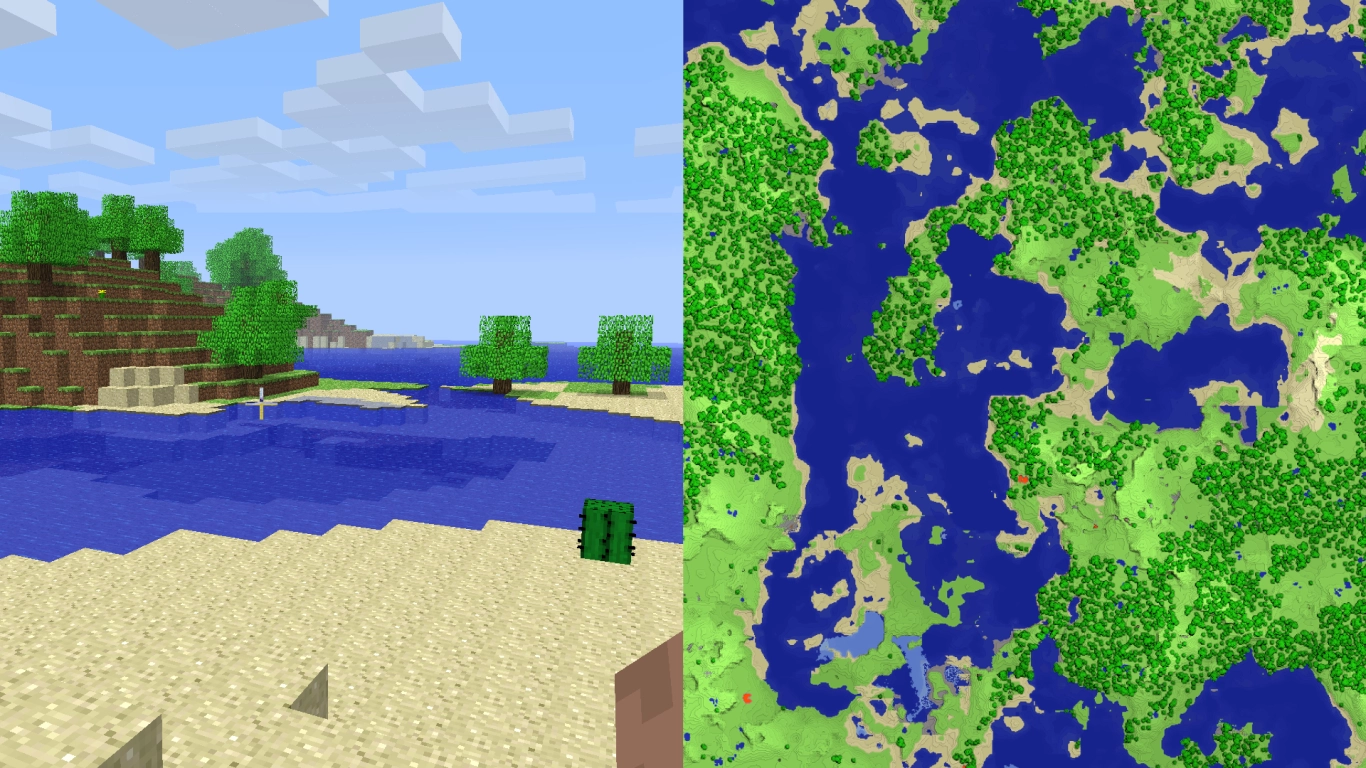
Next came the Alpha generation, best known for its neon-green grass. The terrain featured no biomes yet and was largely made up of forests, open plains, and strangely shaped mountains. There was no tall grass yet, but you could find both red and yellow flowers. Cacti and sugar cane were also added. You had lots of open building space and the familiar serpentine caves leading deep underground. Additionally, the world had a 1-in-4 chance to be a snow-covered world.
Beta: The first biomes in Minecraft and the 2010 Halloween Update
- Versions: Alpha 1.2 to Beta 1.7.3
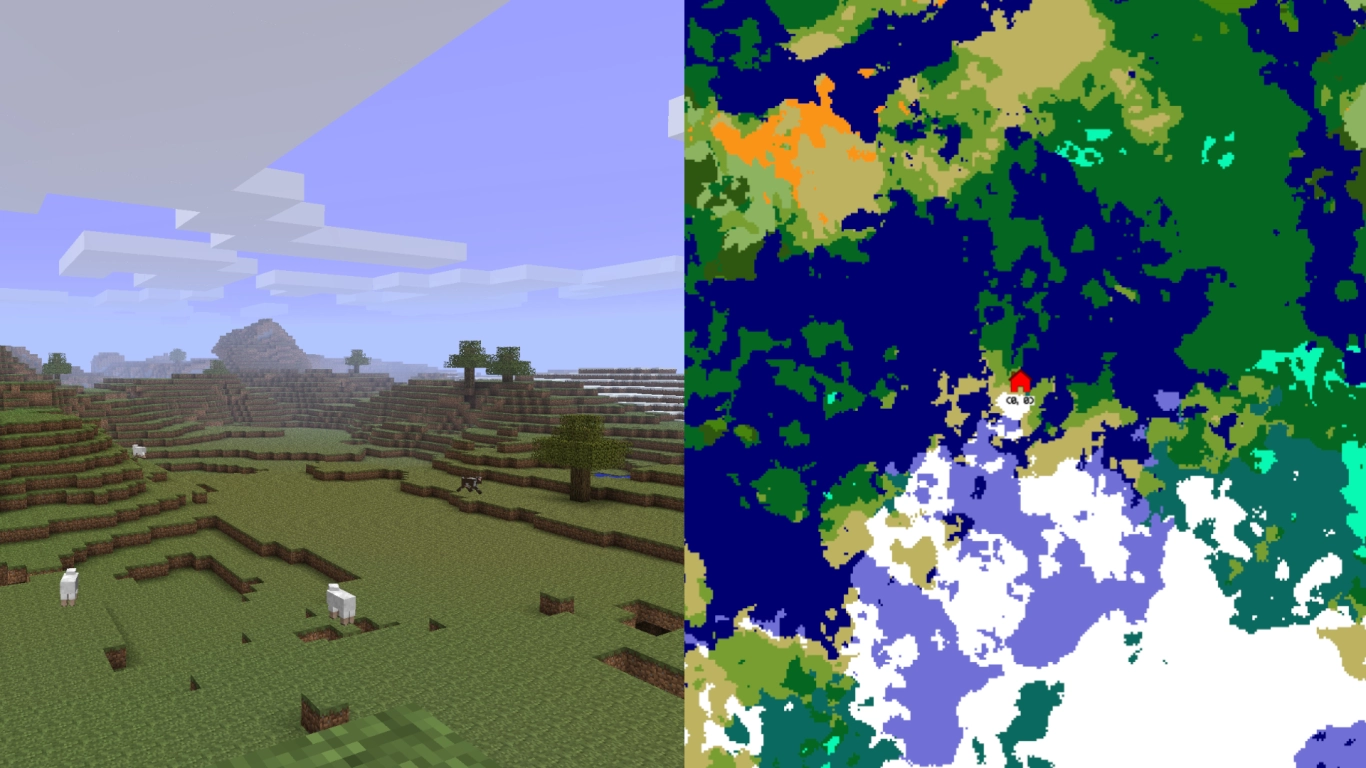
The big Halloween Update 2010 brought a major terrain overhaul. Biomes were introduced for the first time, albeit in a rudimentary form. There were now separate snowy regions, swamps, deserts, and rainforests. Especially striking were the still very jagged mountains, as well as the broad beaches and gravel beds. This update also added the Nether.
New features arrived during this period too: birch and spruce trees were introduced. Tall grass appeared in mid-Beta and could be grown with bone meal. Lapis lazuli and sandstone were also added. Plus, the color of grass and leaves now matches the underlying biome, just as it does today.
Release 1.0 to 1.6.4: Vast oceans, new structures, and ravines
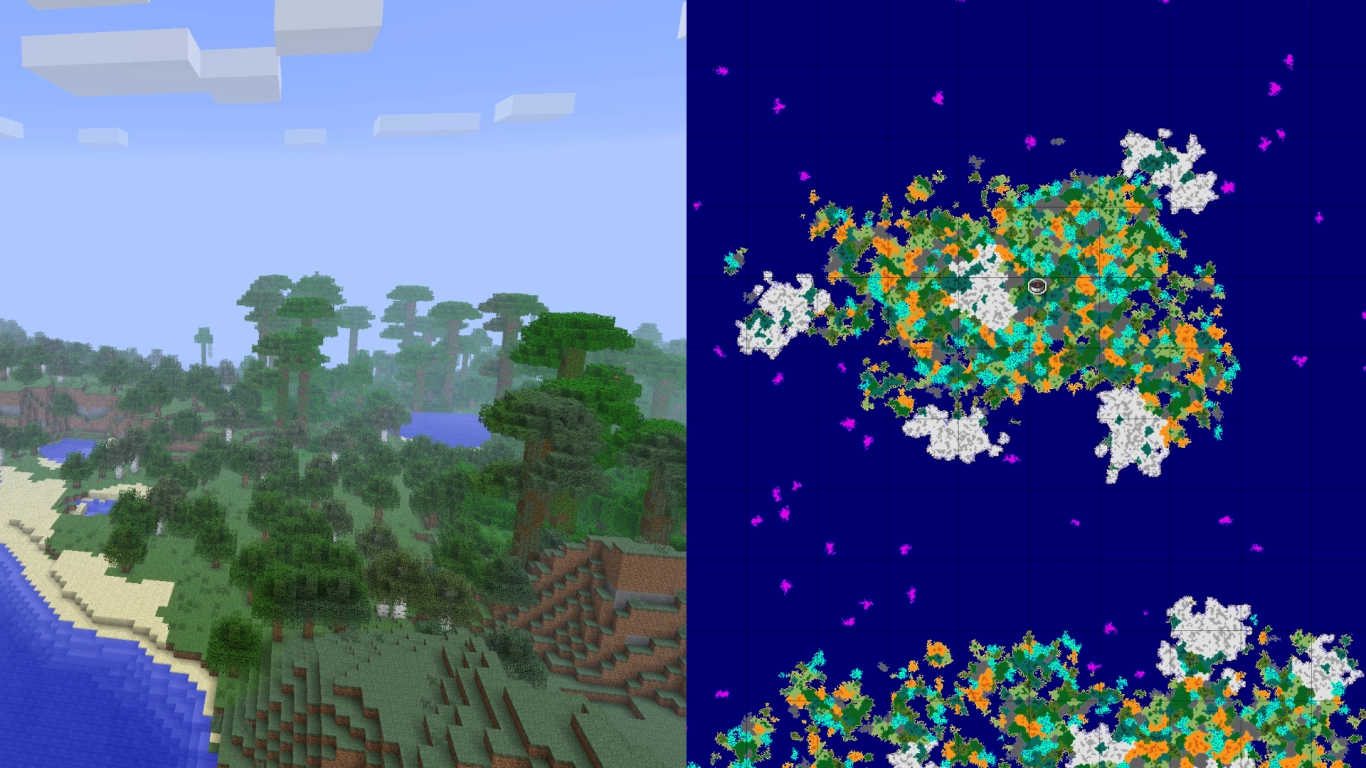
- Versions: Beta 1.8 to Release 1.6.4
With Minecraft’s full release in late 2011 came a new terrain generation. It began in the late Beta and was repeatedly refined. This brought many features: new ravines and mineshafts, as well as the first structures like villages, desert pyramids, and later jungle temples. Biomes were overhauled and became more diverse and varied.
But the most defining characteristic of these worlds was their endlessly large oceans, sometimes stretching thousands of blocks. This led to separate continents—a cool idea, though not everyone loved it.
Release 1.7 to 1.17: The Update that Changed the World, with new biomes
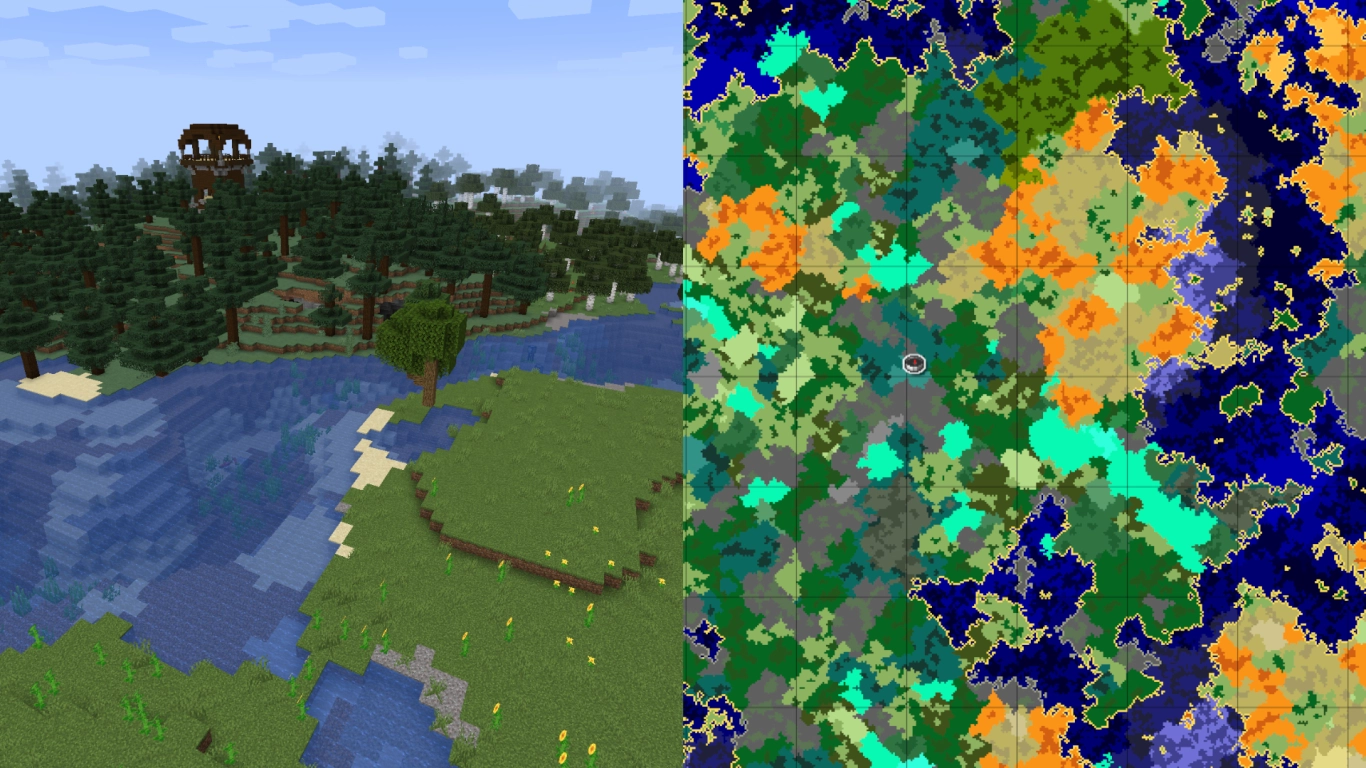
- Versions: Release 1.7 to Release 1.17
The Update that Changed the World lived up to its name: at the end of 2013, terrain was overhauled again. A host of new biomes arrived, including the Badlands, Dark Forests (dark oak), and Mega Taiga. Many flowers and other natural blocks were added as well. The huge oceans were also removed, much to the delight of many players.
This generation lasted until 2021, making it the longest-running terrain variant in Minecraft. It was refined through version 1.17. New structures appeared, such as Pillager Outposts, Woodland Mansions, and Ocean Monuments. The oceans themselves were completely reworked in 1.13, but the overall world layout stayed the same. With version 1.16, the Nether was overhauled for the first time since its introduction in Alpha 1.2.
Release 1.18 to today: Caves & Cliffs with lofty mountains and deep caves
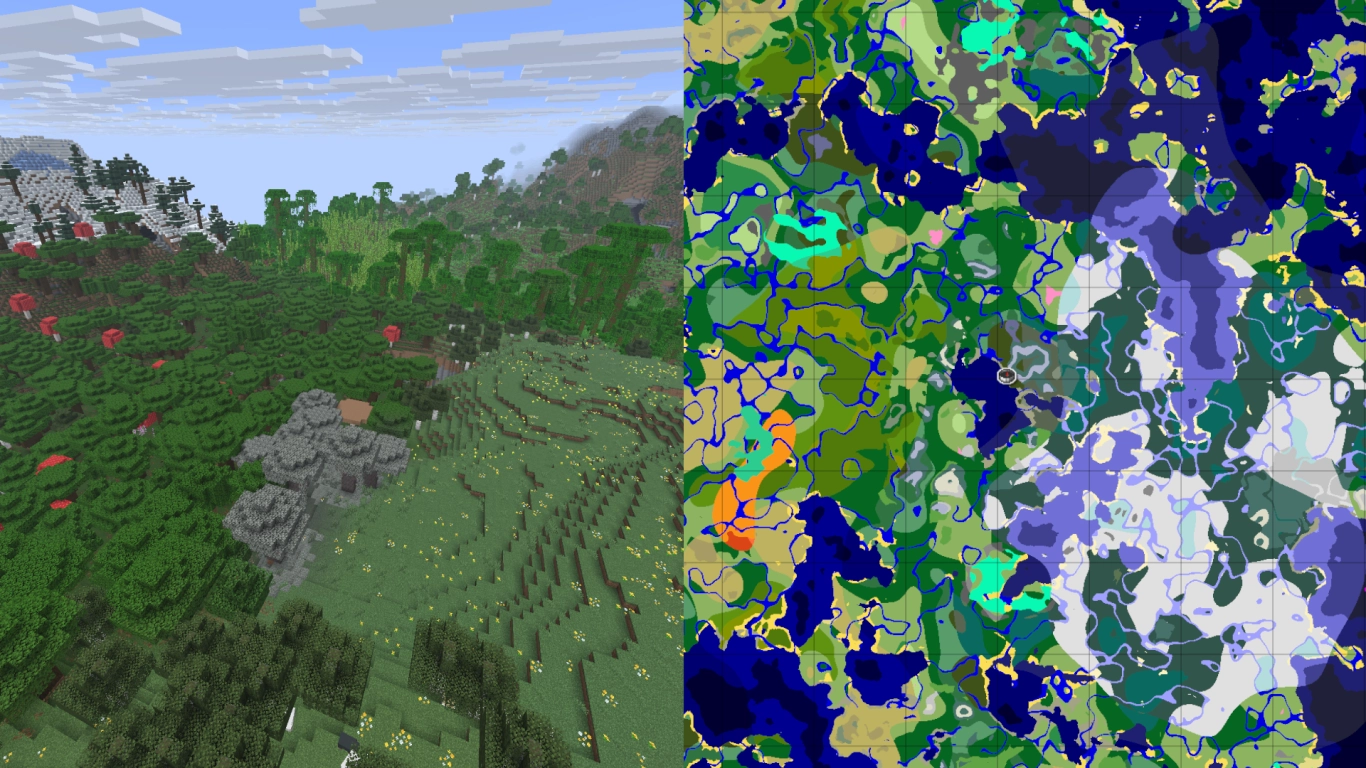
- Versions: Release 1.18 to present
With version 1.18, after eight years, a brand-new world generation finally arrived. The world’s height and depth were expanded, and virtually every terrain type was reworked. There are now vast cave systems with multiple biomes, towering snowy peaks, and varied landscapes with 50+ different biomes. Subsequent updates made smaller adjustments, adding Cherry Groves, the Pale Garden, and Mangrove Swamps.
Biomes now feature smoother transitions rather than spawning randomly side by side. Warm areas stay warm and cold areas stay cold, creating a more realistic world. So far there’s no sign that terrain will be overhauled again any time soon.
Conclusion: A look back at Minecraft’s world generation
A look at Minecraft’s different terrain generations shows how the game has evolved over the years. From the neon-green grasslands of Alpha to the realistic biome distribution in the current version, a lot has changed. Thankfully, you can choose whichever version you prefer right from the launcher.
If you want to explore Minecraft’s many worlds yourself, rent your own Minecraft server from us for you and your friends. You can choose different versions or play with mods that tailor the terrain however you like.