Hytale has finally seen the light of day after plenty of turbulence! This blend of Minecraft, Terraria, and a dash of Valheim is already delighting players who have waited years for it. We’ve jumped in as well to see what the game has to offer. As with any new adventure, the beginning can be tough—and Hytale does a few things differently than you might expect. So here are the most important tips and tricks we noticed in our first hours that we want to pass on to you.
Hytale settings: optimize gameplay, world, and performance
Before you dive in, take a moment to check the settings. Hytale runs well performance-wise, but a little fine-tuning can help. Enable enemy health bars and increase your FOV.
When creating your world, click the gear icon to reveal more options. Set the length of the day-night cycle and configure whether items drop on death—and how many. Select None if you prefer a relaxed start and don’t want to lose anything.
Farming resources in Hytale: fibers, sticks, and stones
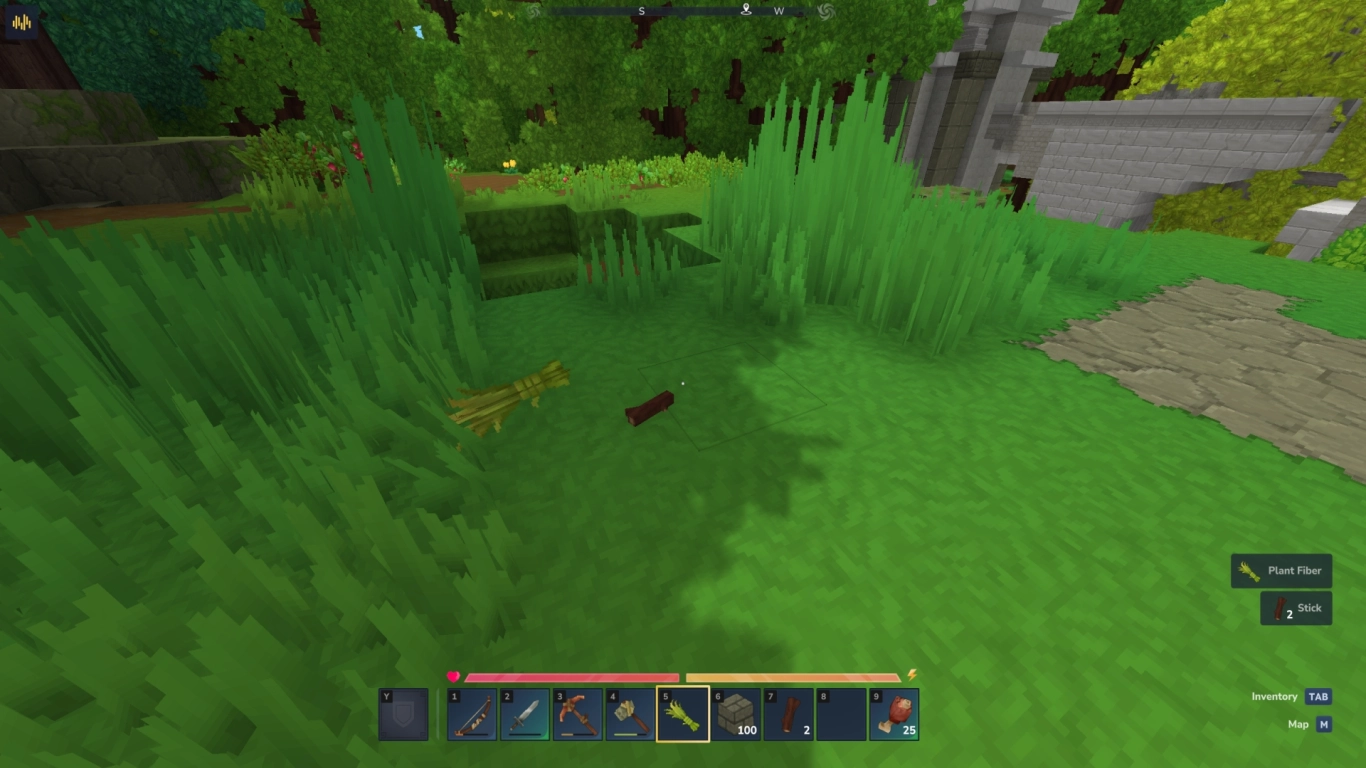
As soon as you leave your spawn cave, you’ll find green meadows and dense forests. Like any good survival game, your first goal is to craft tools and gear up. In Hytale, that means breaking bushes to get fibers and sticks. You’ll also find loose stones you can pick up.
You can then craft your first tools in your inventory. Use the axe and pickaxe to chop wood and mine stone. Trees actually topple when you break the trunk.
Crafting a workbench in Hytale: the foundation for better gear
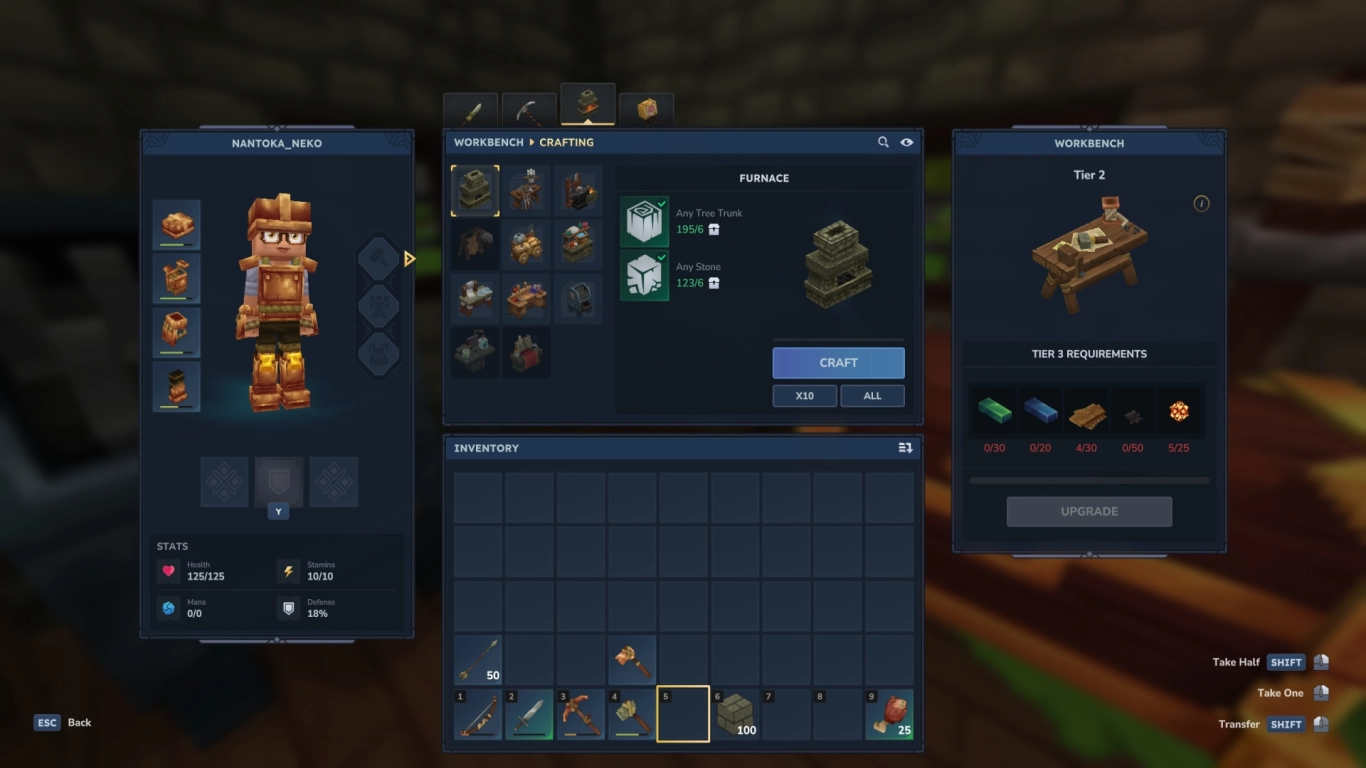
You can also build a workbench in your inventory, which not only gives you access to better gear but also unlocks additional specialized workbenches. We’ll cover those in detail in a separate post, but keep in mind they’re important for more advanced features. Most of these workbenches can be upgraded as you progress, unlocking new recipes. Early on, though, that’s not critical until you’ve advanced a bit further.
Find the Forgotten Temple: unlock memories and upgrades
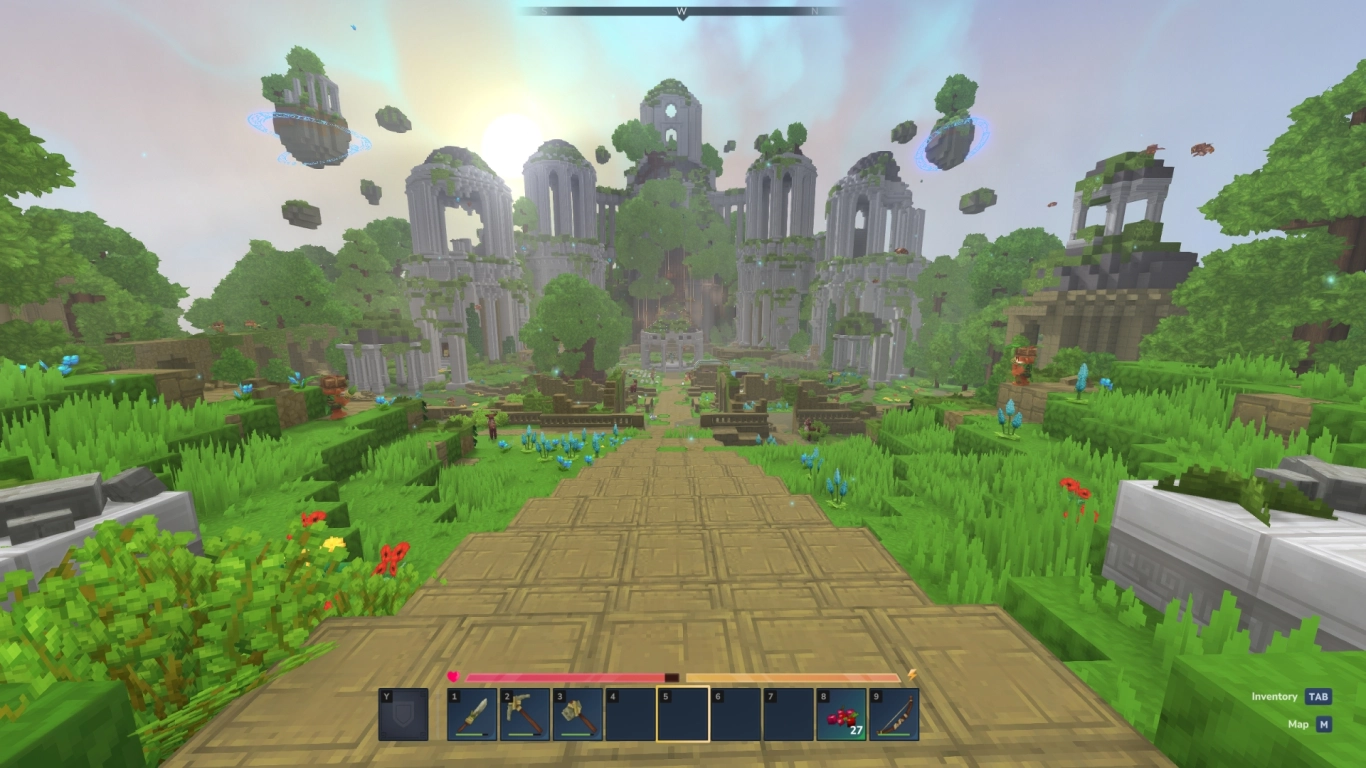
One of your first goals should be to find the Forgotten Temple. There are often several—head to the one marked on your map nearby. Inside, you’ll find a basement with a golem. Kill or ignore it and loot the two hidden chests.
Then go through the portal. On the other side you’ll enter a paradise where you can’t break blocks. Head to the statue in the center and activate your memories. They let you record memories of monsters and animals. Up to 48 slots are available, so return here regularly to earn new upgrades for some of your workbenches.
Never go hungry again: find, cook, and heal in Hytale
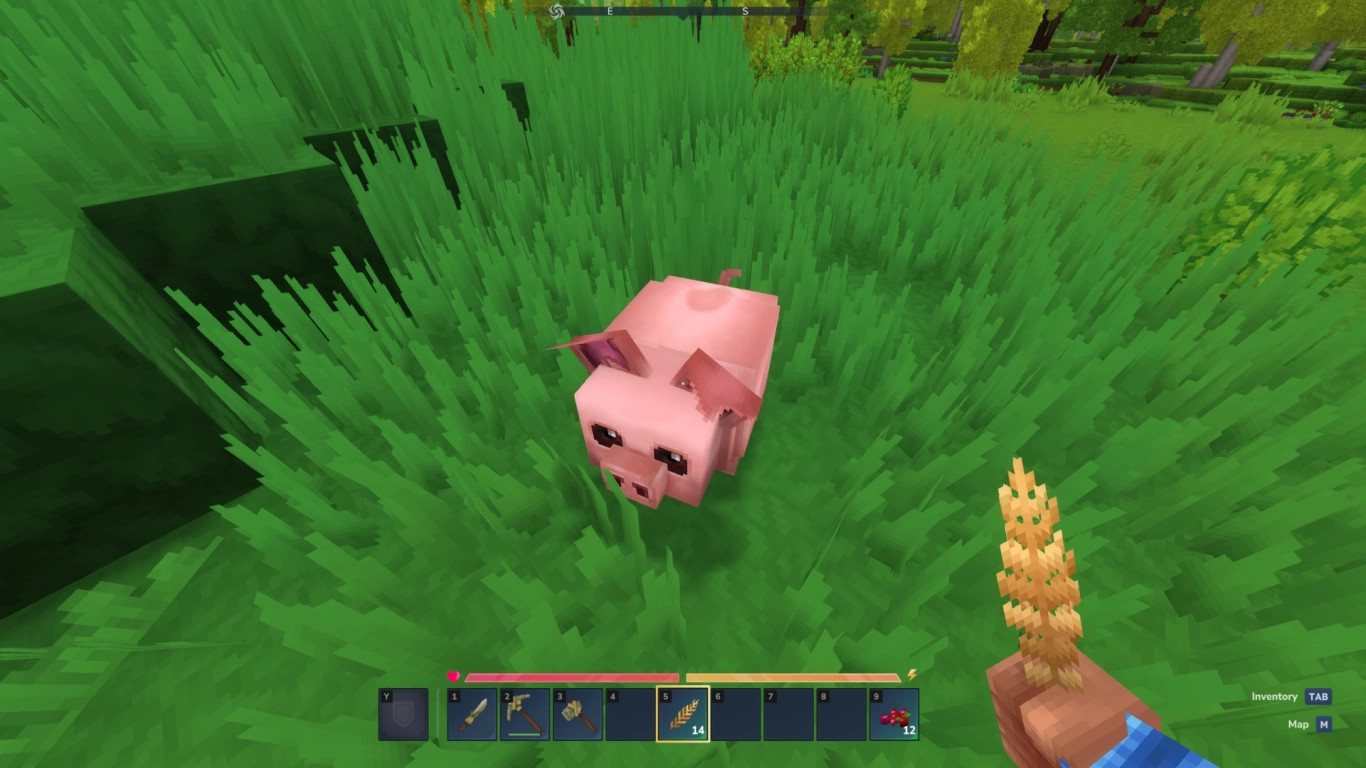
Thankfully, Hytale has no hunger bar, but it’s still smart to carry food. It lets you heal when you’ve been hit or taken fall damage. Red berries are everywhere and offer a small boost. Later, you can cook meat from animals—craft the Cooking Set in your inventory. Use sticks, fibers, or logs as fuel to cook it. You’ll also produce charcoal in the process.
Hytale combat tips: weapons, shields, and special attacks
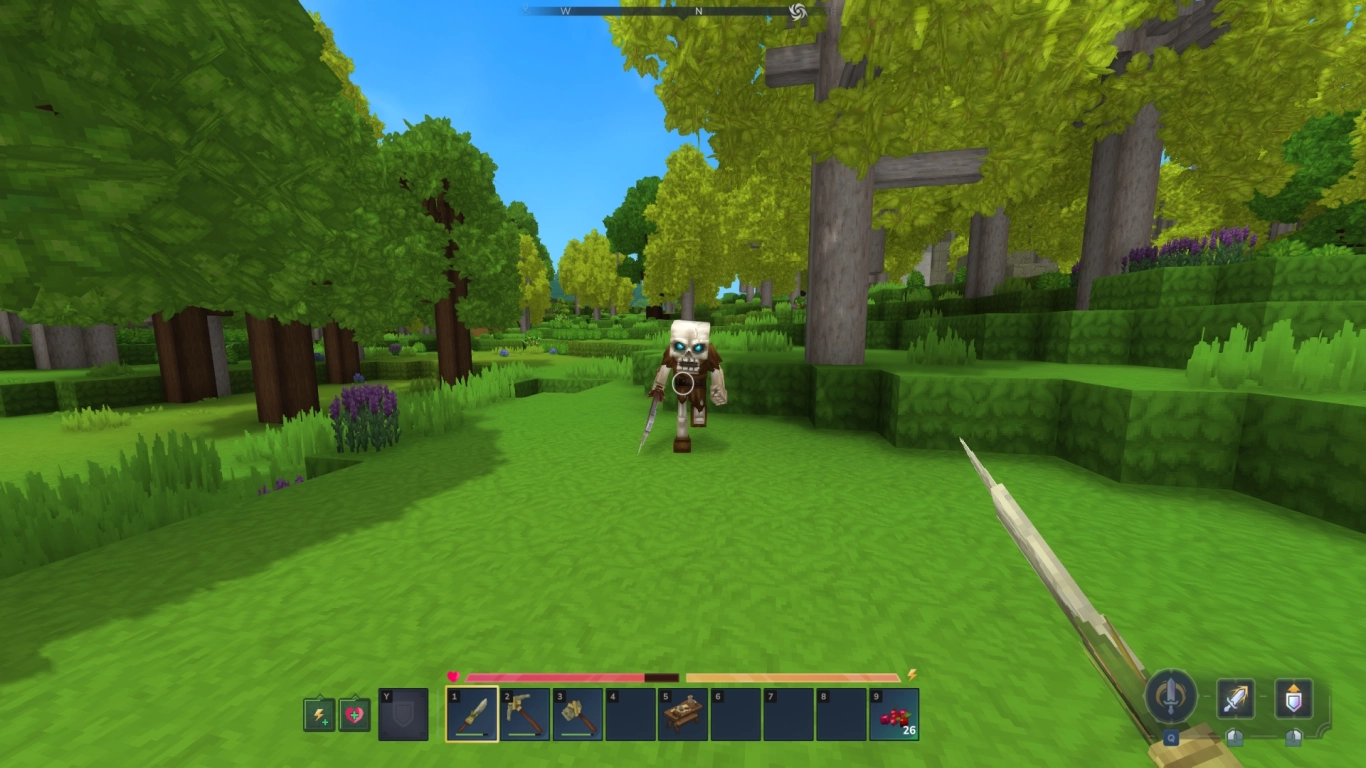
Dangers lurk both day and night. Skeletons, wolves, and bears are likely the first enemies you’ll face, so a quick combat primer helps. Craft a small sword in your inventory.
Attack with left-click and block with right-click (as indicated at the bottom right). If you keep attacking with a weapon, your special attack (Q) charges up. Later, you’ll find other weapons with their own unique specials. You can also find or craft shields and carry them in your off-hand. Gear like this sometimes drops from skeletons.
Movement and inventory: handy control tips for Hytale
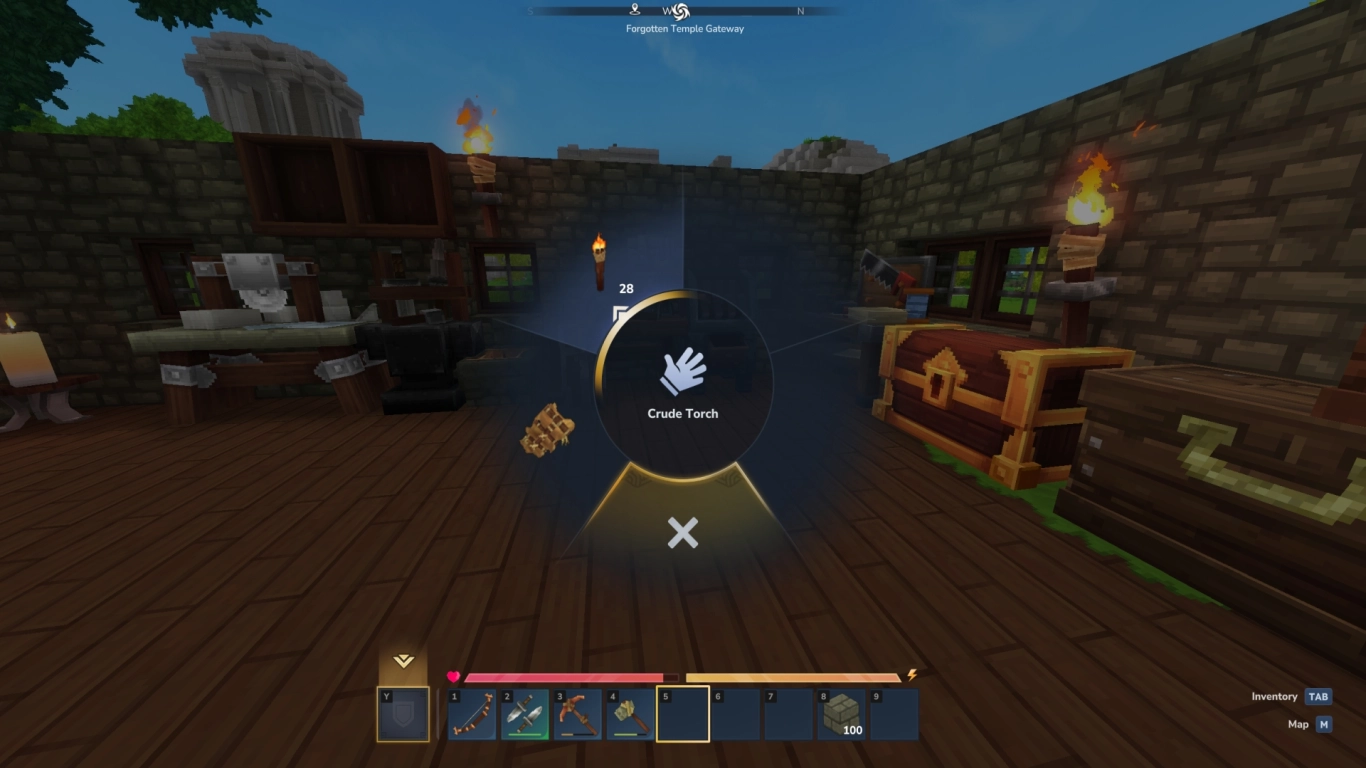
Movement and controls feel smooth and responsive. You automatically step up one block. Sprinting makes you faster, and even better: you can jump up to four blocks high. From the third block, your character pulls up to clear the height.
Press V to switch between third- and first-person, whichever you prefer. Press Y to control your off-hand and swap between a torch and your shield. Several F-keys are bound as well: hide your HUD and hand (F8), show info like coordinates and FPS (F7), and take screenshots (F12). You can rebind all key mappings to your liking.
Build a base in Hytale: bed, chests, and workbenches
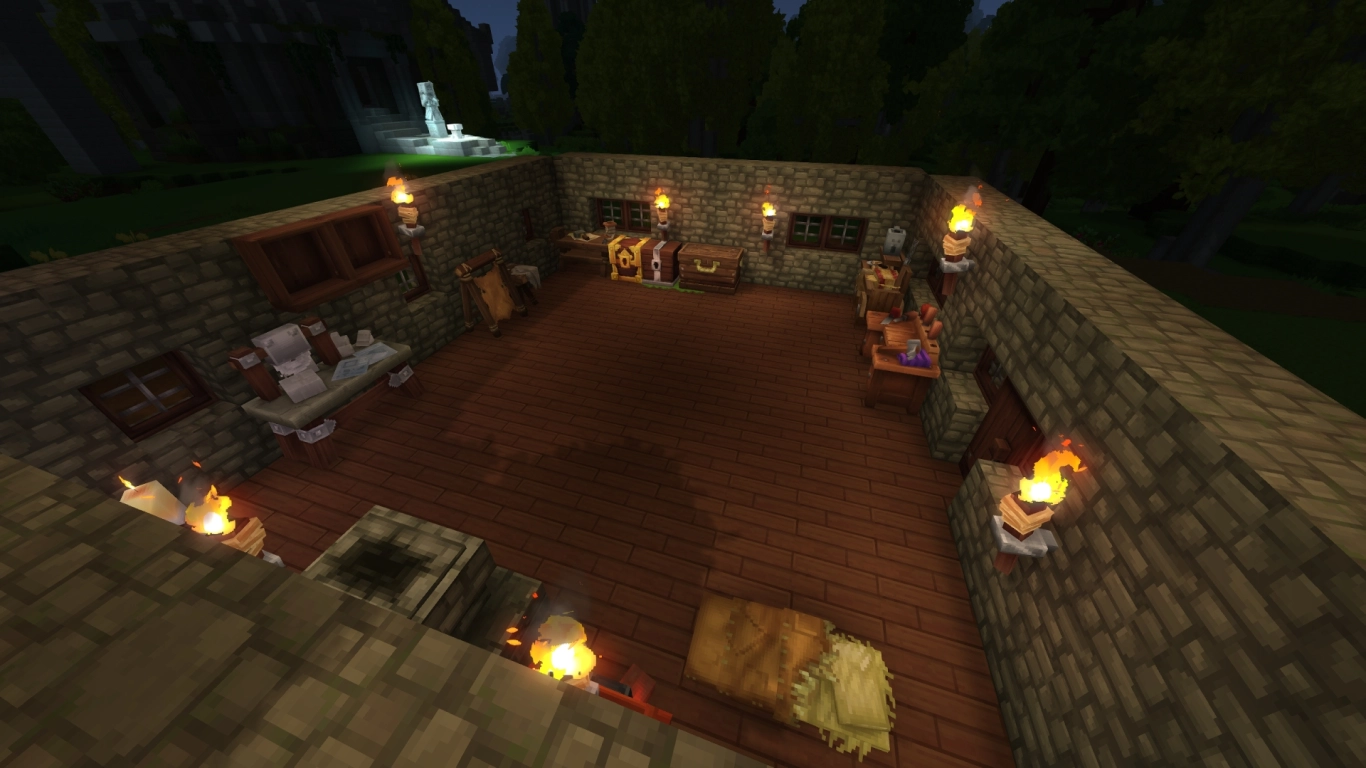
Once you’re familiar with the basics, it’s time to build your first small base. Set up your workbenches and craft your first chests to free up inventory space. Use wood and stone and convert them at the Building Workbench to make your home look nice—style is up to you.
We also recommend crafting a bed. You’ll need light leather, which drops from some small animals (such as boars). The bed is your respawn point and lets you sleep through the night. You can craft fancier beds later, but the bedroll is perfectly fine at the start.
Conclusion: Hytale Early Access and tips at a glance
Even in Early Access, Hytale already offers a lot, and we’ve only scratched the surface here. There’s much more to discover—from advanced workbenches and new biomes to stronger ores. Keep in mind the game is still in Early Access and that after the buyback from Riot, the game lost roughly four years of development time. But developer Simon and his team are hard at work to finally make Hytale a reality. We’ll keep covering the release with tips and tricks.
Hytale naturally plays great in multiplayer too. Rent your own Hytale server from us to jump into the adventure with friends. Build together and explore the world of Orbis.
More interesting articles
Hytale Workbenches: All Stations, Features, and Tips at a Glance
Hytale Wood Types & Saplings: Where to Find Every Tree
Hytale zones explained: biomes, ores, and mobs
Hytale Farming Guide: Workbench, Irrigation, and Essence of Life