Language & Currency

Currency

BeamMP Packshot

BeamMP server hosting

  • Playing without stress and insults
  • High-end hardware
  • Free game change
  • Your server, your rules
Excellent
Trustpilot Logo
4.5 out of 5 stars based on 8,168 reviews 4.5 out of 5 stars based on 8,168 reviews Trustpilot Logo
Black Week Double Trouble
Your server for BeamMP Online around the clock
Bonus game server for $0 Stops after 10 min. without players
2 servers 1 price
 

4 slots

🎁 + Free game server

AUD 8.82
4.40
BRL 31.31
15.63
CAD 8.69
4.34
CHF 5.01
2.50
CNY 41.79
20.86
CZK 130.50
65.13
DKK 40.29
20.11
EUR 5.39
2.69
GBP 4.61
2.30
HUF 1,963.31
979.83
INR 590.47
294.69
MXN 107.54
53.67
NOK 58.98
29.43
PLN 23.25
11.60
RON 28.28
14.11
SEK 59.21
29.55
SGD 7.95
3.97
TRY 294.20
146.83
USD 6.19
3.09
/ month
(tax included)

Server location:

 
Custom configuration

Create your own setup and customize every option.

Your benefits with a BeamMP server from 4Netplayers

Host powerful game servers for more than 100 games. Instant setup, flexible options, and reliable performance.

Instantly ready & flexible

  • Server online in minutes
  • Change location at any time
  • Automatic server updates

Stable performance & security

  • Latest server hardware
  • Fast NVMe SSDs
  • Automatic backups

Full control over your server

  • Direct database access
  • Full FTP access
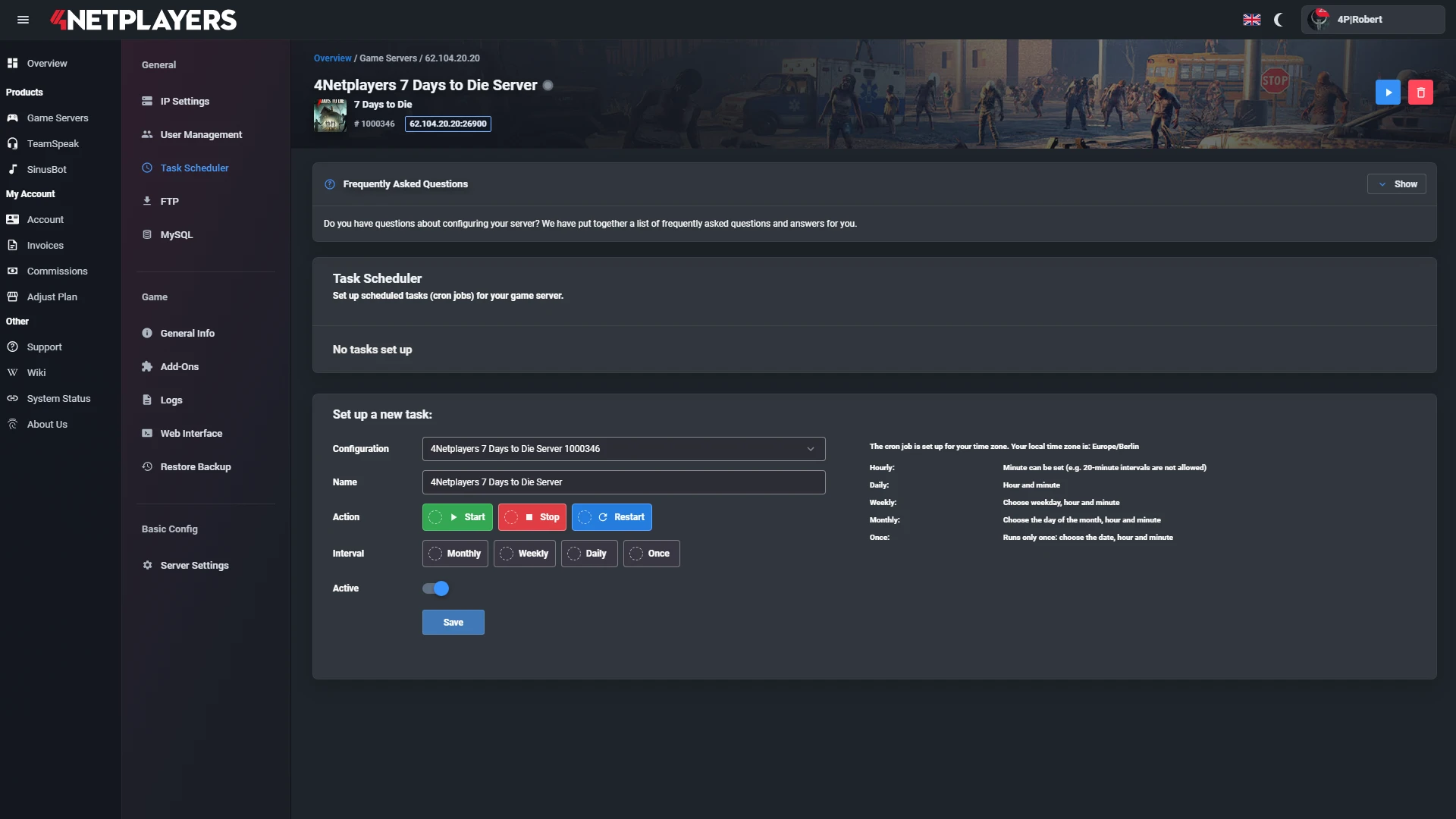
  • Custom tasks via task scheduler

Our 5-star reviews on Trustpilot

Pay securely and flexibly for BeamMP servers

PayPal
Credit card
Apple Pay
Google Pay
PaysafeCard

Intuitive web interface for your BeamMP server

Manage your BeamMP server easily through our web interface. Start, stop, configure your server, or manage backups - all in just a few clicks, with no prior experience required.
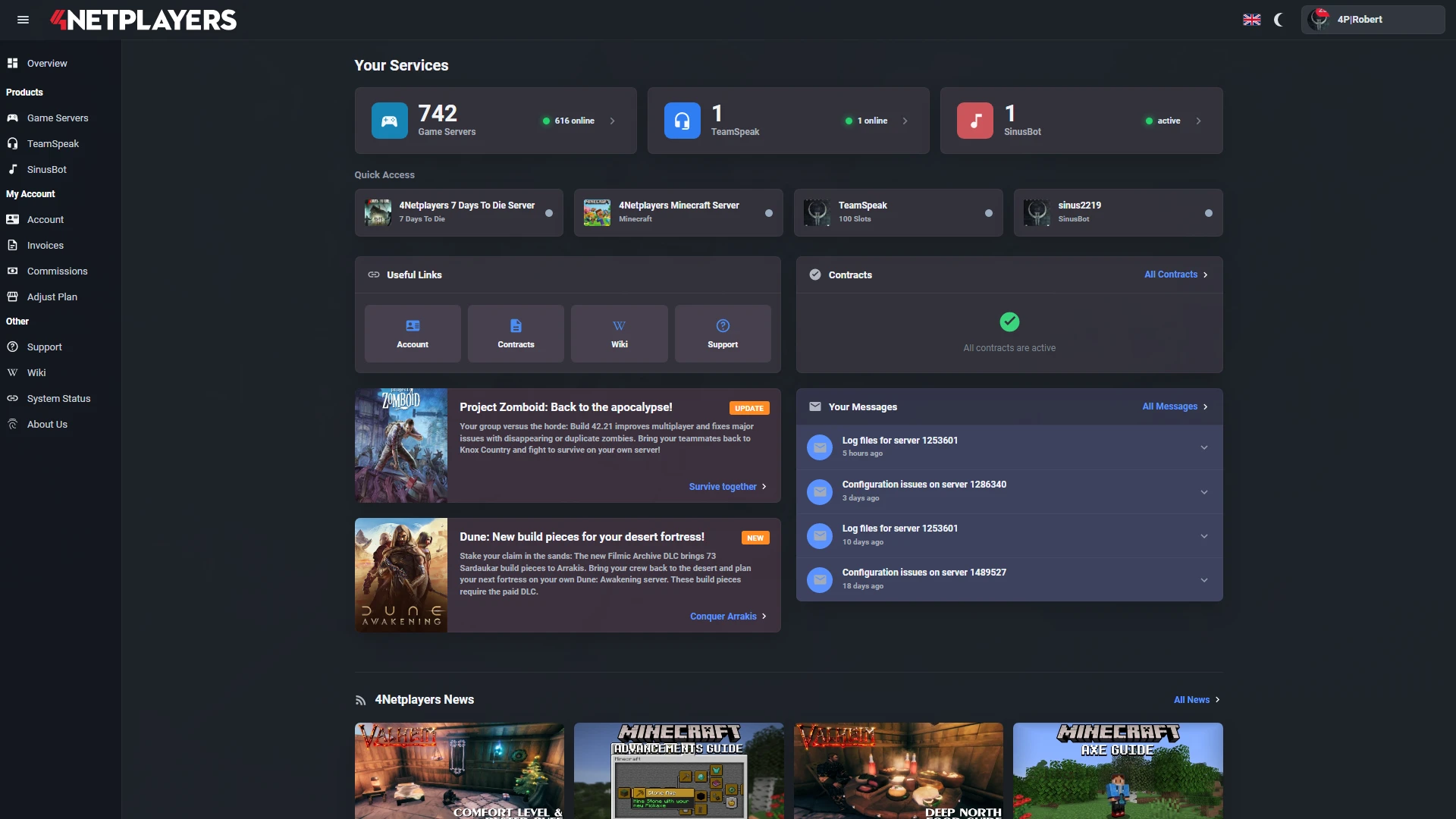
4Netplayers Welcome Video
4Netplayers Webinterface

BeamMP Server locations with low latency

In 14 locations worldwide we offer unmatched connectivity with the lowest pings. Additional locations are continually being added and guarantee breathtaking gameplay in every game at the lowest latency.
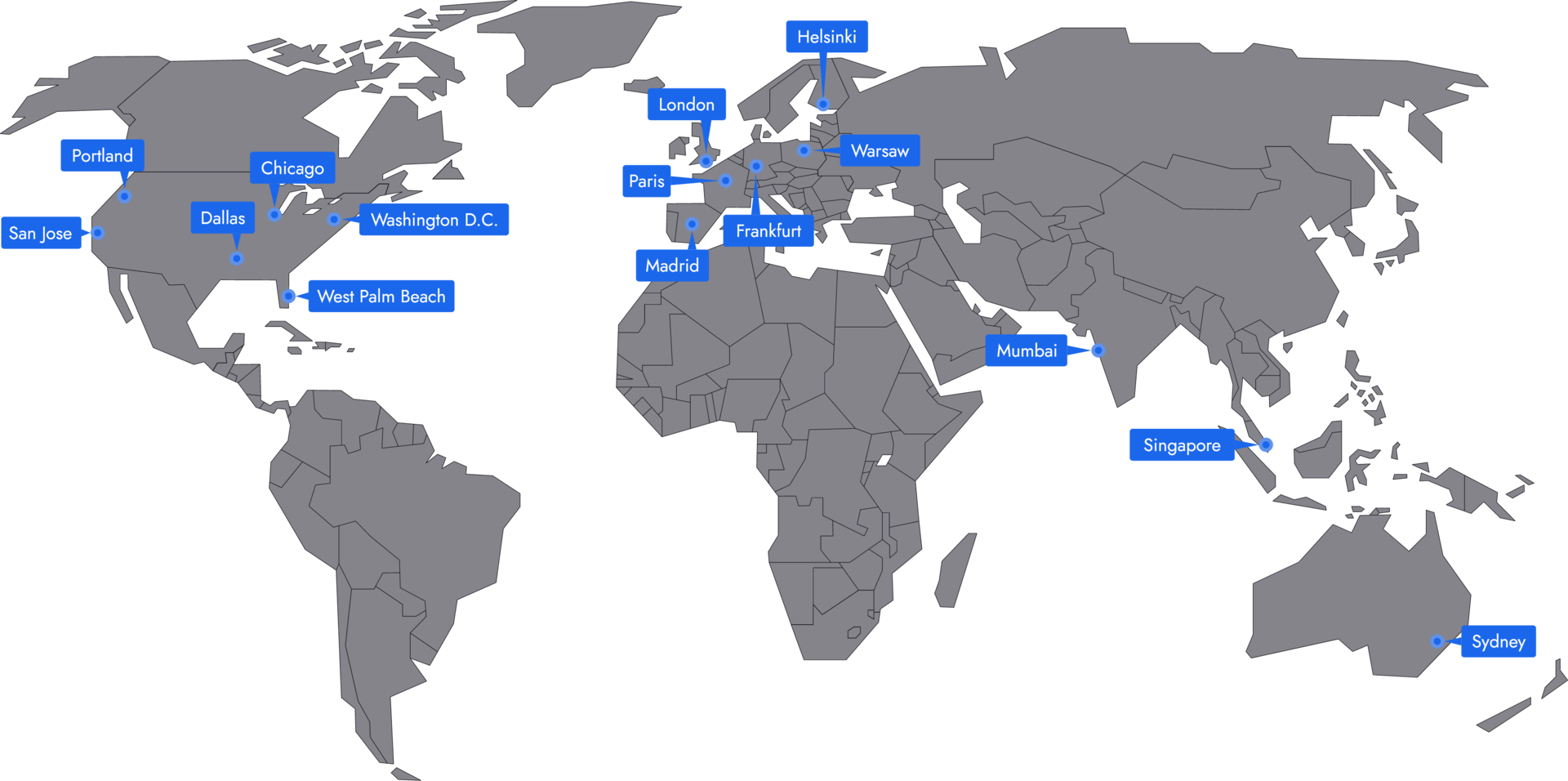
World map with server locations

High-performance technology for your BeamMP game server

High-quality hardware

  • Intel & AMD CPUs
  • ECC RAM
  • SSD storage
Technology Preview 1

Security & Protection

  • DDoS protection
  • Redundant power
  • High stability
Technology Preview 2

High Performance

  • Optimized components
  • Uninterrupted gameplay
  • Low pings
Technology Preview 3

Frequently asked questions about BeamMP servers

Your BeamMP server is usually ready to use within a few minutes.

  • Automatic setup immediately after ordering
  • Immediate access to the IP address and console
  • No manual activation required
  • Assistance from support if needed

A rented BeamMP server gives you full control and a stable gaming environment.

  • Server runs 24/7
  • Custom settings
  • Flexible resource allocation
  • Protection against outages and attacks

You can rent your BeamMP server flexibly from as little as one month.

The BeamMP servers run on professional hosting infrastructure.

  • High-performance hardware
  • Fast network connectivity
  • Regular maintenance and updates
  • Continuous system monitoring
  • Protection against DDoS attacks

Yes, you can try your BeamMP server risk-free.

  • 14-day right of withdrawal
  • Full functionality during the trial period
  • No hidden costs

Yes, your BeamMP server is fully configurable.

Yes, you’ll receive support for technical questions and issues.

  • Help with setup and operation
  • Contact via email or chat
  • Comprehensive guides in the help section

Yes, you can switch to another game at any time.

  • Switch directly via the web interface
  • No extra charge for changing games
  • Automatic switch within a few minutes
  • Switch back at any time

BeamMP Server Hosting: Your Own BeamNG.drive Multiplayer Server

With BeamMP server hosting at 4Netplayers, your group gets a dedicated BeamMP server for BeamNG.drive multiplayer that stays online 24/7, even when the person who set it up is offline. Convoys, races, crash tests and police chases all run on the same server with the same map and the same mod set.

You choose 4 or 8 slots, enter your BeamMP auth key, pick the map and upload vehicle mods and custom maps via FTP. Players download your mods automatically when they join. DDoS protection and backups are included.

How do I set up a BeamMP server?

A BeamMP server needs an auth key from the BeamMP Keymaster before it appears in the server list. You create the key once with your Discord account and enter it in your server settings at 4Netplayers.

  1. Log in at the BeamMP Keymaster with Discord.
  2. Open Keys, click the green +, name the key and click Create.
  3. Copy the key and paste it under BeamMP Authentication Key in your Server Settings, then restart the server.

Keep the auth key private. Step by step: create an auth key for BeamMP.


How do I add mods and vehicles to a BeamMP server?

Vehicle mods are added to a BeamMP server as ZIP files in the Resources/Client folder, which you upload via FTP at 4Netplayers. Do not extract the ZIP files. Every player who joins downloads the mods automatically, so your whole group drives with the same cars.

Stop the server before uploading and start it again afterwards. The full guide: add vehicles to your BeamMP server.


How do I change the map on a BeamMP server?

The map of a BeamMP server is set with the Map value in the ServerConfig.toml. The stock BeamNG.drive maps are ready to use, for example:

  • /levels/west_coast_usa/info.json
  • /levels/east_coast_usa/info.json
  • /levels/utah/info.json
  • /levels/johnson_valley/info.json
  • /levels/italy/info.json

Custom maps are uploaded as ZIP files to Resources/Client, and the server must run in Advanced Mode so it loads them. How it works: add maps to your BeamMP server.


Which BeamMP server settings can I change?

All BeamMP server settings are stored in the ServerConfig.toml, which you can edit at 4Netplayers. The most important values:

  • Name and Description: how your server appears in the server list, including colors and formatting.
  • Tags: categories such as racing, off-road or police that help players find your server.
  • MaxPlayers: how many players can join at the same time.
  • MaxCars: how many vehicles each player can spawn.
  • Private: set to true to hide the server from the list; players then join with the IP address and port.

Stop the server before you change the config, then start it again.


How much does BeamMP server hosting cost?

The price of a BeamMP server at 4Netplayers depends on the number of slots: you choose 4 or 8 slots, and the current monthly prices are shown in the packages on this page. Both packages have a term of 12 months.

Compared with hosting at home, you need no PC running around the clock and no port forwarding on your router, and the server stays reachable for your group at any time.


BeamMP Screenshots

Game Over

Continue with a 50% discount?