Empyrion - Galactic Survival server hosting

10 Slots
✔️Explore Planets
✔️Secure Base
✔️Build Ships
Server location:
16 Slots
✔️More Crew Slots
✔️Use Scenarios
✔️Build a Faction
Server location:
Create your own setup and customize every option.





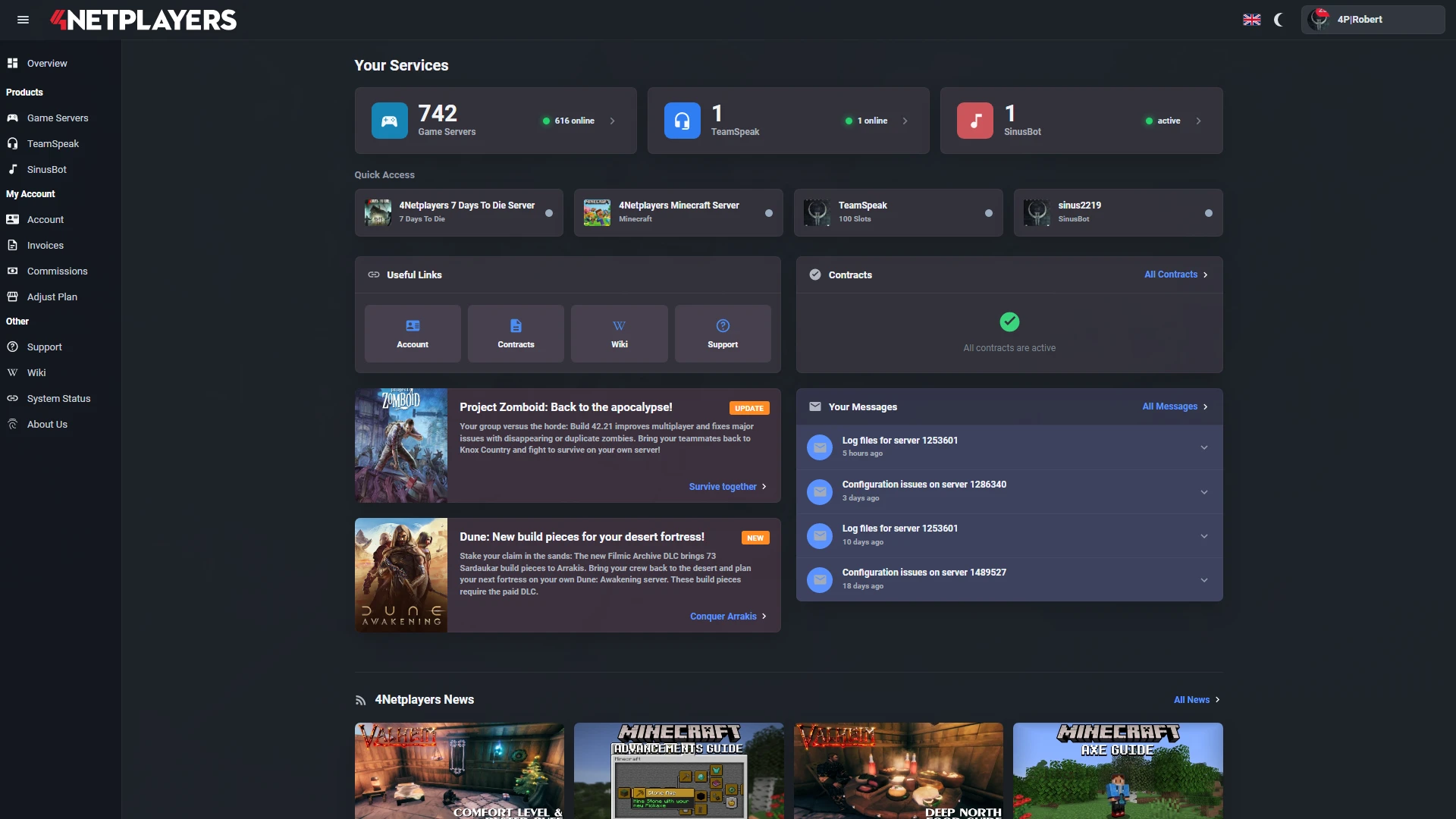
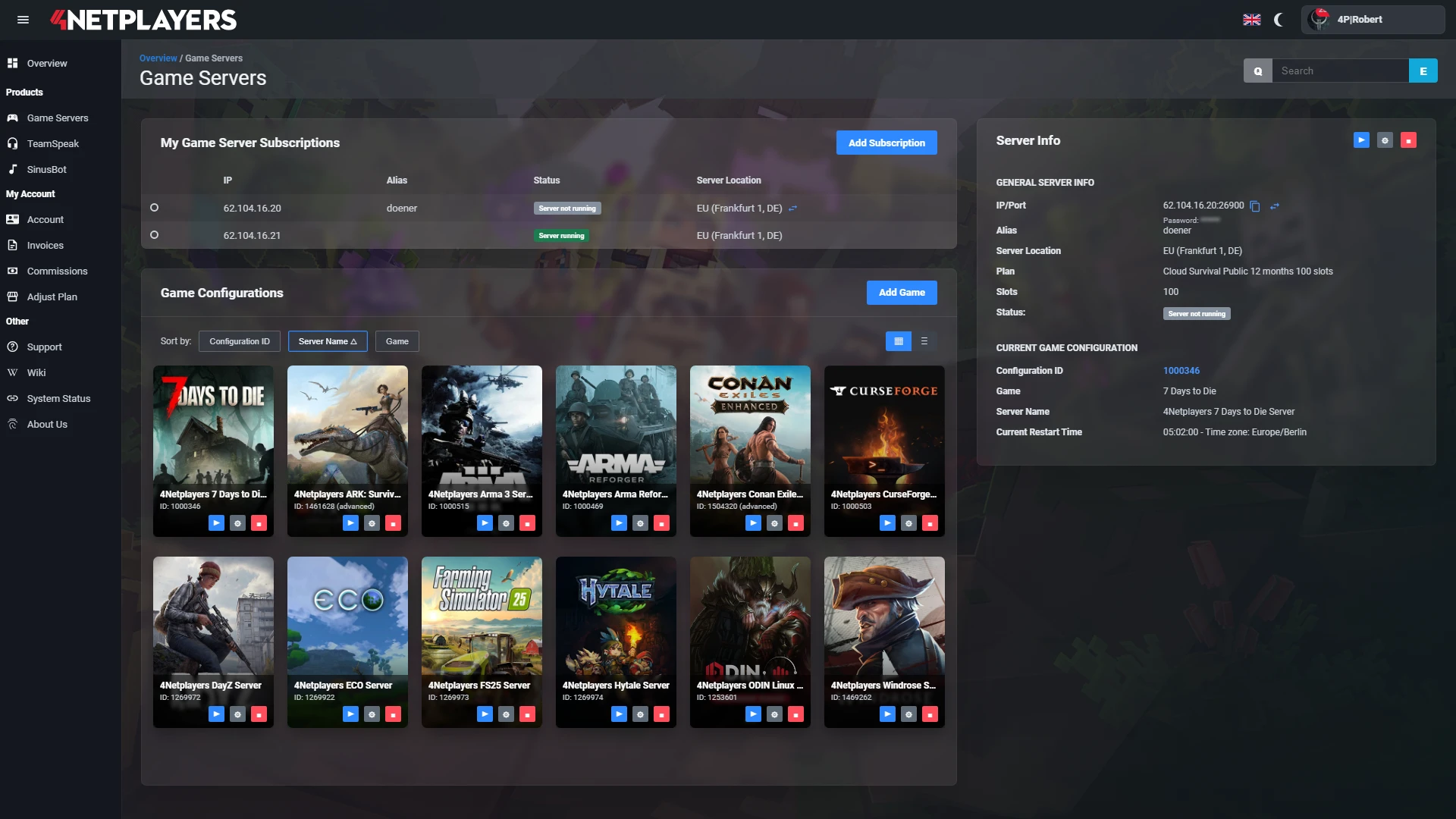
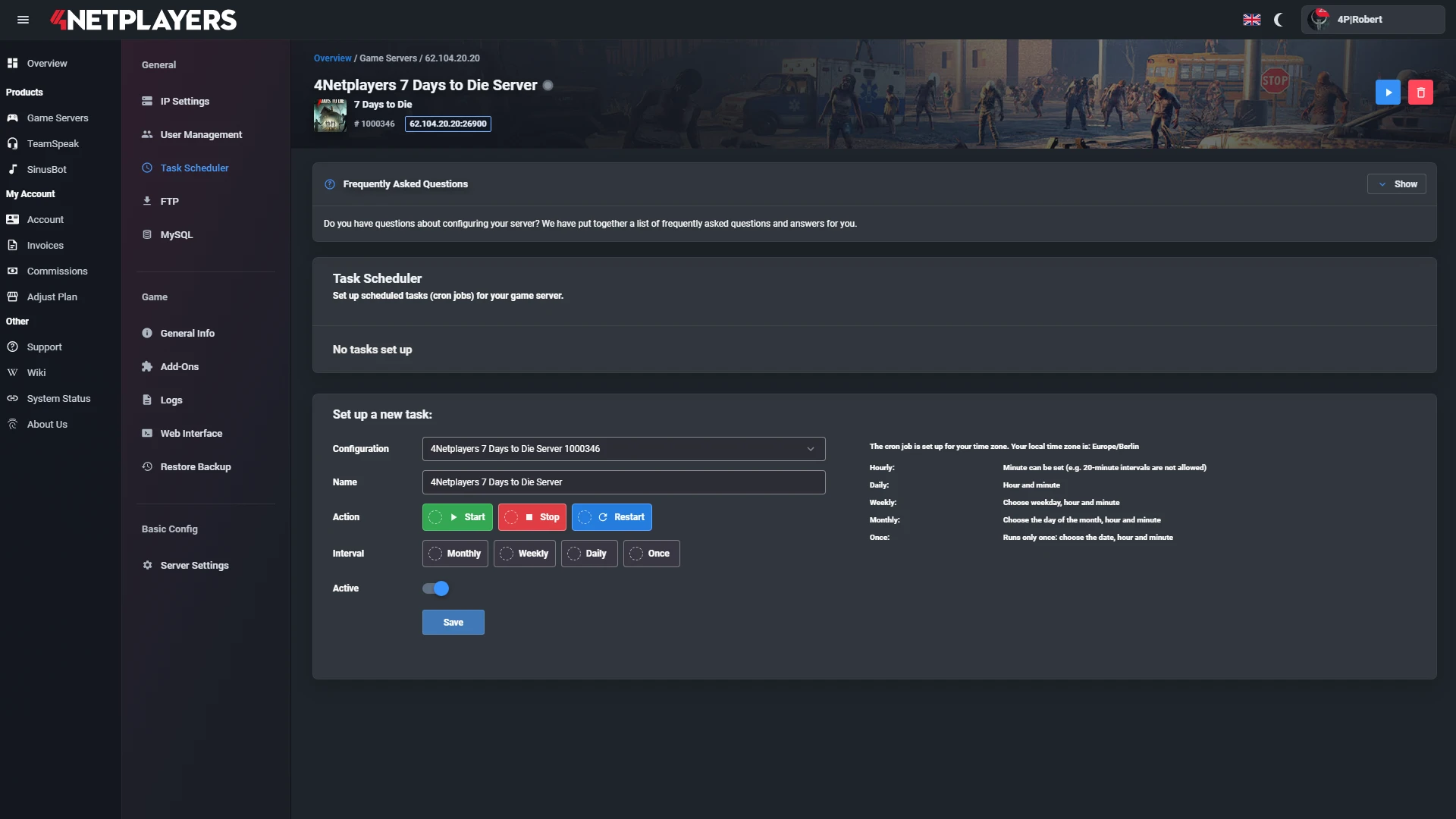
Manage your Empyrion - Galactic Survival server easily through our web interface. Start, stop, configure your server, or manage backups - all in just a few clicks, with no prior experience required.
In 14 locations worldwide we offer unmatched connectivity with the lowest pings. Additional locations are continually being added and guarantee breathtaking gameplay in every game at the lowest latency.

Your Empyrion - Galactic Survival server is usually ready to use within a few minutes.
A rented Empyrion - Galactic Survival server gives you full control and a stable gaming environment.
You can rent your Empyrion - Galactic Survival server flexibly from as little as one month.
The Empyrion - Galactic Survival servers run on professional hosting infrastructure.
Yes, you can try your Empyrion - Galactic Survival server risk-free.
Yes, your Empyrion - Galactic Survival server is fully configurable.
Yes, you’ll receive support for technical questions and issues.
Yes, you can switch to another game at any time.
With Empyrion server hosting at 4Netplayers, you get a dedicated Empyrion - Galactic Survival server that is online in minutes and stays up 24/7, even when your PC is off. You start with 10 or 16 slots, run the default scenario or a Workshop scenario such as Reforged Eden, and bring your existing savegame along via FTP.
You manage everything in the web interface: start and restart the server, edit the dedicated.yaml, and pick one of 14 locations worldwide, including Dallas, San Jose, St. Louis, Washington D.C., and London.
Yes. Your Empyrion server at 4Netplayers can run Workshop scenarios such as Reforged Eden. You subscribe to the scenario on Steam, upload the scenario folder via FTP, and set it as CustomScenario in the dedicated.yaml.
CustomScenario in the dedicated.yaml and restart the server.Activate a new scenario before the first server start, or delete the old savegame first. Step-by-step guides: upload a custom scenario and change the scenario.
For most co-op groups, 10 slots are enough; 16 slots fit a faction, a small PvE community, or a mixed PvE/PvP server. One slot equals one player who can be online at the same time.
If your group grows, you can upgrade to more slots at any time.
Yes. You can upload an existing Empyrion savegame via FTP and continue your galaxy on the server. The savegame goes into /Saves/Games/, and you enter its folder name under GameName in the dedicated.yaml.
The same way, you can download your server’s savegame at any time, for example before switching scenarios or as an extra backup on your PC. Guides: upload a savegame and download a savegame.
Server settings such as game mode, seed, and scenario are set in the dedicated.yaml, which you edit directly in the 4Netplayers web interface. Gameplay options of a scenario, such as difficulty, decay time, or resource settings, are defined in its gameoptions.yaml.
You do not need to install anything on your own PC for this. How to adjust the gameplay options of your scenario is explained in the guide change your scenario settings.
The price of an Empyrion server at 4Netplayers depends on the number of slots and the rental term; you can see the current monthly prices in the packages on this page. Longer terms are cheaper: 3 % off for 3 months, 5 % for 6 months, and 10 % for 12 months.
You choose the term yourself: 1, 3, 6, or 12 months. After that, the server renews month by month at the same price until you cancel. Automatic backups, automatic updates, and free DDoS protection are included.


Selected guides for choosing, setting up and managing your own Empyrion - Galactic Survival server.